STILL APPLYING. STILL HEARING NOTHING?BUILD YOUR RESUME

STILL APPLYING. STILL HEARING NOTHING?BUILD YOUR RESUME
FAQ
A strong administrative assistant resume in Canada needs to prove more than “organized and detail-oriented.” That phrase appears on half the resumes I see, and it usually tells me very little. Employers want evidence that you can keep an office, team, executive, clinic, department, or small business running without creating extra work for everyone around you. Your resume should show your administrative scope, the tools you use, the people you support, the volume you manage, and the problems you quietly prevent. In Canadian hiring, clarity matters. Recruiters and hiring managers want to see relevant experience quickly, understand your communication style, and trust that you can handle scheduling, documentation, coordination, confidentiality, and competing priorities without drama. That is what your resume needs to communicate.
When I review an administrative assistant resume, I am not only checking whether someone can answer phones or manage calendars. I am looking for signs of reliability, judgement, discretion, and the ability to keep operations moving when people are busy, unclear, or disorganized.
That is the reality of many administrative roles. The job description may say “provide administrative support,” but what the employer often means is: “We need someone who notices what is falling through the cracks before it becomes our problem.”
A good administrative assistant resume in Canada should prove that you can:
Manage schedules, calendars, meetings, appointments, and office communication
Prepare documents, reports, forms, correspondence, and records accurately
Support managers, executives, teams, clients, patients, students, vendors, or internal staff
Use common Canadian workplace tools such as Microsoft Office, Outlook, Teams, SharePoint, Google Workspace, CRMs, databases, booking systems, or industry-specific software
Handle confidential information professionally
For most administrative assistant candidates in Canada, the best resume format is a reverse chronological resume. This means your most recent role appears first, followed by previous roles in order.
This format works well because administrative hiring is usually practical. Recruiters want to understand where you worked, what kind of environment you supported, and how recent your experience is. They do not want to solve a puzzle.
Use this structure:
Contact information
Professional summary
Core skills
Work experience
Education
Certifications or additional training
Your resume should not list every task you have ever touched. It should position you as someone who can support the specific kind of office or team the employer is hiring for.
Administrative assistant roles can look very different depending on the workplace. Supporting a construction company is not the same as supporting a healthcare clinic. Supporting a law office is not the same as supporting a university department. The resume needs to make your environment and responsibilities clear.
Include:
Full name
City and province
Phone number
Professional email address
LinkedIn profile if it is complete and relevant
You do not need to include your full home address in Canada. City and province are enough for most applications.
Do not include a photo, date of birth, marital status, nationality, or personal identification details. Canadian resumes do not need that information, and including it can make the document feel outdated or not aligned with local hiring expectations.
The strongest resume bullets are specific, outcome-focused, and easy to understand. They show how you supported people, systems, and operations.
A simple framework I like is:
Action plus scope plus tool or process plus result.
For example:
Weak Example
Responsible for scheduling meetings and answering emails.
Good Example
Coordinated calendars, meeting logistics, and email correspondence for a 12-person operations team, reducing scheduling conflicts and improving response times for internal requests.
The weak version sounds passive. The good version shows scope, responsibility, and outcome.
Here are strong administrative assistant bullet examples you can adapt:
Managed daily calendar scheduling, meeting preparation, and follow-up documentation for senior managers across multiple departments
Prepared reports, presentations, letters, forms, and internal communications using Microsoft Word, Excel, PowerPoint, Outlook, and Teams
Maintained accurate electronic and paper filing systems for confidential employee, client, vendor, and operational records
Below is a strong Canadian administrative assistant resume example. This is not meant to be copied exactly. Use it to understand structure, tone, level of detail, and how to show administrative value without sounding inflated.
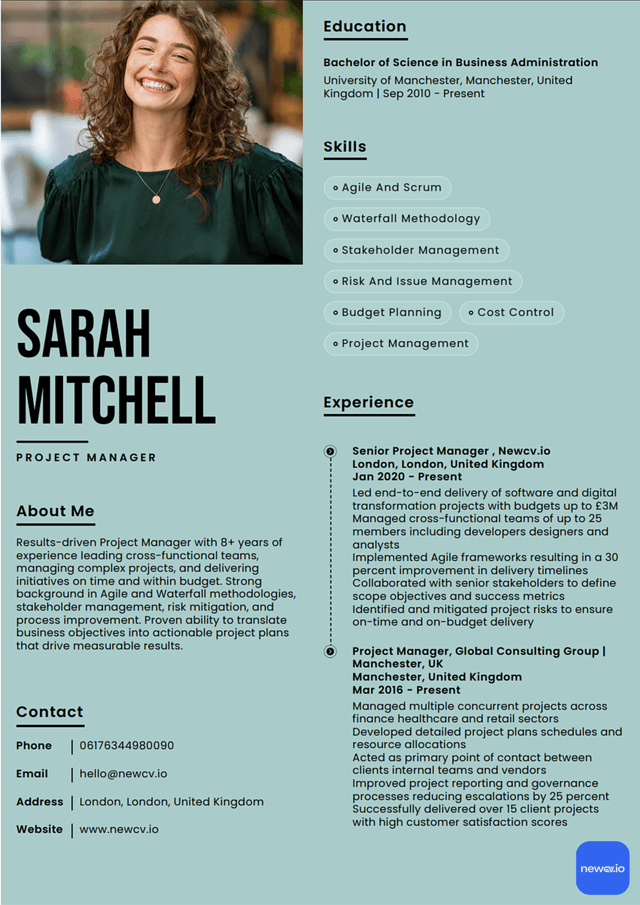
Sarah Mitchell
Toronto, ON
416-555-0198
LinkedIn: linkedin.com/in/sarahmitchell
Professional Summary
Administrative assistant with experience supporting office operations, scheduling, document preparation, client communication, records management, and internal coordination in fast-paced professional environments. Skilled in Microsoft Office, Outlook, Teams, Excel, SharePoint, database updates, meeting logistics, and confidential file handling. Known for clear communication, practical judgement, and keeping teams organized without creating extra noise.
Core Skills
Office administration
Calendar management
Meeting coordination
Most candidates know they should tailor their resume. Fewer understand what tailoring actually means.
Tailoring does not mean rewriting your entire resume for every job. It means adjusting the emphasis so the recruiter can quickly see the match.
When I compare a resume to a job posting, I am looking for overlap in four areas:
Environment
Responsibilities
Tools
Level of support
If the job posting says the role supports executives, your resume should make executive support visible. If the posting mentions invoices, purchase orders, and vendor coordination, your finance-related admin tasks should not be buried. If the employer wants someone for a healthcare, legal, education, real estate, nonprofit, construction, or government setting, your resume should show any relevant environment or transferable exposure clearly.
Here is what many candidates do wrong: they keep the same generic resume and hope the recruiter connects the dots. Recruiters often do not have time to connect weak dots. Hiring managers definitely do not enjoy doing it.
Instead, compare the job posting with your resume and ask:
Administrative assistant resumes often fail because they separate “skills” from reality. A candidate lists communication, organization, multitasking, and attention to detail, but the experience section does not prove any of them.
Employers do not hire administrative assistants because they wrote “organized” on a resume. They hire them because the resume shows evidence of organization.
Strong administrative skills include scheduling, filing, meeting coordination, inbox management, document preparation, phone support, visitor support, and office supply coordination. But do not just list them. Show where and how you used them.
For example, scheduling for one manager is different from scheduling across a department. Maintaining a small filing cabinet is different from managing digital records across multiple shared drives. The resume should show scale where possible.
Administrative assistants communicate with everyone. That may include executives, managers, clients, vendors, patients, students, contractors, staff, and visitors. The skill is not simply being polite. The skill is knowing what to say, what to document, what to escalate, and when to follow up.
A strong resume shows communication through tasks such as:
Managing shared inboxes
Responding to client inquiries
Many administrative assistant resumes are not bad because the candidate lacks ability. They are bad because they do not translate the candidate’s work into hiring language.
This is the biggest issue.
A generic resume says:
Responsible for admin duties
Answered calls and emails
Scheduled appointments
Maintained files
A stronger resume says:
That one bullet tells me far more. It gives me environment, task mix, responsibility, and relevance.
Recruiters do not read resumes the way candidates hope we read resumes. We do not start at the top and slowly absorb every sentence with a cup of tea and emotional commitment.
We scan first. Then we decide whether to read more.
For an administrative assistant resume, I usually notice:
Current or most recent job title
Industry or work environment
Dates of employment
Stability and career progression
Key administrative responsibilities
Tools and systems
Communication quality
If you are applying for entry-level administrative assistant jobs in Canada, your resume should focus on transferable administrative evidence.
You may not have held the exact title before, but you may have experience with:
Customer service
Reception
Retail administration
Scheduling
Data entry
Email communication
Filing
If you are new to Canada, your administrative experience can still be valuable. The challenge is often not the experience itself. The challenge is translating it into Canadian hiring language.
Canadian employers may not immediately recognize company names, job titles, education systems, or local tools from another country. Your resume needs to make your experience easy to understand without overexplaining.
Use clear job titles. If your previous title was uncommon, you can clarify it slightly.
For example:
Administrative Coordinator
Equivalent to Administrative Assistant and Office Support
You can also clarify the environment:
Supported the regional operations office for a logistics company with 80 employees
Managed front-desk administration, appointment scheduling, and client records for a private medical clinic
Provided executive and administrative support to the finance director and five-person accounting team
Avoid adding personal details that are not expected on Canadian resumes, such as age, marital status, religion, nationality, or a photo.
Also avoid long paragraphs explaining your immigration background. Employers need to know whether you can do the job, communicate professionally, use the tools, and work legally in Canada if required. Keep the resume focused on work relevance.
Most administrative assistant resumes in Canada should be one to two pages.
Use one page if:
You are entry-level
You have fewer than five years of experience
Your background is straightforward
You are applying for junior administrative roles
Use two pages if:
You have several years of relevant experience
You have worked in multiple administrative environments
You support executives, departments, finance, HR, operations, legal, healthcare, education, or project teams
Use this structure as a practical template.
Full Name
City, Province
Phone Number
Email Address
LinkedIn Profile
Professional Summary
Administrative assistant with experience in [type of environment], supporting [teams, managers, clients, patients, executives, or departments] through [main responsibilities]. Skilled in [tools and systems]. Strong background in [key strengths relevant to the job posting], with a practical approach to organization, communication, and confidential information handling.
Core Skills
Skill one
Skill two
Skill three
Skill four
Before sending your administrative assistant resume, review it like a recruiter would.
Ask yourself:
Can the recruiter understand my administrative experience within 10 seconds?
Does my summary match the type of role I am applying for?
Are my most relevant skills visible near the top?
Have I shown tools and systems clearly?
Do my bullets show scope, responsibility, and impact?
Have I removed vague phrases that do not prove anything?
Is the formatting clean, consistent, and ATS-friendly?
Choose from a wide range of NEWCV resume templates and customize your NEWCV design with a single click.

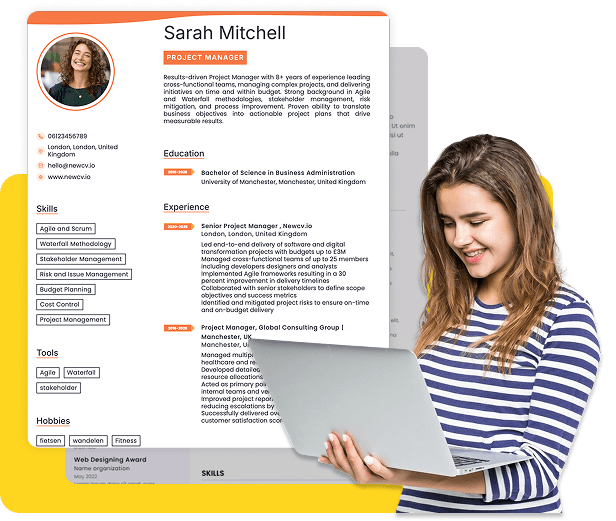
Use ATS-optimised Resume and resume templates that pass applicant tracking systems. Our Resume builder helps recruiters read, scan, and shortlist your Resume faster.
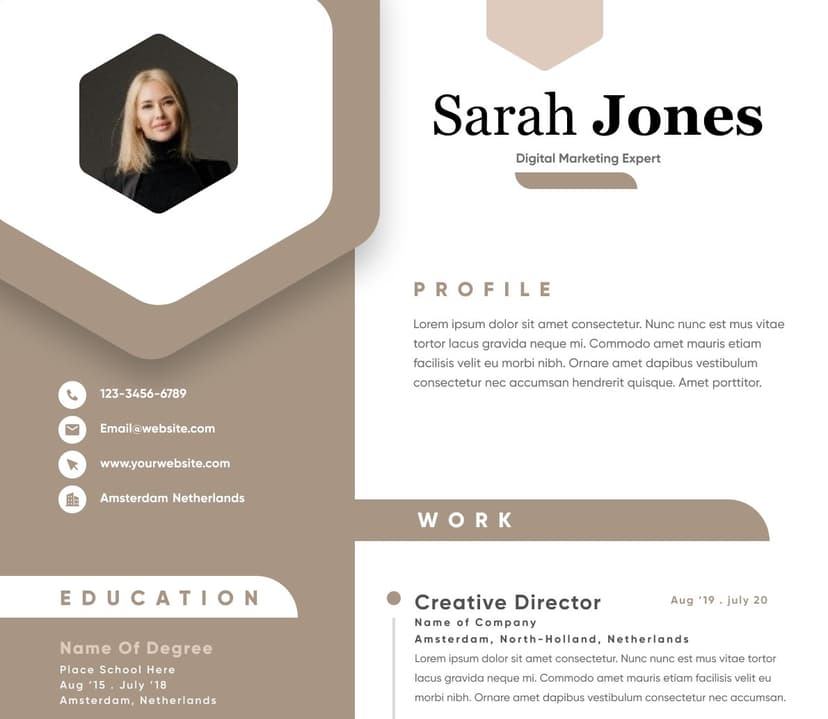
Use professional field-tested resume templates that follow the exact Resume rules employers look for.
Create Resume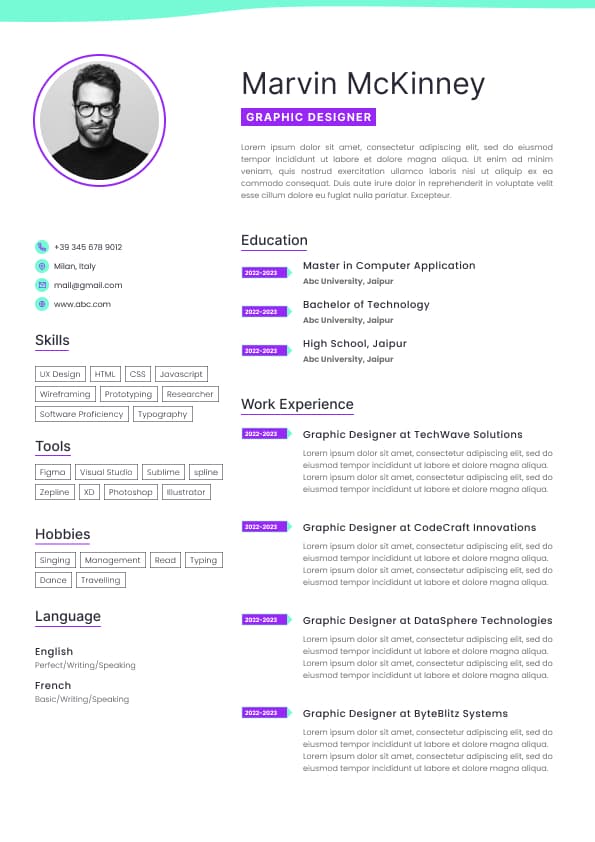
Use professional field-tested resume templates that follow the exact Resume rules employers look for.
Create ResumePrioritize multiple requests without losing accuracy
Improve office processes, not just follow them
Communicate clearly with different personalities and seniority levels
Here is the part candidates often miss: administrative assistant hiring is based heavily on trust. If your resume feels vague, messy, outdated, or difficult to skim, it creates doubt. That may sound harsh, but in recruitment, your resume is already being treated as a work sample. If the document is hard to follow, the hiring manager may quietly wonder whether your emails, reports, filing, and scheduling will also be hard to follow.
That does not mean your resume needs to be fancy. It means it needs to be clean, specific, and useful.
Technical skills
If you are new to Canada, changing careers, returning to work, or applying with limited direct administrative experience, you can still use this format. You may simply place a stronger skills section near the top and write your experience bullets to show transferable administrative work.
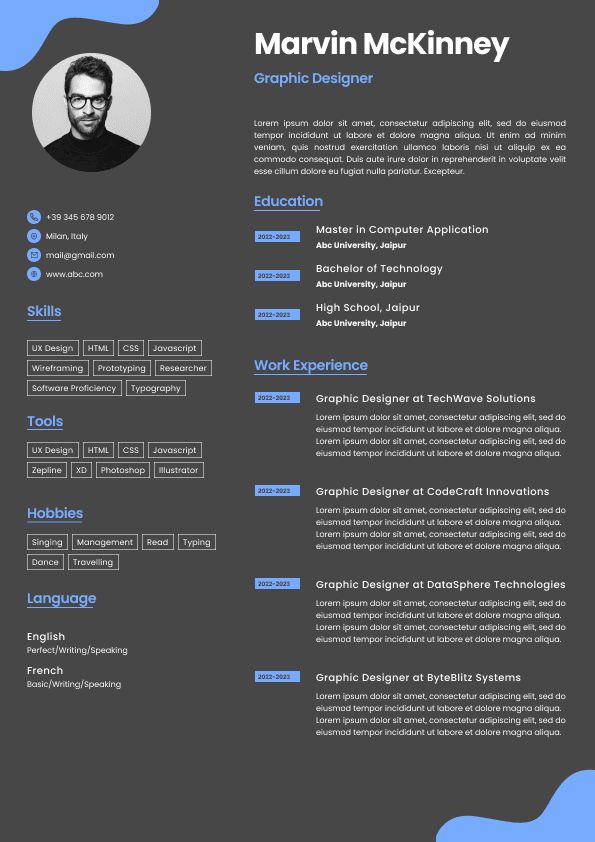
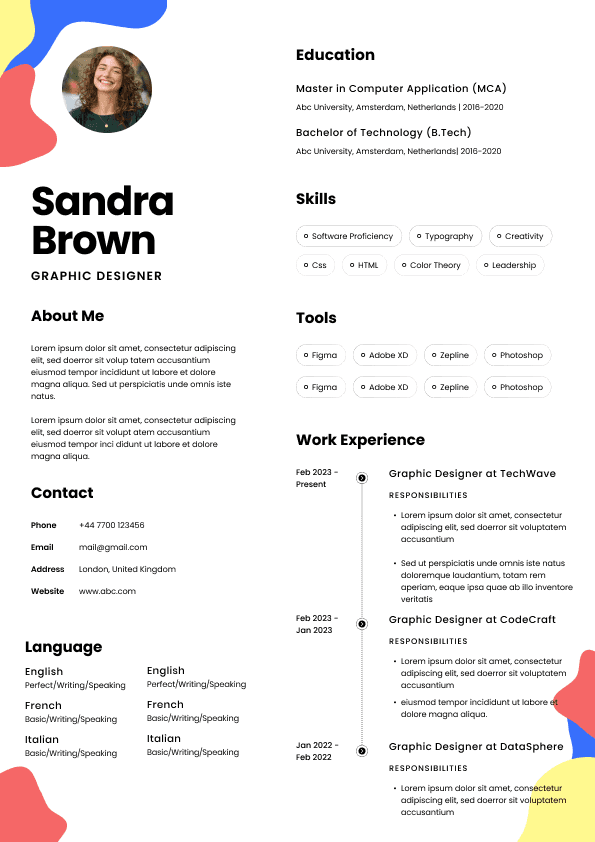
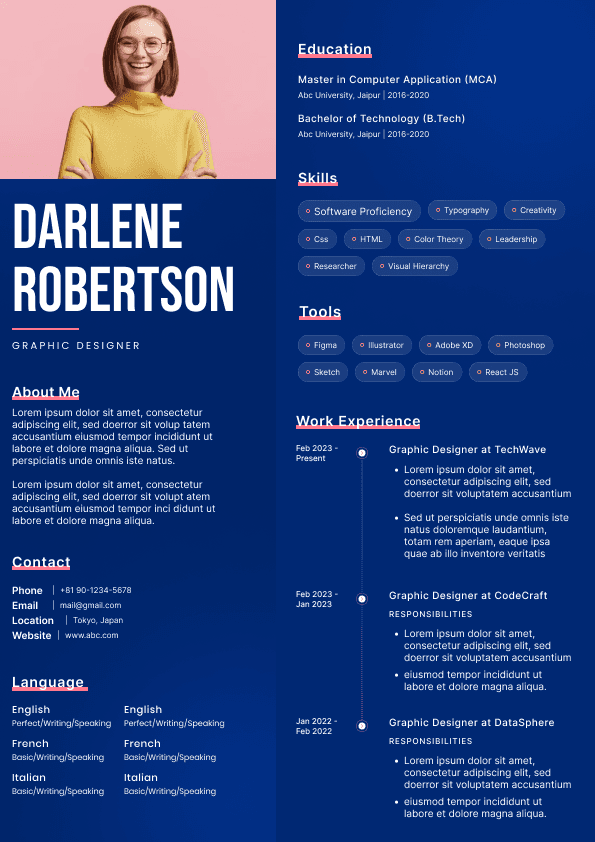
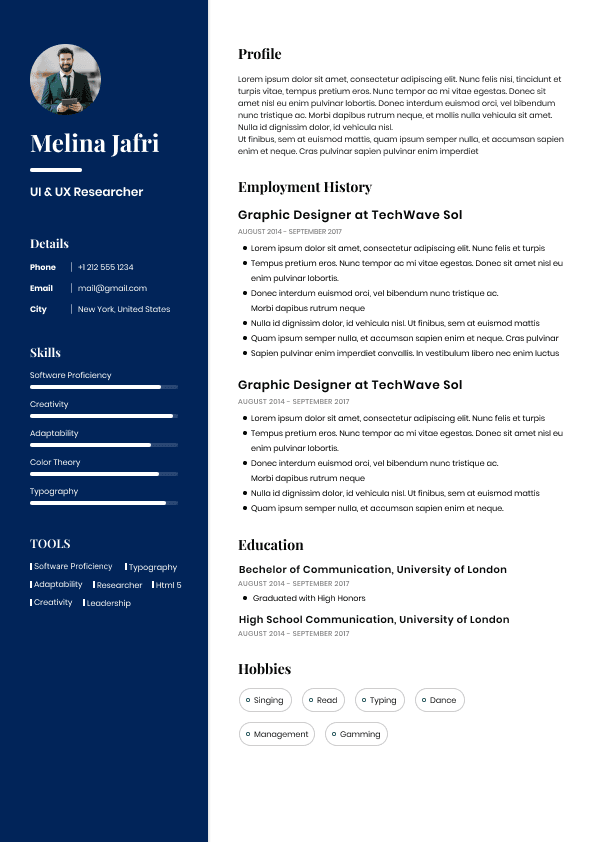
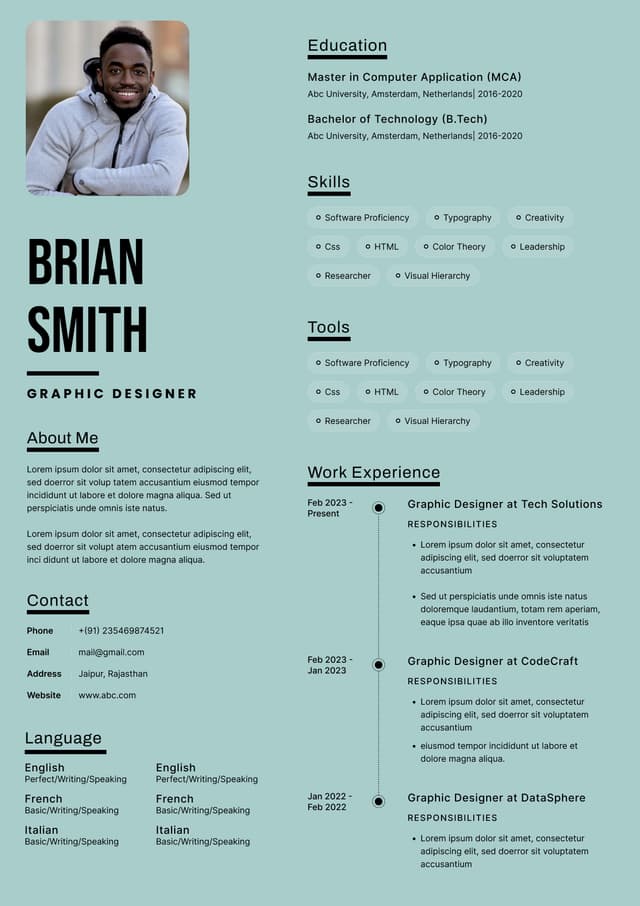
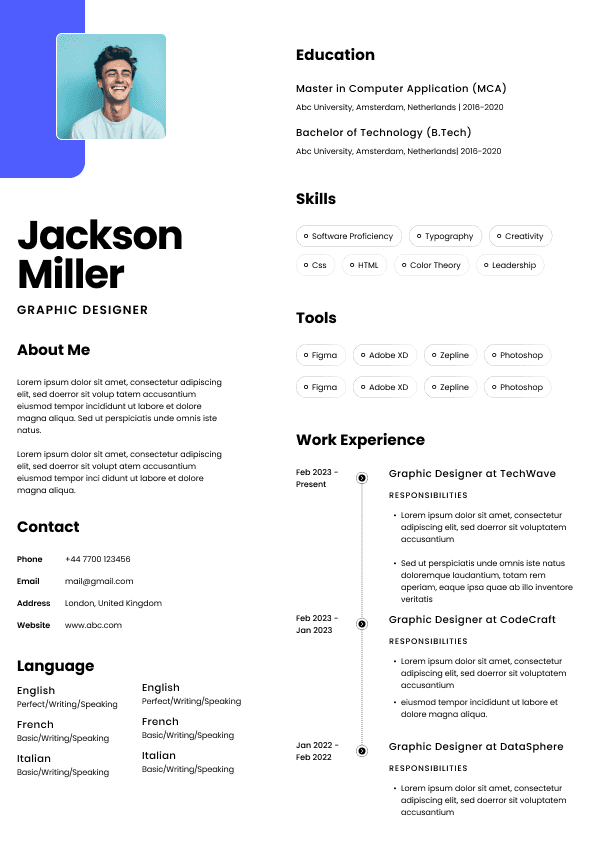
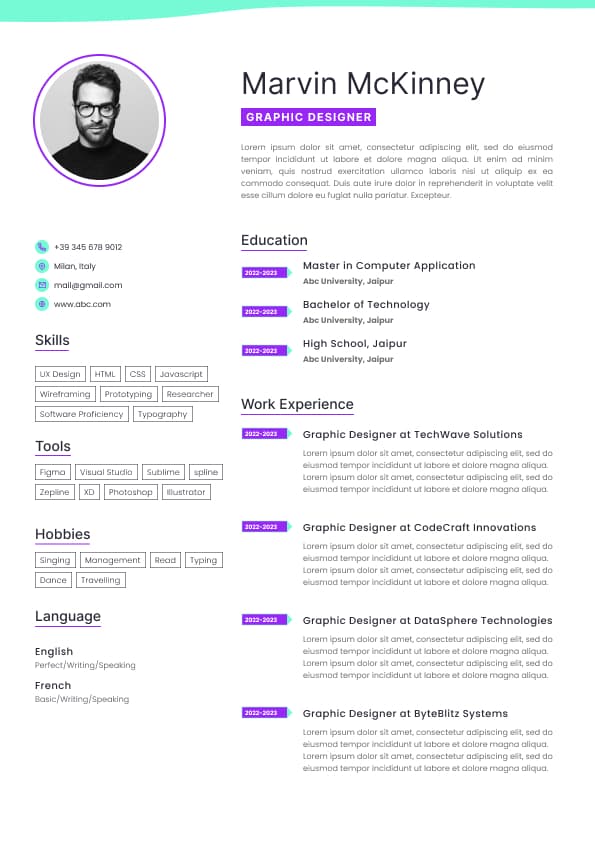
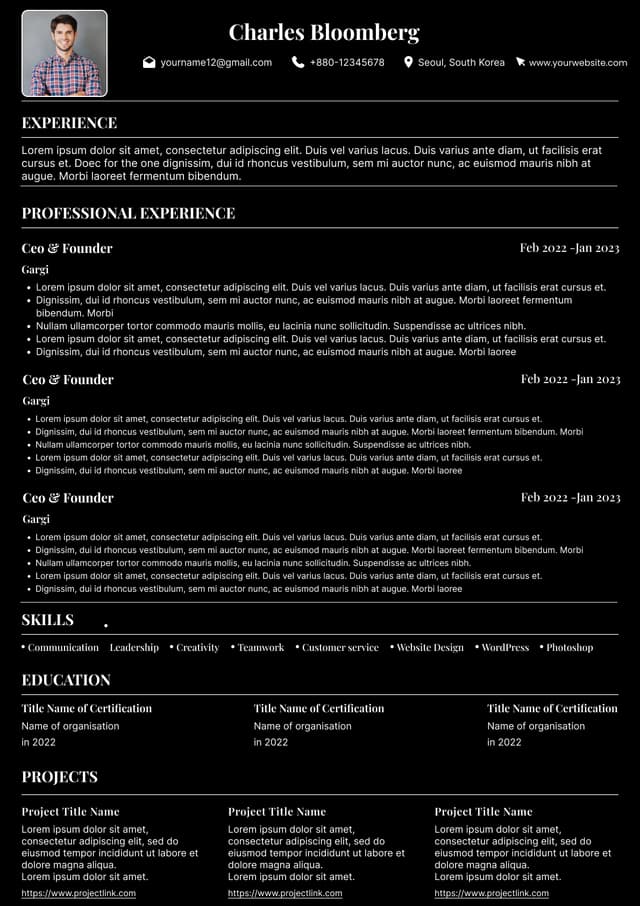
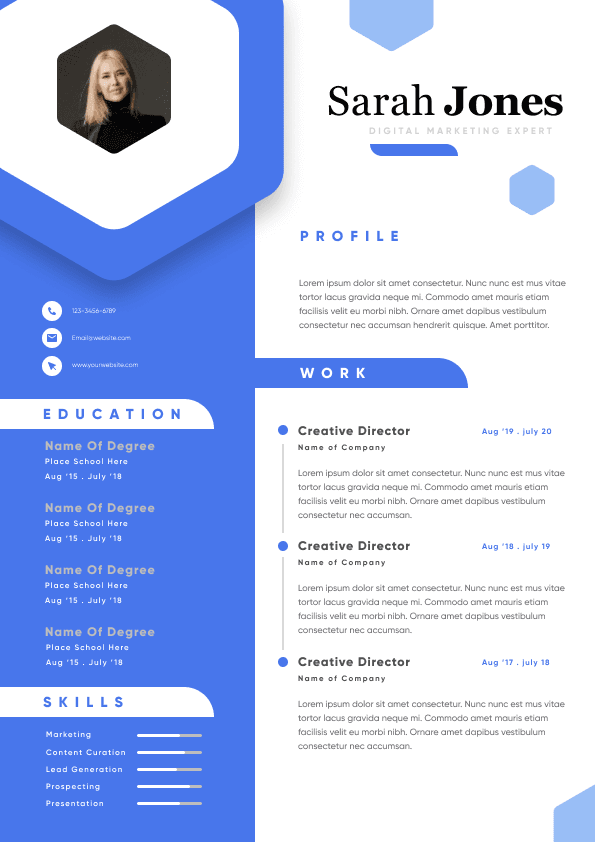
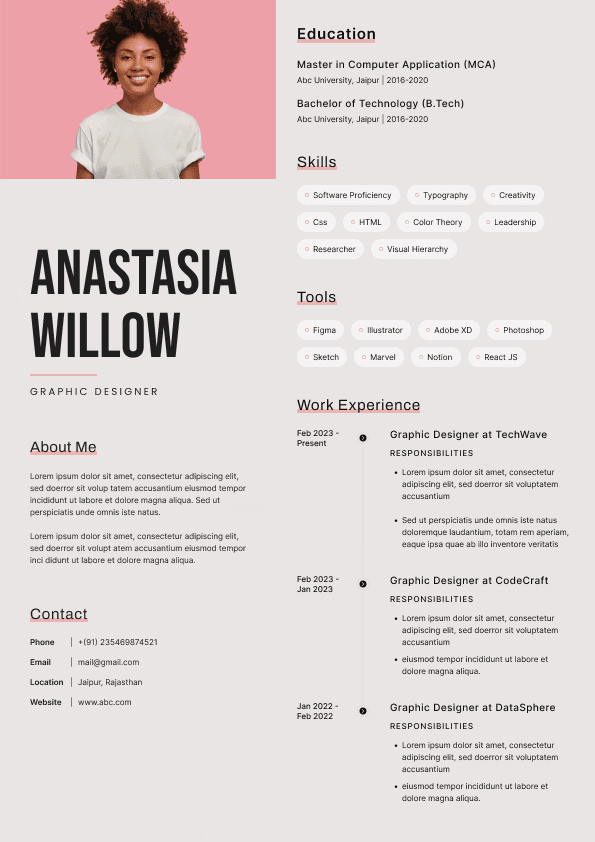
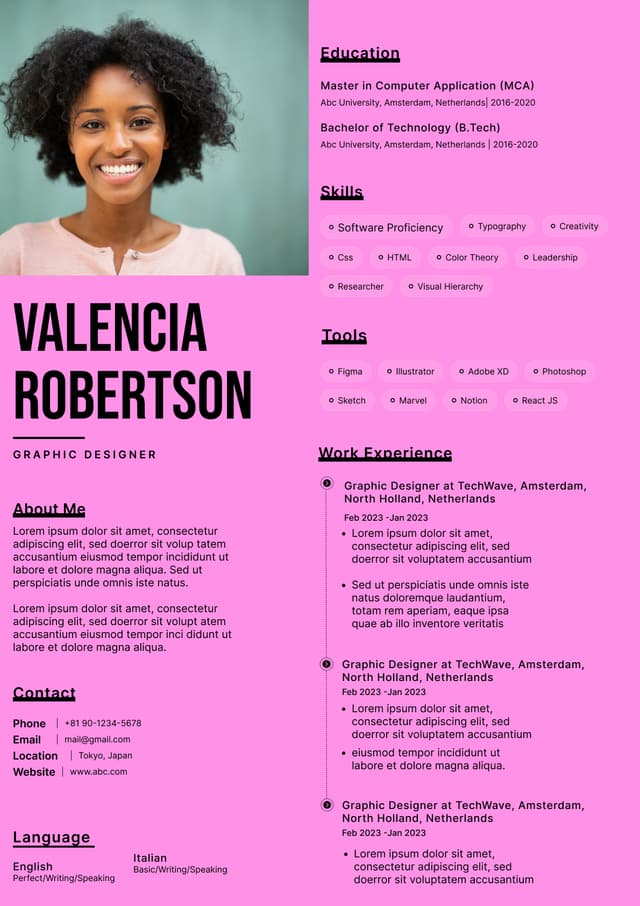
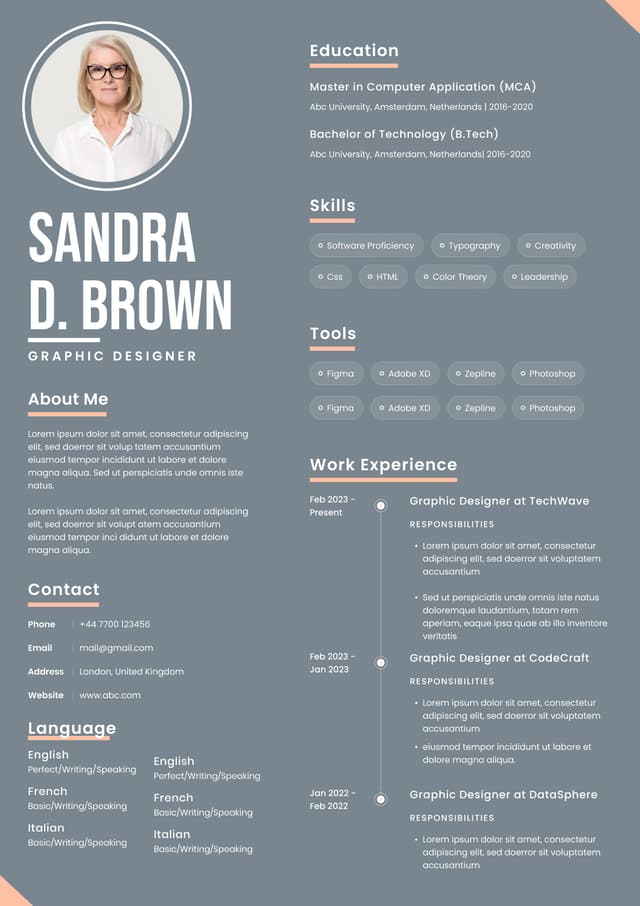
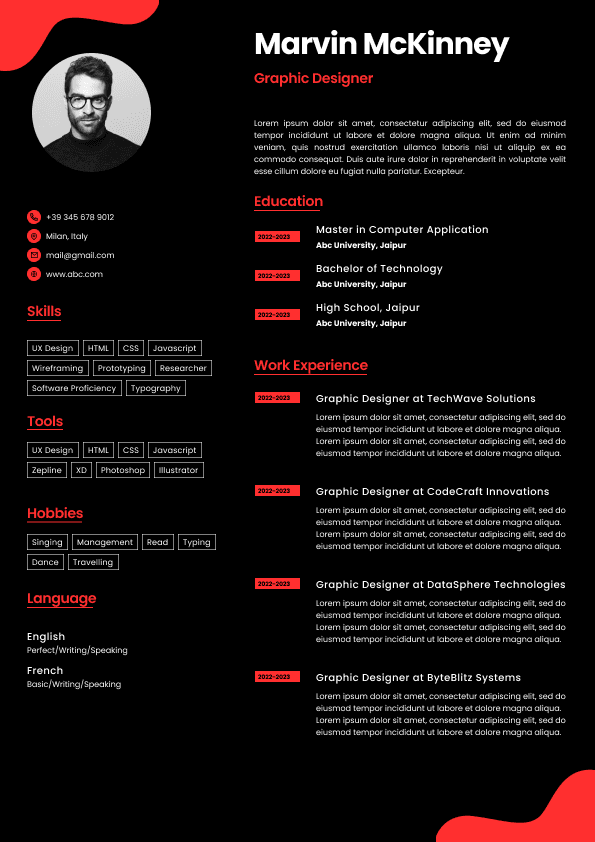
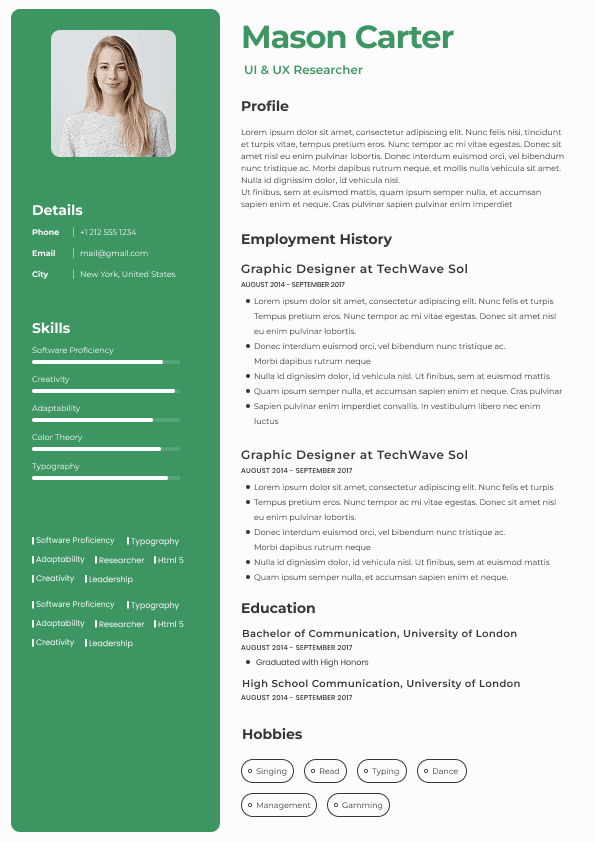
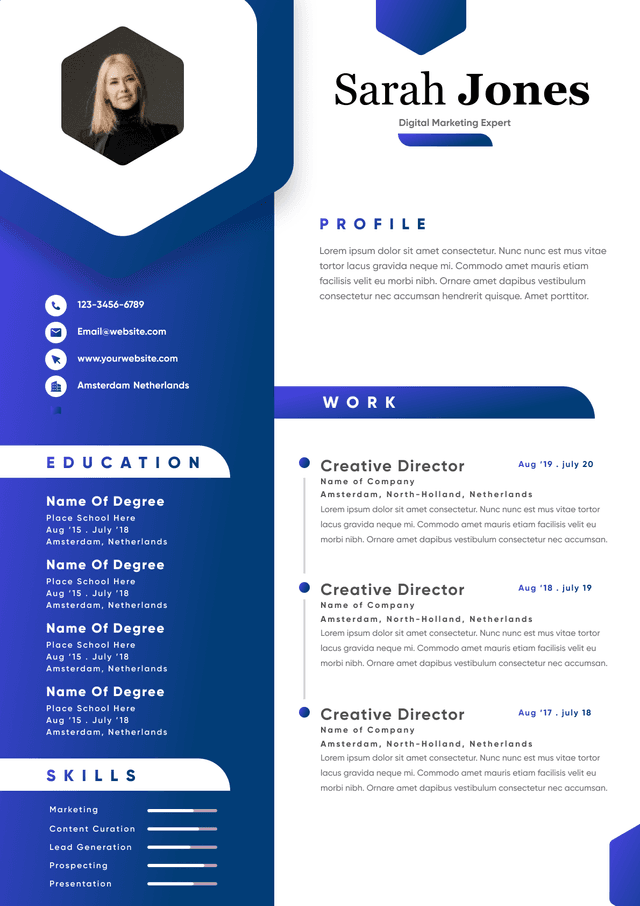
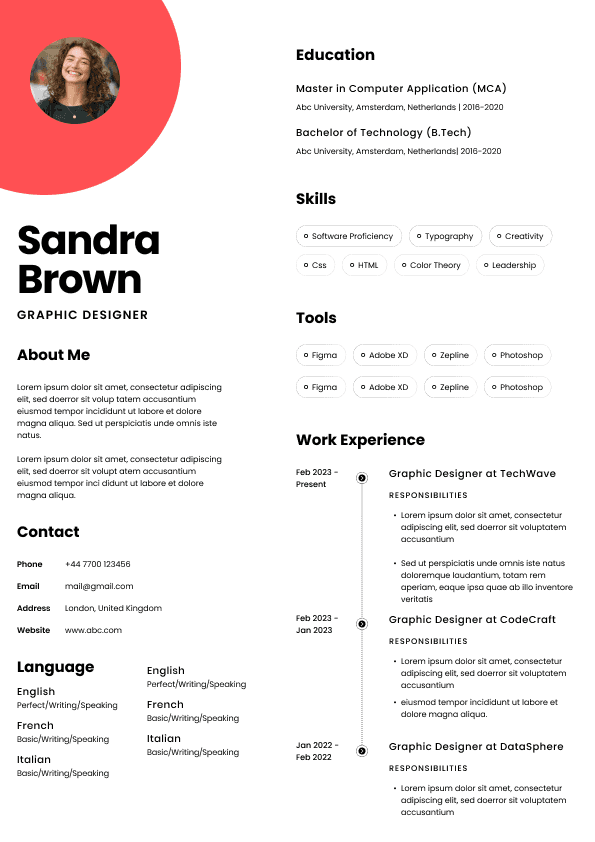
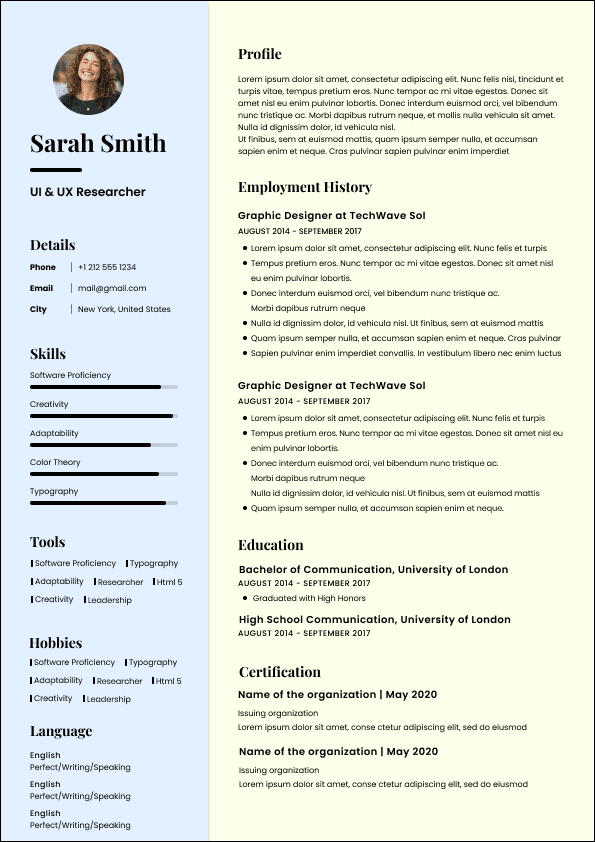
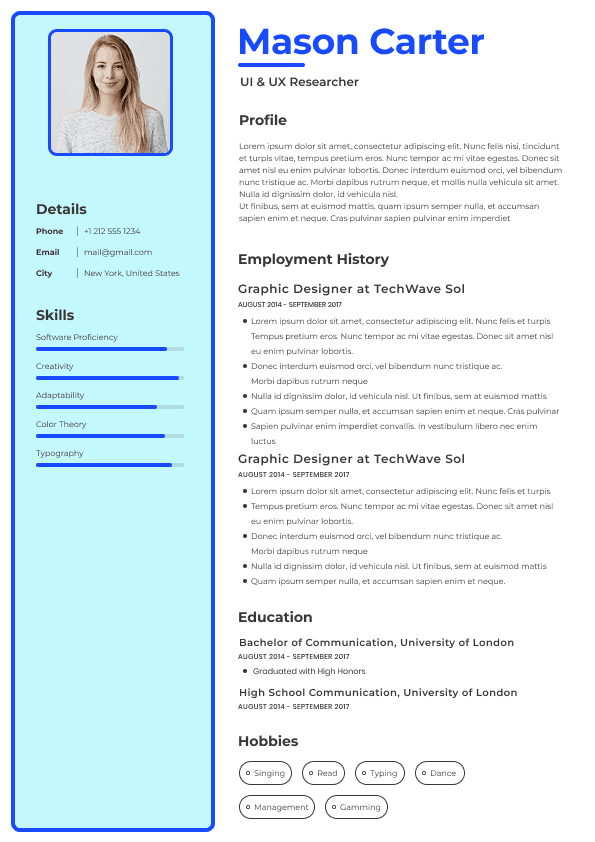
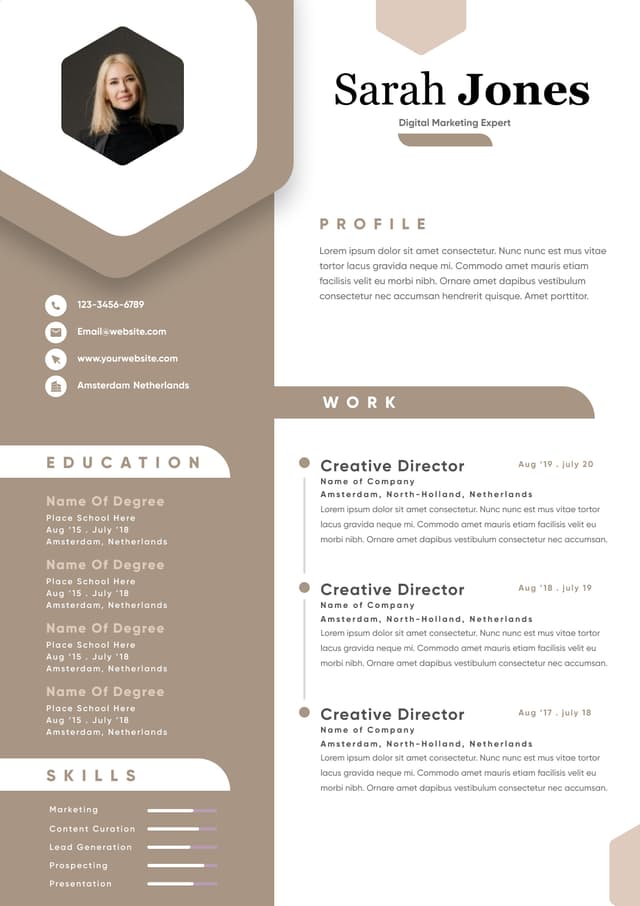
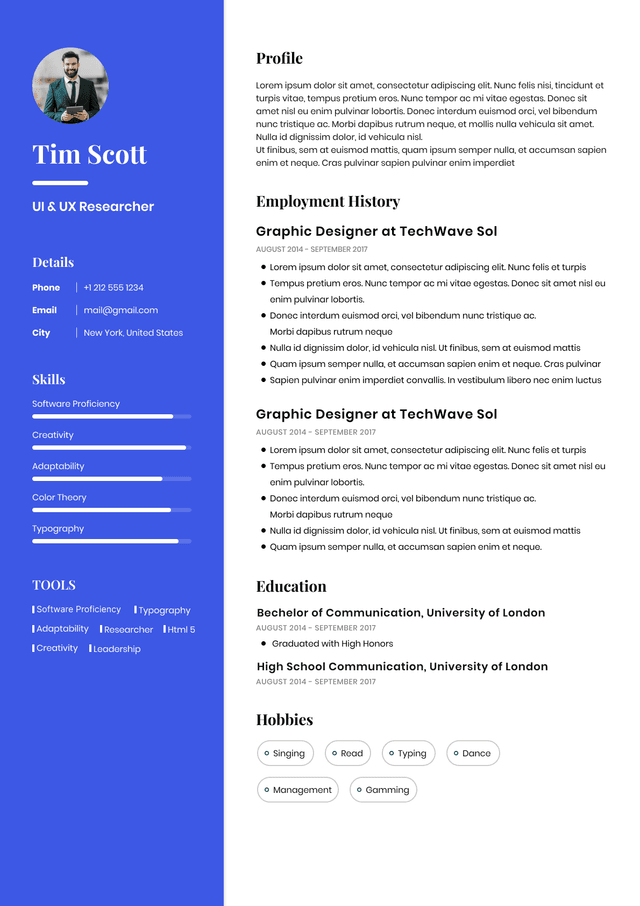
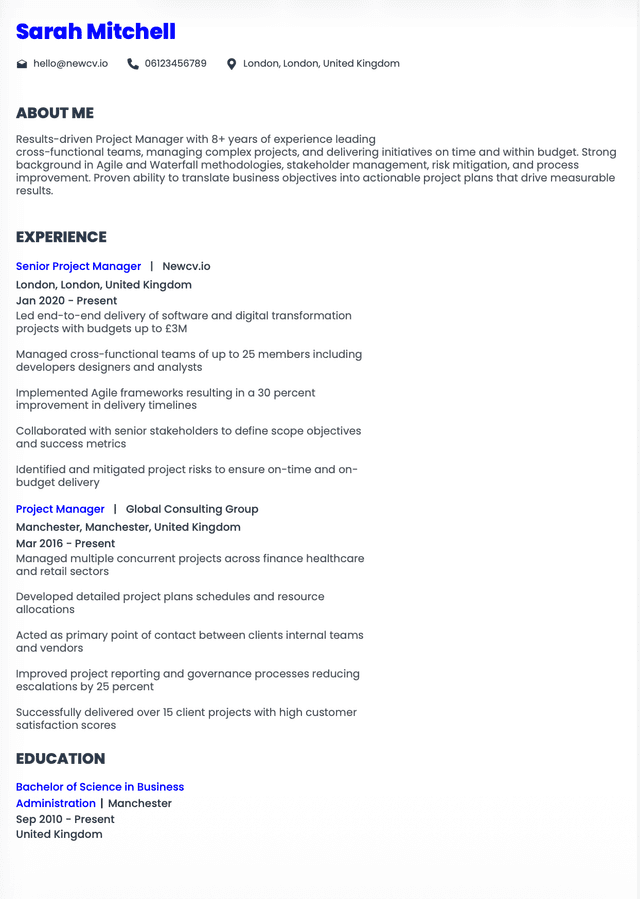
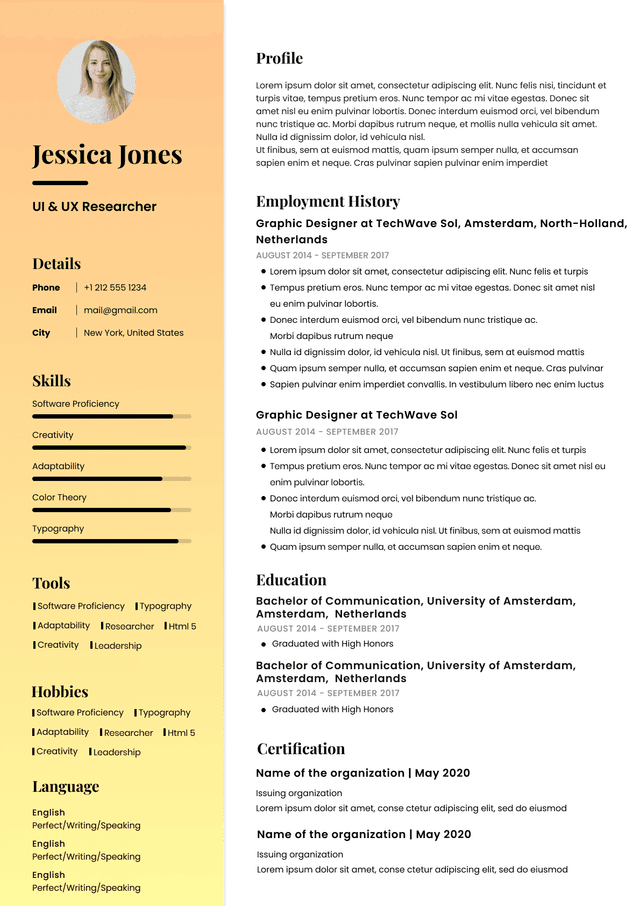
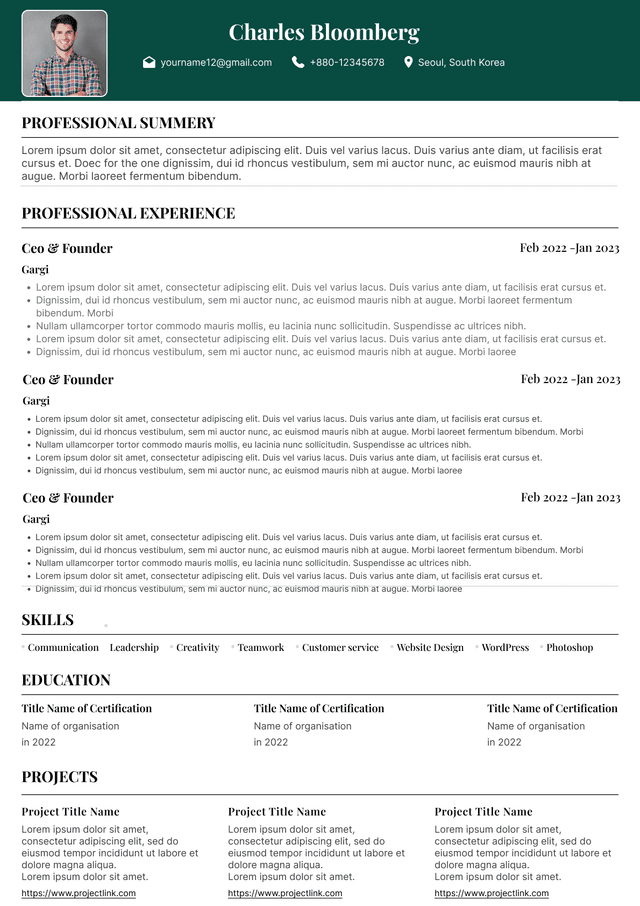
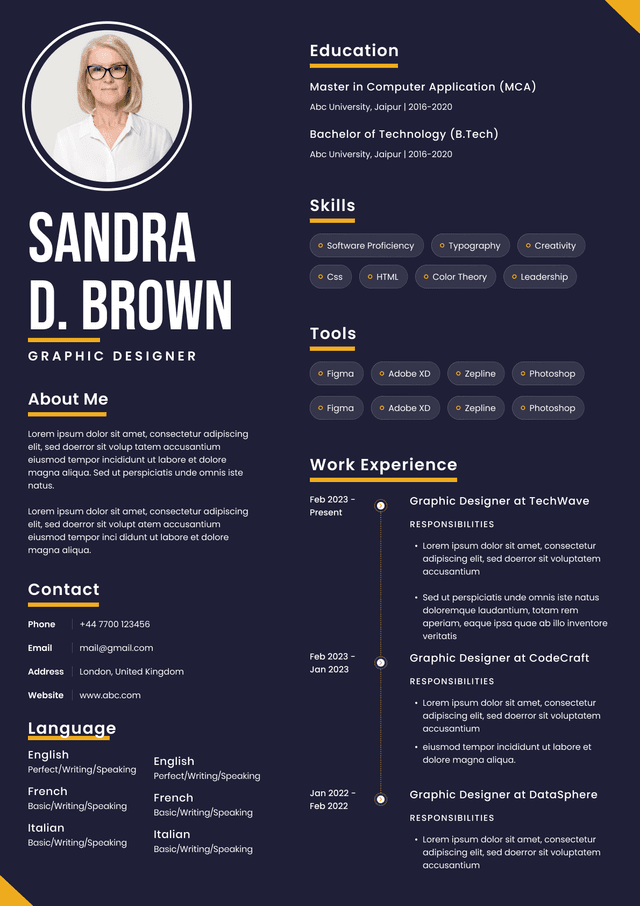
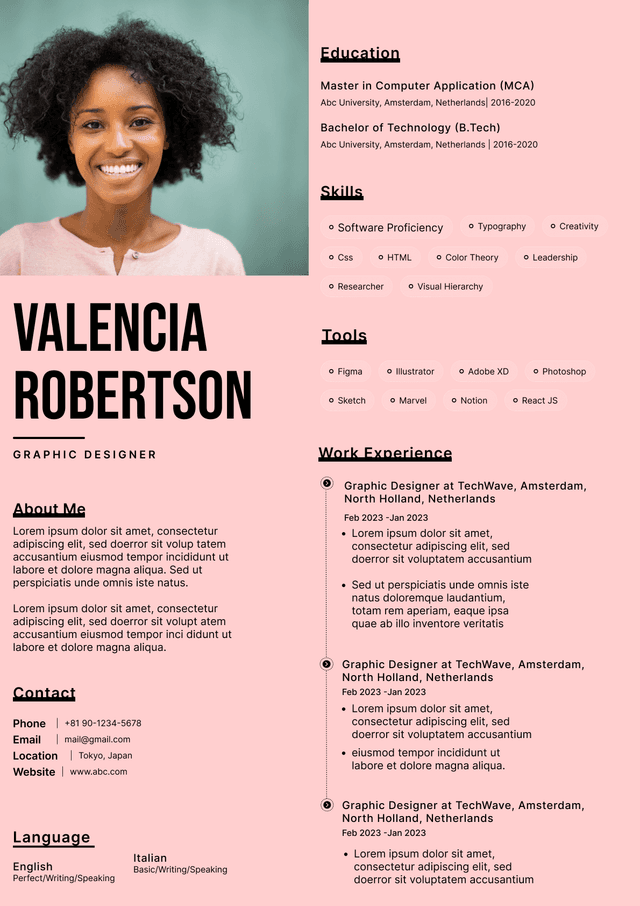
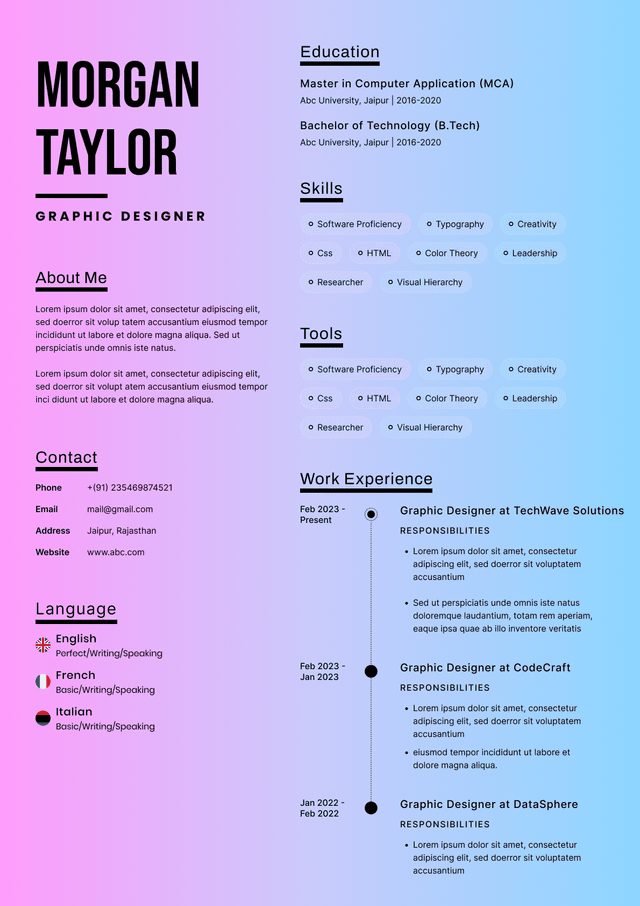
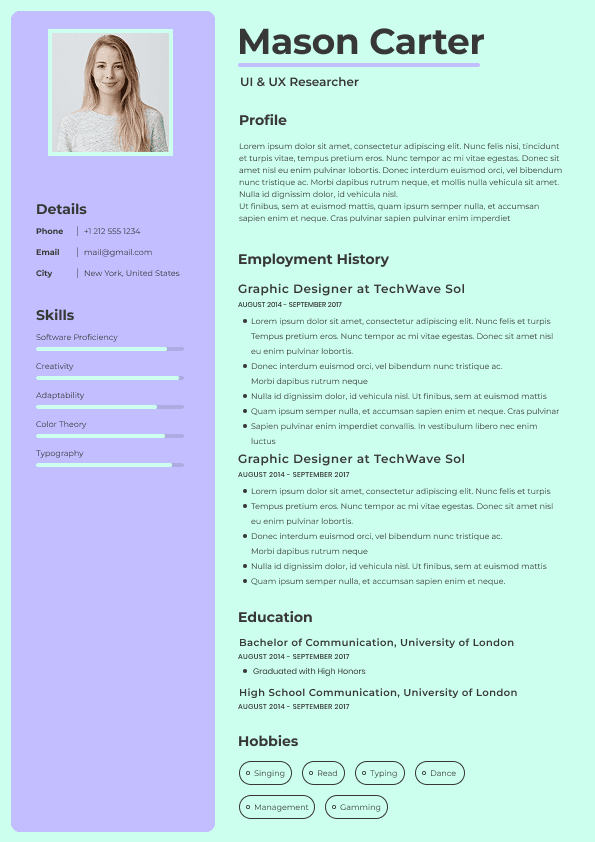
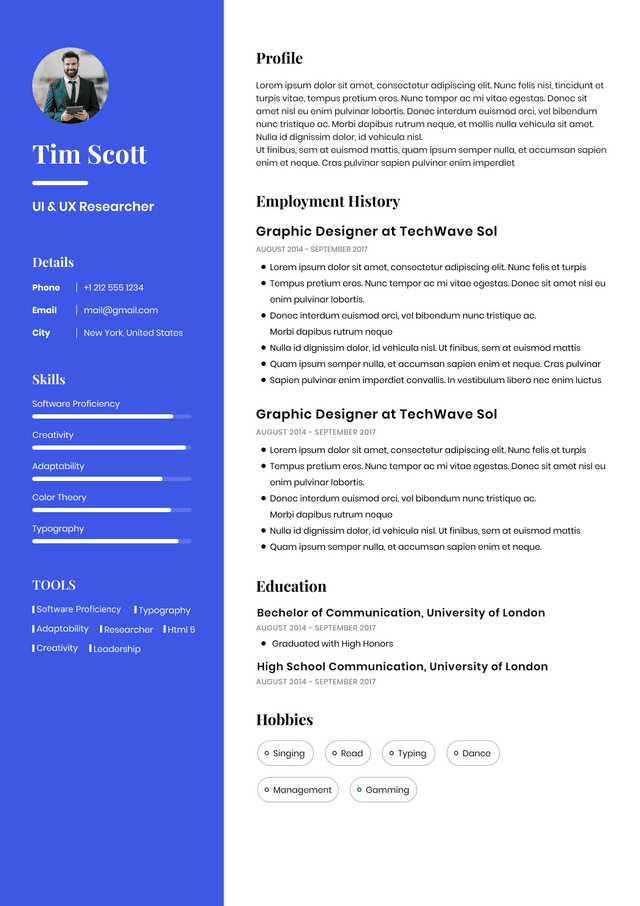
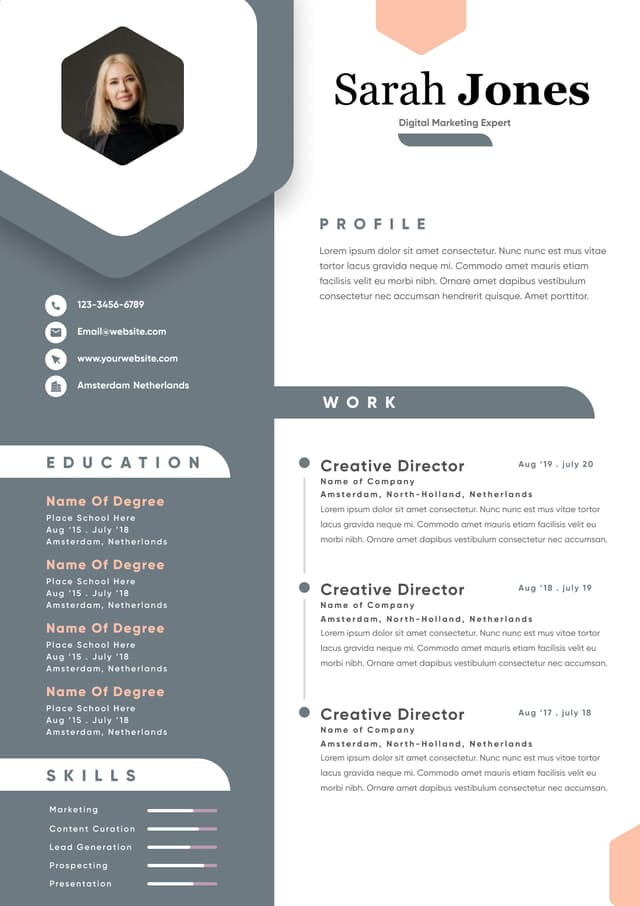
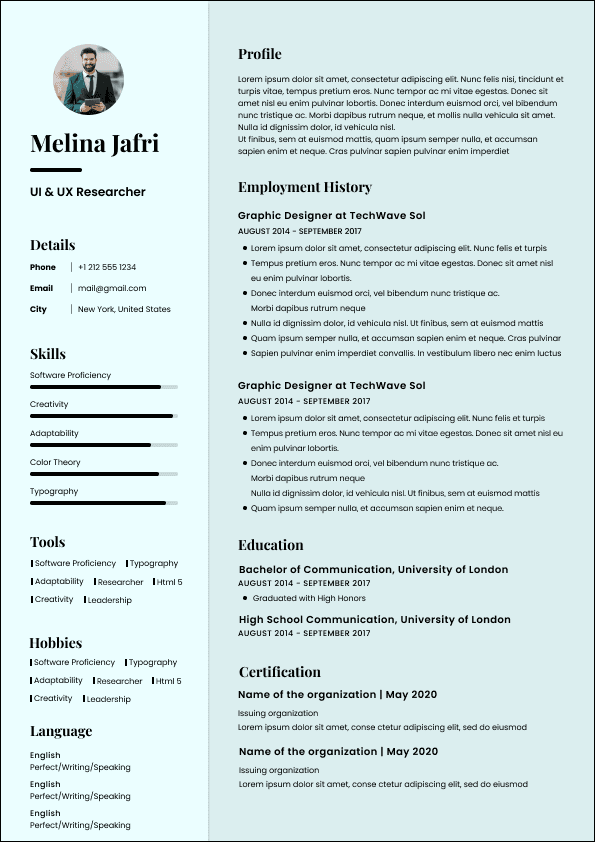
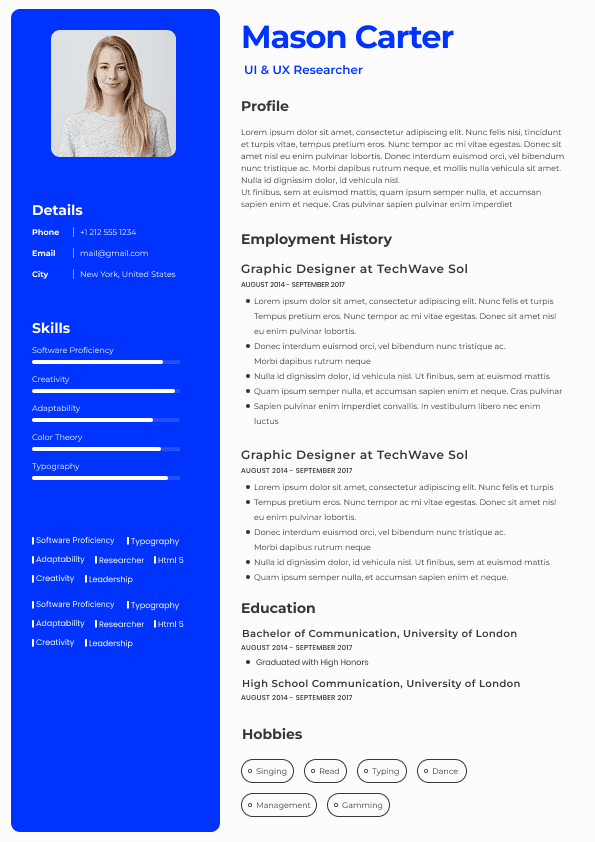
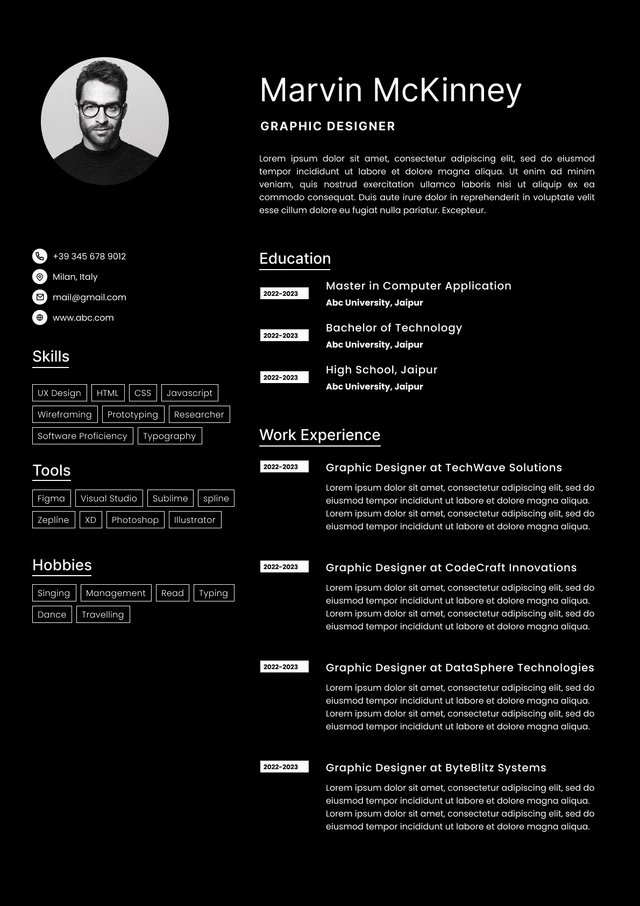
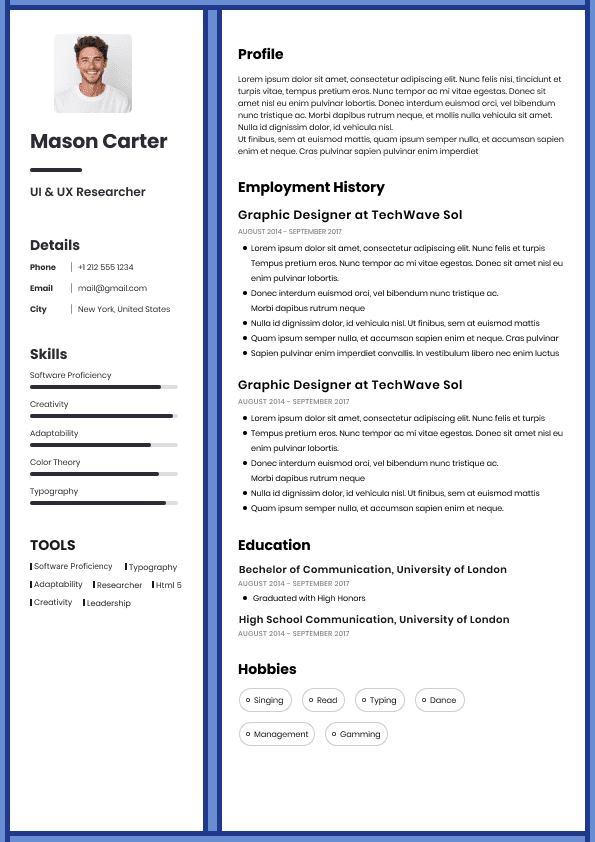
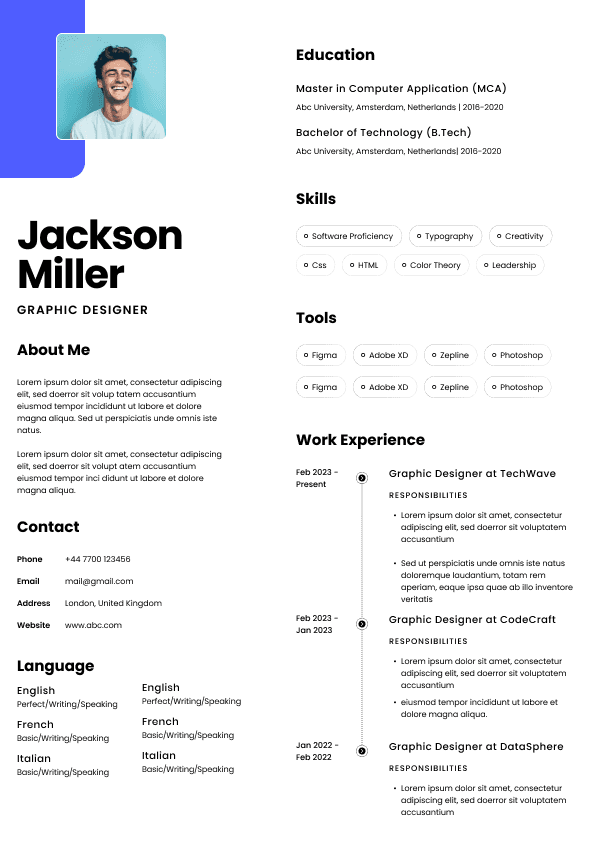
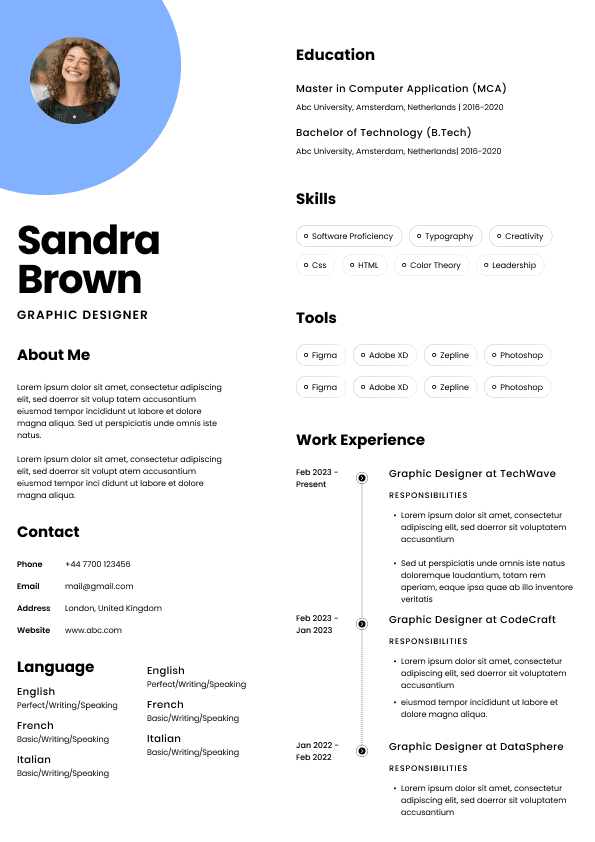
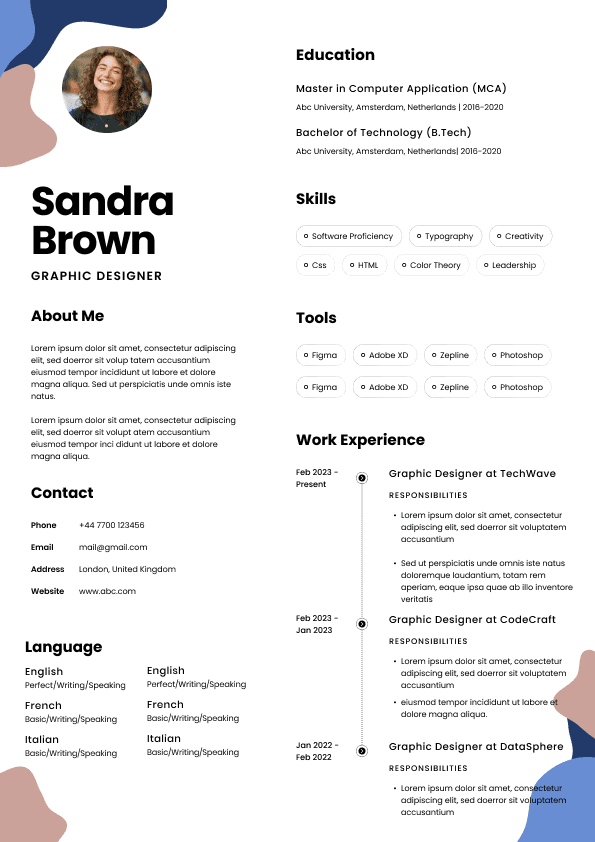
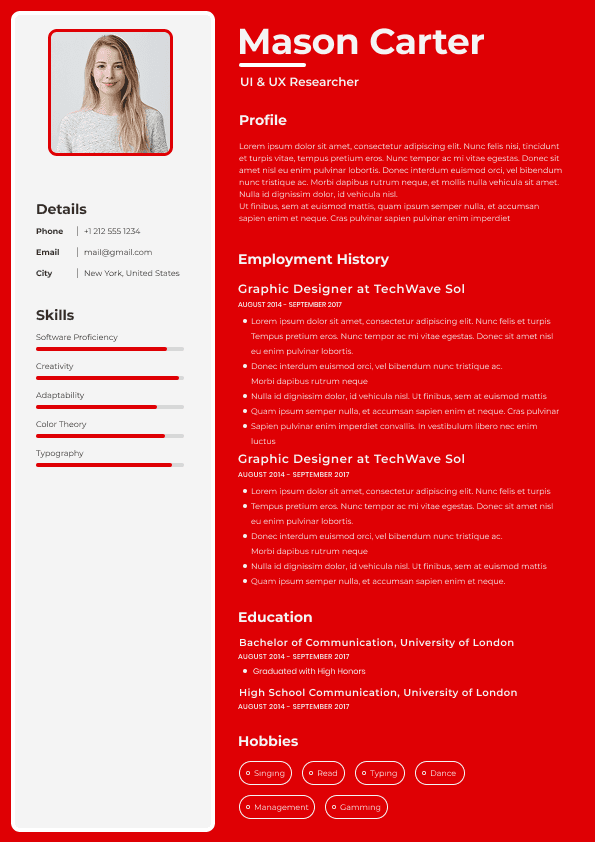
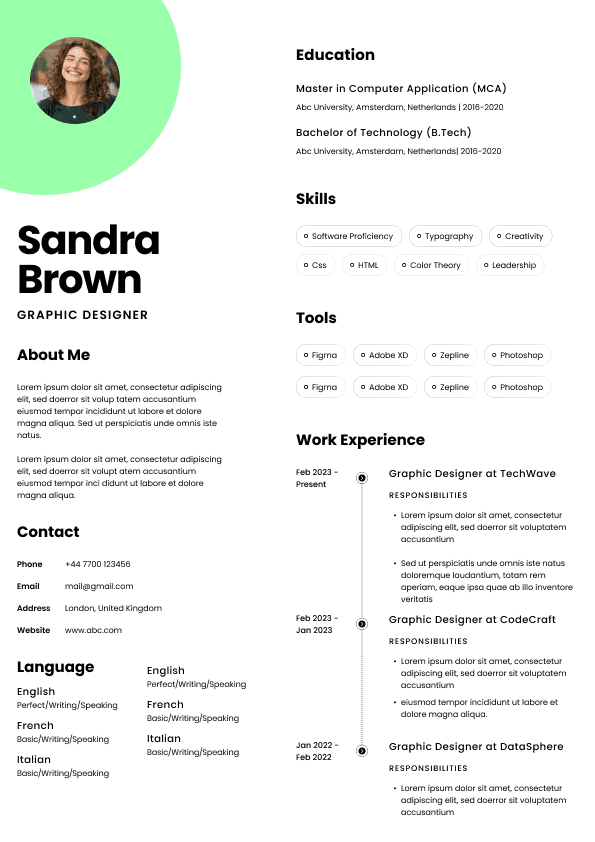
Avoid overly designed resume templates with columns, icons, photo boxes, rating bars, or decorative graphics. In Canada, especially for ATS-based applications, simple formatting usually performs better. A resume does not need to look like a Canva poster. It needs to be readable by a recruiter, a hiring manager, and sometimes a very unglamorous applicant tracking system.
I know candidates often worry their resume will look “too plain.” Plain is not the problem. Empty is the problem. Generic is the problem. A clean resume with strong content will beat a beautiful resume with weak substance almost every time.
Your summary should be short, specific, and practical. This is not where you say you are “hard-working, motivated, and passionate.” Nearly everyone says that. It does not help the recruiter make a decision.
A better administrative assistant summary tells me:
What type of administrative support you provide
What environments you have worked in
Which tools or systems you use
What kind of value you bring
Weak Example
Organized and hardworking administrative assistant with excellent communication skills. Looking for an opportunity to grow and contribute to a company.
Good Example
Administrative assistant with experience supporting office operations, scheduling, client communication, document preparation, and records management in fast-paced professional environments. Strong working knowledge of Microsoft Office, Outlook, Teams, data entry, meeting coordination, and confidential file handling.
The good version works because it gives the recruiter actual screening information. It tells me what you have done and where your strengths sit.
Your core skills section should be keyword-rich but still honest. Do not stuff it with every administrative term you find online. ATS systems may scan for keywords, but humans still read the resume. If the skills section looks inflated, the rest of the resume needs to back it up.
Useful skills for an administrative assistant resume in Canada may include:
Calendar management
Meeting coordination
Office administration
Client and visitor support
Document preparation
Data entry and database management
Records management
Email and phone correspondence
Travel arrangements
Invoice processing
Purchase orders
Expense reporting
Filing systems
Confidential information handling
Report preparation
Microsoft Office
Outlook
Teams
SharePoint
Excel
Google Workspace
CRM systems
Scheduling software
Office supply management
Vendor coordination
Reception support
Executive support
Choose the skills that match the job posting and your real experience. One of the biggest resume mistakes I see is a skills section that promises one thing, while the work experience section proves something much smaller.
This is where your resume either becomes convincing or becomes generic.
Administrative assistant job descriptions often sound similar, so candidates copy the obvious duties:
Answered phones
Scheduled meetings
Managed files
Prepared documents
Provided support
Those tasks are not wrong, but they are not enough. They tell me what an administrative assistant might do. They do not tell me how well you did it, what level of responsibility you had, or what kind of workplace you supported.
Your bullets should answer questions like:
Who did you support?
How many people, clients, managers, departments, or appointments were involved?
What systems did you use?
What type of documents or records did you manage?
What improved because of your work?
What sensitive or high-priority tasks did you handle?
What would have gone wrong if you were not organized?
That last question matters more than candidates realize. Good administrative work often prevents problems quietly. The resume should make that invisible value visible.
For most administrative assistant roles in Canada, include your diploma, degree, certificate, or relevant training. If you completed education outside Canada, you can still list it clearly. You do not need to over-explain it unless the employer specifically requires Canadian equivalency.
Examples:
Office Administration Diploma, George Brown College, Toronto, ON
Business Administration Certificate, University of Calgary Continuing Education, Calgary, AB
Bachelor of Commerce, University of Delhi, India
If your education is not directly related, that is fine. Administrative hiring often values practical experience, communication, organization, and software skills more than a perfectly matched degree.
Useful certifications may include:
Microsoft Office Specialist
Office Administration Certificate
Business Administration Certificate
Bookkeeping Certificate
First Aid and CPR, if relevant to the workplace
Medical Office Assistant training, if applying to healthcare settings
Payroll or accounting software training, if relevant
Project coordination training, if supporting teams or operations
Do not add random certificates just to fill space. Add training that supports the role you want.
Coordinated appointments, room bookings, travel arrangements, catering, agendas, and meeting materials for internal and external stakeholders
Responded to client, visitor, vendor, and staff inquiries by phone and email, ensuring timely, professional, and accurate communication
Processed invoices, purchase orders, expense reports, and office supply requests while maintaining organized records for finance review
Updated databases, spreadsheets, CRM records, and internal tracking systems to support accurate reporting and workflow visibility
Supported onboarding activities by preparing documentation, coordinating access requests, scheduling orientation meetings, and maintaining employee files
Improved office filing and document naming processes, making records easier to locate and reducing repeated internal requests
Handled confidential correspondence and sensitive information with discretion in compliance with internal policies and privacy expectations
Assisted with event coordination, including invitations, attendee tracking, vendor communication, materials preparation, and post-event follow-up
Provided reception and front-desk support in a high-volume office, greeting visitors, directing calls, managing mail, and supporting daily office flow
The point is not to copy these word for word. The point is to make your real work visible. Administrative assistants often underestimate their impact because much of the job feels like “just keeping things moving.” In hiring, that is exactly the value. You keep things moving so other people can do their jobs.
Client and visitor support
Email and phone correspondence
Document preparation
Records management
Data entry
Confidential information handling
Report formatting
Invoice processing
Travel arrangements
Vendor communication
Microsoft Office
Outlook
Teams
Excel
SharePoint
Google Workspace
CRM updates
Professional Experience
Administrative Assistant
Northlake Professional Services, Toronto, ON
March 2022 to Present
Provide administrative support to a 15-person consulting team, including calendar coordination, meeting preparation, document formatting, travel bookings, and client correspondence
Manage shared inboxes, respond to routine client inquiries, escalate urgent requests, and maintain professional communication across email and phone channels
Prepare reports, presentations, proposals, meeting agendas, letters, forms, and internal documents using Microsoft Word, Excel, PowerPoint, Outlook, and Teams
Coordinate internal and external meetings by scheduling attendees, booking rooms, preparing materials, tracking action items, and sending follow-up notes
Maintain electronic filing systems in SharePoint, ensuring accurate naming, version control, and easy access to client and project documentation
Process vendor invoices, office supply requests, courier arrangements, and expense documentation for review by finance and operations teams
Support onboarding for new employees by preparing welcome materials, scheduling orientation meetings, requesting system access, and organizing employee files
Improved document tracking process for recurring client reports, reducing missed follow-ups and making status updates easier for managers to review
Office Administrator
Maple Ridge Dental Group, Mississauga, ON
June 2019 to February 2022
Supported daily office administration for a busy dental clinic, including appointment scheduling, patient communication, records updates, insurance documentation, and front-desk support
Managed incoming calls, appointment changes, patient reminders, and email inquiries while maintaining a calm and professional reception environment
Updated patient files, scanned documents, processed forms, and maintained confidential records according to clinic policies and privacy expectations
Coordinated provider schedules, treatment room availability, and patient flow to reduce booking conflicts and support smoother daily operations
Processed payments, prepared receipts, followed up on outstanding documentation, and supported basic billing administration
Ordered office and clinic supplies, tracked inventory needs, and communicated with vendors to prevent delays in daily operations
Assisted with process improvements for appointment reminders and document follow-ups, helping reduce missed information before patient visits
Receptionist and Administrative Support
BrightPath Learning Centre, Brampton, ON
January 2017 to May 2019
Greeted parents, students, visitors, and staff while managing phone calls, email inquiries, attendance records, and daily front-desk administration
Prepared forms, notices, schedules, newsletters, and internal documents using Microsoft Word, Excel, and Outlook
Maintained student files, registration documents, emergency contact records, and confidential administrative information
Supported event coordination, parent communication, supply ordering, room bookings, and staff scheduling updates
Assisted managers with data entry, spreadsheet updates, filing, photocopying, mail distribution, and general office support
Helped organize a more consistent filing process for registration and attendance documents, making records easier for staff to locate during busy periods
Education
Office Administration Diploma
Humber College, Toronto, ON
2016
Certifications and Training
Microsoft Office Specialist, Excel Associate
Customer Service Excellence Training
Privacy and Confidential Records Handling Training
Technical Skills
Microsoft Word
Microsoft Excel
Microsoft PowerPoint
Microsoft Outlook
Microsoft Teams
SharePoint
Google Workspace
CRM database updates
Scheduling software
Electronic filing systems
Does my summary reflect the most important part of this role?
Are the most relevant skills near the top?
Do my bullet points use similar terminology to the posting, naturally and honestly?
Have I shown the right tools and systems?
Have I made my scope clear?
Does my most relevant experience appear quickly enough?
Weak Example
Provided administrative support to the office.
Good Example
Provided administrative support to a 20-person construction office, including calendar coordination, document control, purchase order tracking, vendor communication, and project file updates.
The good version immediately tells me the environment, team size, tasks, and relevance. That is tailoring.
Preparing correspondence
Coordinating between departments
Handling sensitive conversations
Following up on missing documents
Supporting meeting communication
The hidden hiring question is: “Can this person communicate clearly without making situations more complicated?” Your resume should make the answer feel obvious.
For Canadian administrative assistant roles, Microsoft Office is still heavily requested. Outlook, Word, Excel, PowerPoint, Teams, and SharePoint appear frequently in job postings. Google Workspace is also common, especially in smaller companies, startups, nonprofits, and education-related environments.
Excel matters more than candidates think. You do not need to claim advanced formulas if you do not use them, but if you can maintain trackers, sort data, filter lists, update spreadsheets, format reports, and manage basic calculations, say that.
Technical skills may include:
Microsoft Word
Excel
Outlook
Teams
PowerPoint
SharePoint
OneDrive
Google Docs
Google Sheets
Gmail
Google Calendar
CRM systems
QuickBooks
Sage
Salesforce
HubSpot
Monday.com
Asana
Trello
Zoom
Adobe Acrobat
Scheduling platforms
Electronic medical records, if relevant
Legal practice management software, if relevant
Be honest. Recruiters can usually spot inflated software claims during the interview. There is no benefit in saying you are advanced in Excel if basic spreadsheet questions make you visibly regret your life choices.
This is one of the most underrated areas on an administrative assistant resume.
Administrative assistants often see information before others do. They may handle employee records, client files, financial documents, medical information, legal correspondence, executive calendars, complaints, performance documents, or sensitive internal discussions.
Employers need to trust that you understand confidentiality without being dramatic about it. On your resume, you can show this through phrases like:
Handled confidential employee records and internal correspondence with discretion
Maintained secure electronic and paper filing systems for sensitive client documentation
Supported managers with confidential scheduling, meeting preparation, and document handling
Updated records according to internal privacy and documentation procedures
Do not overdo it. You do not need to write “highly confidential” five times. Once or twice, backed by practical examples, is enough.
A job description explains what the role was supposed to do. A resume should explain what you actually did.
If every bullet starts with “responsible for,” the resume usually feels passive. Use direct action verbs instead:
Coordinated
Managed
Prepared
Maintained
Processed
Updated
Organized
Supported
Tracked
Improved
Responded
Scheduled
Verified
Documented
Administrative assistant roles are tool-heavy. If you use Outlook, Excel, Teams, SharePoint, CRM systems, EMR systems, QuickBooks, scheduling platforms, or internal databases, do not make the recruiter hunt for that information.
Tools help employers assess how quickly you can settle into the role. A candidate who already understands Outlook calendar coordination, Teams meetings, shared drives, and Excel trackers may need less training than someone who only says “computer skills.”
Volume helps recruiters understand the level you are used to.
Where possible, mention:
Number of managers supported
Size of team or office
Number of appointments, files, invoices, calls, or clients handled
Number of locations supported
Type of department or industry
Frequency of reports or meetings
You do not need metrics for every bullet. But a few scope details make the resume much stronger.
Soft skills matter, but they need proof.
Do not simply say:
Excellent communication
Strong multitasking
Detail-oriented
Team player
Show them:
That bullet proves organization, communication, multitasking, and attention to detail without sounding like a motivational poster.
Formatting and readability
Whether the resume matches the job posting
This scan can happen quickly. That does not mean recruiters are careless. It means hiring workflows are busy, and resumes need to communicate fast.
The resume should answer the recruiter’s first questions quickly:
Has this person done similar administrative work?
Have they supported a similar environment or team size?
Do they know the tools we use?
Can they communicate professionally?
Does this resume feel organized and credible?
Is there enough evidence to invite them for an interview?
That is the purpose of the resume. Not to tell your entire career story. Not to include every duty since 2012. Not to sound impressive in a vague way. The purpose is to earn the interview by making the match clear.
Cash handling
Inventory tracking
Appointment booking
Team coordination
Volunteer administration
School projects involving coordination or documentation
The mistake entry-level candidates make is apologizing for limited experience. Do not write your resume from a place of “I know I have not done this before.” Write it from a place of “Here is the relevant work I have already done.”
For example, a retail background can become relevant if written properly.
Weak Example
Worked as a cashier and helped customers.
Good Example
Handled customer inquiries, payment processing, daily transaction records, inventory updates, phone calls, and shift communication in a high-volume retail environment.
That is not pretending retail is office administration. It is showing administrative overlap.
For entry-level candidates, a strong resume may include:
A targeted summary
A strong skills section
Transferable experience bullets
Education or training
Volunteer work if relevant
Software knowledge
Any office, reception, customer service, data entry, or coordination tasks
Do not fill the resume with generic personal traits. Fill it with proof that you can communicate, organize, follow procedures, use systems, and support people.
If you have Canadian education, certifications, volunteer work, or local experience, include it. But do not bury strong international experience just because it happened outside Canada. Good administrative work is still good administrative work. Your job is to make it understandable to the Canadian reader.
You need room to show tools, scope, and achievements properly
Do not force a strong resume onto one page if it becomes cramped and unreadable. Also do not stretch a light resume to two pages with filler. The right length is the shortest version that still proves the match properly.
A recruiter is not impressed by a long resume. A recruiter is impressed by a useful resume.
Skill five
Skill six
Skill seven
Skill eight
Skill nine
Skill ten
Skill eleven
Skill twelve
Professional Experience
Job Title
Company Name, City, Province
Month Year to Month Year
Bullet showing scope, who you supported, and key administrative responsibilities
Bullet showing scheduling, calendar, meeting, appointment, or coordination work
Bullet showing document preparation, records management, reporting, or data entry
Bullet showing communication with clients, staff, vendors, visitors, or stakeholders
Bullet showing tools, software, systems, or databases used
Bullet showing process improvement, accuracy, confidentiality, or operational impact
Previous Job Title
Company Name, City, Province
Month Year to Month Year
Bullet showing transferable or directly relevant administrative work
Bullet showing communication, organization, scheduling, documentation, or support tasks
Bullet showing volume, environment, tools, or measurable scope where possible
Education
Credential Name
Institution, City, Province or Country
Year
Certifications
Certification name
Training name
Software or professional development course
Technical Skills
Microsoft Word
Microsoft Excel
Microsoft Outlook
Microsoft Teams
SharePoint
Google Workspace
CRM or database system
Scheduling software
Industry-specific software
Have I tailored the resume to the job posting without keyword stuffing?
Does the resume feel like a professional work sample?
Would a hiring manager trust me to prepare documents, emails, files, and schedules based on this resume?
That last question is the uncomfortable but useful one. An administrative assistant resume is not only a career document. It is a sample of your administrative judgement. It shows whether you can organize information, prioritize what matters, communicate clearly, and make someone else’s job easier.
That is what gets noticed.



 Upload Resume
 Import from Linkedin