Logo
Resume TemplatesBlogCreate My Resume
newcv.io

NEWCV helps job seekers create professional, ATS-optimized Resumes using modern templates and smart tools.

Resume
Create ResumeResume ExamplesResume Templates
Resources
Resume HelpBlogsContact Us
Our Company
About UsPricingSitemap
Country

Select your country

Language
© 2026 NEWCV. All rights reserved.
Privacy PolicyTerms of ServiceCookies Settings
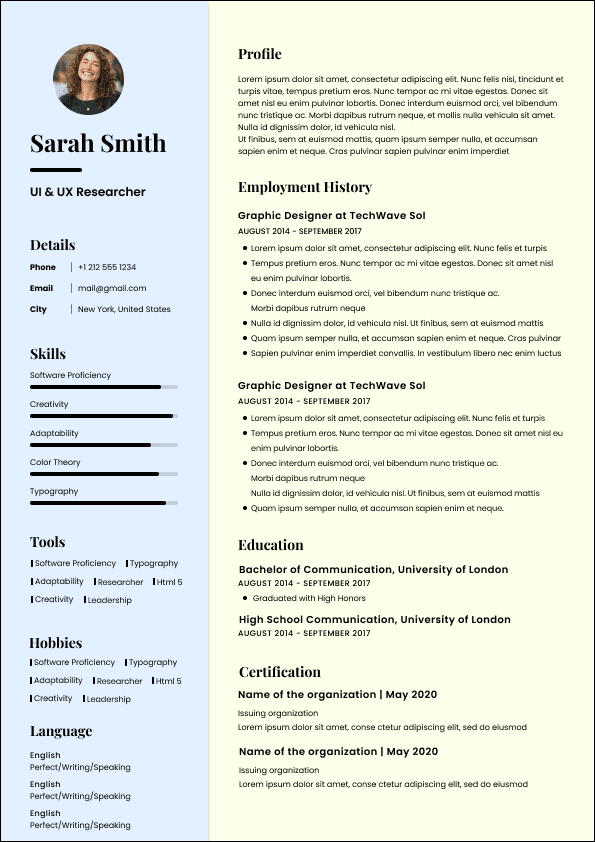
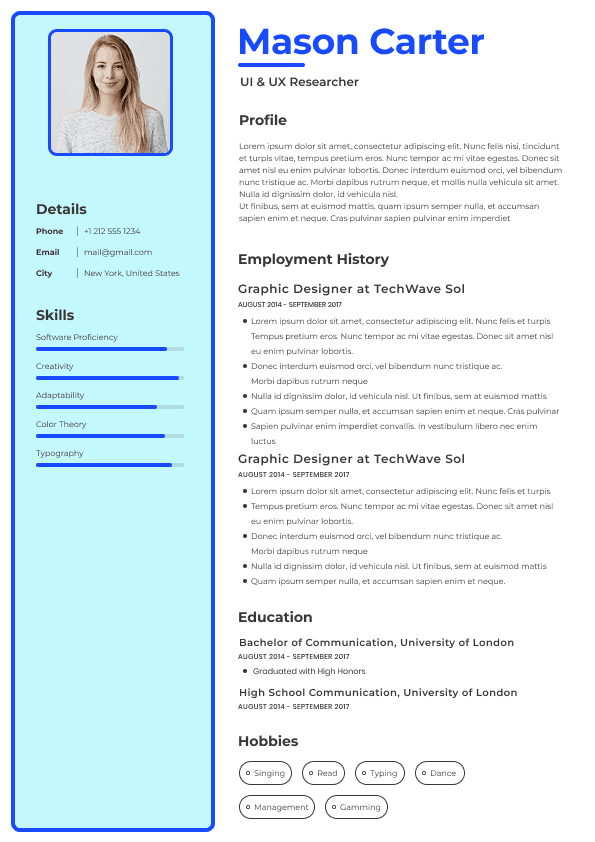
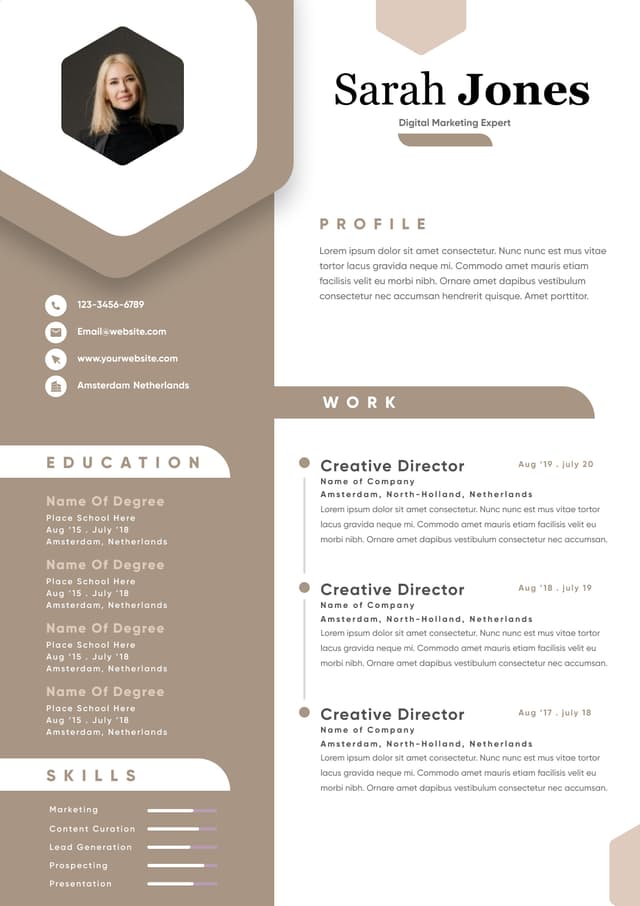
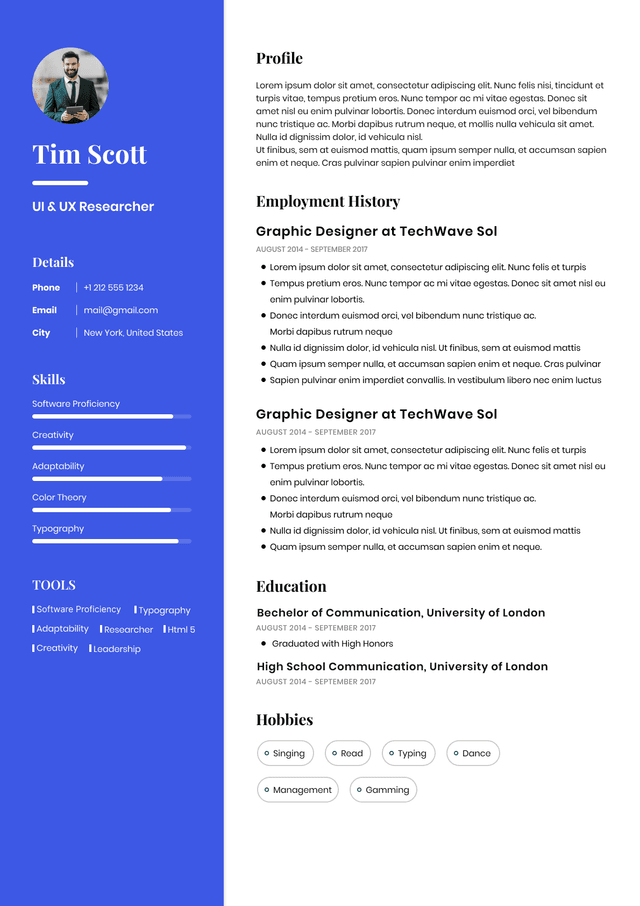
CV template previewCreate this Resume in 2 Minutes
Create Your Resume Now

ATS Resume Keywords Recruiters Actually Search For

Table of contents

  • ATS Resume Keywords Recruiters Actually Search For
  • Learn how to choose ATS resume keywords for Canadian job applications, without stuffing your resume or sounding like a job board robot.
  • What ATS Resume Keywords Really Are
  • The Biggest Misconception About ATS Keywords
  • How ATS Keywords Are Used in Real Hiring
  • Where to Find the Right Resume Keywords
  • Look for repeated terms
  • Look for hard requirements
  • Look for responsibility language
  • Look for industry and location specific language
  • The Types of ATS Keywords Your Resume Needs
  • Job title keywords
  • Skill keywords
  • Tool and software keywords
  • Certification and education keywords
  • Industry keywords
  • Seniority and scope keywords
  • Where to Put ATS Keywords on Your Resume
  • Professional summary
  • Skills section
  • Work experience
  • How to Match Resume Keywords to a Job Posting
  • ATS Keyword Stuffing: Why It Backfires
  • What Recruiters Actually Notice When Reviewing ATS Optimized Resumes
  • Resume Keywords by Role Type
  • Administrative and office roles
  • Accounting and finance roles
  • Human resources roles
  • IT and technical roles
  • Sales and customer success roles
  • How to Use Keywords Without Losing Your Human Voice
  • A Practical ATS Keyword Framework
  • Match
  • Prove
  • Prioritize
  • Localize
  • Clean up
  • Common ATS Keyword Mistakes
  • Using only generic soft skills
  • Copying the job posting too closely
  • Ignoring acronyms
  • Using creative job titles
  • Hiding keywords in formatting
  • What Actually Works
  • About the Author
  • FAQ
  • What are the best resume keywords for ATS?
  • Should I copy keywords directly from the job description?
  • How many ATS keywords should I include on my resume?
  • Can ATS software reject my resume if I do not use the exact keywords?
  • Is an ATS friendly resume different from a normal resume?
  • Where should I put ATS keywords on my resume?

FAQ

The best resume keywords for ATS are the exact skills, tools, certifications, job titles, responsibilities, and industry terms that match the job posting and your real experience. There is no universal best list because every role is different. For a Canadian payroll role, “ROE,” “CRA remittances,” and “year end payroll” may be strong keywords. For a data analyst role, “SQL,” “Power BI,” “Excel,” “data visualization,” and “reporting dashboards” may matter more.

You can use the same terminology from the job description when it accurately reflects your experience, but do not copy full sentences. Recruiters can usually tell when a resume has been patched together from a posting. Use the employer’s language as a guide, then rewrite it in your own career context with clear proof.

There is no perfect number. A strong resume usually includes the most important keywords from the job posting across the summary, skills, work experience, tools, education, and certifications sections. Focus on relevance, not volume. Ten well placed, well proven keywords are stronger than 40 random terms stuffed into a skills section.

Sometimes keyword matching can affect visibility, especially when recruiters search inside the ATS or when employers use screening filters. But not every ATS automatically rejects resumes based only on keywords. The safer approach is to include both exact terms and natural variations where accurate. For example, use “CRM” and “Salesforce” if both apply.

An ATS friendly resume is still a normal professional resume. It is simply easier for applicant tracking systems to parse and easier for recruiters to scan. It uses clear headings, standard formatting, relevant keywords, and straightforward language. It should not look robotic or overloaded with buzzwords.

Place ATS keywords in your professional summary, skills section, work experience bullets, tools section, education section, and certifications section. The most important place is your work experience because that is where keywords become credible. A keyword listed in skills is useful, but a keyword proven through a real achievement or responsibility is much stronger.

ATS Resume Keywords Recruiters Actually Search For

Learn how to choose ATS resume keywords for Canadian job applications, without stuffing your resume or sounding like a job board robot.

Resume keywords for ATS are the specific skills, job titles, tools, qualifications, industry terms, and experience signals that help your resume match the job description. In the Canadian job market, the strongest ATS keywords are not random buzzwords copied from a posting. They are the words recruiters and hiring managers already use when filtering, screening, and comparing candidates. The goal is not to trick the applicant tracking system. The goal is to make your relevant experience easy to find.

A good ATS resume uses the right keywords naturally, in the right sections, with proof behind them. A weak resume throws keywords everywhere and hopes software will do the thinking. It will not. ATS keywords help you get found, but your resume still has to make sense to a human recruiter.

What ATS Resume Keywords Really Are

ATS resume keywords are the terms an applicant tracking system may use to match your resume against a job posting. They usually include job specific skills, software, certifications, qualifications, industry language, seniority markers, and role related responsibilities.

But this is where candidates often misunderstand the whole thing.

An ATS is not a magic hiring robot sitting there judging your personality, ambition, and “potential.” In most hiring workflows, it is a database. It stores applications, parses resumes, helps recruiters search, and sometimes ranks or filters candidates based on criteria.

The keywords matter because they help your resume appear relevant when someone searches for candidates.

For example, if a recruiter is hiring a payroll specialist in Canada and searches the ATS for “ADP,” “Payroll Compliance Practitioner,” “ROE,” “year end payroll,” or “Canadian payroll,” a resume that uses those exact terms has a better chance of being found than one that says “handled employee payments and administrative finance tasks.”

Same experience. Different language. Very different visibility.

That is the point of resume keywords. They translate your experience into the language of the job.

Read more: Why Your Job Applications Are Not Getting Interviews

CV template previewCreate Now
Create this ResumeUse This Template

The Biggest Misconception About ATS Keywords

The biggest mistake I see is candidates treating ATS keywords like secret passwords. They search for “best ATS keywords,” copy a list, paste the terms into their resume, and assume they have optimized it.

That is not optimization. That is resume glitter.

ATS keyword strategy is not about adding more words. It is about using the right words for the exact job you want, in a way that proves you actually have the experience.

A recruiter does not just look for whether a keyword exists. I look at where it appears, how it is used, and whether the surrounding context makes sense.

There is a big difference between these two lines:

Weak Example:

Skilled in project management, stakeholder engagement, Agile, reporting, leadership, communication, collaboration, Microsoft Excel, Jira, problem solving, process improvement.

Good Example:

Managed cross functional Agile projects using Jira, tracked sprint progress, coordinated stakeholder updates, and improved reporting workflows across operations and product teams.

The first version is a keyword pile. The second version uses keywords in context. It tells me what the person actually did.

That matters because recruiters are not just checking vocabulary. We are checking credibility.

Read more: Why Job Applications Get Rejected Before Interviews

CV template previewCreate Now
Create this ResumeUse This Template

How ATS Keywords Are Used in Real Hiring

In real hiring, resume keywords can affect your application in a few different ways.

Some employers use ATS filters to narrow down large applicant pools. Some recruiters search manually inside the ATS using specific terms. Some hiring teams use knockout questions before the resume is even reviewed. Some systems show match scores, but the recruiter still makes the actual judgement.

This is why I always tell candidates not to obsess over the ATS as if it is the final boss. The ATS is one part of the process. The recruiter and hiring manager are still looking for evidence.

In Canadian hiring, especially for roles in administration, finance, operations, healthcare, IT, engineering, skilled trades, sales, and corporate functions, keyword relevance often helps determine whether your resume gets attention quickly. But it does not save a vague resume.

Employers usually care about three things when they scan your resume:

  • •

    Do you have the required skills and qualifications?

  • •

    Have you done similar work in a similar environment?

  • •

    Can I understand your fit within 20 to 40 seconds?

ATS keywords help with all three, but only when they are connected to actual experience.

Read more: How Long Recruiters Actually Spend Reading Resumes

CV template previewCreate Now
Create this ResumeUse This Template

Where to Find the Right Resume Keywords

The best resume keywords are usually sitting in the job posting. The problem is that many candidates do not know which words matter and which words are just corporate decoration.

Start with the job description, but do not copy every word blindly. Separate the real screening criteria from the nice sounding filler.

Look for repeated terms

If a job posting mentions “case management” three times, that is not accidental. It is probably a core part of the role.

If a posting mentions “stakeholder communication,” “client communication,” and “cross functional communication,” the employer is clearly looking for someone who can manage information across people and teams.

Repeated language tells you what the hiring team is worried about. They are not repeating words for fun. Usually, they are repeating what has caused success or failure in the role before.

Look for hard requirements

Hard requirements are the keywords most likely to matter in screening.

These may include:

  • •

    Job titles such as accounting clerk, business analyst, project coordinator, warehouse supervisor, HR generalist, software developer

  • •

    Certifications such as CPA, PCP, CHRP, PMP, Scrum Master, Red Seal, WHMIS

  • •

Read more: Why Recruiters Reject Resumes Before the Interview

CV template previewCreate Now
Create this ResumeUse This Template

The Types of ATS Keywords Your Resume Needs

A strong ATS friendly resume usually includes several types of keywords. Most weak resumes only include one type, usually soft skills, which is why they feel thin.

Job title keywords

Job title keywords help align your resume with the role.

If you are applying for a project coordinator role, your resume should include relevant title language such as project coordinator, project administrator, project support, project management, or PMO support if accurate.

This matters because job titles are one of the first things recruiters use to understand fit.

Here is the recruiter reality: if your current title does not match the target role, your resume has to work harder. That does not mean you should invent a title. It means your summary, skills, and bullet points must clearly show transferable alignment.

For example, someone moving from administrative assistant to project coordinator might use keywords like scheduling, stakeholder coordination, project documentation, meeting minutes, project tracking, vendor follow up, and reporting.

That tells me where the overlap is.

Skill keywords

Skill keywords include both technical and practical abilities required for the job.

These might include:

  • •

    Data analysis

  • •

    Account reconciliation

Read more: How Recruiters Really Screen Resumes Before Interviews

CV template previewCreate Now
Create this ResumeUse This Template

Where to Put ATS Keywords on Your Resume

ATS keywords should appear naturally across your resume, not just in one keyword section at the top.

The best places to include resume keywords are:

  • •

    Professional summary

  • •

    Core skills or areas of expertise

  • •

    Work experience bullet points

  • •

    Job titles where accurate

  • •

    Certification section

  • •

    Education section

  • •

    Tools or technical skills section

The work experience section is the most important because it proves the keyword.

A skills section can help with scanning, but it is not enough on its own. If your skills section says “employee relations” and your work history never explains employee relations work, I will question whether you actually did it.

Read more: What Recruiters Actually Check First in Your Resume

CV template previewCreate Now
Create this ResumeUse This Template

How to Match Resume Keywords to a Job Posting

The smartest way to use ATS keywords is to compare your resume against the job posting before applying.

I would look at the posting and ask these questions:

  • •

    What skills appear more than once?

  • •

    Which tools or systems are named directly?

  • •

    Which qualifications are described as required, not preferred?

  • •

    What responsibilities appear central to the role?

  • •

    What industry terms would a recruiter likely search?

  • •

    What language does the employer use for the job title and function?

  • •

    Which of these terms honestly match my background?

Then I would adjust the resume carefully.

Read more: Recruiter Tips That Actually Change Hiring Decisions

CV template previewCreate Now
Create this ResumeUse This Template

ATS Keyword Stuffing: Why It Backfires

Keyword stuffing happens when candidates overload their resume with repeated terms, irrelevant skills, hidden keywords, or unnatural phrasing.

I understand why people do it. Job searching is frustrating, ATS advice online is often terrible, and candidates feel like they are trying to survive a system that does not even explain itself properly.

Still, stuffing your resume is a bad strategy.

Recruiters can spot it quickly. It usually looks like one of these:

  • •

    A massive skills section with every keyword from the job posting

  • •

    Repeated phrases that do not fit the candidate’s actual experience

  • •

    Keywords placed in white text or hidden formatting

  • •

    A resume summary that reads like a search engine tag cloud

  • •

    Bullet points filled with tools and terms but no clear outcomes

  • •

    Skills listed at a senior level when the experience shows beginner exposure

Read more: How Recruiters Read Resumes Before Deciding to Call

CV template previewCreate Now
Create this ResumeUse This Template

What Recruiters Actually Notice When Reviewing ATS Optimized Resumes

When I review a resume, I am not reading every word at first. I am scanning for fit.

That scan usually includes:

  • •

    Current or recent job title

  • •

    Industry or environment

  • •

    Relevant tools and systems

  • •

    Core responsibilities

  • •

    Seniority level

  • •

    Career progression

  • •

    Canadian market relevance when required

  • •

    Evidence that the candidate has done the work before

Read more: Recruiter Resume Tips Hiring Teams Actually Notice

CV template previewCreate Now
Create this ResumeUse This Template

Resume Keywords by Role Type

The right ATS keywords depend heavily on the role. A generic keyword list is not enough, but role based patterns can help you think more clearly.

Administrative and office roles

Useful keywords may include:

  • •

    Calendar management

  • •

    Scheduling

  • •

    Meeting coordination

  • •

    Data entry

  • •

    Document management

  • •

    Travel arrangements

  • •

    Vendor communication

  • •

Read more: Why Your Resume Looks Unfocused and How to Fix It

CV template previewCreate Now
Create this ResumeUse This Template

How to Use Keywords Without Losing Your Human Voice

A resume should be ATS friendly, but it should not sound like it was written for a machine.

This is where balance matters.

Use the employer’s language where it matches your experience, but keep the sentence human and specific.

Weak Example:

Results driven professional with proven ability to leverage stakeholder communication and cross functional collaboration to optimize business outcomes.

That sentence is wearing a suit three sizes too big.

Good Example:

Coordinated weekly updates between operations, sales, and finance teams to resolve order delays and improve client communication.

The second version still includes strong keywords: coordinated, operations, sales, finance, client communication. But it sounds like real work done by a real person.

That is what I want candidates to understand. Good resume writing is not about sounding impressive. It is about making your relevance obvious.

Read more: Why Your Resume Attracts the Wrong Jobs in Canada

CV template previewCreate Now
Create this ResumeUse This Template

A Practical ATS Keyword Framework

Before applying, use this simple framework to check whether your resume is properly aligned.

Match

Identify the job posting’s most important keywords and compare them to your resume.

Do not ask, “Can I add this keyword?” Ask, “Where have I actually done this?”

If the posting asks for vendor management and you have managed suppliers, contractors, or service providers, use the term vendor management where appropriate.

Prove

Every important keyword should be supported by proof somewhere in your experience.

If you list “data analysis,” show what data you analyzed, what tools you used, and why it mattered.

Good Example:

Analyzed weekly customer service data in Excel to identify repeat complaint trends and recommend process changes that reduced escalation volume.

Prioritize

Not all keywords deserve equal space.

Prioritize keywords tied to required qualifications, core responsibilities, tools, certifications, and industry specific experience.

Soft skills matter, but they are usually stronger when shown through action.

Instead of saying “excellent communication,” show stakeholder updates, client presentations, conflict resolution, training, documentation, or executive reporting.

Localize

For Canadian job applications, include relevant Canadian terminology when it applies.

Read more: Your Resume Lists Work, But It Does Not Prove Value

CV template previewCreate Now
Create this ResumeUse This Template

Common ATS Keyword Mistakes

The most common ATS keyword mistakes are not technical. They are judgement mistakes.

Using only generic soft skills

Words like communication, teamwork, leadership, organization, and problem solving are not useless, but they are weak on their own.

Employers see them constantly. They become meaningful only when attached to situations.

Weak Example:

Strong communication and leadership skills.

Good Example:

Led daily shift briefings, assigned team priorities, and communicated production issues to supervisors to reduce handoff delays.

Copying the job posting too closely

Some candidates copy exact sentences from the posting. This may help keyword matching, but it creates another problem: the resume stops sounding authentic.

Use the same terminology, but write from your own experience.

Ignoring acronyms

Many ATS searches are literal. If the job posting uses both “Customer Relationship Management” and “CRM,” include the version that fits naturally. Same with PCP, CPA, PMP, HRIS, ERP, SQL, and other common terms.

Using creative job titles

Creative job titles can hurt searchability.

If your official title was “Customer Happiness Champion,” but the market title is Customer Service Representative or Customer Success Specialist, you may need to clarify the function.

Read more: What Recruiters Really Mean by Relevant Experience

CV template previewCreate Now
Create this ResumeUse This Template

What Actually Works

The best ATS resume keyword strategy is simple but not lazy.

Use the job posting as your map. Identify the skills, tools, responsibilities, certifications, and industry terms that matter. Add the relevant ones naturally to your resume. Prove them in your work experience. Keep the resume clean, readable, and honest.

A strong ATS optimized resume should do four things:

  • •

    Match the language of the target role

  • •

    Show clear evidence of relevant experience

  • •

    Make important skills easy to find

  • •

    Still read naturally to a recruiter or hiring manager

That is the standard.

Not perfect formatting. Not keyword magic. Not a resume that tries to please a robot and forgets there is a human being making the hiring decision.

The real goal is to reduce doubt.

When a recruiter opens your resume, they should not have to work hard to understand your fit. They should quickly see the role alignment, the tools you know, the responsibilities you have handled, and the level you are operating at.

That is what ATS keywords are supposed to do.

Read more: Your Resume Looks Too Broad Because It Lacks a Job Target

CV template previewCreate Now
Create this ResumeUse This Template

About the Author

Written by Simar Malhi, a recruiter and headhunter with international recruitment experience. I write about CVs, job applications, hiring decisions, and the reality behind recruitment processes. My goal is to help candidates understand more honestly how employers, recruiters, and hiring managers actually select candidates.

Read more: Make Your Resume Look Commercial, Not Just Qualified

CV template previewCreate Now
Create this ResumeUse This Template

Read more similar articles

  • ATS Resume Keywords That Actually Match Hiring Logic
  • Average Salary in Canada: What the Numbers Miss
  • Background Checks in Canada: What Employers Really Check
  • Behavioral Interview Questions Hiring Teams Actually Judge
  • Behavioural Interview Questions in Canada: What Works
  • Best ATS Resume Format Canada: What Actually Works
✦ 100k+ Job Seekers ✦
✦ ATS-Optimized Resumes ✦
✦ Build in Minutes ✦
✦ Get More Interviews ✦
✦ 100k+ Job Seekers ✦
✦ ATS-Optimized Resumes ✦
✦ Build in Minutes ✦
✦ Get More Interviews ✦
✦ 100k+ Job Seekers ✦
✦ ATS-Optimized Resumes ✦
✦ Build in Minutes ✦
✦ Get More Interviews ✦
✦ 100k+ Job Seekers ✦
✦ ATS-Optimized Resumes ✦
✦ Build in Minutes ✦
✦ Get More Interviews ✦

Read more

  • Your LinkedIn Profile Checklist Should Not Read Like a Resume
  • Interview Checklist: What Hiring Managers Really Notice
  • Cover Letter Checklist: What Recruiters Actually Look For
  • Resume Checklist Before Applying: What Recruiters Notice
  • How to Stand Out to Recruiters Without Looking Desperate
  • Why Your Resume Gets Ignored Before Interviews in Canada
Create Resume in 2 Minutesvectorvector
✦ ✦ A trusted Resume builder by NEWCV ✦✦

ATS Resume Keywords Recruiters Actually Search For

Choose from a wide range of NEWCV resume templates and customize your NEWCV design with a single click.

Create Your Resume NowImprove existing Resume
net vectorWoman holding a CV template

ATS-Friendly Resume Templates

Use ATS-optimised Resume and resume templates that pass applicant tracking systems. Our Resume builder helps recruiters read, scan, and shortlist your Resume faster.

Upload ResumeImport from Linkedin
Person with resume documents
Sample CV template preview

Build Your Resume in 2 Minutes

Use professional field-tested resume templates that follow the exact Resume rules employers look for.

Create Resume
Resume template preview

Build Your Resume in
2 Minutes

Use professional field-tested resume templates that follow the exact Resume rules employers look for.

Create Resume

Tools such as Excel, Power BI, Salesforce, Workday, SAP, QuickBooks, AutoCAD, Jira, ServiceNow

  • •

    Technical skills such as SQL, Python, payroll processing, financial reporting, data analysis, procurement, inventory control

  • •

    Industry terms such as Canadian payroll, OHSA, IFRS, employee relations, claims management, supply chain, B2B sales

  • If the employer says the role requires advanced Excel and you have advanced Excel experience, do not hide it under “computer skills.” Say Excel. Say pivot tables if relevant. Say VLOOKUP, XLOOKUP, Power Query, macros, or reporting dashboards if those are part of your work.

    Recruiters search for specifics, not vague confidence.

    Look for responsibility language

    Responsibilities tell you what the person will actually do day to day.

    These often become strong resume keywords because they reflect job function, not just skills.
    For example:

    • •

      Manage vendor relationships

    • •

      Prepare financial statements

    • •

      Conduct employee investigations

    • •

      Coordinate onboarding

    • •

      Resolve customer escalations

    • •

      Analyze sales performance

    • •

      Maintain inventory accuracy

    • •

      Support month end close

    • •

      Develop training materials

    • •

      Lead safety inspections

    These phrases are useful because they connect action with role relevance.
    Look for industry and location specific language

    For Canadian resumes, local context matters more than many candidates realize.

    A payroll resume should not just say “payroll.” If the role is in Canada, terms like “Canadian payroll,” “ROE,” “CRA remittances,” “T4,” “provincial legislation,” and “year end payroll” may matter.

    A health and safety resume may need terms like “OHSA,” “WSIB,” “incident reporting,” “JHSC,” and “hazard assessments.”

    A finance resume may need “IFRS,” “month end close,” “variance analysis,” “reconciliations,” and “financial reporting.”

    This is not about stuffing Canada into every sentence. It is about using the language employers actually recognize in Canadian hiring.

  • •

    Customer onboarding

  • •

    Employee relations

  • •

    Calendar management

  • •

    Territory sales

  • •

    Inventory management

  • •

    Vendor management

  • •

    Policy development

  • •

    Technical troubleshooting

  • The mistake is listing skills you cannot prove. If a keyword appears in your skills section but nowhere else in your resume, it may look like decoration.

    A good resume does not just list “vendor management.” It shows where you managed vendors, what you were responsible for, and what improved because of your work.

    Tool and software keywords

    Software keywords are important because recruiters often search them directly.

    If a hiring manager says, “We need someone with Workday experience,” the recruiter may search the ATS for Workday. If your resume says “HRIS platforms” but never says Workday, you may not appear in that search.

    Use both the general category and the specific tool where relevant.

    Good Example:

    Used Workday HRIS to support onboarding, employee record updates, reporting, and HR process tracking.

    That line gives both the tool and the function.

    Certification and education keywords

    Certifications can be major screening keywords, especially in regulated or technical roles.

    In Canada, examples may include:

    • •

      CPA

    • •

      PCP

    • •

      CHRP

    • •

      PMP

    • •

      Red Seal

    • •

      WHMIS

    • •

      First Aid and CPR

    • •

      Scrum Master

    • •

      ITIL

    • •

      CFA

    • •

      P.Eng.

    Use the official certification name and common abbreviation when appropriate. Some recruiters search one version, some search the other.

    For example, write “Payroll Compliance Practitioner (PCP)” rather than only “payroll certification.”

    Industry keywords

    Industry keywords help recruiters understand whether your experience transfers easily.

    For example, “B2B SaaS sales” tells a different story than “retail sales.” “Manufacturing operations” tells a different story than “office administration.” “Unionized environment” matters in HR, operations, and labour relations roles.

    This does not mean you cannot change industries. It means your resume should be honest about the environment you know and strategic about the overlap.

    Seniority and scope keywords

    Seniority keywords help hiring managers understand your level.

    These include words like:

    • •

      Led

    • •

      Managed

    • •

      Supervised

    • •

      Coordinated

    • •

      Supported

    • •

      Developed

    • •

      Implemented

    • •

      Owned

    • •

      Trained

    • •

      Advised

    But be careful. Seniority language must match reality.

    If you “supported” a process, say supported. If you “led” it, say led. Recruiters notice inflated language quickly, especially when the rest of the resume does not support it.

    There is nothing wrong with support experience. What hurts candidates is pretending support experience was strategic leadership. That usually falls apart in the interview.

    A strong resume creates consistency. The keywords in your skills section should connect to the evidence in your experience section.

    Professional summary

    Your summary should include the most important role aligned keywords, but it should not become a keyword dump.

    Weak Example:

    Motivated professional with strong communication, leadership, problem solving, teamwork, customer service, project management, and organizational skills.

    This tells me almost nothing. It could be copied into 700 different resumes.

    Good Example:

    Project coordinator with experience supporting construction and facilities projects across scheduling, vendor coordination, budget tracking, permit documentation, stakeholder updates, and project reporting.

    This works because it immediately tells me the candidate’s role, environment, and relevant keywords.

    Skills section

    Your skills section should be clean, specific, and relevant to the target role.

    Avoid mixing everything together like a junk drawer. Group skills if the role is technical or keyword heavy.

    Good Example:

    Project Coordination: Scheduling, project documentation, budget tracking, vendor follow up, meeting minutes, status reporting

    Tools: Microsoft Project, Excel, SharePoint, AutoCAD, Procore

    Stakeholder Support: Client communication, internal coordination, contractor updates, issue tracking

    This is easier for both ATS parsing and human scanning.

    Work experience

    This is where keyword strategy becomes real.

    Do not just insert keywords. Build proof around them.

    Weak Example:

    Responsible for reports, communication, Excel, data, and process improvement.

    Good Example:

    Built weekly Excel reporting dashboards to track sales performance, identify regional trends, and support process improvements for territory managers.

    The good version uses keywords, but it also shows purpose. That is what makes it stronger.

    Not rewrite your entire career. Not turn yourself into a fictional unicorn. Just make sure the relevant parts of your experience are visible in the employer’s language.

    For example, if your resume says “created reports” but the posting says “data analysis,” “KPI reporting,” and “performance dashboards,” and you truly did that work, update the language.

    Weak Example:

    Created reports for management.

    Good Example:

    Prepared KPI reporting and performance dashboards to support management decisions on staffing, productivity, and service levels.

    That is not keyword stuffing. That is clearer positioning.

    The problem is not just that keyword stuffing looks awkward. The bigger issue is that it damages trust.

    If I see “strategic workforce planning, labour relations, HR analytics, executive advisory, talent acquisition, compensation design, employee engagement, policy development, and organizational design” on a resume for someone with six months of HR assistant experience, I am not impressed. I am concerned.

    Good keyword use makes your experience clearer. Bad keyword use makes your resume look desperate or inflated.

    ATS keywords help me find those signals faster.

    But I also notice contradictions.

    If your resume says “advanced Excel” but none of your bullet points mention reporting, analysis, pivot tables, dashboards, reconciliations, or data work, I will question it.

    If your resume says “leadership” but there is no team size, training responsibility, project ownership, or decision making context, it feels weak.

    If your resume says “customer success” but all your experience reads like general customer service, I will want to understand whether you actually managed accounts, retention, onboarding, renewals, or product adoption.

    This is where candidates lose opportunities without realizing it. They include the keyword, but they do not include the hiring logic behind it.

    A recruiter is not thinking, “Great, the word exists.” A recruiter is thinking, “Does this person match the work we need done?”

    Invoice processing

  • •

    Office administration

  • •

    Client service

  • •

    Records management

  • •

    Microsoft Office

  • •

    SharePoint

  • •

    Reception

  • •

    Procurement support

  • The hiring reality for admin roles is that employers often say they want “strong communication and organization.” What they usually mean is they need someone who can keep operations from becoming a circus. Show accuracy, coordination, follow through, and calm handling of moving pieces.

    Accounting and finance roles

    Useful keywords may include:

    • •

      Accounts payable

    • •

      Accounts receivable

    • •

      Bank reconciliations

    • •

      Month end close

    • •

      Journal entries

    • •

      Financial reporting

    • •

      Variance analysis

    • •

      Budget tracking

    • •

      Payroll

    • •

      QuickBooks

    • •

      Sage

    • •

      SAP

    • •

      Excel

    • •

      CPA

    • •

      IFRS

    • •

      Audit support

    Finance hiring managers care about accuracy and ownership. Do not only say “detail oriented.” Show the type of financial work you handled and the scale if possible.

    Human resources roles

    Useful keywords may include:

    • •

      Recruitment

    • •

      Onboarding

    • •

      Employee relations

    • •

      HRIS

    • •

      Workday

    • •

      Policy development

    • •

      Labour relations

    • •

      Performance management

    • •

      Benefits administration

    • •

      Payroll coordination

    • •

      CHRP

    • •

      Health and safety

    • •

      Training coordination

    • •

      Employment standards

    • •

      Unionized environment

    In Canadian HR roles, legislation and provincial context may matter. If you have experience with employment standards, workplace investigations, accommodation, or unionized environments, say it clearly.

    IT and technical roles

    Useful keywords may include:

    • •

      Technical support

    • •

      Troubleshooting

    • •

      ServiceNow

    • •

      Jira

    • •

      SQL

    • •

      Python

    • •

      JavaScript

    • •

      Azure

    • •

      AWS

    • •

      Cybersecurity

    • •

      Active Directory

    • •

      Network administration

    • •

      API integration

    • •

      Agile

    • •

      Scrum

    • •

      Data migration

    • •

      Cloud infrastructure

    For technical roles, recruiters often search exact tools and languages. Do not replace “Python” with “programming experience” and expect the ATS to read your mind.

    Sales and customer success roles

    Useful keywords may include:

    • •

      B2B sales

    • •

      Lead generation

    • •

      Pipeline management

    • •

      CRM

    • •

      Salesforce

    • •

      Account management

    • •

      Client retention

    • •

      Territory growth

    • •

      SaaS

    • •

      Customer onboarding

    • •

      Renewals

    • •

      Upselling

    • •

      Revenue growth

    • •

      Sales forecasting

    • •

      Consultative selling

    Sales resumes need numbers more than most. Keywords get attention, but revenue, quota, territory size, deal cycle, and customer segment tell the real story.

    This could include provincial legislation, Canadian certifications, local compliance terms, Canadian payroll terms, industry regulations, or market specific tools.

    Do not force it. But do not erase it either.

    Clean up

    After adding keywords, read your resume like a human.

    Does it still sound natural? Does it make sense? Can someone understand your value quickly? Are the keywords connected to real work?

    If the answer is no, revise it.

    You can write the official title and add context in the bullet points, or use a commonly understood equivalent only if it is honest and not misleading.

    Hiding keywords in formatting

    Do not use white text, tiny font, keyword blocks, or hidden sections. It is a bad look, and some systems may parse it poorly.

    Also, recruiters are not amused by resume trickery. We have seen enough nonsense already. Please do not add to the pile.

    They are not there to decorate your resume. They are there to make your relevance impossible to miss.