STILL APPLYING. STILL HEARING NOTHING?BUILD YOUR RESUME

STILL APPLYING. STILL HEARING NOTHING?BUILD YOUR RESUME
FAQ
An IT resume in Canada needs to do three things quickly: show what kind of IT professional you are, prove the systems and technologies you have worked with, and make your impact easy to understand for recruiters, hiring managers, and applicant tracking systems. The biggest mistake I see is not lack of experience. It is unclear positioning. A developer sounds like a support analyst. A cloud engineer sounds like a general technician. A cybersecurity candidate lists tools but not risk, incidents, controls, or outcomes. Canadian employers do not read IT resumes hoping to decode your potential. They scan for role fit, technical relevance, business impact, and evidence that you can work in their environment without needing everything explained from scratch.
A strong Canadian IT resume is not just a list of technologies. It is a positioning document. It tells the employer where you fit, what problems you solve, what technical environments you understand, and why your experience is relevant to the role they are hiring for.
In Canadian hiring, especially for IT roles, your resume is usually read by more than one type of person. First, it may go through an applicant tracking system. Then a recruiter may screen it. Then a technical manager, IT director, engineering lead, or hiring manager may review it. Each person is looking for something slightly different.
The ATS is looking for keyword alignment. The recruiter is looking for quick fit. The hiring manager is looking for proof. The technical decision maker is looking for depth, environment match, and credibility.
That is why generic IT resumes struggle. They try to impress everyone and end up convincing no one.
A good IT resume in Canada should make these things obvious:
Your target IT role
Your core technical stack
Your level of seniority
The type of environments you have supported or built
When someone searches for IT resume Canada, they usually want more than a resume format. They want to know how to present IT experience in a way that works for Canadian employers.
The real goal is usually one of these:
You are applying for IT jobs in Canada and want your resume to match Canadian expectations
You are new to Canada and unsure how much detail to include
You are in tech but not getting interviews
You have strong technical skills but your resume feels too generic
You are changing IT roles and need better positioning
You want an ATS friendly IT resume that still sounds human
You are trying to understand what Canadian recruiters actually look for
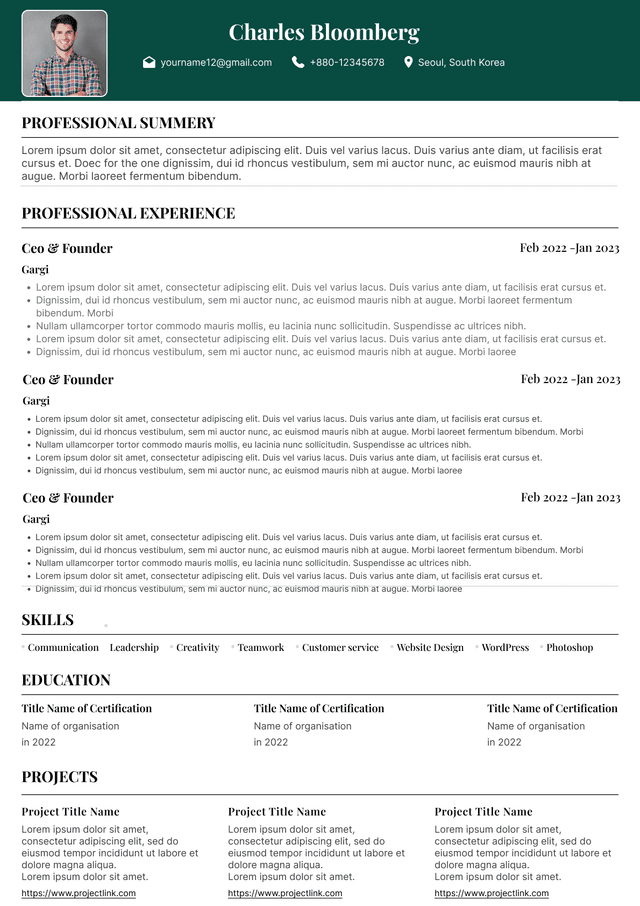
For most IT professionals in Canada, the best resume format is reverse chronological. That means your most recent experience appears first, followed by earlier roles. This works well because recruiters and hiring managers care heavily about recency in technology.
A certification from eight years ago is useful. A cloud migration from last year is stronger. A programming language you used daily in your current job matters more than a tool you touched briefly in a course.
Your Canadian IT resume should usually include these sections:
Name and contact information
Targeted professional summary
Technical skills
Professional experience
Projects, if relevant
Certifications
Your summary should not be a life story. It should quickly position you for the type of IT role you want.
Most weak summaries sound like this:
Weak Example
“Hardworking and motivated IT professional with excellent communication skills, strong problem-solving ability, and passion for technology. Able to work independently or as part of a team.”
This does almost nothing. It could belong to a help desk analyst, developer, network technician, business analyst, cybersecurity student, or someone applying for an internship. It is polite, but it is not useful.
A stronger summary is specific.
Good Example
“IT Support Specialist with experience supporting Microsoft 365, Windows environments, Active Directory, ServiceNow ticketing, hardware troubleshooting, and user access management across multi-site business environments. Known for reducing repeat support issues through clear documentation, root-cause troubleshooting, and practical communication with non-technical users.”
This summary gives me role fit, technical context, environment, tools, and practical value. It also sounds like a real person who has done the work.
For software development, it may look like this:
Good Example
“Full Stack Developer with experience building and maintaining web applications using React, Node.js, TypeScript, REST APIs, SQL, and cloud-based deployment workflows. Strong focus on clean code, performance improvement, debugging, and working with product teams to translate business requirements into reliable technical solutions.”
For cybersecurity:
Good Example
“Cybersecurity Analyst with experience in vulnerability assessment, SIEM monitoring, incident triage, access control reviews, phishing investigation, and security documentation. Comfortable working with technical teams and business stakeholders to identify risk, improve controls, and support compliance-focused security practices.”
Recruiters do not read resumes like novels. They scan, compare, question, and filter. That sounds harsh, but it is reality. A recruiter may be reviewing dozens or hundreds of resumes for one IT role, especially for remote, hybrid, entry-level, or popular technology jobs.
When I screen an IT resume, I am usually looking for quick answers:
Does this person match the job title or role family?
Do they have the required technologies?
Have they used those technologies in real work or only listed them as skills?
Is their experience recent enough?
Do their responsibilities match the level of the role?
Are they too junior, too senior, or properly aligned?
Applicant tracking systems are part of Canadian hiring, especially with medium and large employers, public sector organizations, banks, insurance companies, telecom companies, universities, healthcare employers, consulting firms, and tech companies.
But let’s be realistic. The ATS is not the only problem. Candidates often blame the ATS when the real issue is weak targeting, unclear experience, or poor keyword alignment.
An ATS friendly IT resume should use standard formatting and role-specific language.
Use:
Clear section headings such as Professional Experience, Technical Skills, Education, and Certifications
Standard job titles where possible
Keywords from the job posting, used naturally
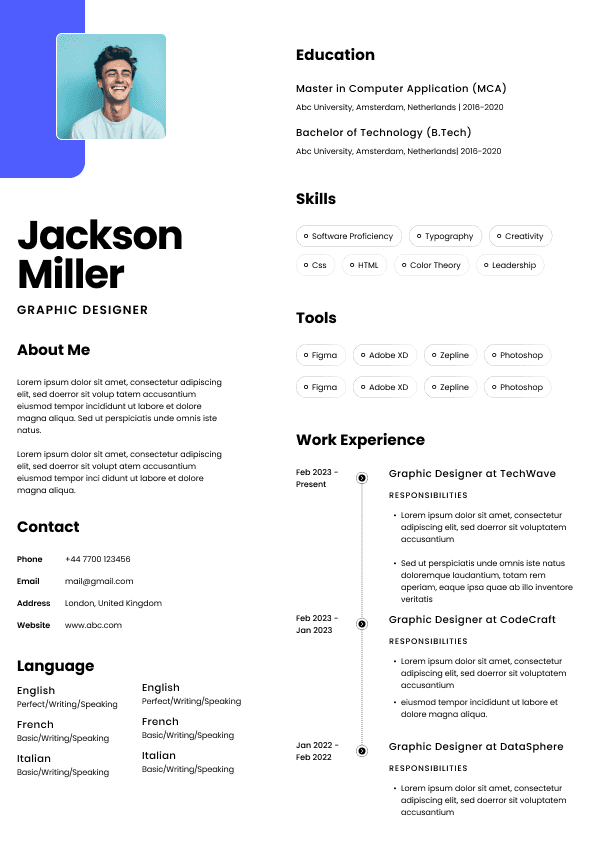
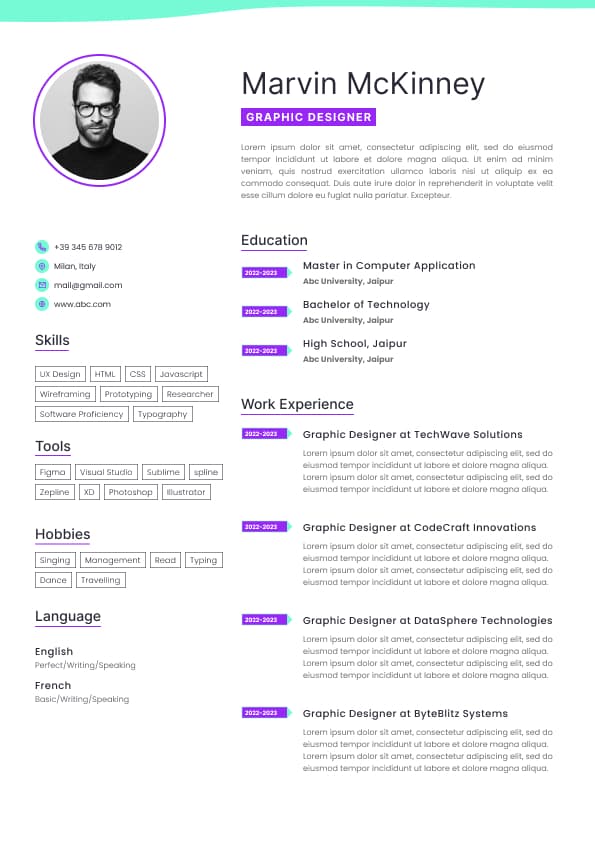
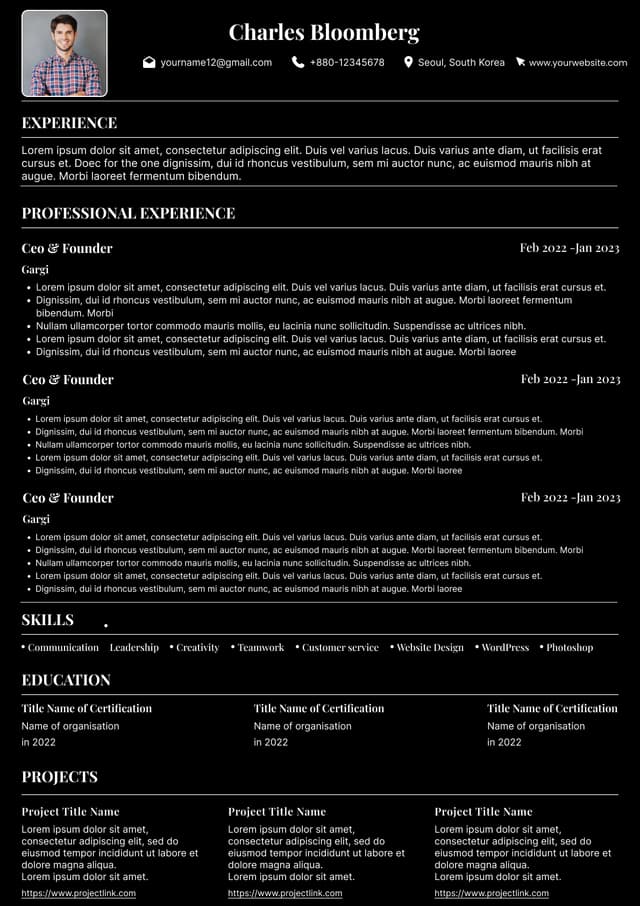
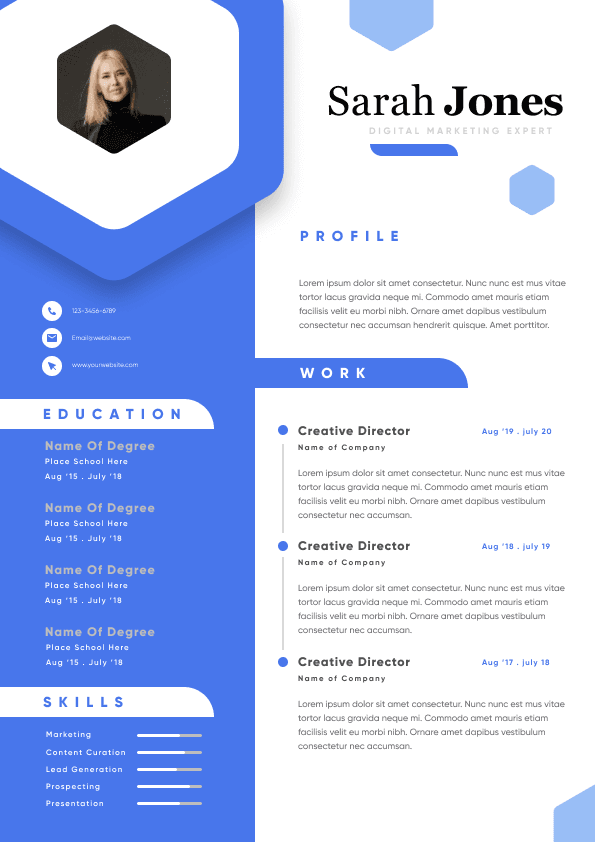
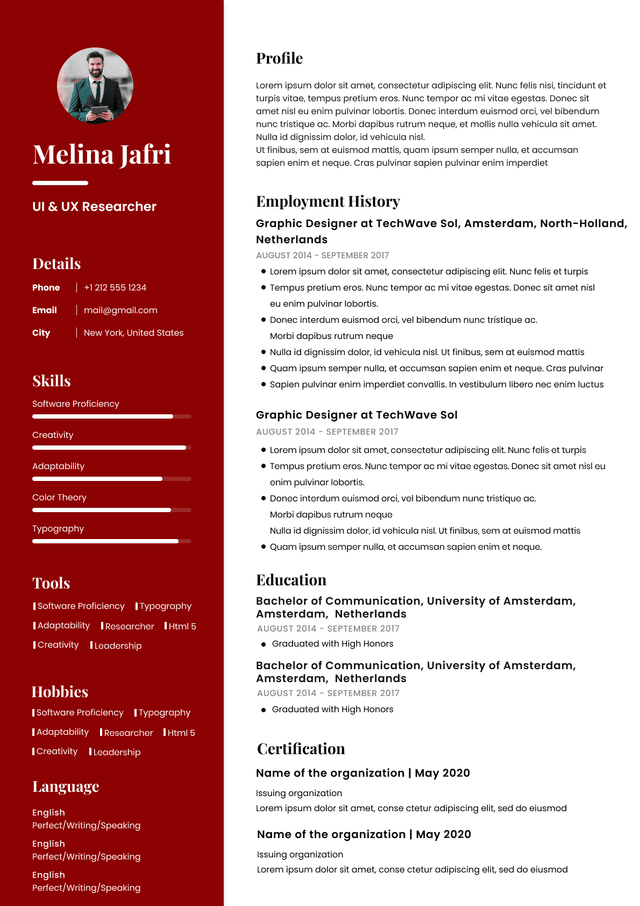
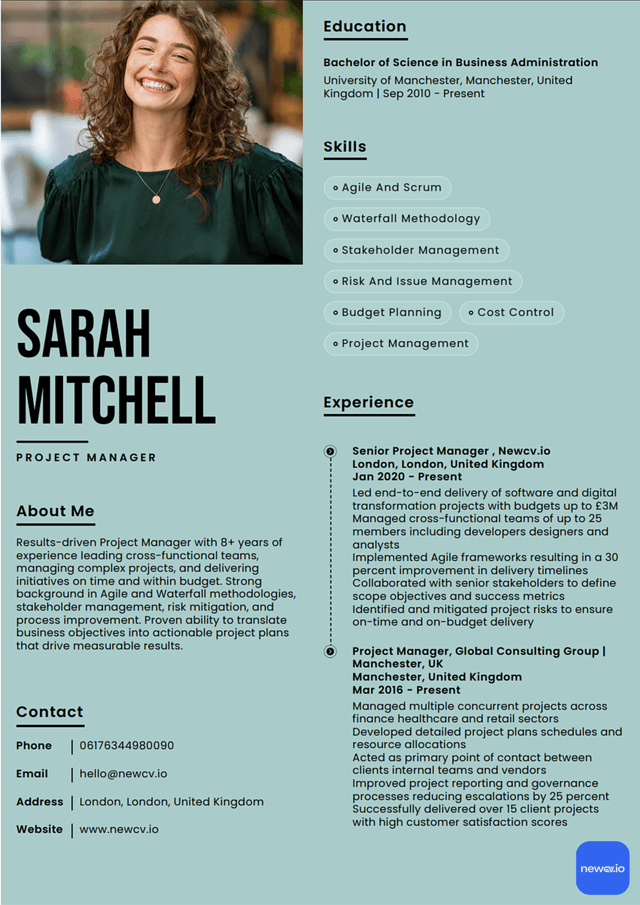
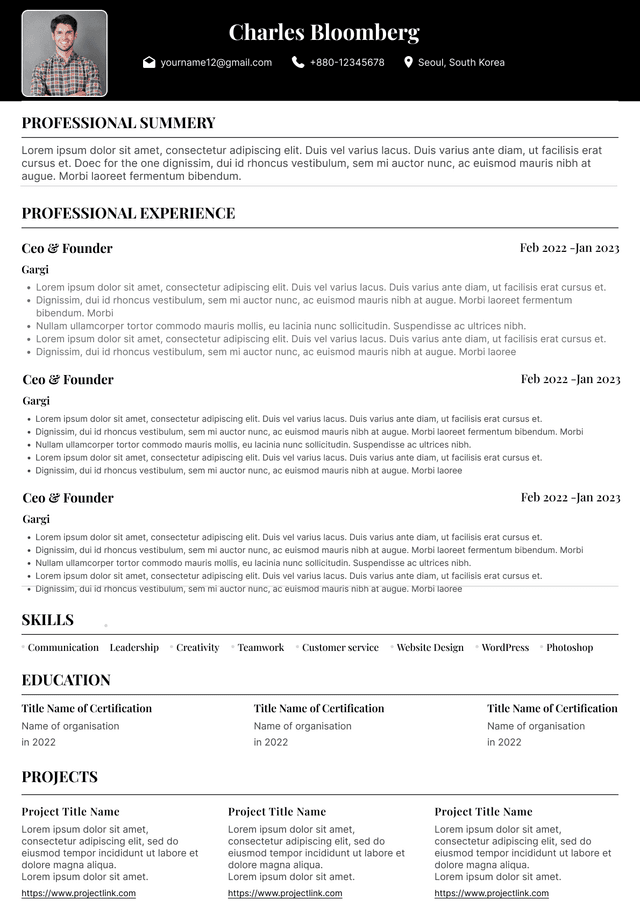
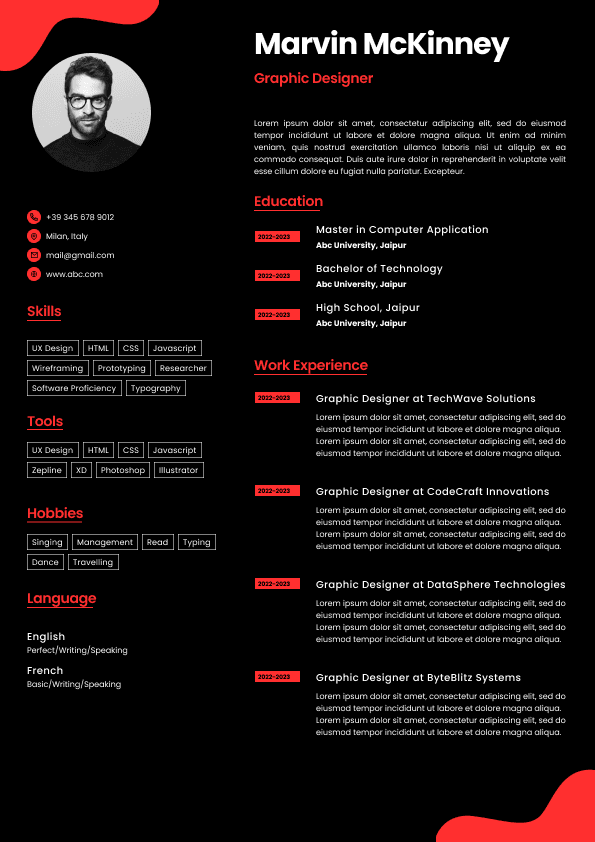
Simple formatting without tables, icons, text boxes, or graphics
Word or PDF format, depending on the employer’s instructions
Hiring managers are not impressed by long technology lists unless those technologies connect to real outcomes.
They want to know whether you can do the work in their environment.
For IT support, they look for:
Ticket volume and types of issues handled
Tools such as ServiceNow, Jira, Zendesk, Microsoft 365, Active Directory, Intune, or SCCM
User support skills across remote, hybrid, or office environments
Troubleshooting process
Escalation judgement
Documentation habits
Communication with non-technical users
Your work experience section is where your resume either becomes convincing or collapses into a task list.
Many IT resumes read like job descriptions:
Responsible for troubleshooting issues
Worked with software applications
Supported users
Participated in projects
Maintained systems
This is too passive. It tells me what the job involved, not what you actually did well.
A stronger IT resume shows ownership, context, tools, and results.
Use this simple framework:
What system, tool, product, platform, or environment did you work with?
The most common IT resume mistakes are not always obvious. Many candidates think their resume is fine because it includes the right tools. But hiring is not just about tool matching. It is about confidence.
Here are the mistakes that quietly cost interviews.
A long skills list can look impressive at first glance, but it often creates doubt. If you list too many tools without evidence in your experience section, the reader may wonder which ones you actually know.
Better: list your strongest and most relevant tools, then prove them in your work experience.
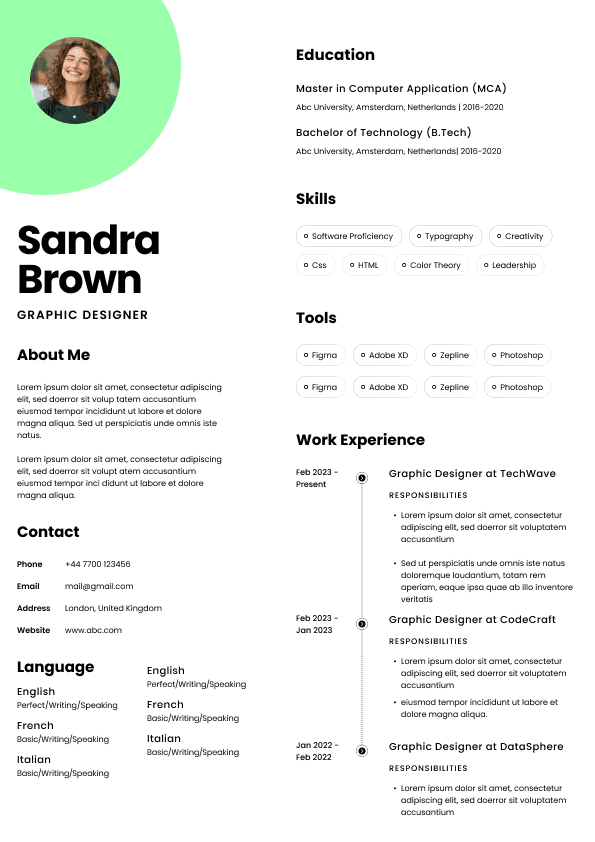
Some resumes include photos, personal data, passport details, marital status, or long objective statements. That may be normal in some countries, but it is not appropriate for most Canadian applications.
Better: keep the resume professional, skills-focused, and relevant to the role.
This may annoy some technical candidates, but it is true. Your resume needs to be understandable to a recruiter before it reaches a technical manager. If the recruiter cannot understand your fit, you may never get to the technical stage.
Better: write technical content clearly enough that a recruiter can identify role fit, while still giving enough detail for the hiring manager.
These examples are not full resume templates. They show how to position different IT profiles more effectively for Canadian employers.
Weak Example
“IT professional with experience in troubleshooting, customer service, and computer systems.”
This is too broad. It does not tell the recruiter what environments, tools, or support level the candidate has handled.
Good Example
“IT Support Specialist with experience resolving Tier 1 and Tier 2 technical issues across Microsoft 365, Windows, Active Directory, VPN, printers, mobile devices, and business applications. Skilled at ticket documentation, user communication, access management, and identifying repeat issues that require escalation or process improvement.”
This works because it gives level, tools, scope, and behaviour.
Strong bullet examples:
Resolved daily hardware, software, Microsoft 365, VPN, and access-related support tickets for employees across office and remote work environments
Managed user account setup, password resets, permissions, and group access in Active Directory while following internal security procedures
Most IT resumes in Canada should be two pages. One page can work for students, recent graduates, entry-level candidates, or people with limited experience. Three pages may be acceptable for senior IT leaders, architects, consultants, or professionals with complex project histories, but only if every page earns its place.
The problem is not length by itself. The problem is wasted space.
A two-page IT resume is usually enough to show your summary, skills, experience, certifications, and education. If you need three pages, make sure the third page is not just old responsibilities, outdated tools, or early-career jobs that no longer support your target role.
Recruiters care most about recent and relevant experience. A systems administrator role from last year deserves more detail than a junior technician job from fifteen years ago. Your resume should reflect that.
A practical structure:
Page one should show your target role, technical skills, strongest recent experience, and most relevant proof
Page two should support that positioning with additional experience, certifications, education, and projects
Older or less relevant roles should be shortened
Do not treat every job equally. Your resume is not an archive. It is a selection document.
Certifications can help IT resumes in Canada, especially when they are relevant to the role. But certifications do not replace experience. They support your positioning.
Useful IT certifications may include:
CompTIA A+, Network+, Security+
Cisco CCNA
Microsoft Azure certifications
AWS certifications
Google Cloud certifications
ITIL Foundation
CISSP, CISM, or other security certifications for senior security roles
Tailoring does not mean rewriting your entire resume every time. It means adjusting the parts that influence screening most.
Before applying, compare your resume to the job posting and look for:
Required technologies
Preferred technologies
Role level
Industry context
Support model, development environment, or infrastructure type
Security, compliance, documentation, or stakeholder expectations
Soft skills that are actually job behaviours, such as communication, ownership, collaboration, and troubleshooting
Then adjust your resume in these areas:
Here is the blunt version.
What works:
Clear target role
Strong technical skills section
Resume summary tied to the job
Recent experience with relevant tools and outcomes
Simple ATS friendly formatting
Specific bullets showing action and context
Certifications that support the role
Canadian-style professionalism without unnecessary personal details
Before sending your IT resume to a Canadian employer, check it like a recruiter would.
Is the target IT role clear within the first few seconds?
Does the summary explain your technical identity and work context?
Are your strongest technologies easy to find?
Does your experience prove the skills listed at the top?
Are your bullets specific enough to show real work?
Did you remove photos, personal details, and unnecessary information?
Is the formatting simple enough for ATS parsing?
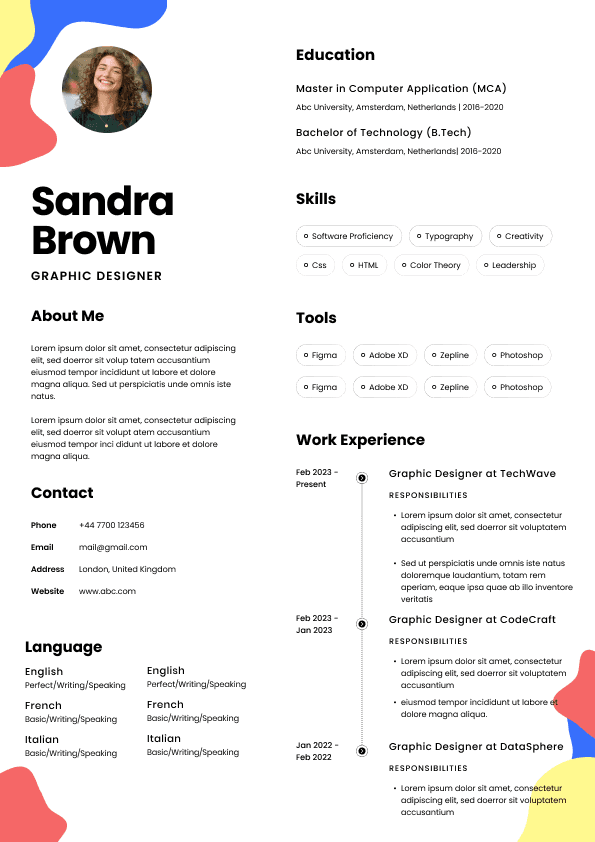
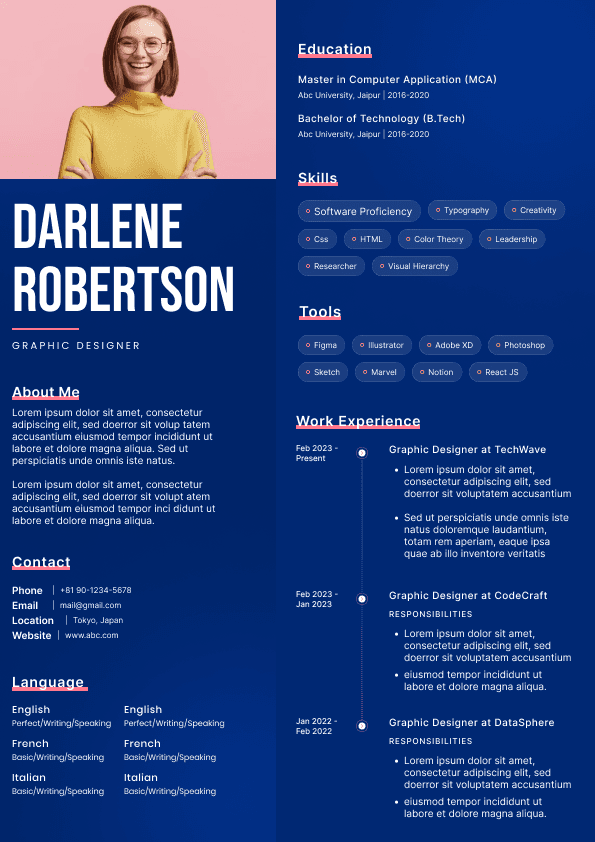
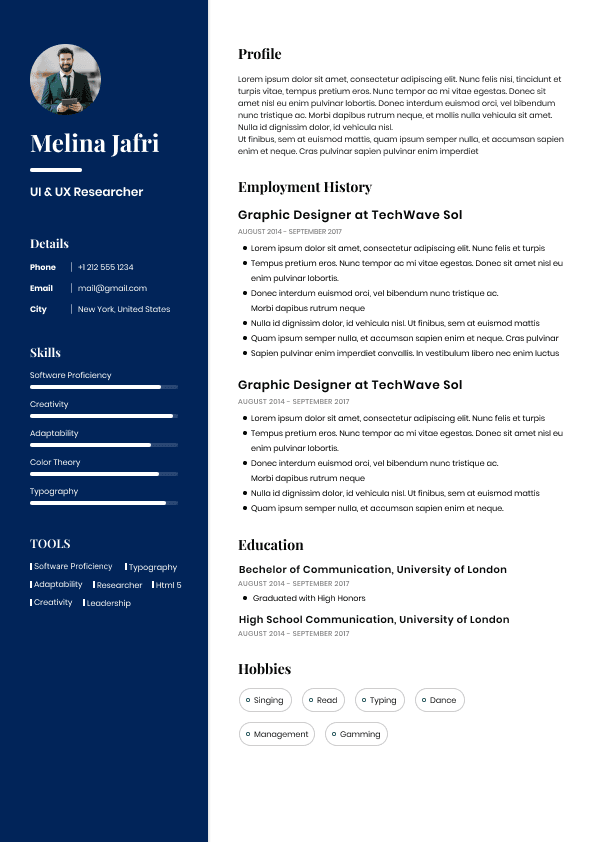
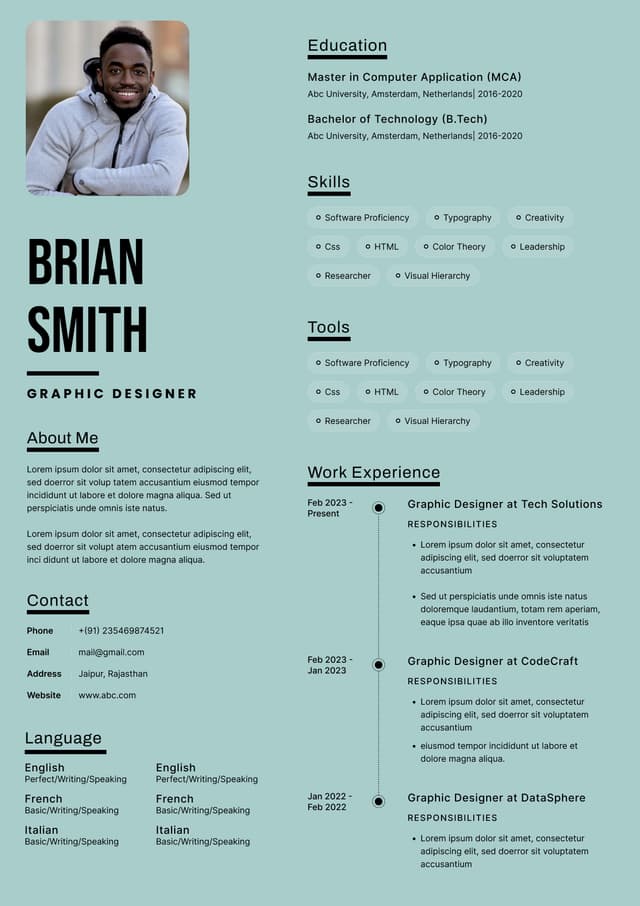
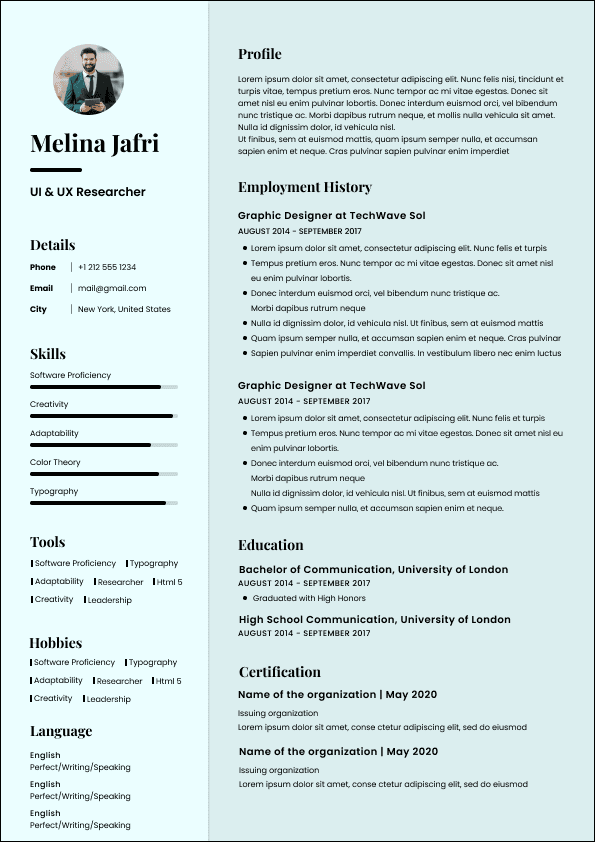
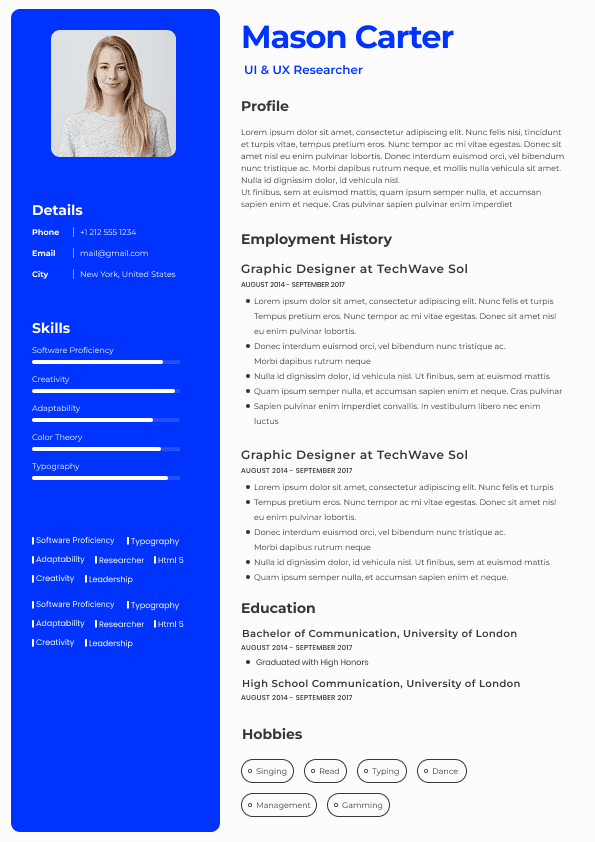
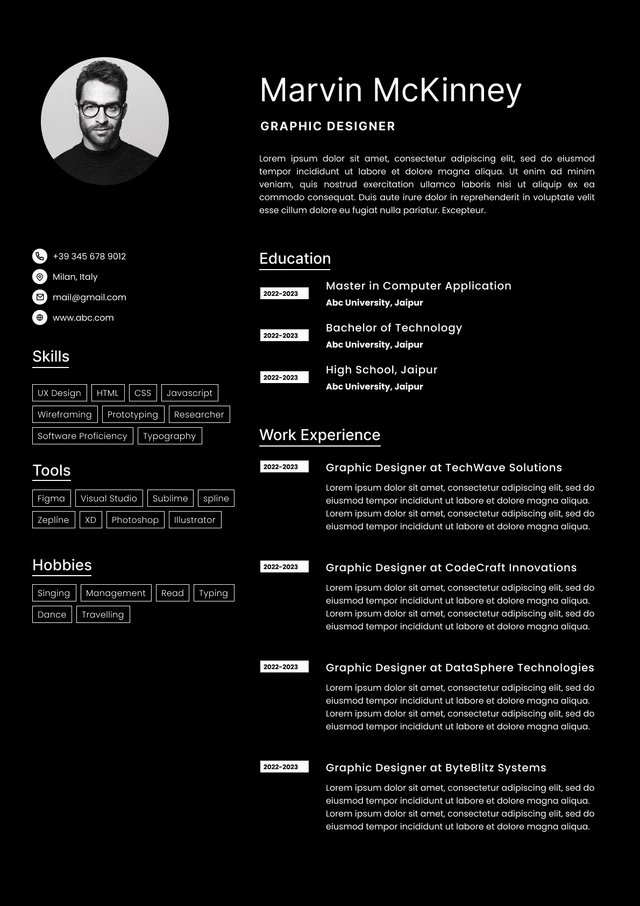
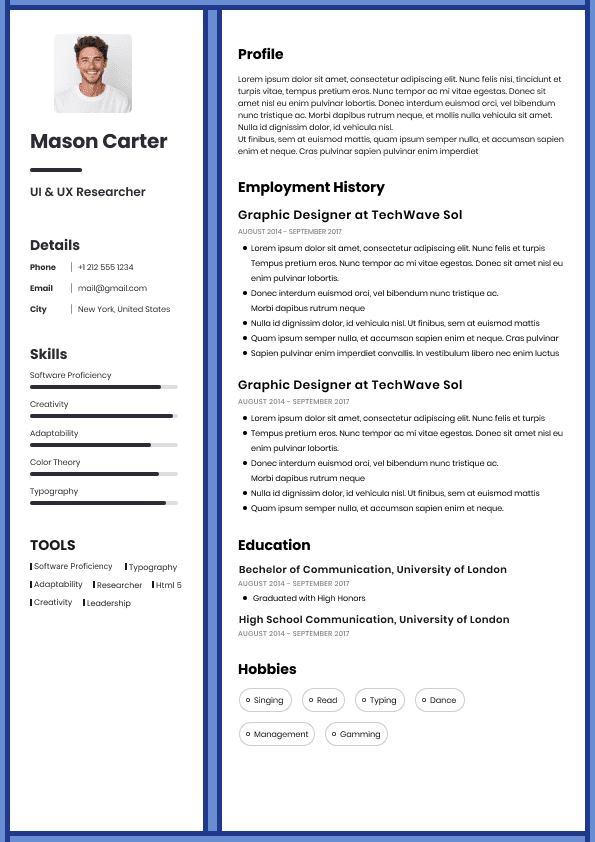
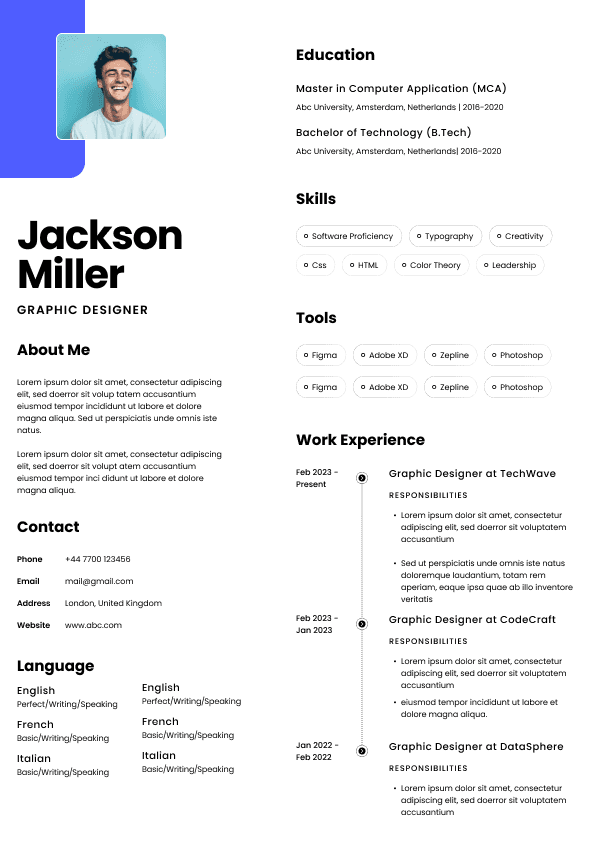
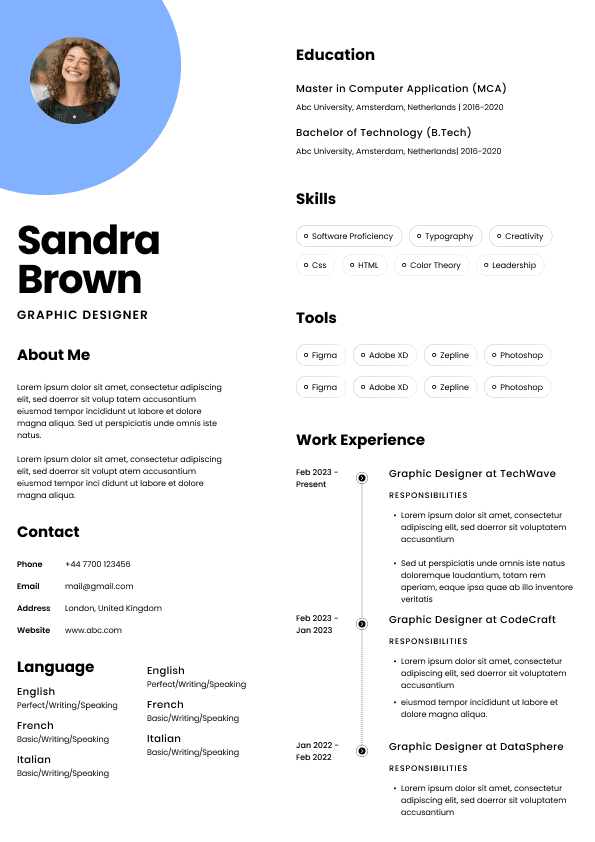
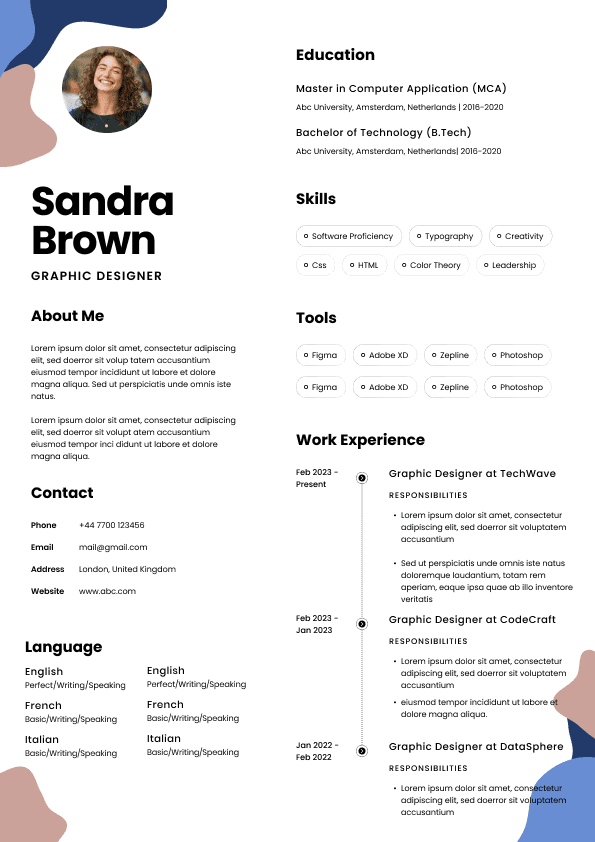
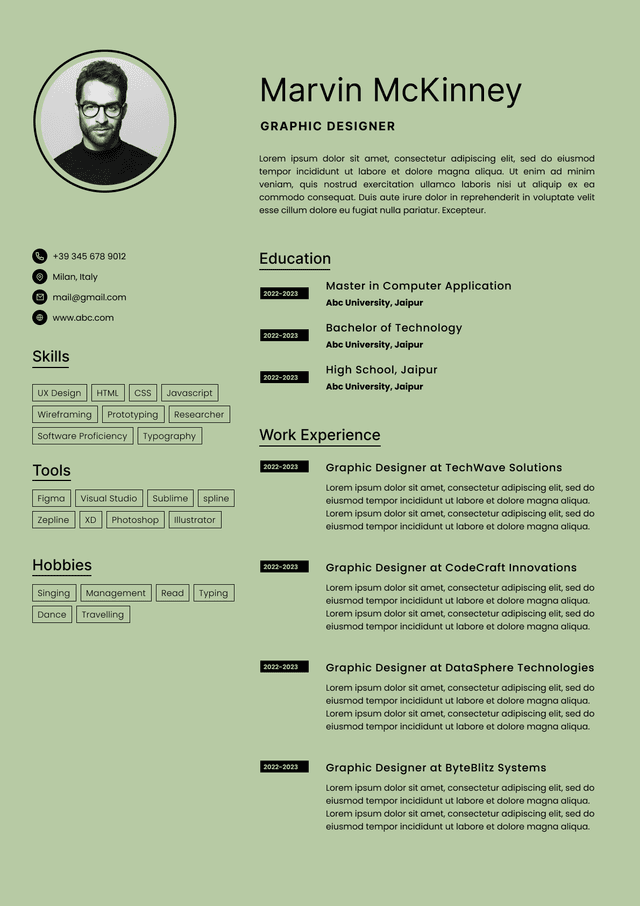
Choose from a wide range of NEWCV resume templates and customize your NEWCV design with a single click.

Use ATS-optimised Resume and resume templates that pass applicant tracking systems. Our Resume builder helps recruiters read, scan, and shortlist your Resume faster.

Use professional field-tested resume templates that follow the exact Resume rules employers look for.
Create Resume
Use professional field-tested resume templates that follow the exact Resume rules employers look for.
Create ResumeThe business problems you have solved
Your certifications, tools, systems, and methodologies
Your impact on uptime, delivery, security, automation, cost, user support, scalability, or performance
Your fit for Canadian workplace expectations around communication, collaboration, documentation, and ownership
The resume should not make the reader guess whether you are applying for software development, IT support, cybersecurity, cloud infrastructure, DevOps, data analysis, business systems, or project-based technology work.
This is where many candidates lose interviews. Not because they are unqualified, but because their resume creates too much work for the reader. And in recruitment, when the resume creates too much work, the candidate usually does not move forward.
The practical outcome is simple: your resume should help you get shortlisted for interviews.
Not admired. Not decorated. Not stuffed with every technology you have touched since 2014. Shortlisted.
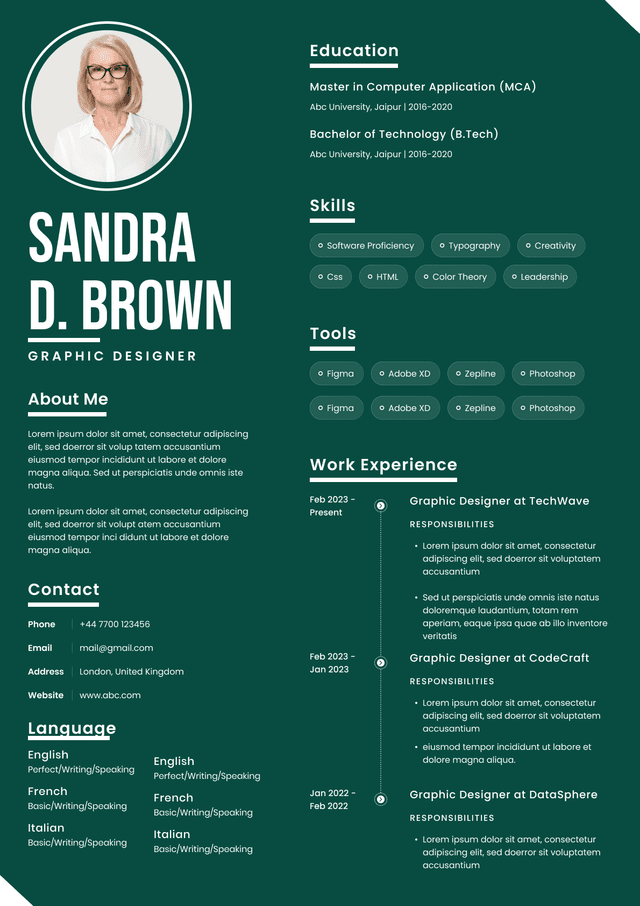
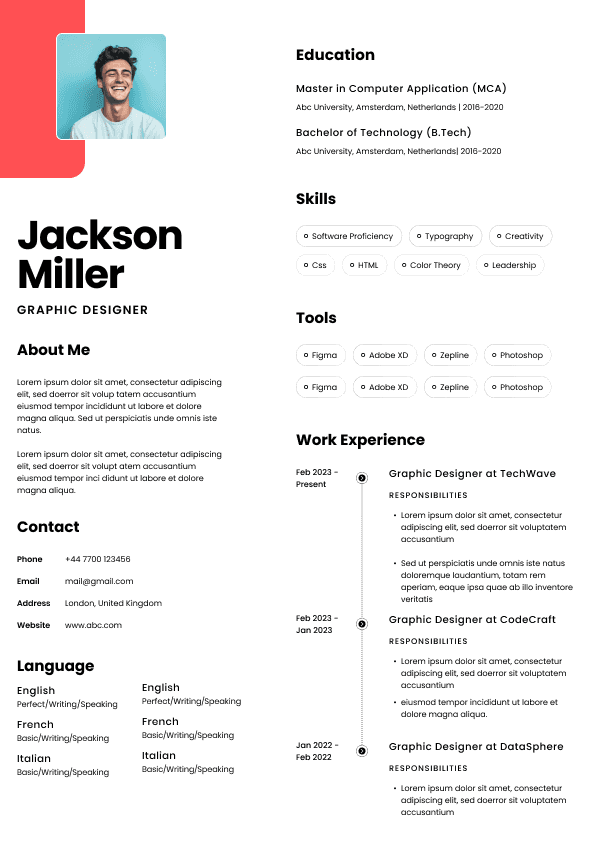
A Canadian IT resume should be clear, direct, evidence based, and relevant to the role. It should not include a photo, personal details, marital status, date of birth, nationality, or a long personal statement. Those details do not help hiring decisions in Canada, and in many cases they make the resume look outdated or unfamiliar with local hiring norms.
Education
Additional technical training, if useful
For IT roles, I usually prefer a technical skills section near the top. Not because I want a giant keyword dump, but because IT hiring often involves quick technical matching. If the employer needs Azure, Linux, Python, ServiceNow, Kubernetes, Microsoft 365, SQL, or Cisco experience, they should not have to hunt through four pages to find it.
But the skills section should be controlled. A bloated skills section can hurt you. When I see a resume listing 60 tools, I do not assume the candidate is brilliant. I assume the candidate may be keyword stuffing or unable to separate strong experience from light exposure.
A better approach is to group skills by category.
Example
Technical Skills
Cloud and Infrastructure: Microsoft Azure, AWS, VMware, Windows Server, Linux
Networking: TCP/IP, DNS, DHCP, VPN, firewalls, Cisco switches
Security: Microsoft Defender, vulnerability management, access control, incident response
Tools: ServiceNow, Jira, Git, PowerShell, Docker
Databases: SQL Server, MySQL
Methods: Agile, ITIL, change management, documentation
This format helps both ATS screening and human review. It also shows judgement. And judgement matters more than candidates realize.
The summary should answer one question: why does this candidate make sense for this role?
If it does not answer that, rewrite it.
Do they show impact, ownership, and problem solving?
Is the resume clear enough to send to the hiring manager without embarrassment?
That last one matters more than people think. Recruiters often act as a bridge between candidates and hiring managers. If your resume is confusing, vague, overloaded, or poorly structured, the recruiter has to work harder to explain you. Some will. Many will not.
A common hiring reality: recruiters are more likely to shortlist a clearly relevant candidate than a potentially brilliant but poorly positioned one.
That does not mean the best candidate always wins. It means the clearest relevant candidate often gets the interview.
Consistent dates, job titles, company names, and locations
Technology names written clearly, not hidden inside vague sentences
Avoid:
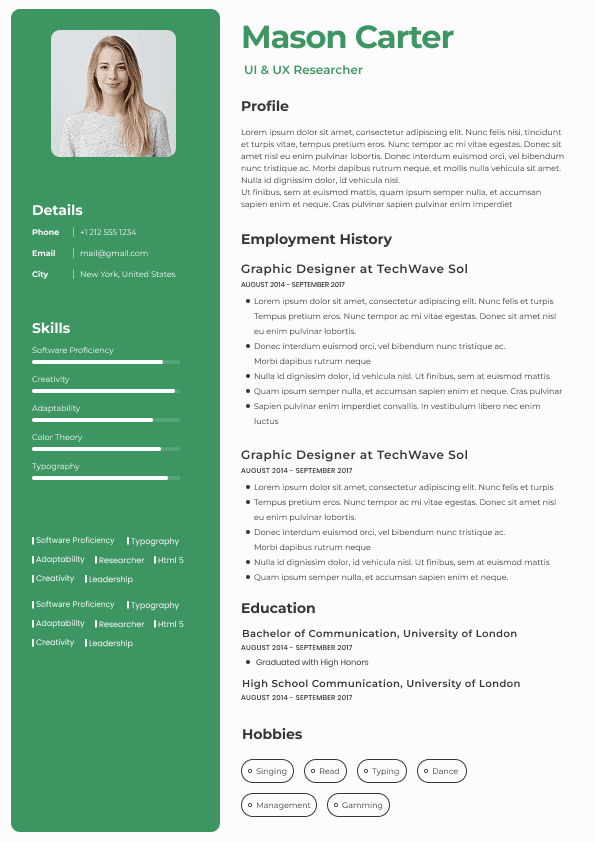
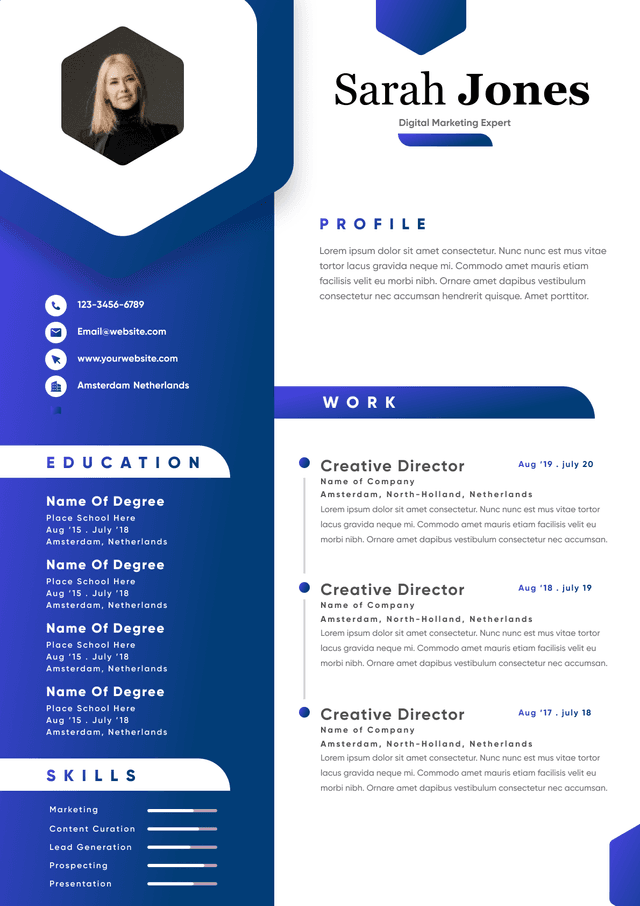
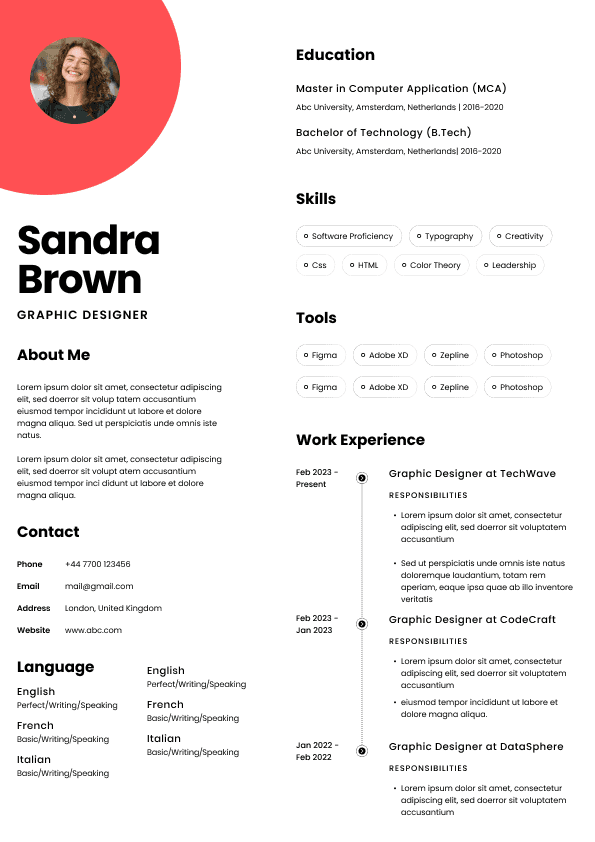
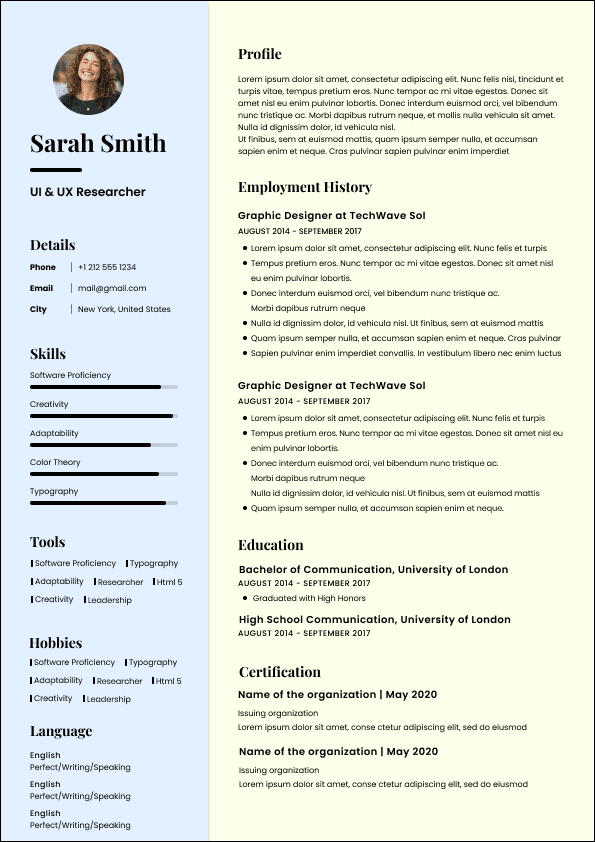
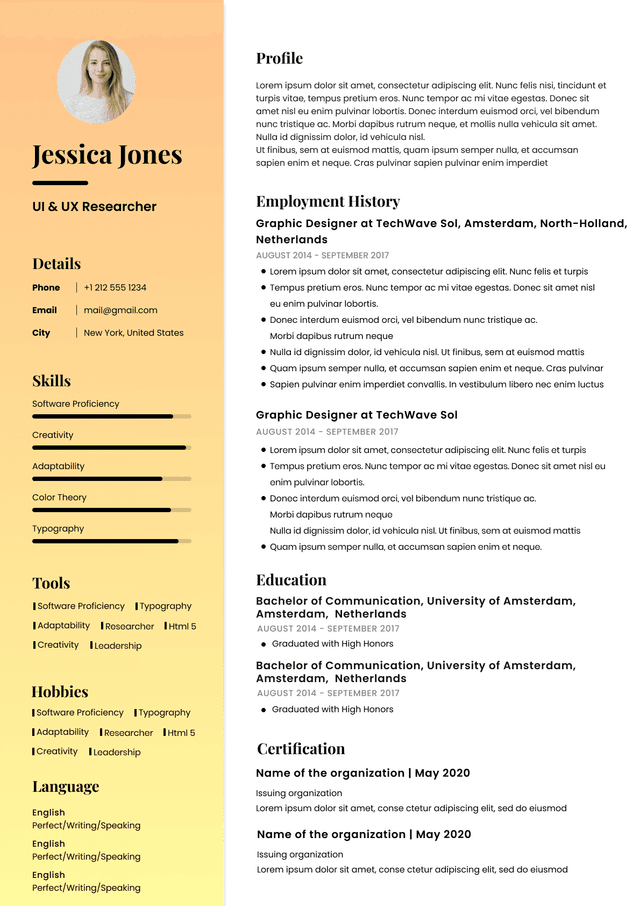
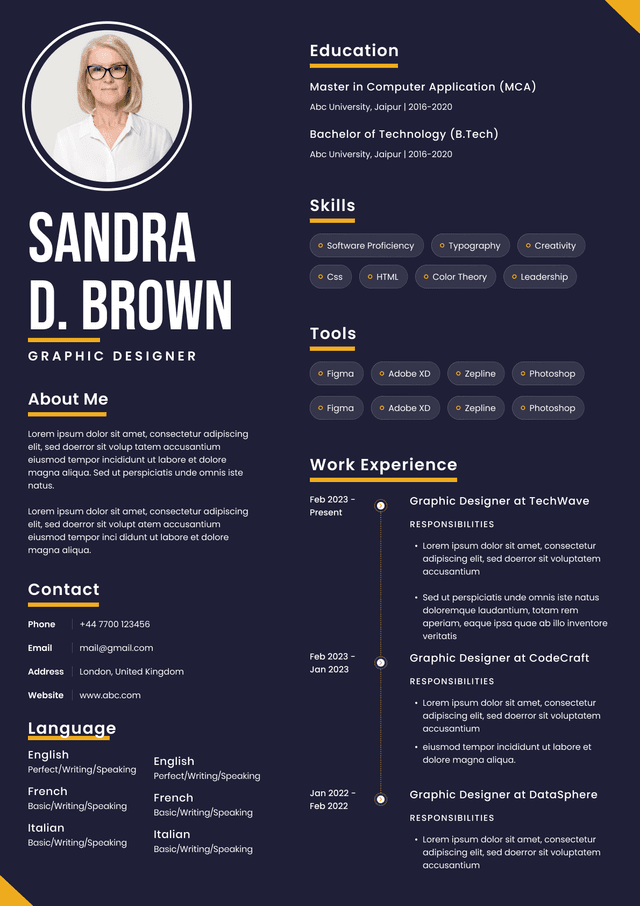
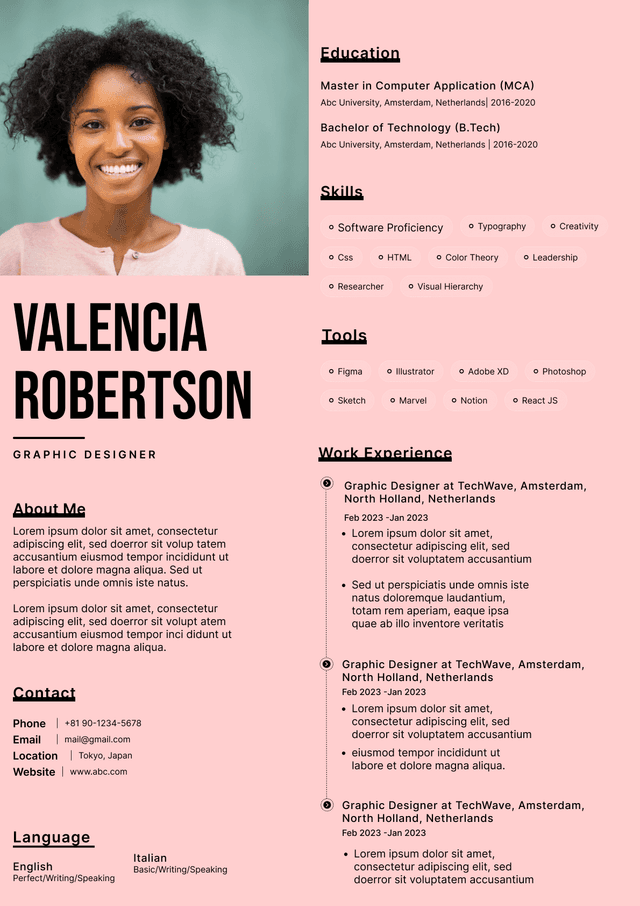
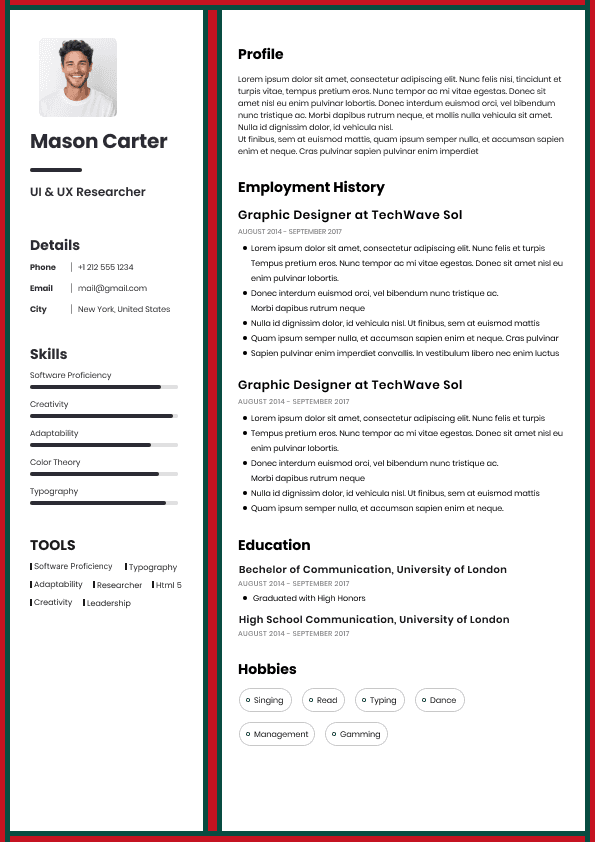
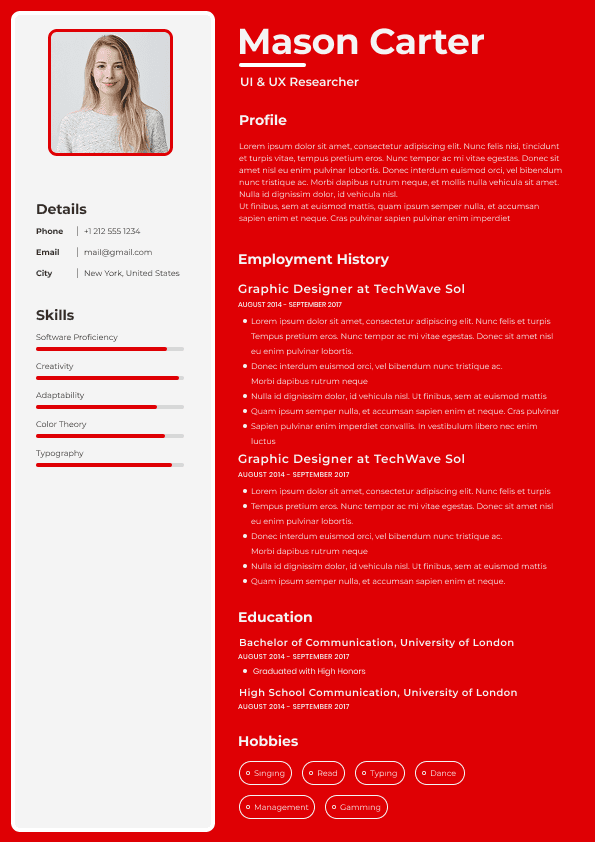
Fancy resume templates with columns that confuse parsing
Skill bars or rating graphics
Icons instead of words
Photos or personal details
Overdesigned layouts
Keyword stuffing
Acronyms without full context when needed
Hiding important technologies only in project descriptions
For IT resumes, keywords matter because they connect your background to the employer’s requirements. But keywords alone are not enough. A resume that says “Azure, AWS, Kubernetes, Docker, Terraform, Python, Linux, DevOps, CI/CD” without showing where and how those skills were used will feel thin.
The better approach is to combine keywords with evidence.
Weak Example
“Worked with Azure and improved systems.”
Good Example
“Supported Azure-based infrastructure by monitoring virtual machines, managing access permissions, troubleshooting performance issues, and documenting recurring incidents to improve resolution consistency.”
The good version gives the reader context. It tells me the candidate did not just see Azure in a training video. They worked in an environment where Azure mattered.
For software development, they look for:
Languages, frameworks, and architecture exposure
Type of applications built or maintained
Code quality, testing, debugging, and deployment experience
Collaboration with product, QA, UX, or business teams
Performance, scalability, security, or maintainability improvements
Version control and CI/CD experience
For cybersecurity, they look for:
Security tools and monitoring experience
Incident response involvement
Risk assessment and vulnerability management
Identity and access management
Compliance exposure
Security documentation
Ability to explain risk without sounding dramatic or vague
For cloud and infrastructure roles, they look for:
Platforms such as Azure, AWS, or Google Cloud
Migration, administration, automation, monitoring, and cost awareness
Networking and security fundamentals
Scripting or infrastructure as code
Reliability, uptime, backup, disaster recovery, and change control experience
For data and business systems roles, they look for:
SQL, BI tools, dashboards, reporting, data quality, and stakeholder requirements
Business process understanding
Ability to translate messy requests into usable data outputs
Documentation and communication
Accuracy, validation, and decision support
The pattern is clear. Hiring managers want technical skill plus applied judgement. They do not want a resume that only says what tools you know. They want to understand what you can be trusted with.
What action did you take?
What problem did it solve?
What result, improvement, risk reduction, or business value came from it?
You do not need a number in every bullet. That is another piece of resume advice that gets repeated without enough judgement. Numbers are useful when they are real and meaningful. Fake metrics are painfully obvious.
Weak Example
“Helped with technical support.”
Good Example
“Resolved hardware, software, network, and Microsoft 365 support issues for employees across hybrid work environments, using ServiceNow to track incidents, document fixes, and escalate recurring problems.”
Weak Example
“Worked on cloud migration.”
Good Example
“Supported migration of on-premise services to Azure by assisting with user access setup, testing, documentation, and post-migration troubleshooting to reduce disruption for business users.”
Weak Example
“Developed applications using JavaScript.”
Good Example
“Built and maintained React and Node.js application features, improved API error handling, and collaborated with QA to reduce recurring production defects before release.”
Weak Example
“Monitored security alerts.”
Good Example
“Reviewed SIEM alerts, investigated suspicious login activity, escalated confirmed risks, and documented incident patterns to support faster triage and stronger access control reviews.”
Good IT resume bullets do not need to be dramatic. They need to be clear, credible, and relevant.
The opposite problem also happens. Some candidates simplify so much that their resume becomes empty.
Better: include enough technical detail to prove real capability.
A resume targeting help desk, cybersecurity, cloud support, systems administration, and business analyst roles will usually be too broad.
Better: create a core resume, then tailor the summary, skills, and top bullets for each role type.
If your strongest cloud project, certification, or technical achievement is buried on page three, many readers will never see it.
Better: bring the most relevant proof into the top half of the resume.
Responsibilities explain what you were assigned. Achievements explain what changed because of your work.
Better: include both, but make sure your bullets show contribution.
Documented recurring technical issues and step-by-step fixes to reduce repeat escalations and improve support consistency
Weak Example
“Software developer skilled in coding, testing, and web development.”
This says almost nothing. Coding in what? Testing what? Web development for what kind of product?
Good Example
“Software Developer with experience building and maintaining web applications using React, Node.js, TypeScript, REST APIs, SQL, Git, and cloud deployment workflows. Strong at debugging, improving application performance, translating business requirements into technical tasks, and collaborating with product and QA teams.”
Strong bullet examples:
Developed reusable React components and API integrations to improve application functionality and reduce duplicate front-end code
Improved backend error handling and logging in Node.js services, helping the team identify production issues faster
Collaborated with QA and product stakeholders to clarify requirements, fix defects, and support smoother release cycles
Weak Example
“Cybersecurity professional with knowledge of security tools and risk management.”
This is too vague. Cybersecurity hiring managers want to know what kind of security work you have actually touched.
Good Example
“Cybersecurity Analyst with experience monitoring security alerts, investigating suspicious activity, supporting vulnerability management, reviewing access controls, and documenting incident findings. Familiar with SIEM tools, phishing analysis, endpoint security, identity management, and risk-based escalation.”
Strong bullet examples:
Investigated suspicious login activity, phishing reports, and endpoint alerts, escalating confirmed risks according to internal incident response procedures
Assisted with vulnerability tracking by reviewing scan results, documenting remediation status, and coordinating follow-up with technical teams
Supported access control reviews by identifying inactive accounts, excessive permissions, and documentation gaps
Weak Example
“Cloud engineer with experience in AWS and Azure.”
This may match keywords, but it does not prove capability.
Good Example
“Cloud Engineer with experience supporting Azure and AWS environments, including virtual machines, storage, networking, access management, monitoring, backup, and deployment support. Skilled at troubleshooting cloud infrastructure issues, documenting changes, and collaborating with security and operations teams.”
Strong bullet examples:
Supported Azure virtual machines, storage resources, access permissions, and monitoring alerts to maintain reliable cloud infrastructure
Assisted with cloud migration activities including testing, documentation, user impact review, and post-migration troubleshooting
Used PowerShell scripts to automate routine administrative tasks and reduce manual infrastructure support work
PMP or Scrum certifications for IT project and delivery roles
Place certifications where they help most. If a certification is highly relevant to the role, include it near the top or in a dedicated section before education. If it is less central, place it lower.
For internationally educated candidates, Canadian employers may not always understand foreign institutions or qualifications. That does not mean your education lacks value. It means you may need to make it easier to understand.
You can write education clearly like this:
Education
Bachelor of Computer Science, University Name, Country
Credential evaluation available if applicable
Do not over-explain your education. The stronger move is to connect your education, certifications, and work experience to the Canadian role requirements.
For new immigrants and internationally experienced IT professionals, the bigger challenge is often not education. It is translating experience into language Canadian recruiters recognize. Avoid internal job titles, company-specific acronyms, and vague project descriptions that only make sense inside your previous employer.
Professional summary
Technical skills
Top work experience bullets
Project section
Certifications order
For example, if a job posting emphasizes Microsoft 365, Active Directory, Intune, and ServiceNow, do not bury those under a generic “technical skills” list. Move them into your summary and recent experience bullets if you genuinely used them.
If a software developer role emphasizes React, TypeScript, REST APIs, testing, and Agile collaboration, your resume should not lead with unrelated university coursework or old WordPress projects.
If a cybersecurity role emphasizes vulnerability management and incident response, do not only list security tools. Show investigation, triage, escalation, risk documentation, and remediation follow-up.
This is where candidates often misunderstand tailoring. They think tailoring is about copying keywords. It is not. Tailoring is about making the most relevant truth easier to see.
Evidence of communication, documentation, and collaboration
Honest technical positioning
What fails:
Generic summaries
Overdesigned templates
Long lists of unrelated technologies
Copying job posting keywords without proof
Writing duties instead of contributions
Hiding important tools in dense paragraphs
Including personal information not needed in Canada
Making every role sound the same
Using vague phrases like “worked on,” “helped with,” and “responsible for” without explaining the actual work
Sending the same resume to every IT job
A strong IT resume does not try to look impressive. It makes the hiring decision easier.
That is the part candidates often miss. Your resume is not only about you. It is about reducing uncertainty for the employer. The more clearly you show fit, proof, and relevance, the easier it becomes to move you forward.
Are certifications listed clearly?
Is your most relevant experience given the most space?
Does the resume match the job posting without sounding copied?
Would a recruiter understand your fit without needing a phone call first?
Would a hiring manager see enough technical proof to take you seriously?
The best IT resumes in Canada are not complicated. They are focused. They show the right technical details, in the right order, with enough proof to make the next step feel safe.
That is what gets interviews.

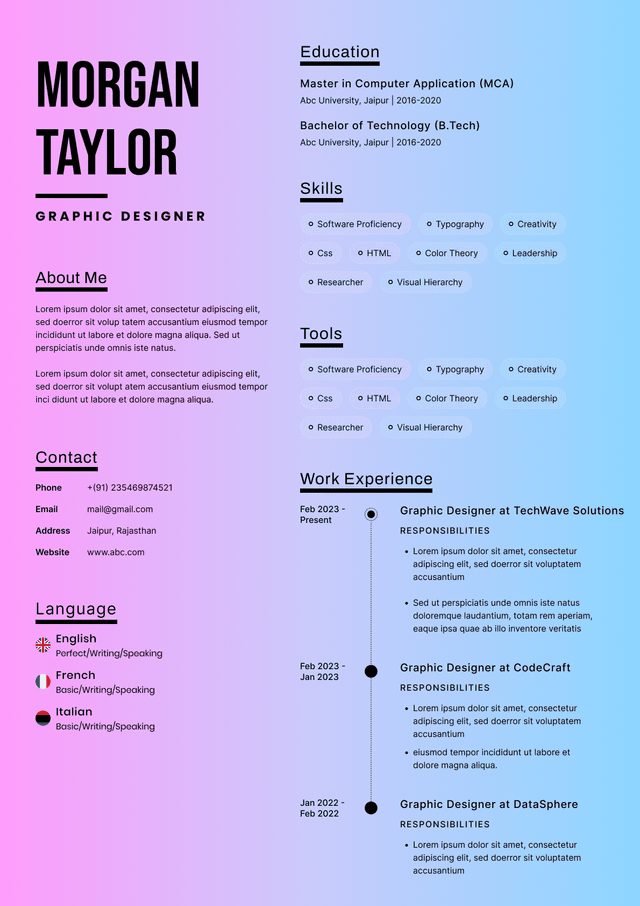
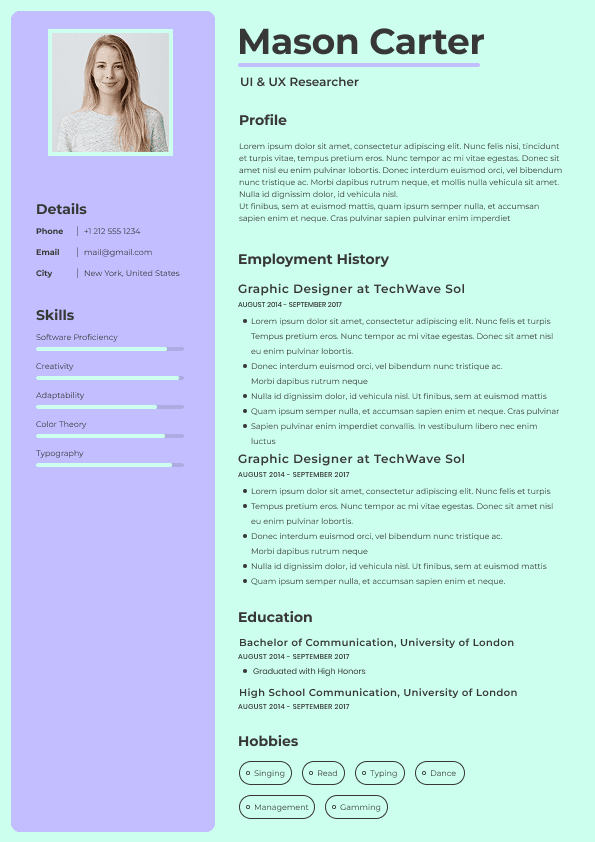
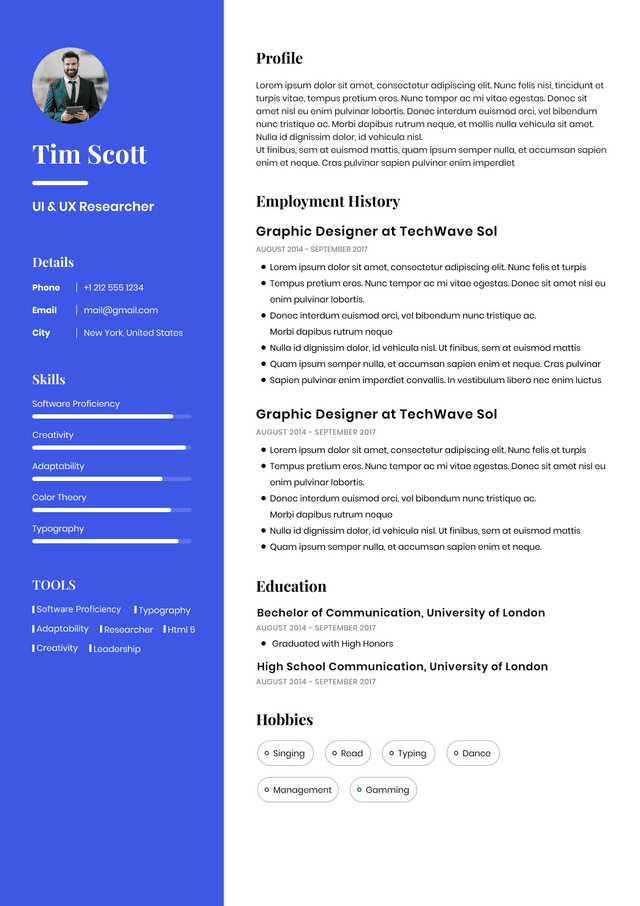
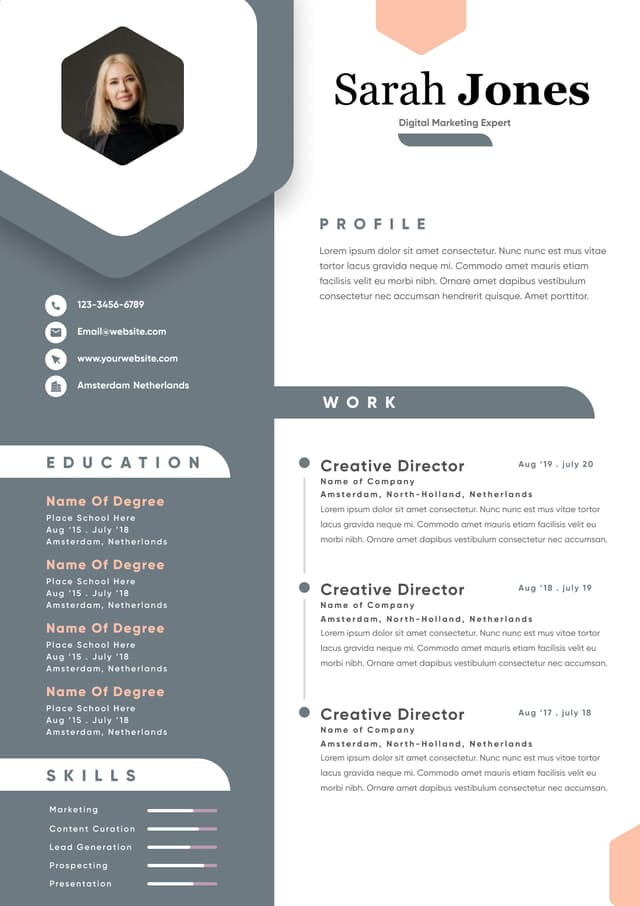


 Upload Resume
 Import from Linkedin