STILL APPLYING. STILL HEARING NOTHING?BUILD YOUR RESUME

STILL APPLYING. STILL HEARING NOTHING?BUILD YOUR RESUME
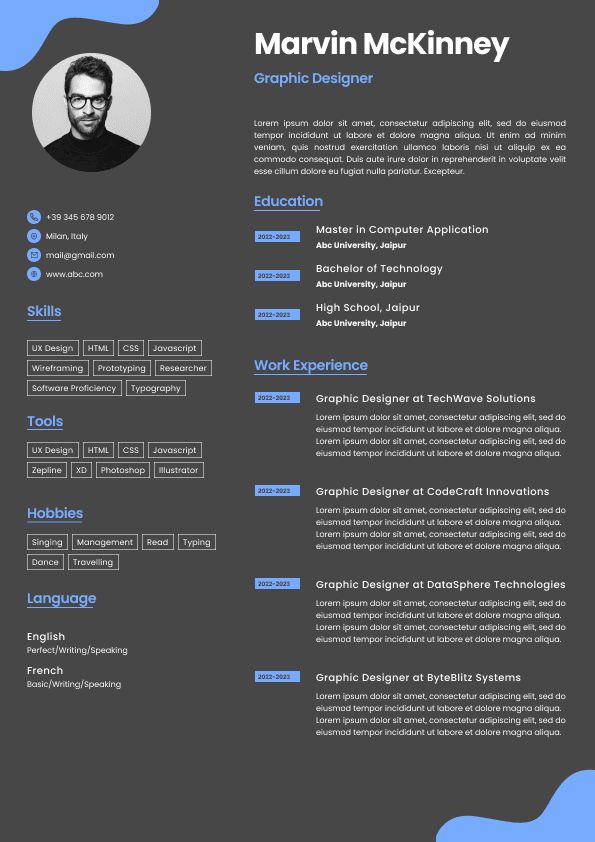
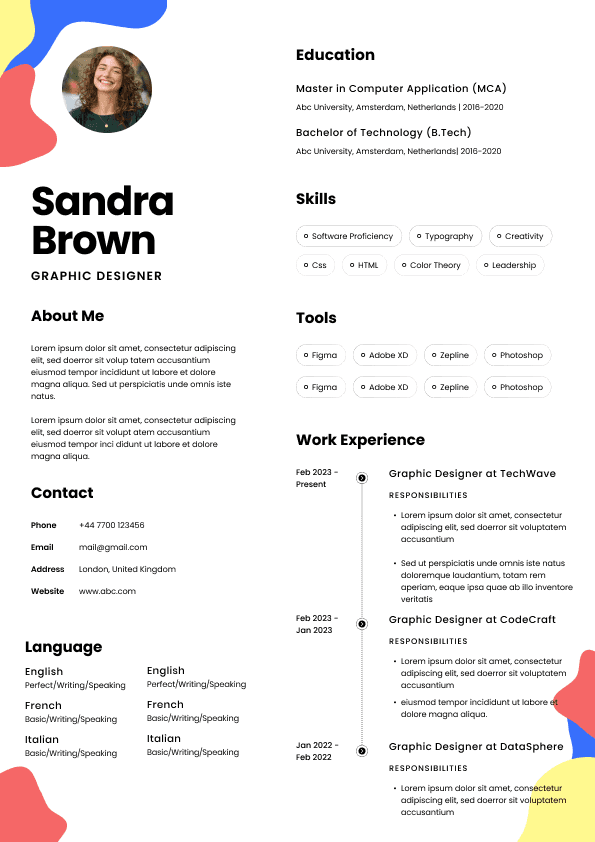
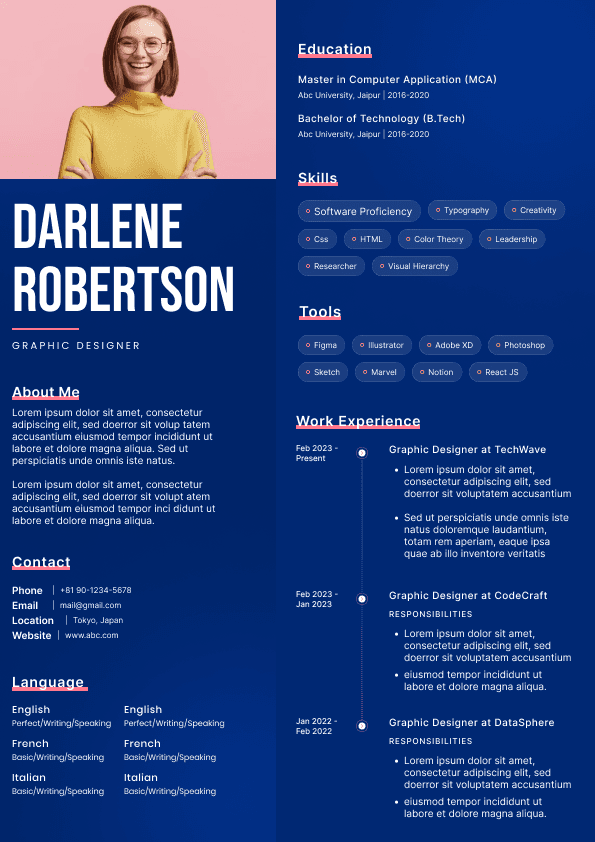
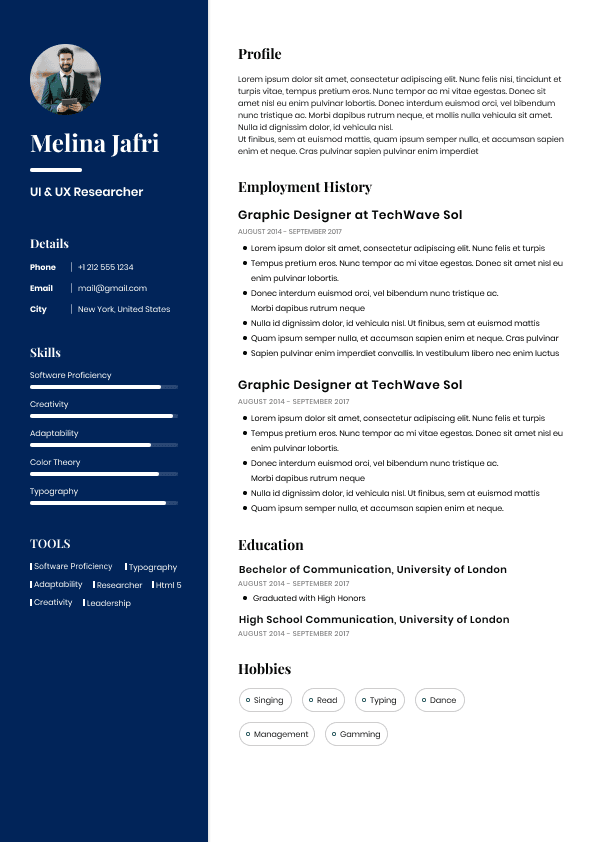
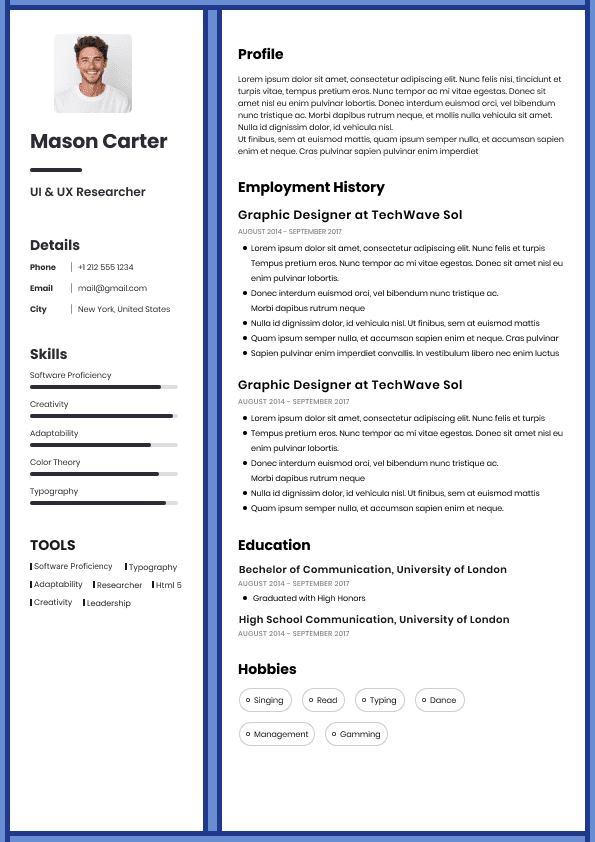
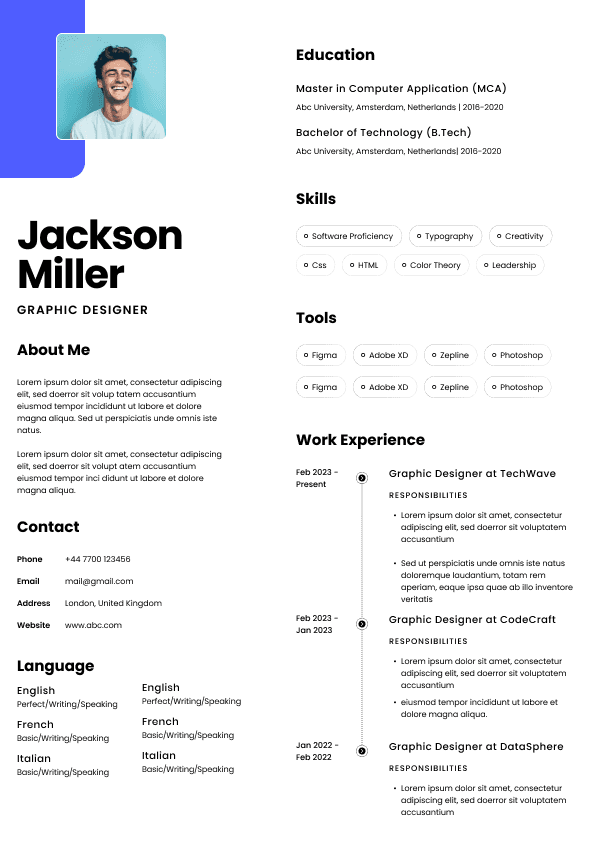
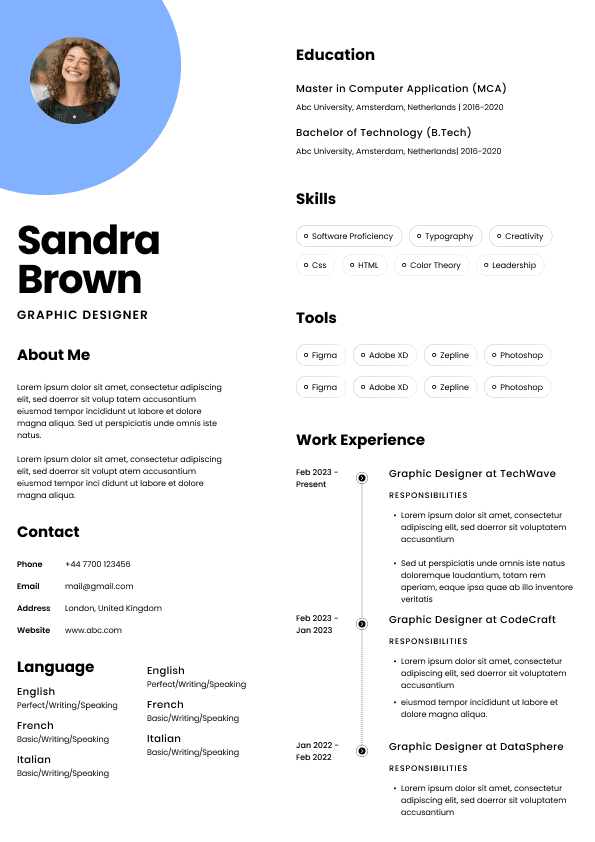
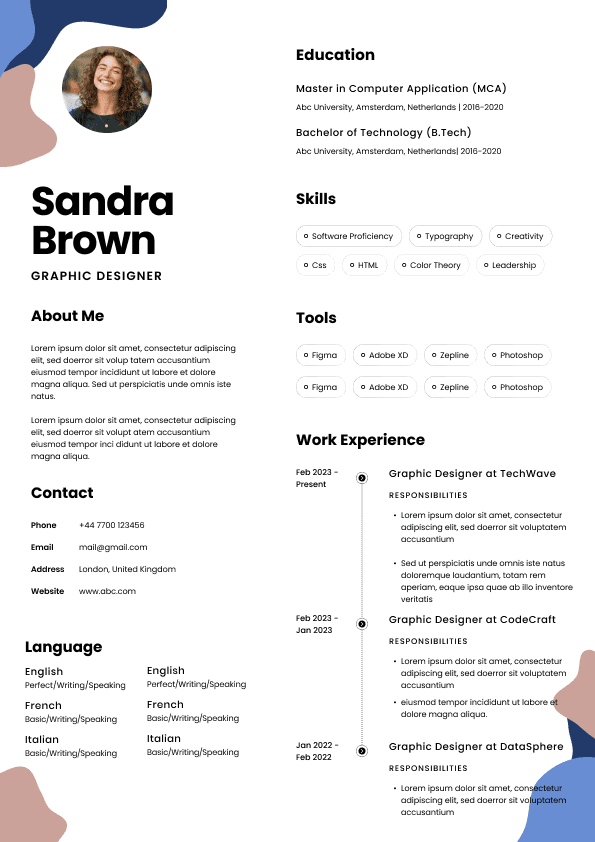
Choose from a wide range of NEWCV resume templates and customize your NEWCV design with a single click.
FAQ
When emailing your resume to a recruiter, hiring manager, referral contact, or professional connection in Canada, use a PDF unless they asked for Word.
Email is where PDF really shines. It looks polished, opens cleanly, and reduces the chance of formatting changes. It also feels more professional as an attachment.
There is another practical reason: people forward resumes internally. A recruiter may send your resume to a hiring manager. A hiring manager may share it with another decision maker. Someone may open it from Outlook, Gmail, a phone, or a browser preview. A PDF gives you the best chance of keeping the document consistent through that chain.
For email attachments, the file name matters too. This is one of the simplest things candidates get wrong.
Weak Example:
Resume Final Version New Updated 2026 copy.pdf
Good Example:
Simar Malhi Resume Talent Acquisition Manager.pdf
A professional resume file name should usually include your name and the word resume. If you are targeting a specific role, you can include the role title too.
Good file name patterns include:
Firstname Lastname Resume.pdf
Firstname Lastname Resume Job Title.pdf
For online job applications, check the upload instructions first. If the system accepts PDF and Word, I usually recommend uploading a clean, text based PDF. If the system recommends Word or says PDF is not accepted, use Word.
Many Canadian employers use applicant tracking systems that allow PDF uploads, but the quality of parsing can vary. After you upload your resume, some systems show a preview or ask you to confirm parsed details. Pay attention. If your work history, dates, job titles, or contact details are scrambled, that is a warning sign.
Do not rush through the application just because the upload succeeded. A resume can upload successfully and still parse badly.
If the ATS fills in your profile from your resume, check:
Your name
Your email address
Your phone number
Your location
Your job titles
For most Canadian job seekers, the best approach is to keep two versions of your resume ready:
A polished PDF version for most applications, referrals, networking, and emails
A clean Word version for recruiters, agencies, older systems, and employers that request editable files
Both versions should have the same content. Do not create one strong version and one neglected version. That is how mistakes happen. If you update your resume, update both files.
Your resume should also be built in a simple format before you export it. I usually prefer creating the resume in Word or Google Docs, then saving or exporting it as a PDF. This keeps the document easier to edit while allowing you to send a stable version.
Before sending any resume file, test it like a recruiter would:
Open it on your laptop
Open it on your phone
Check the PDF preview
The wrong way to think about this is “Which format do recruiters like?” Recruiters like resumes that are easy to read, easy to process, and easy to share. The file format is only part of that.
PDF works best when:
The resume is text based and ATS friendly
The formatting is clean and professional
You are emailing it directly
You are applying through a modern portal
You want to protect spacing, margins, and layout
You are sending it through a referral or networking contact
PDF fails when:
The biggest mistake is assuming file format will compensate for weak positioning. It will not. A PDF resume with vague bullet points is still vague. A Word resume full of generic responsibilities is still forgettable.
But there are also file specific mistakes that create avoidable problems.
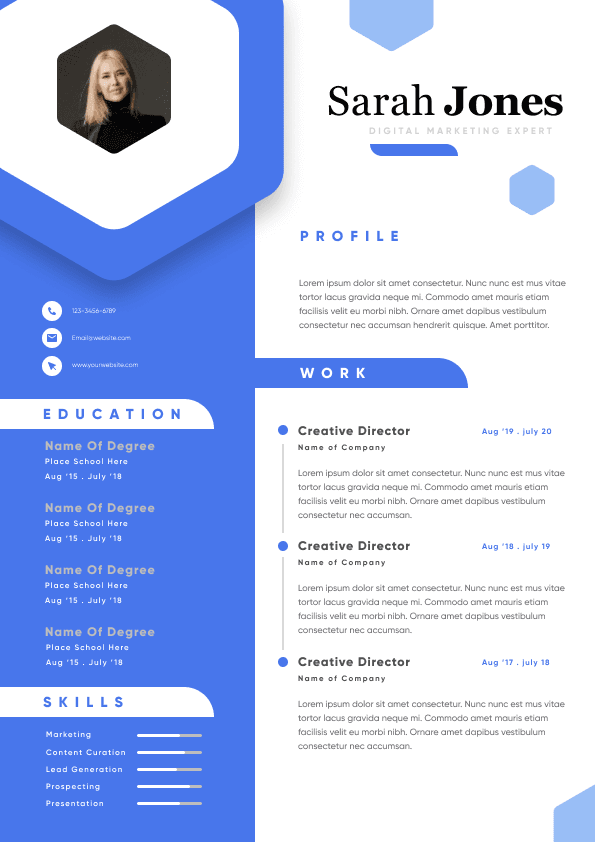
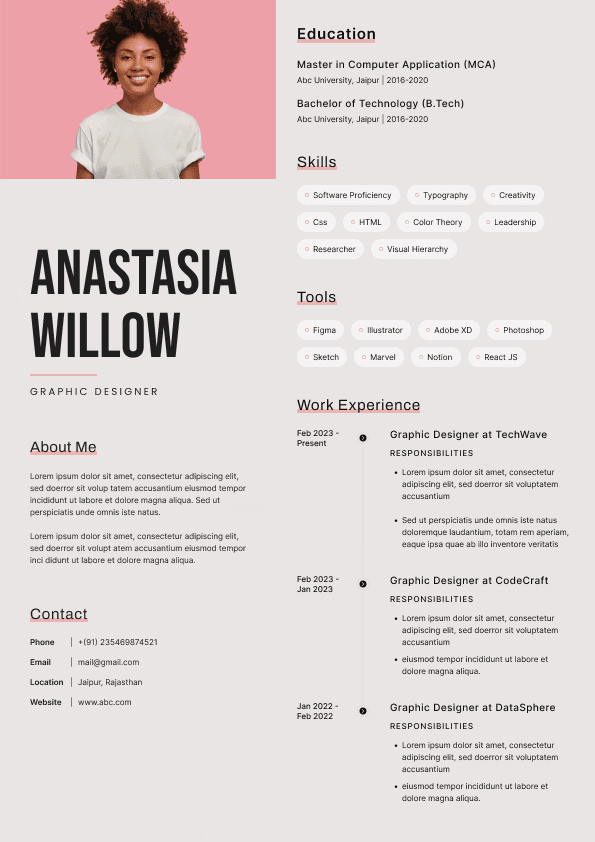
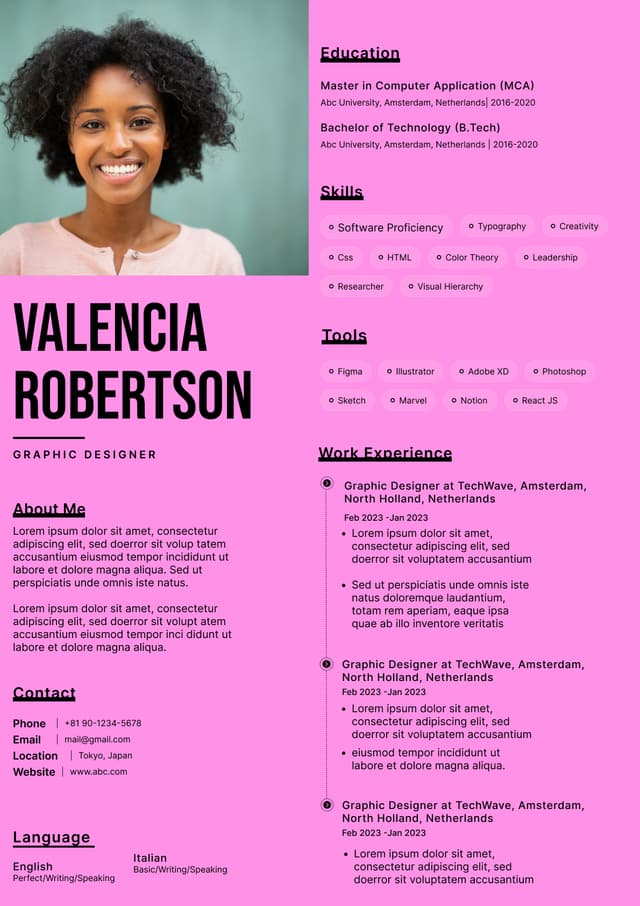
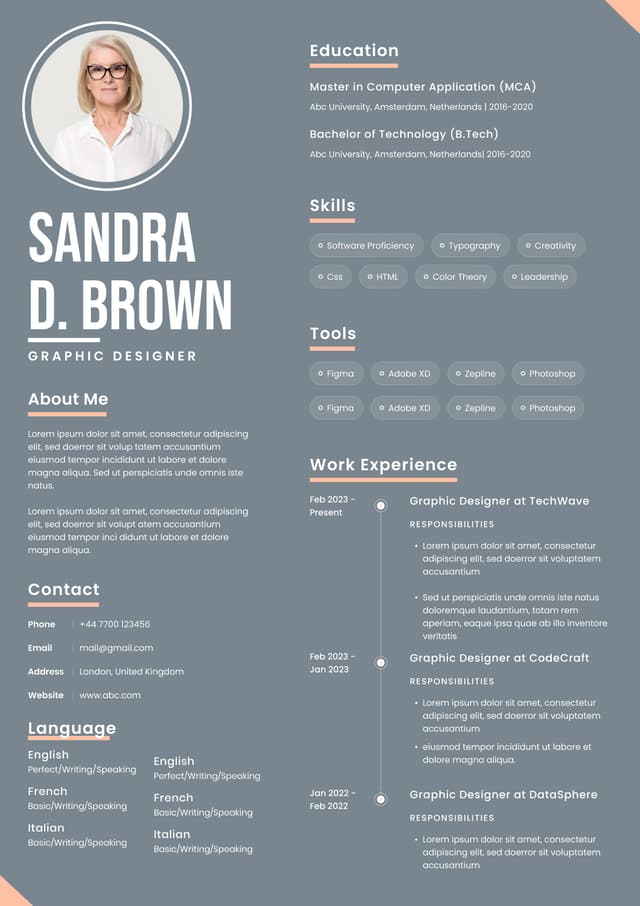
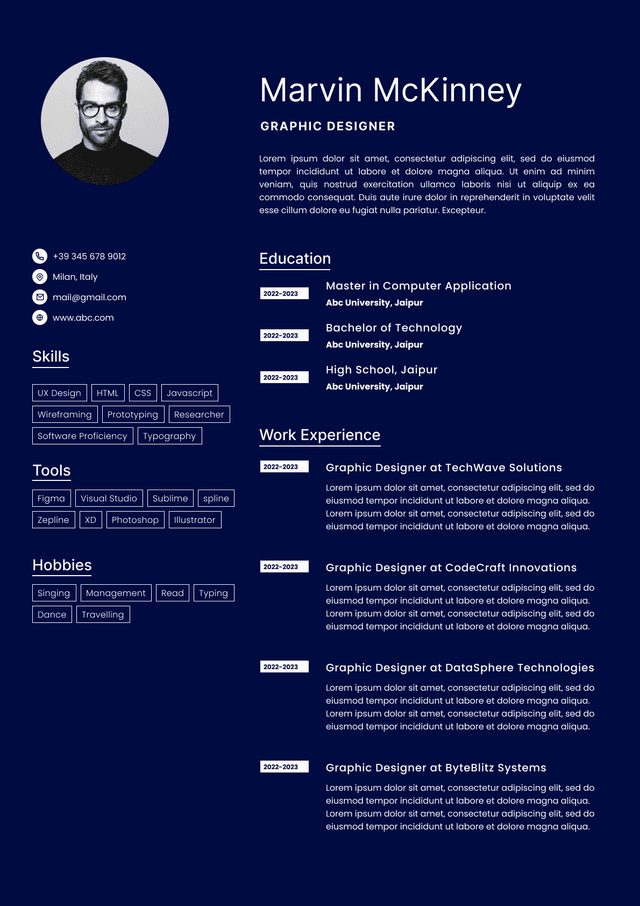
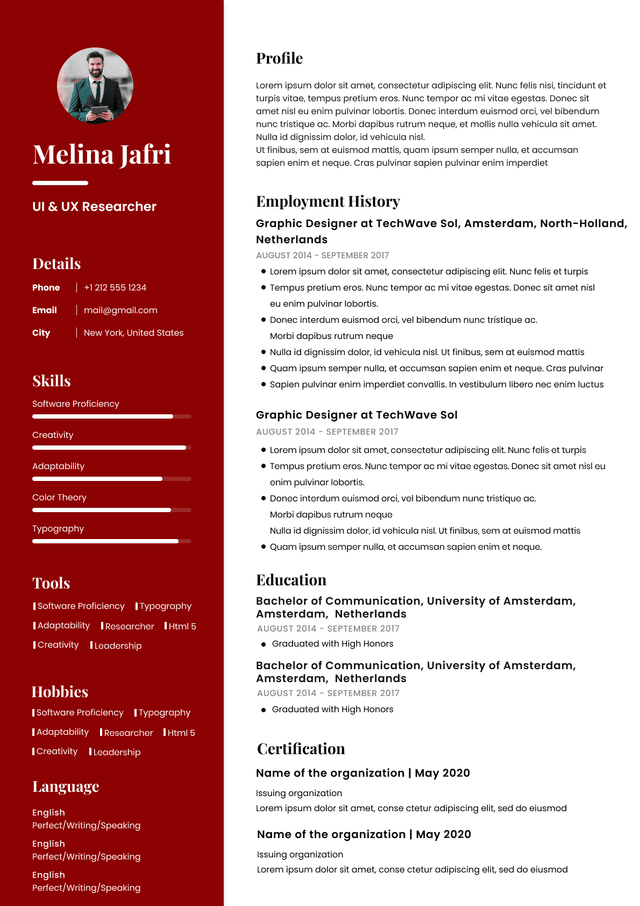
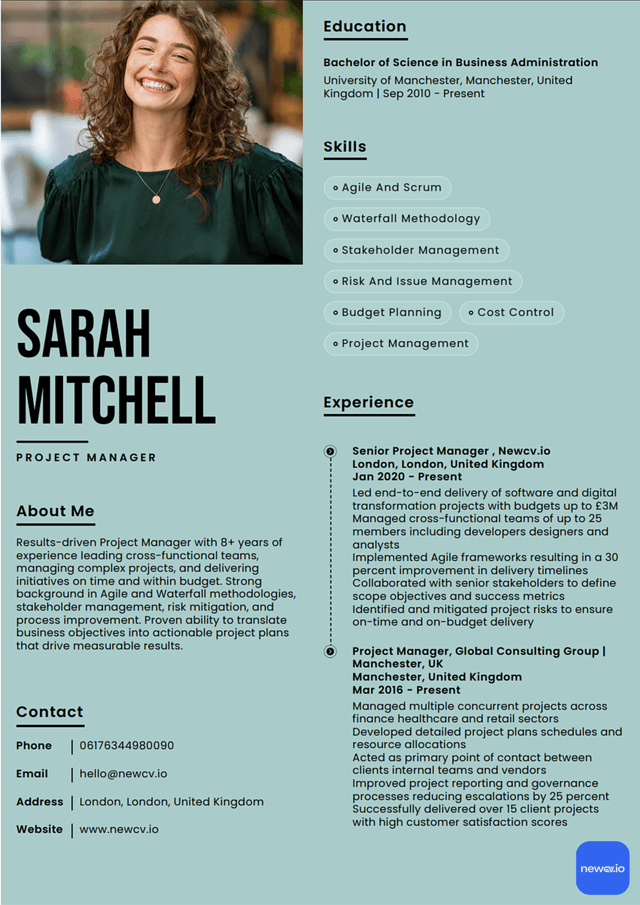
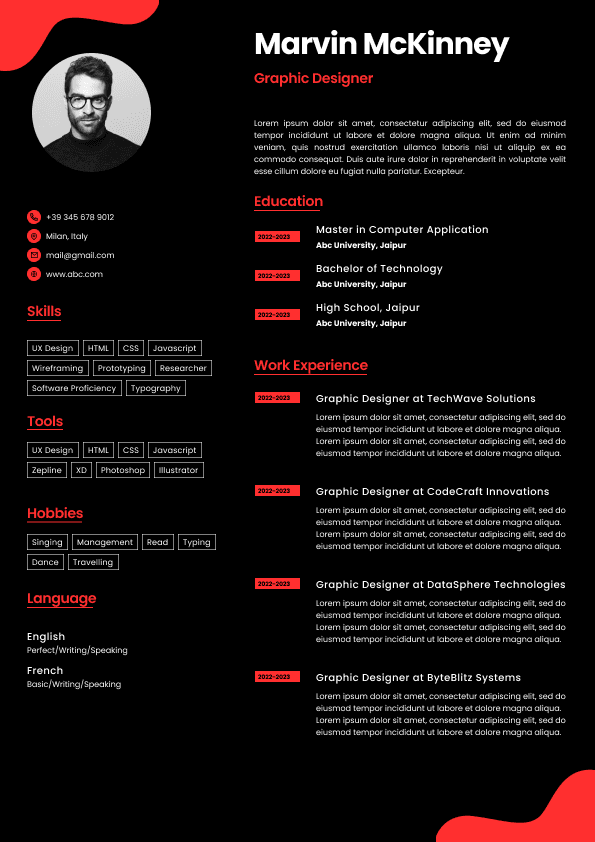
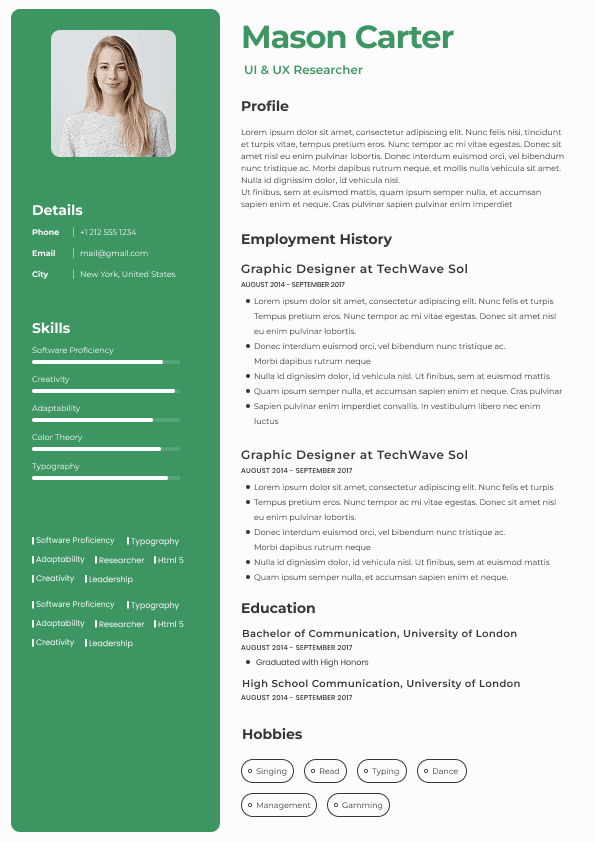
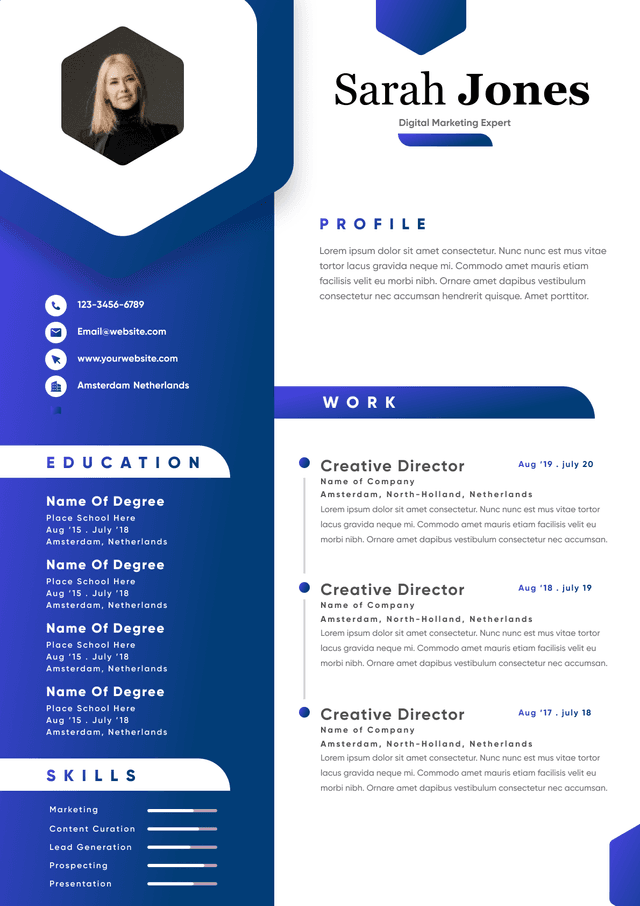
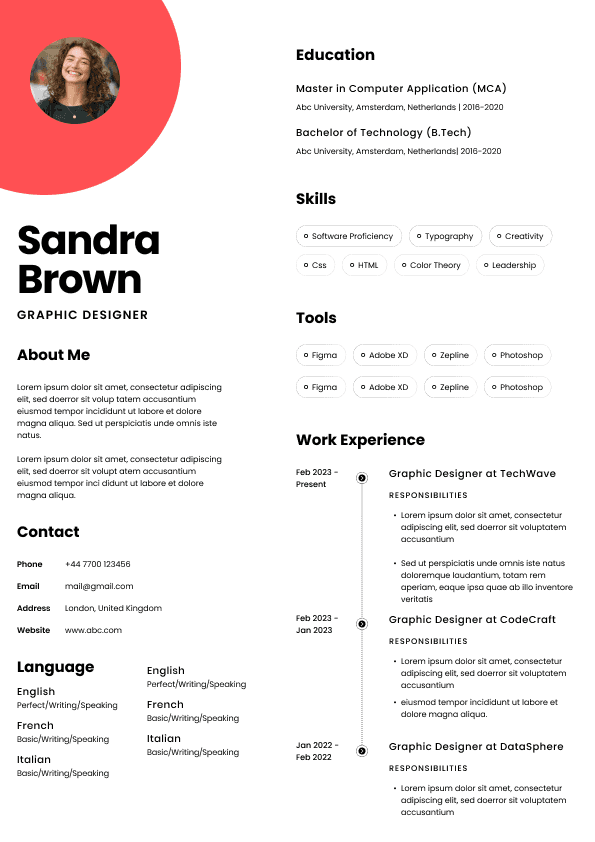
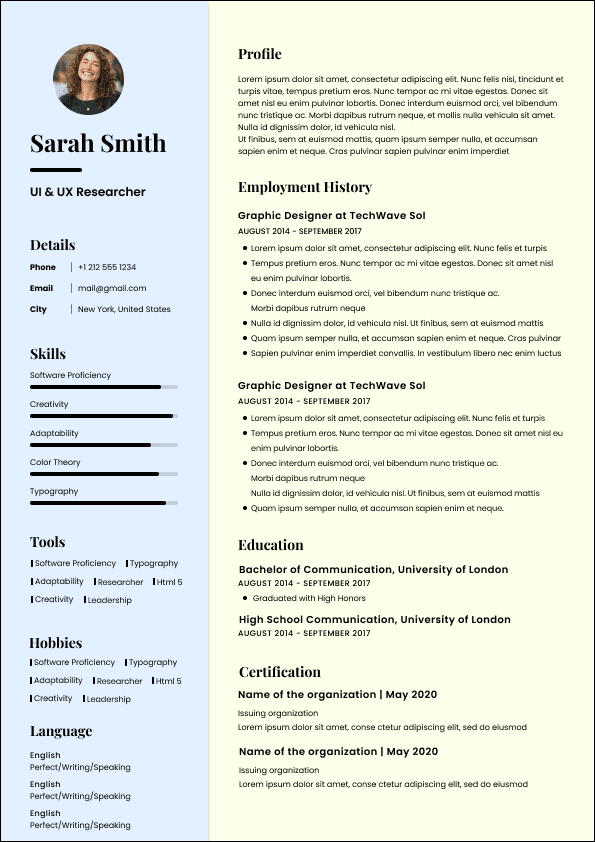
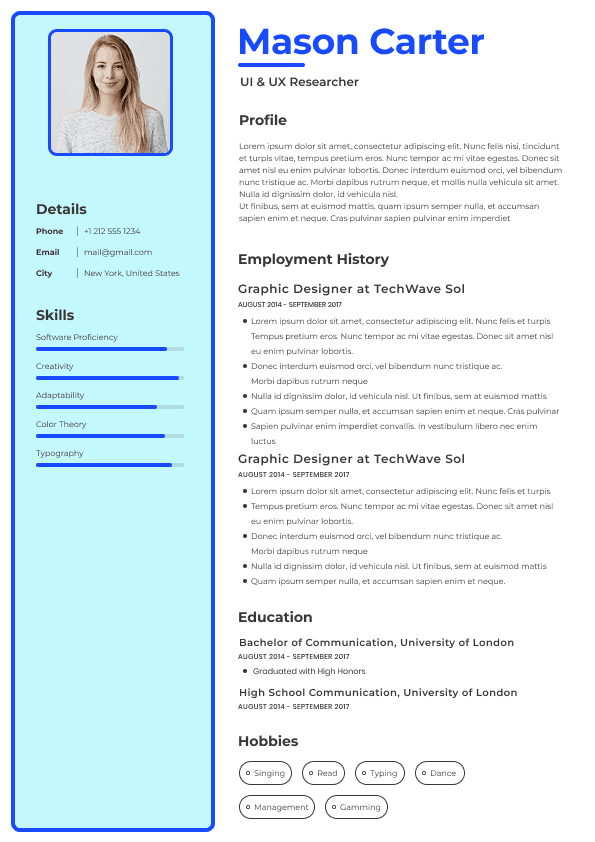
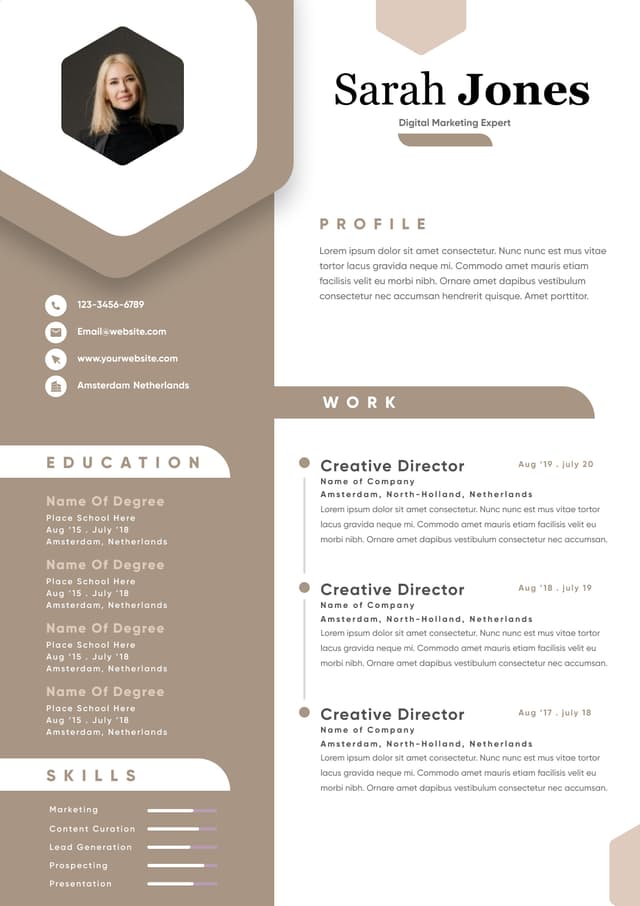
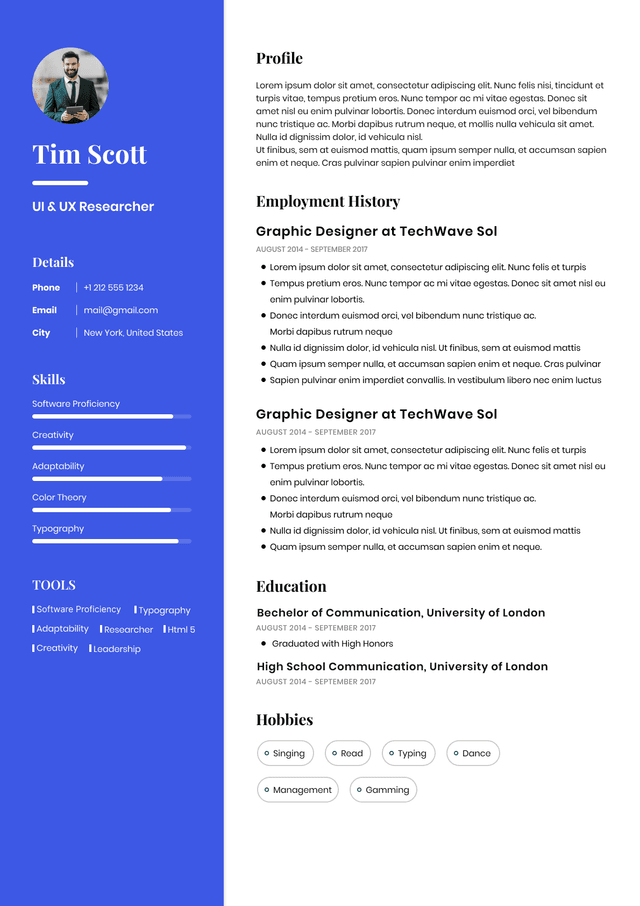
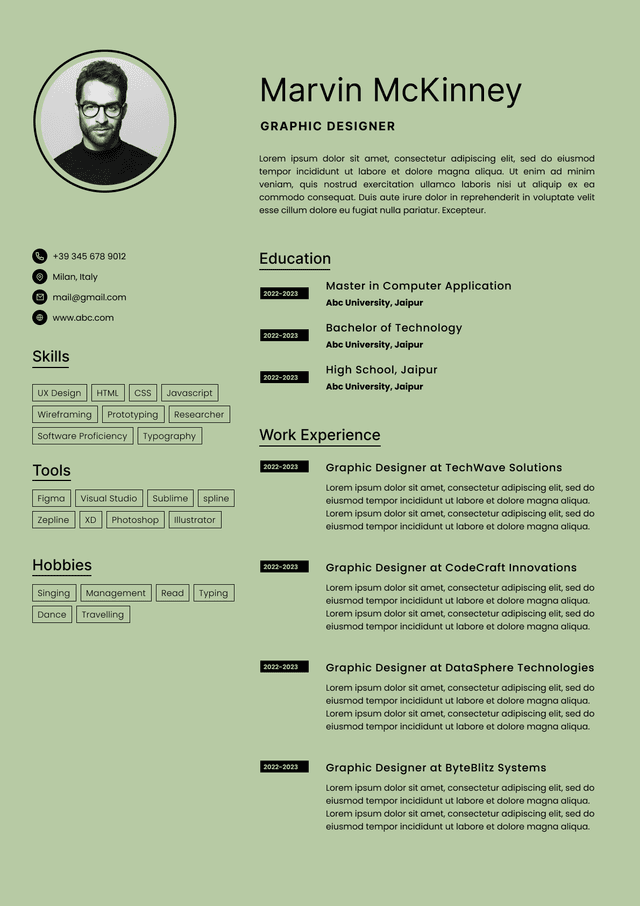
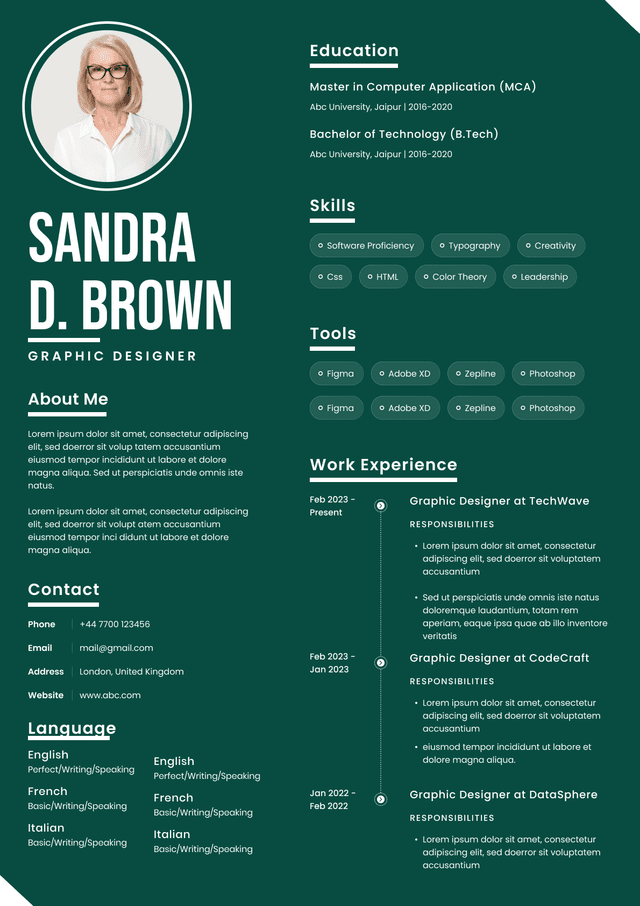
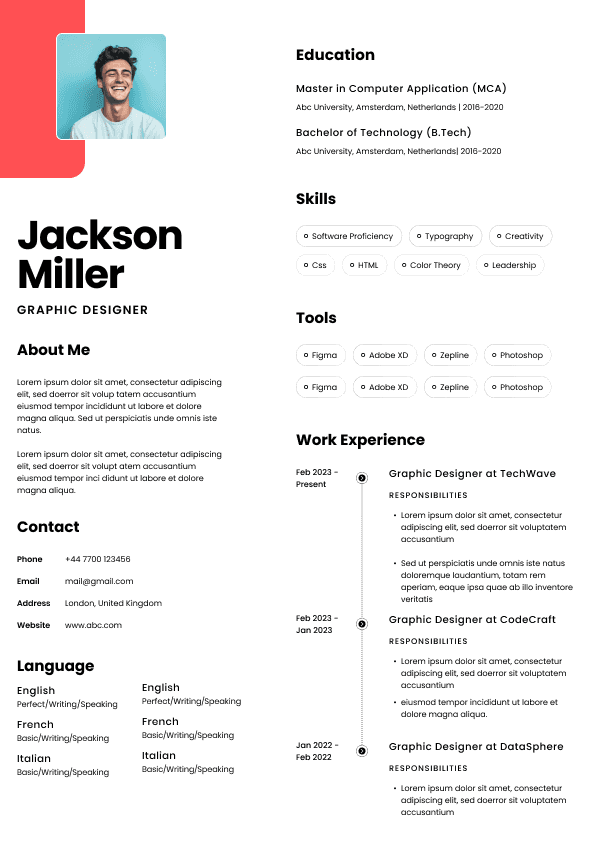
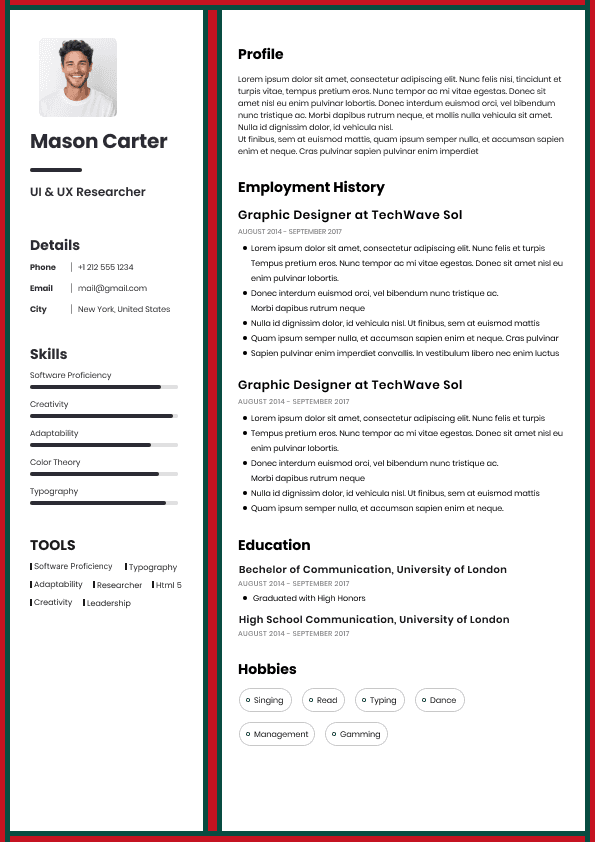
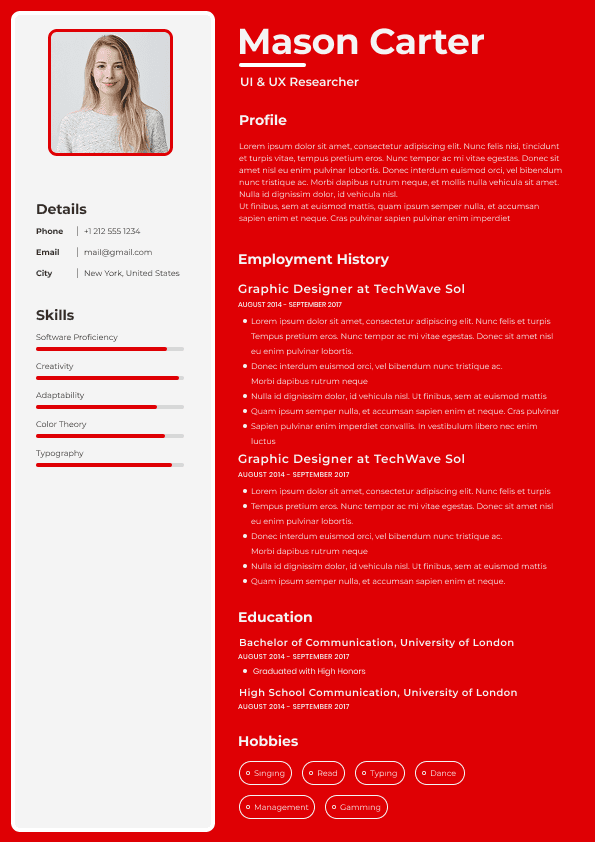
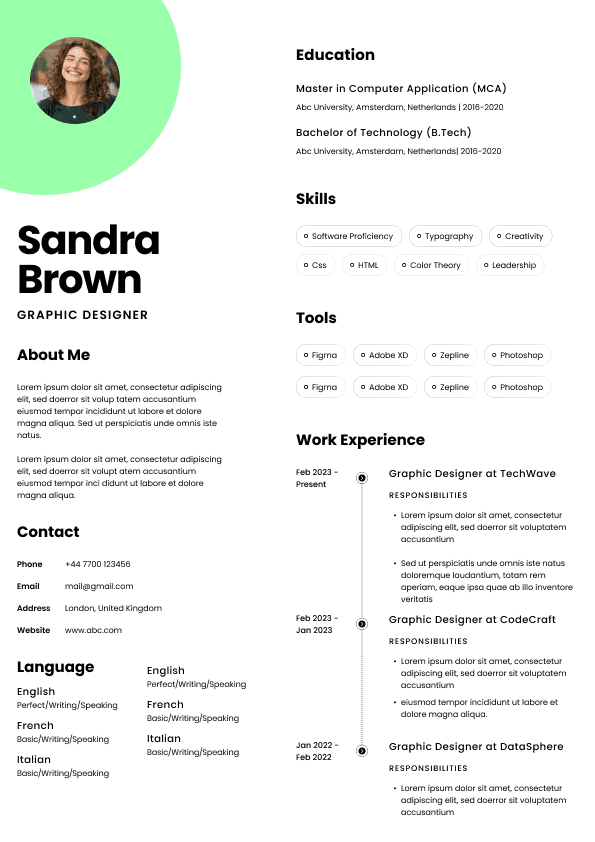
One common mistake is using a heavily designed resume template. These often look attractive in Canva or other design tools, but they can become messy when uploaded to employer systems. Icons, columns, graphics, skill bars, and decorative blocks may look modern, but they often add very little value to screening.
Another mistake is saving the resume as a scanned PDF. This sometimes happens when candidates print and scan documents, merge files incorrectly, or use tools that flatten the content. If the text cannot be selected, rebuild the file.
Candidates also send resumes with careless file names. I have seen file names that include “old,” “draft,” “new final,” “really final,” and even another company’s name. That is the kind of tiny mistake that makes a recruiter pause. Not because we are dramatic, although recruitment does have enough drama already, but because it suggests the candidate is not managing their application carefully.
Another issue is sending multiple resume versions in the same application. Unless requested, do not attach a PDF, a Word file, a cover letter, an old resume, a portfolio, and three mystery documents. More attachments do not make you look more qualified. They make the application harder to process.
Keep it clean. Send what is requested. Make the recruiter’s job easier.
Here is the resume file format advice I would give most job seekers applying in the Canadian job market:
Use a PDF resume for most applications because it protects formatting and looks more professional. Keep a Word resume ready because some employers, recruiters, agencies, and ATS platforms still need it. Build both versions with clean, simple formatting so the resume can be read by humans and parsed by systems.
Do not rely on file format as a shortcut. The file type should support the strength of your resume, not distract from it.
Your real goal is not to win a PDF versus Word debate. Your real goal is to make your fit obvious as quickly as possible.
That means your resume must show:
What roles you are suited for
What industries or environments you understand
What problems you solve
What level of responsibility you have handled
What outcomes you have created
Written by Simar Malhi, a recruiter and headhunter with international recruitment experience. I write about CVs, job applications, hiring decisions, and the reality behind recruitment processes. My goal is to help candidates understand more honestly how employers, recruiters, and hiring managers actually select candidates.

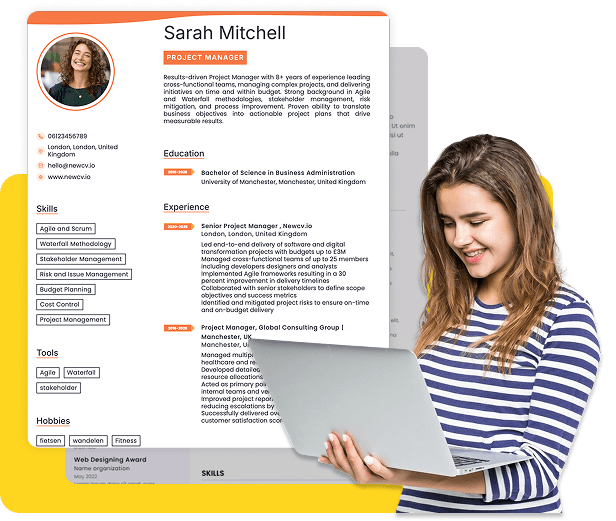
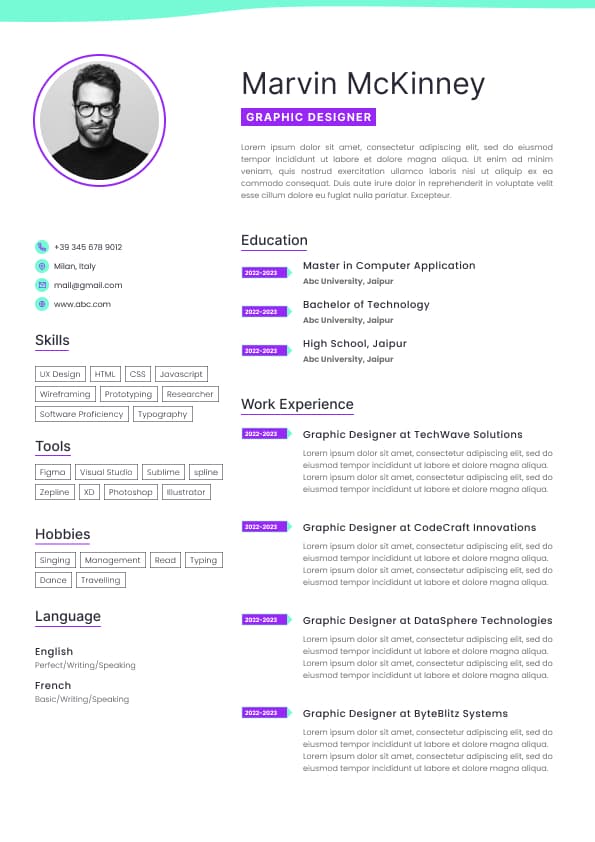
Use professional field-tested resume templates that follow the exact Resume rules employers look for.
Create ResumeFor most Canadian job applications, send your resume as a PDF unless the employer specifically asks for a Word document. A PDF keeps your formatting stable, looks more polished, and prevents your resume from shifting when it is opened on a different device or system. That matters more than candidates think.
But here is the part many job seekers miss: the best resume file format is not about what looks nicest to you. It is about what works cleanly for the recruiter, the applicant tracking system, and the hiring manager reviewing your application.
In Canada, I usually recommend a PDF for direct applications, LinkedIn applications, networking referrals, and emails to recruiters. Use Word only when the job posting clearly requests it, when an agency needs to edit or reformat your resume, or when an older employer system struggles with PDFs.
A PDF resume is a fixed file. The layout, spacing, fonts, margins, and section structure stay the same when someone opens it. What you send is usually what the recruiter sees.
A Word resume is editable. That can be useful, but it also means your formatting can change depending on the version of Microsoft Word, the device, missing fonts, or how the file is uploaded into an employer system.
That sounds like a small technical detail, but in recruitment, small technical details can change the first impression. I have opened Word resumes where bullet spacing exploded, dates jumped onto new lines, or section headings moved awkwardly. The candidate may have had a strong background, but the document looked careless because the file did not behave properly.
That is unfair, but hiring is full of unfair little moments like this. Recruiters are not sitting there thinking, “Let me carefully investigate whether this formatting issue came from the candidate or the file conversion.” They are moving quickly. If the resume is hard to read, the candidate has made the screening process harder.
In a Canadian hiring process where recruiters may be reviewing dozens or hundreds of applications, clarity wins.
A PDF is usually the safer choice because it protects the presentation of your resume. When a hiring manager opens it, the resume looks intentional. That matters because your resume is not only a content document. It is also a judgement document.
Recruiters are quietly assessing:
Can I understand this person’s experience quickly?
Is the resume organized logically?
Does the candidate understand professional communication?
Can I forward this to a hiring manager without cleaning it up?
Does this look like someone who pays attention to detail?
A PDF helps because it reduces the risk of visual damage. It keeps your margins clean, your headings consistent, and your page breaks where you placed them.
That is especially useful in Canada, where job applications often move between recruiters, hiring managers, HR teams, agency recruiters, and interview panels. Your resume may be downloaded, forwarded, previewed in a browser, viewed on a laptop, or opened from an applicant tracking system. The more people and systems touch your resume, the more important stability becomes.
A PDF also feels more final. It signals that the resume is ready to be reviewed, not still in draft mode.
That does not mean a PDF can save a weak resume. A polished file format will not fix vague bullet points, missing achievements, or a confusing career story. But when the content is strong, PDF usually helps it arrive cleanly.
There are situations where a Word document is the better choice. This is where candidates sometimes get too rigid. They hear “always send PDF” and treat it like a law. Recruitment is not that tidy.
Send a Word resume when the employer or recruiter specifically requests a Word file. Do not try to be clever and send a PDF anyway. If the job posting says “upload your resume in Word format,” follow the instruction. Ignoring simple application instructions is not a power move. It just creates unnecessary doubt.
You may also need a Word resume when working with a recruitment agency. Some agencies reformat resumes before sending them to clients. They may remove contact details, add their agency header, adjust formatting, or standardize candidate profiles. Whether candidates like that or not, it still happens in parts of the Canadian recruitment market.
A Word document can also be useful if you are applying through an older applicant tracking system. Most modern ATS platforms can read PDFs, but not every employer uses modern technology. Some systems still parse Word files more reliably.
Word may also be better if the employer asks you to complete a resume template. This is common in some government, public sector, education, consulting, and contract recruitment processes. In those cases, compliance matters more than design preference.
My rule is simple: send PDF by default, but follow the employer’s instructions over your own preference.
Recruiters do not usually reject candidates because they used PDF instead of Word, or Word instead of PDF. That is not how normal screening works.
But file format can affect the reading experience, and the reading experience affects how easily your qualifications are understood.
What recruiters notice is not “Oh, this candidate used PDF.” What they notice is:
The resume opens easily
The layout is readable
The file name is professional
The content is easy to scan
The formatting does not distract from the experience
The resume can be shared internally without issues
The opposite is also true. A messy file creates friction. A recruiter may not consciously blame the file format, but they will feel the inconvenience.
This is one of those behind the scenes hiring realities candidates underestimate. Recruiters are often working under time pressure. They are screening applications between intake calls, hiring manager updates, interview scheduling, offer conversations, and follow ups. Nobody is lovingly admiring your resume format for twenty minutes. They are trying to answer one practical question quickly: Should this person move forward?
Your file format should help them answer that question, not make them wrestle with the document.
Yes, a PDF resume can be ATS friendly, but only if it is created properly.
This is where bad resume advice gets repeated online. Some people still say PDFs are always bad for applicant tracking systems. That may have been more relevant years ago, but many modern ATS platforms can parse text based PDFs quite well.
The problem is not PDF itself. The problem is badly built PDFs.
A PDF resume may cause issues if:
It is scanned as an image
It was created from a design tool that turns text into graphics
It uses unusual fonts or symbols
It has text boxes that confuse parsing
It uses columns that scramble the reading order
It relies heavily on icons, tables, or visual elements
It has no selectable text
A strong PDF resume should have selectable text. You should be able to highlight the words with your cursor. If you cannot select the text, the ATS may not be able to read it properly either.
This matters in Canadian job applications because many employers use ATS platforms to collect, store, search, and review applications. The ATS is not always the villain candidates imagine, but it can create problems when the resume is built in a way the system cannot interpret.
Here is the practical recruiter view: ATS friendly does not mean ugly. It means clean, structured, and readable by both software and humans.
Use ATS-optimised Resume and resume templates that pass applicant tracking systems. Our Resume builder helps recruiters read, scan, and shortlist your Resume faster.
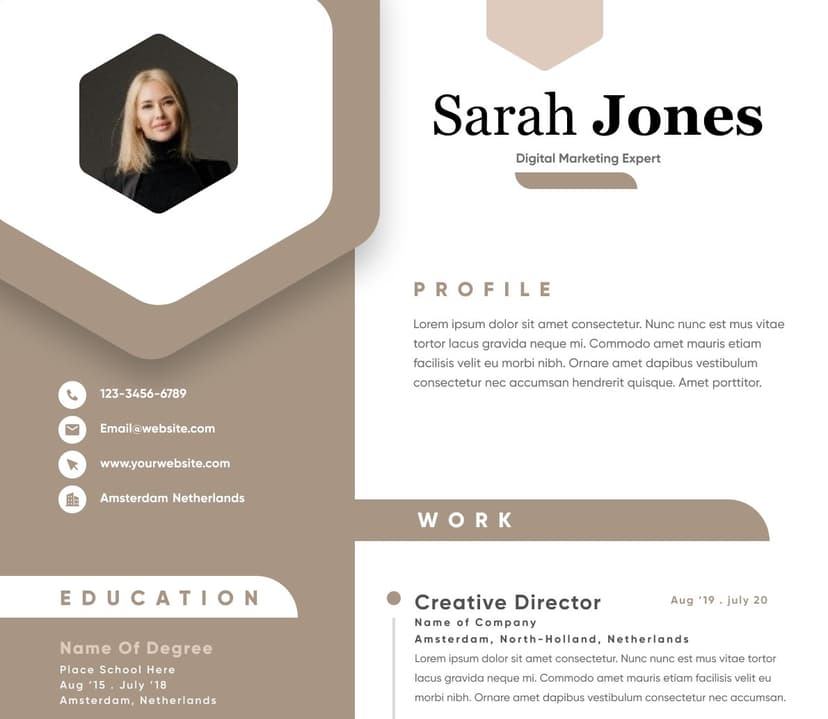
Use professional field-tested resume templates that follow the exact Resume rules employers look for.
Create ResumeA Word resume can be very ATS friendly, especially when it uses simple formatting. Many systems parse Word documents well because the text and structure are usually easy to extract.
But that does not automatically make Word better for every application.
A poorly formatted Word resume can still cause problems. Tables, columns, headers, footers, graphics, icons, and strange spacing can confuse systems and people. A Word file is not magically ATS proof.
The real issue is structure, not just file type.
An ATS friendly resume in either Word or PDF should use:
Clear section headings
Standard job titles where possible
Simple bullet formatting
Consistent dates
Readable fonts
No important details inside images
No excessive design elements
No complicated tables or columns
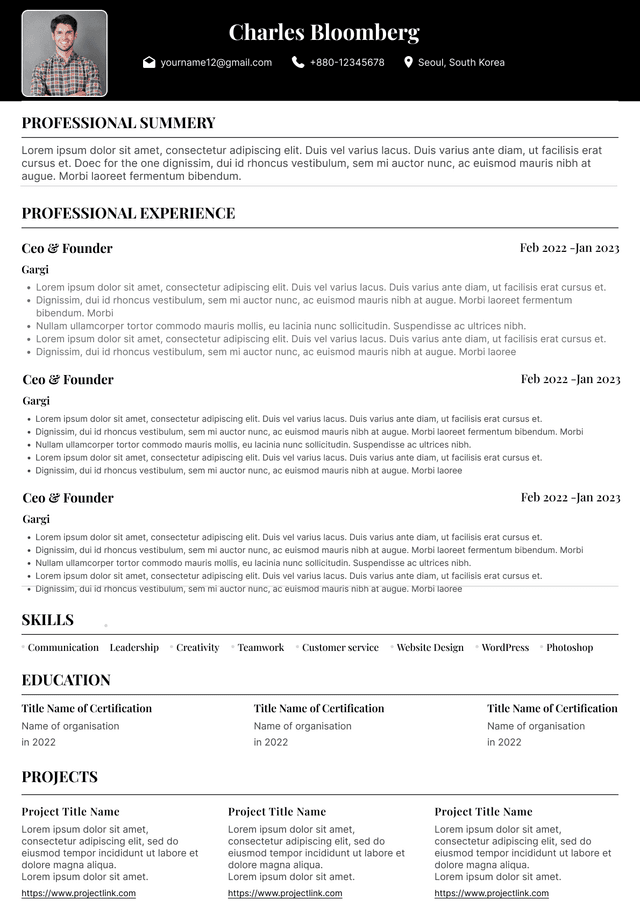
The strongest resume format is boring in the right ways. Not dull, not lifeless, but structurally clean. The content should do the impressing. The formatting should stay out of the way.
That is not glamorous advice, but it is how screening works. Hiring teams are not rewarding candidates for making the most decorative document. They are rewarding candidates who make relevant experience obvious.
Firstname Lastname Resume Company Name.pdf
Avoid vague names like “resume.pdf” because recruiters download many files. Make your document easy to identify without opening it. That is a small detail, but small details reduce friction.
Your employer names
Your dates
Your education
Your skills
If the system makes a mess of your resume, switch file type or simplify your formatting.
This is where candidates sometimes lose opportunities without realizing it. They assume that because they attached a resume, the employer sees exactly what they intended. Not always. Some recruiters review the original attachment. Some review the parsed profile first. Some use search filters. Some hiring managers only see the attached resume after screening.
You do not control every part of the system, but you can reduce risk by using a clean file.
Confirm the text is selectable
Check that page breaks look clean
Make sure the file name is professional
Upload it into an ATS style application if possible and review the parsed fields
That may sound basic, but many candidates skip it. Then they wonder why their resume looks odd when someone else opens it. Your resume should not need perfect conditions to look readable.
The file is a scanned image
The design is too complex
Text cannot be selected
The ATS cannot parse it properly
The employer specifically asked for Word
Word works best when:
The employer requests a Word document
A recruiter needs to edit or reformat your resume
The ATS struggles with PDF parsing
You are using a clean, simple layout
You need to complete a specific employer template
Word fails when:
Formatting shifts on another device
Fonts do not load properly
The layout looks unfinished
The file opens in compatibility mode and breaks spacing
You send an editable file when a polished final document would look better
The best candidates do not obsess over file format in isolation. They think about the whole hiring workflow. Who is opening this? Where is it going? Will it parse? Will it be forwarded? Will it look clean on a hiring manager’s screen?
That is the practical mindset.
Why your background makes sense for this specific role
The file format simply decides how cleanly that message arrives.
If an employer gives instructions, follow them. If they do not, send PDF. If you are unsure because the system looks outdated, use Word or upload Word if PDF parsing looks broken. If you are working with an agency recruiter, ask whether they prefer Word.
That is not overthinking. That is applying with judgement.



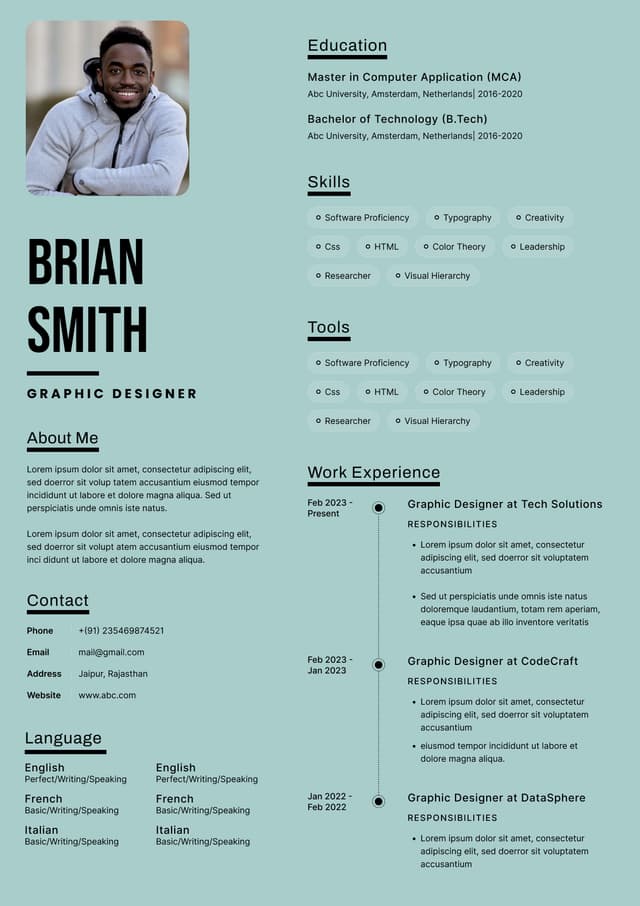
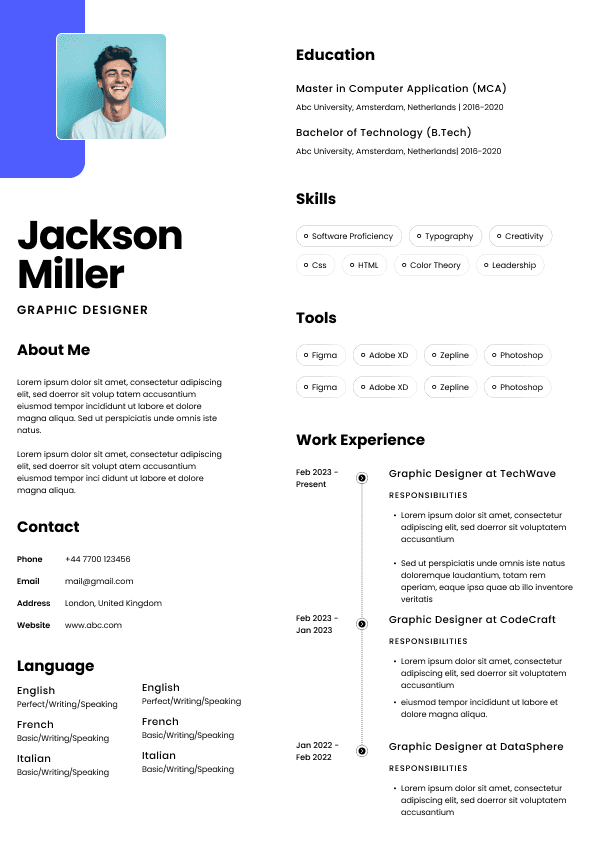
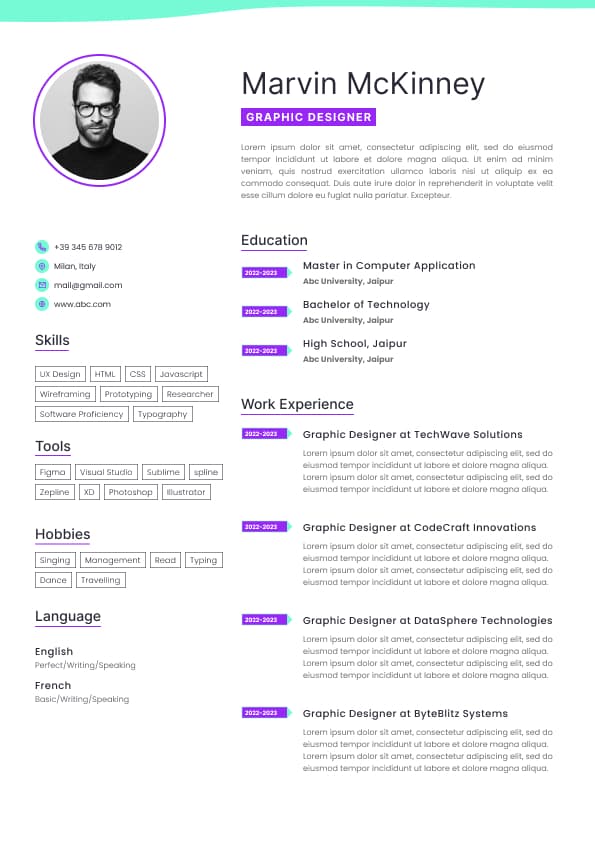
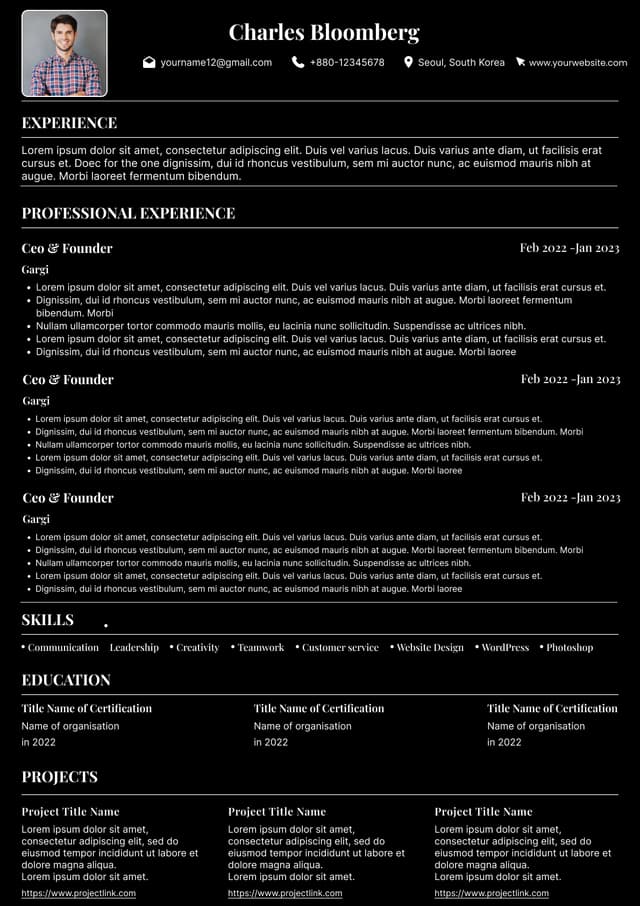
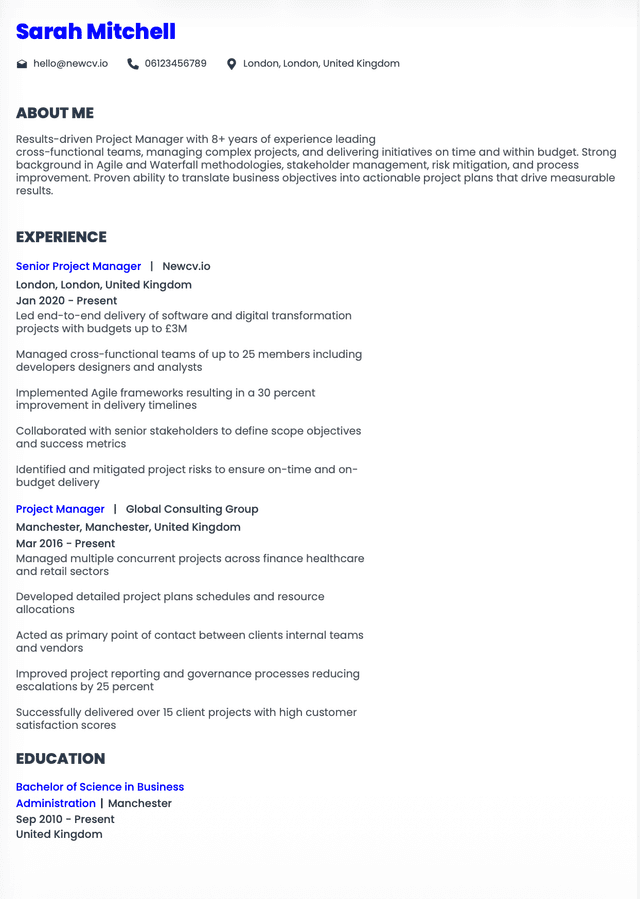
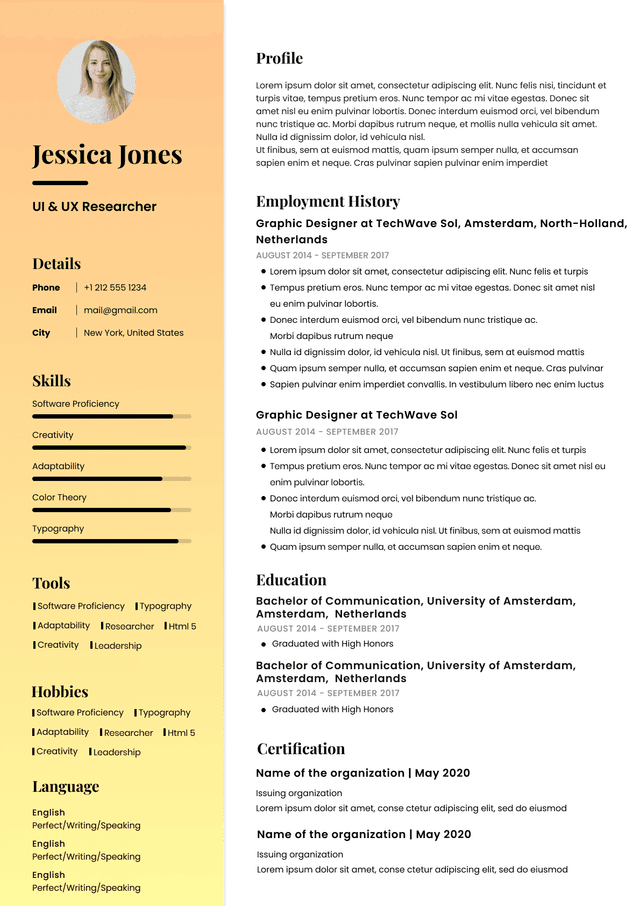
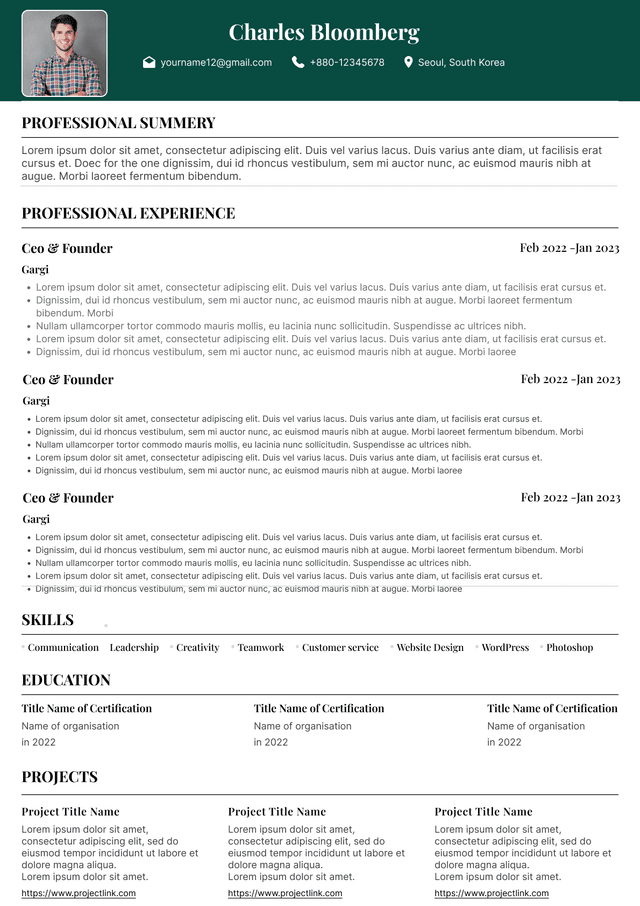
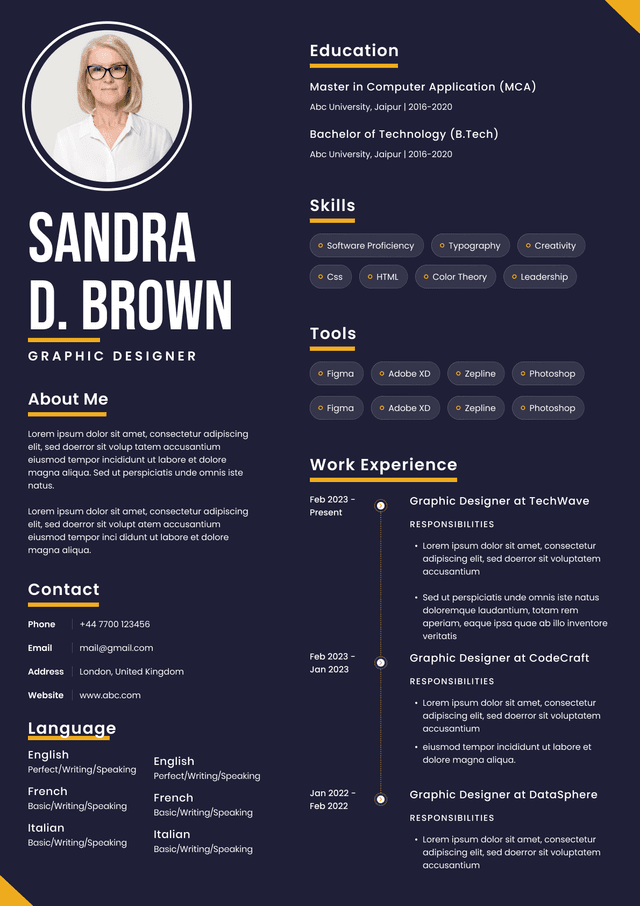
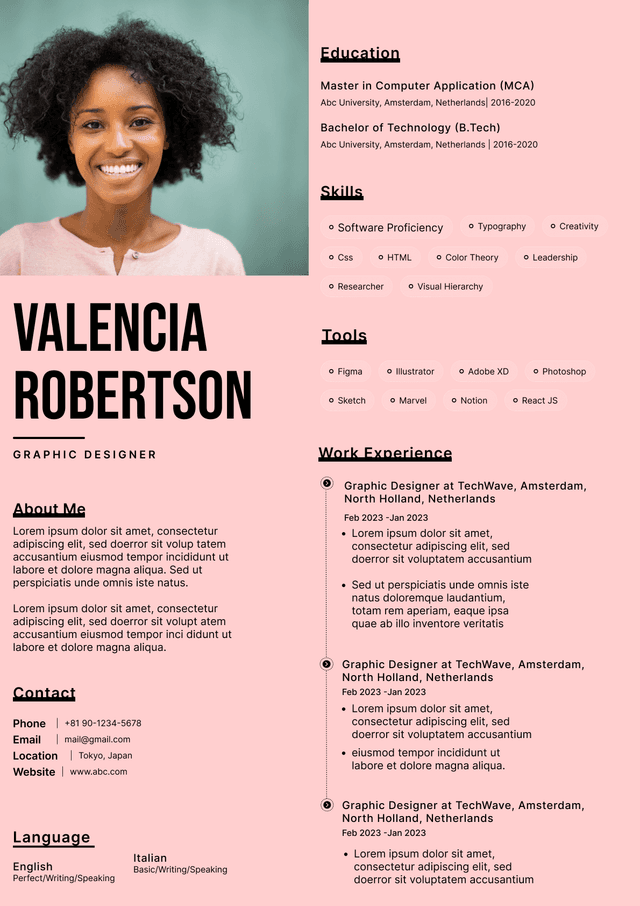
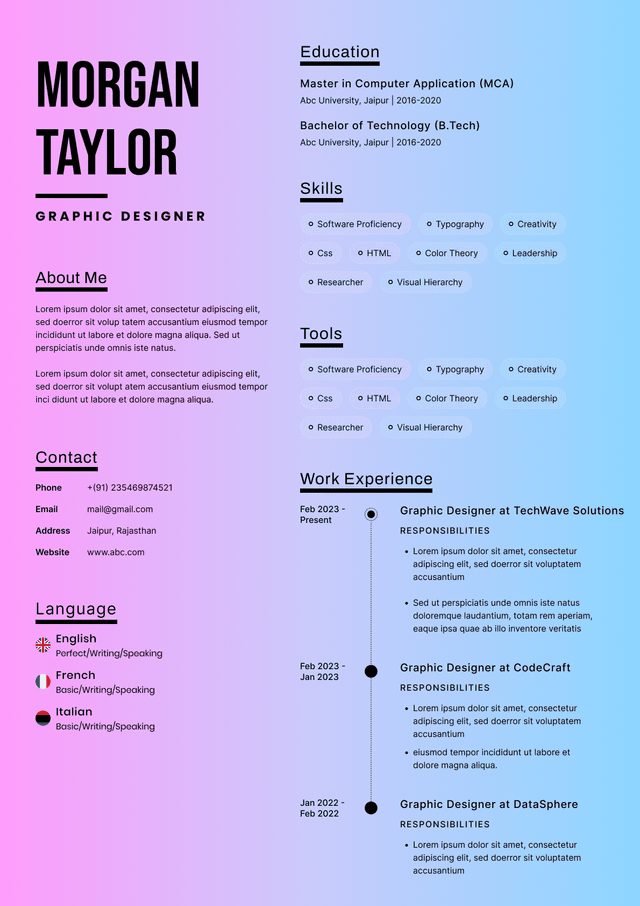
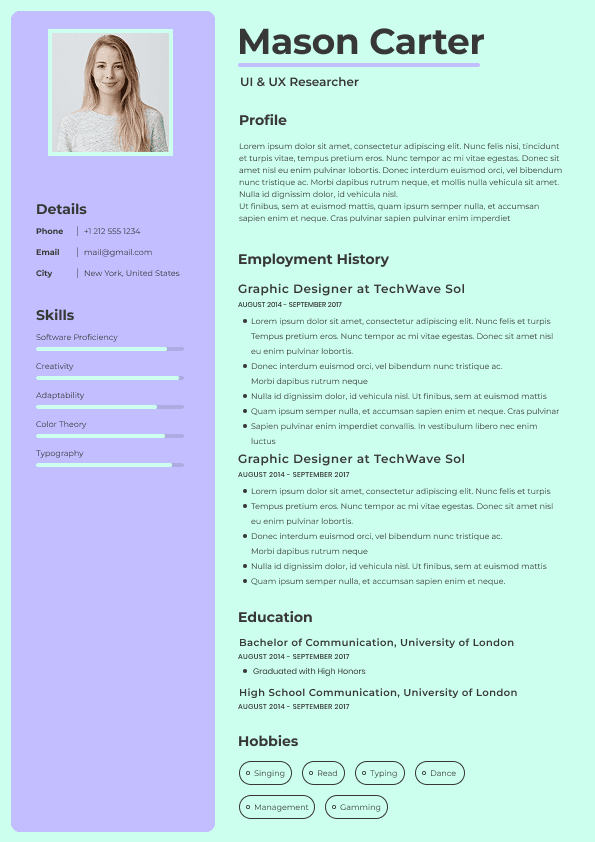
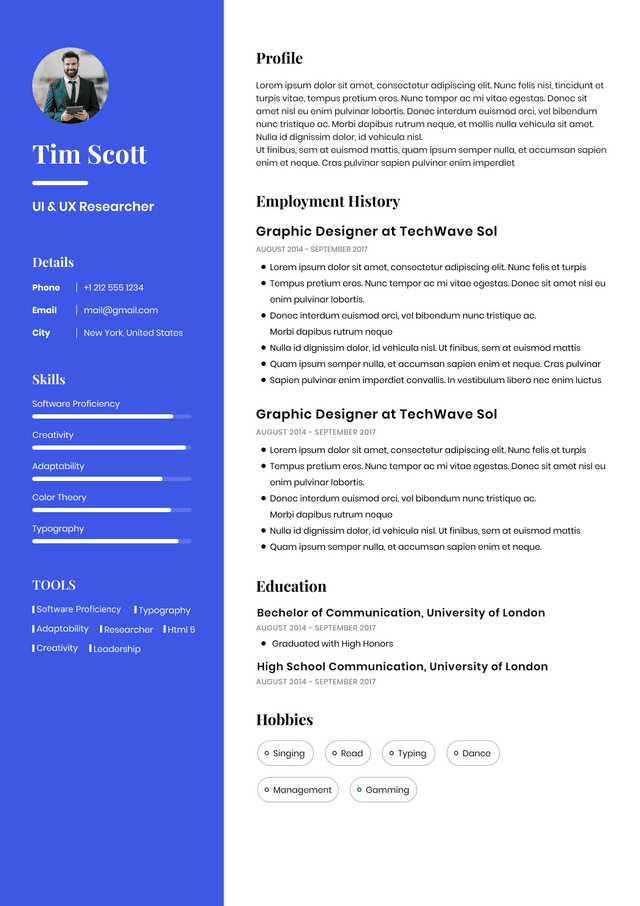
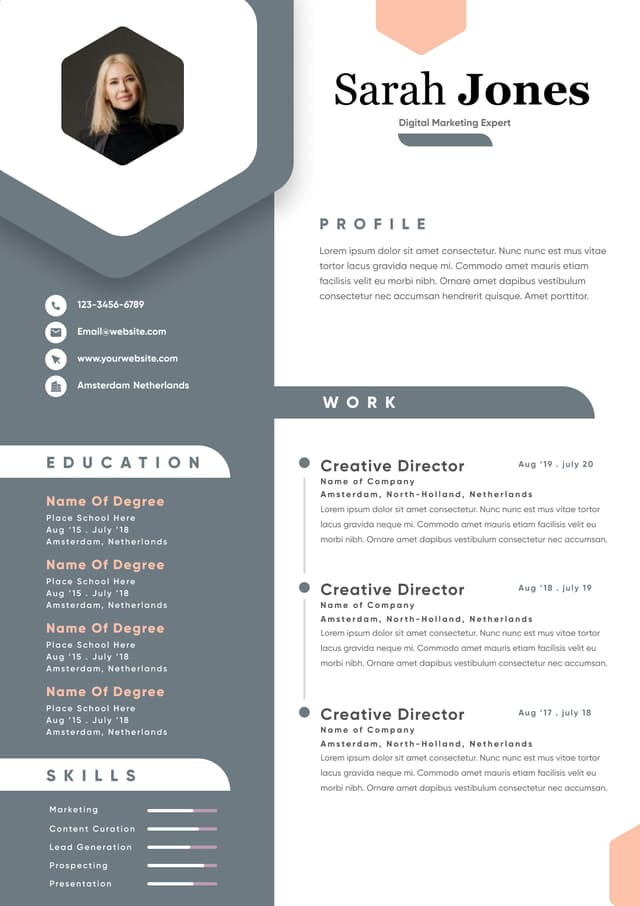
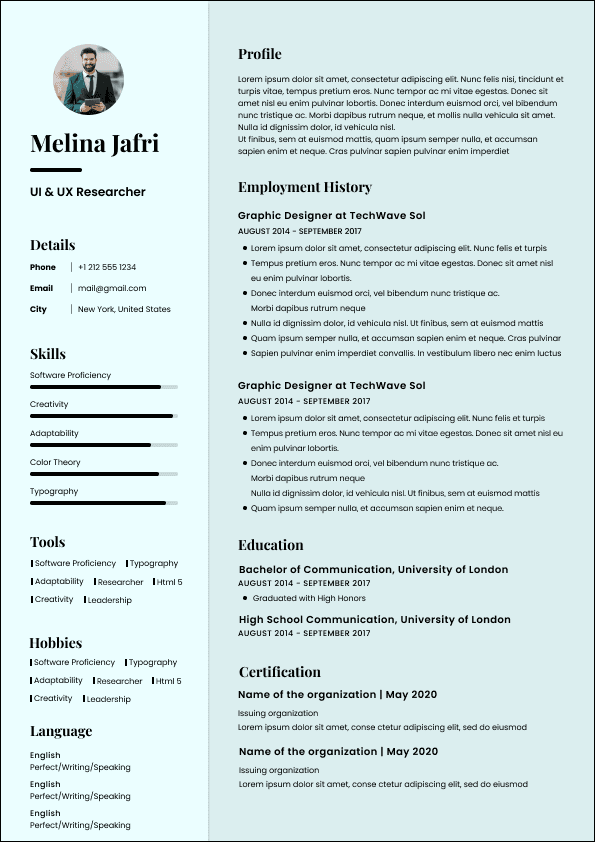
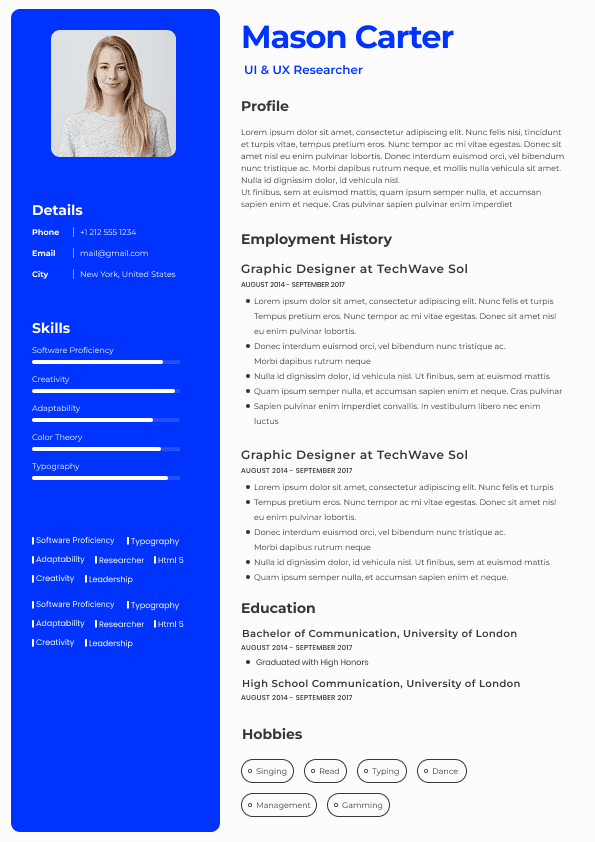
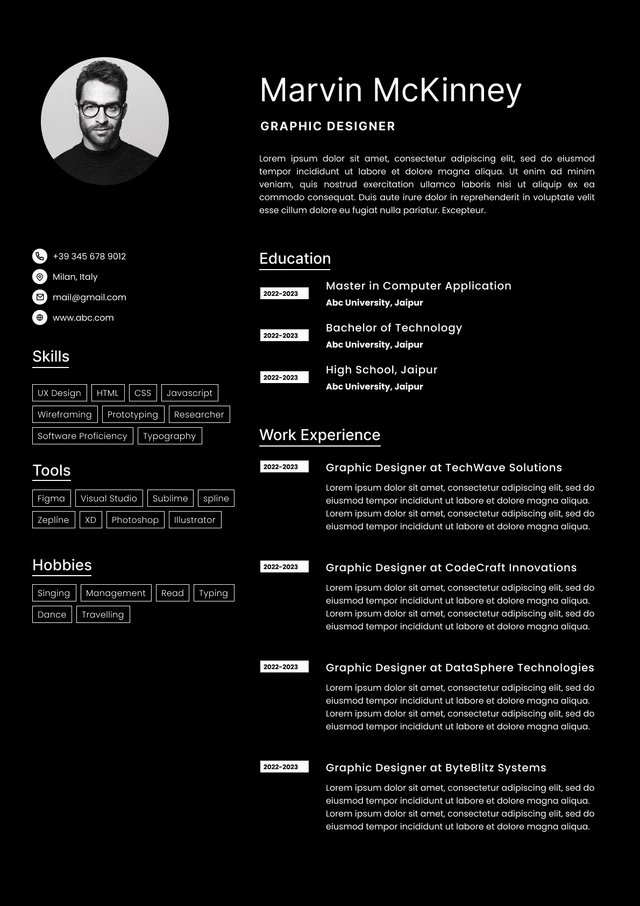
 Upload Resume
 Import from Linkedin