STILL APPLYING. STILL HEARING NOTHING?BUILD YOUR RESUME

STILL APPLYING. STILL HEARING NOTHING?BUILD YOUR RESUME
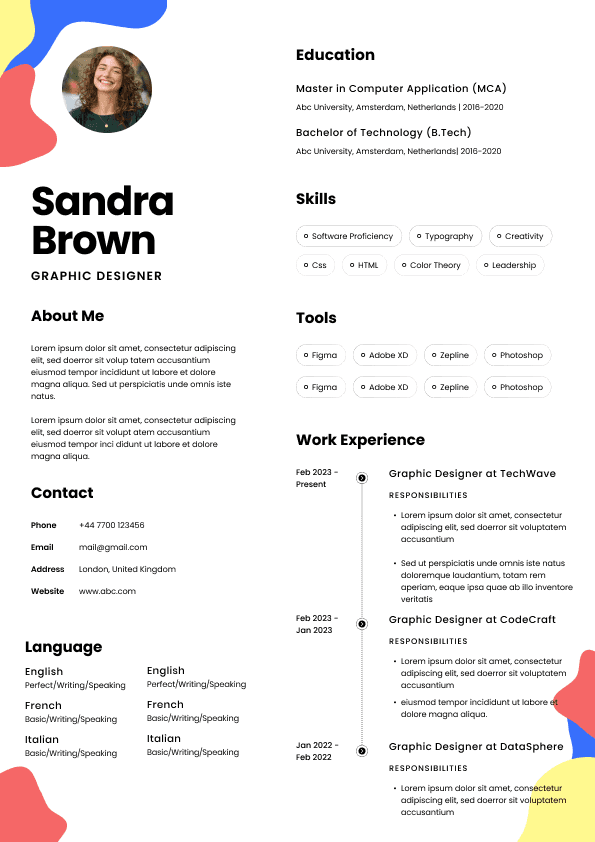
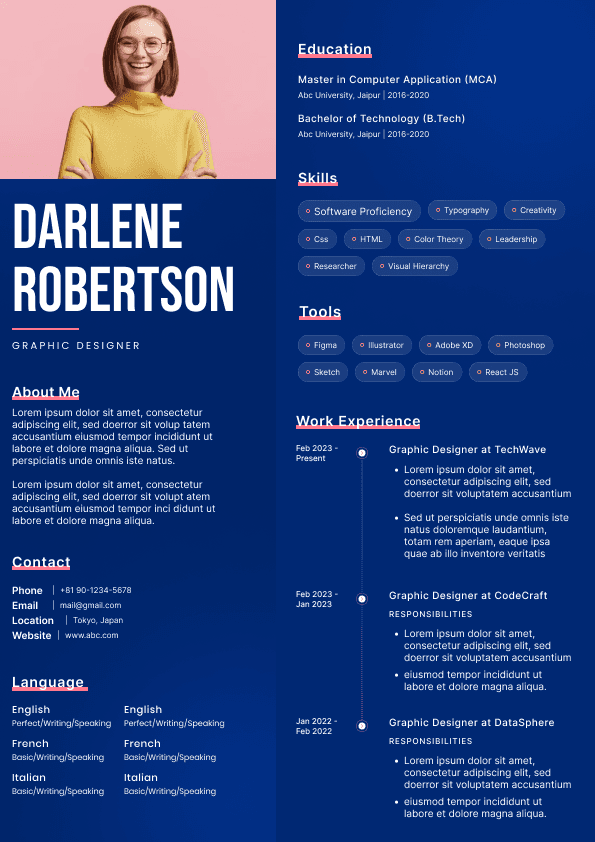
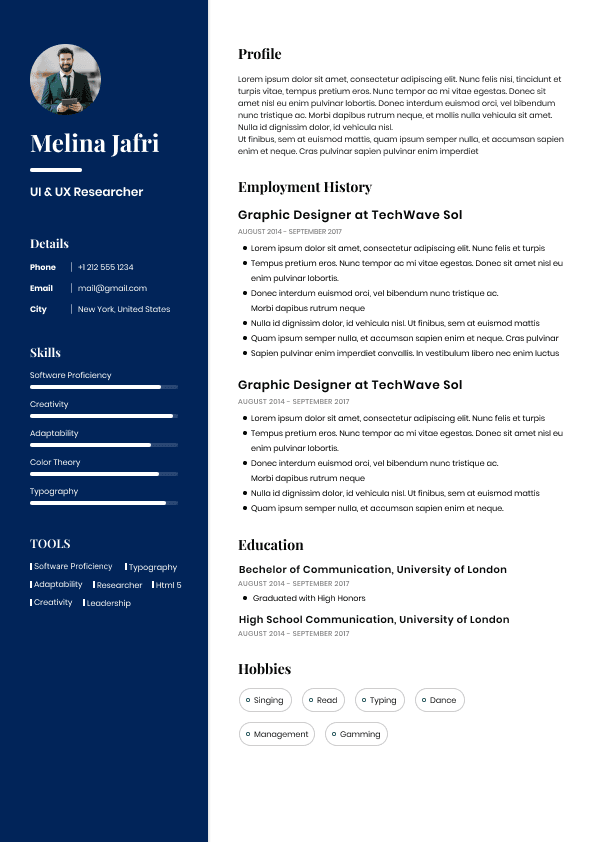
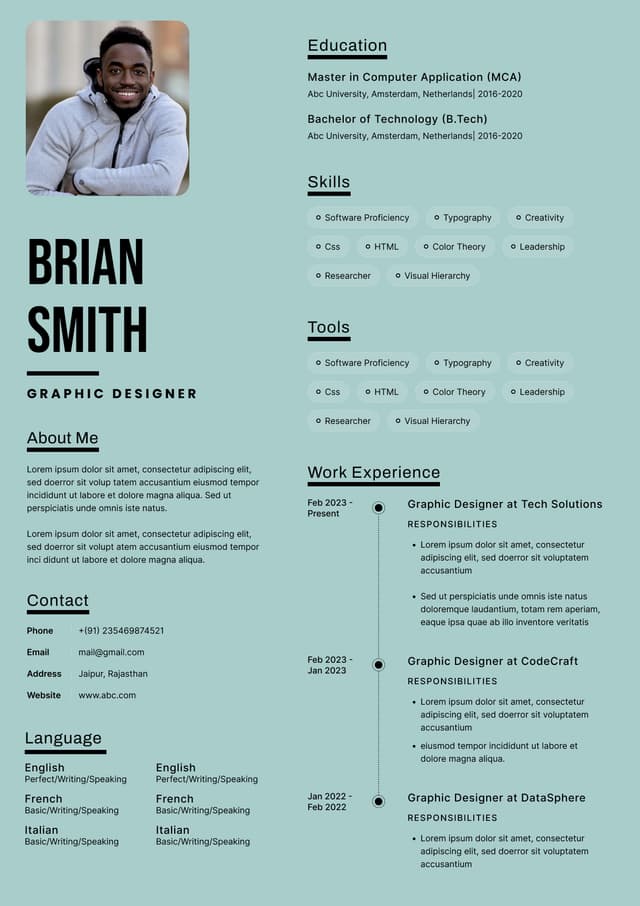
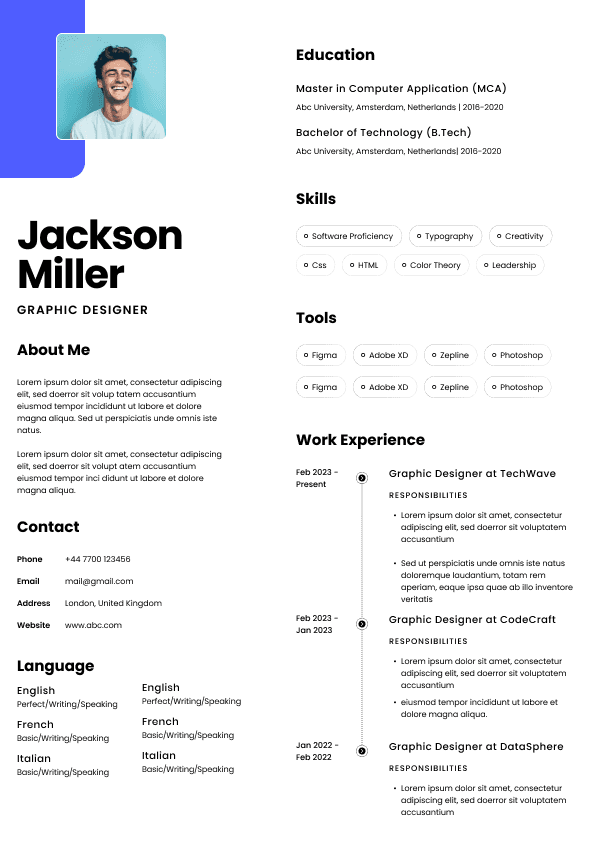
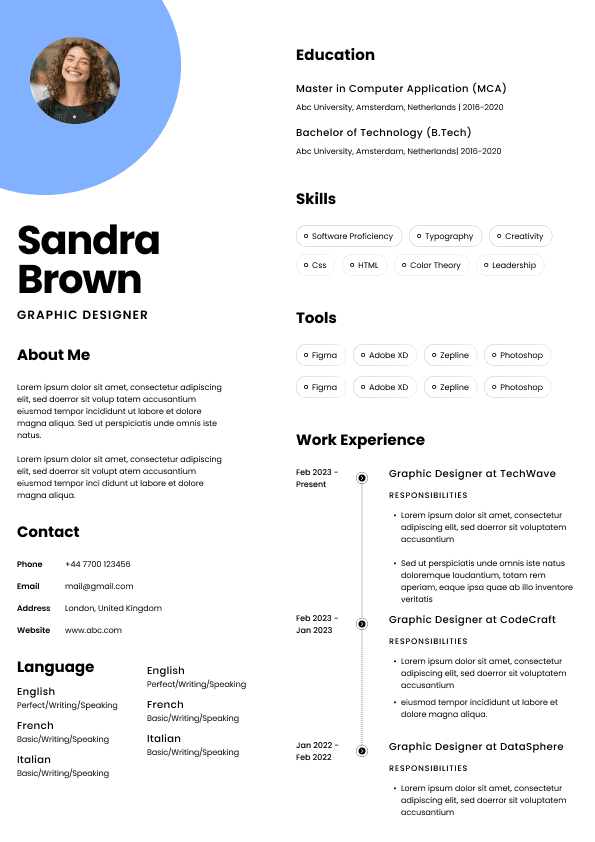
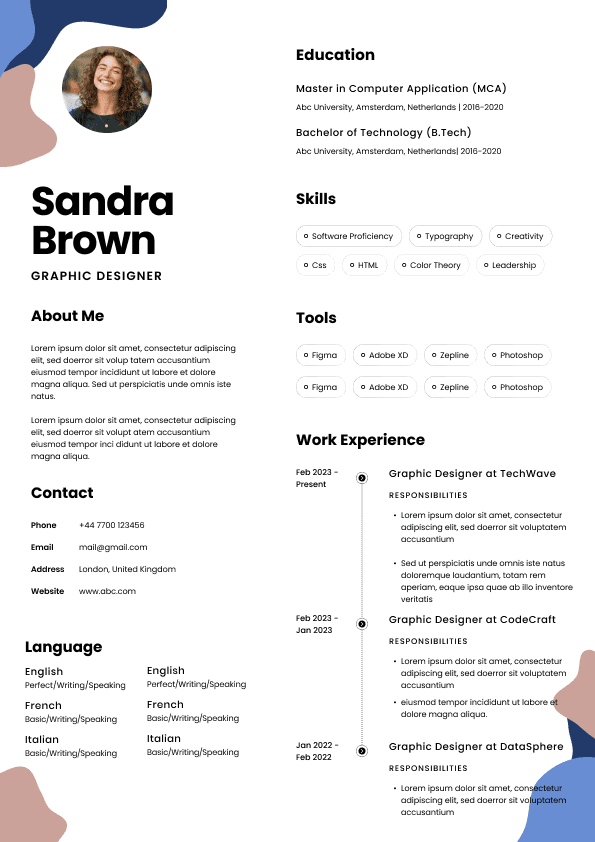
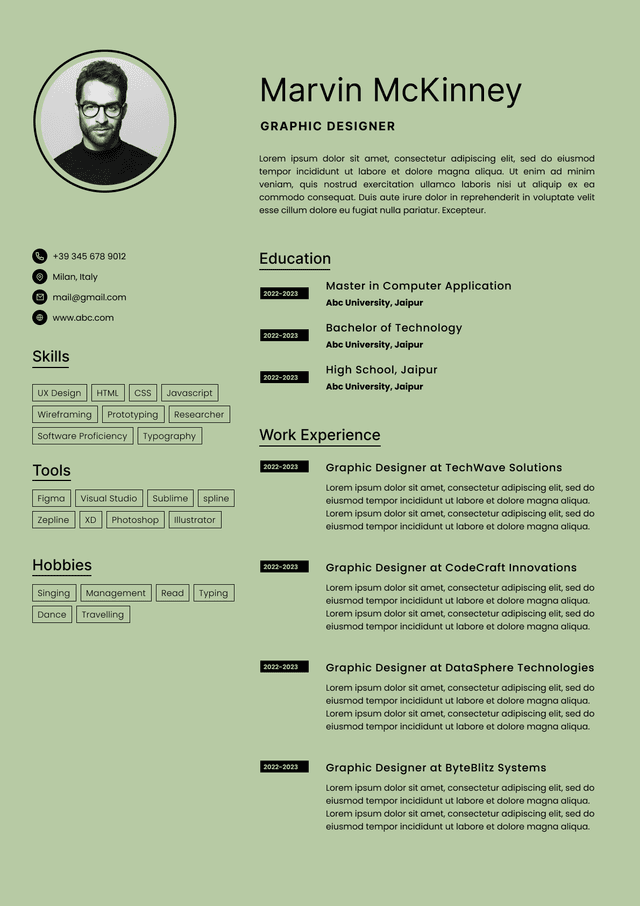
Choose from a wide range of NEWCV resume templates and customize your NEWCV design with a single click.
FAQ

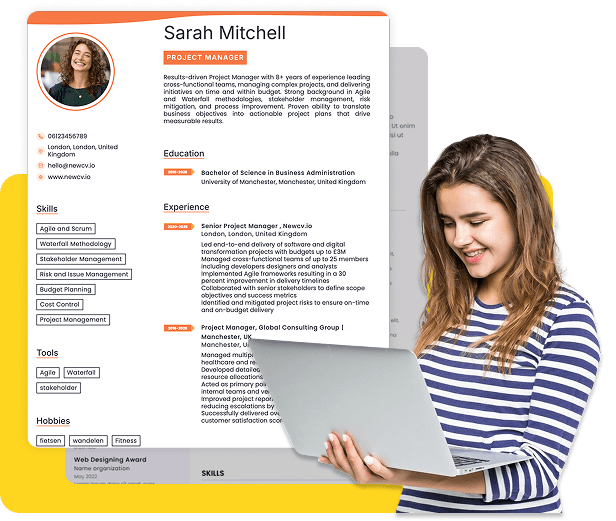
If you’re a high school or college student trying to land a data entry clerk job, your resume needs to do one thing well: prove you can handle accuracy, speed, and basic computer tasks even without formal experience. Employers hiring for data entry roles care far more about your typing ability, attention to detail, and reliability than your work history. A strong student data entry resume highlights your computer skills, showcases any typing or admin-related tasks you’ve done, and presents you as organized and dependable.
This guide shows exactly how to build a data entry clerk resume as a student, what to include, and how to stand out even with little or no experience.
Before writing your resume, understand what hiring managers actually want for entry-level data entry roles.
They are not expecting years of experience. Instead, they are scanning for:
Typing speed and accuracy
Basic computer proficiency
Familiarity with tools like Excel or Google Sheets
Attention to detail
Ability to follow instructions
Reliability for repetitive tasks
If your resume clearly shows these traits, you can compete even against more experienced candidates.
As a student, you should use a skills-based or hybrid resume format. This allows you to emphasize abilities over work experience.
Contact information
Resume summary
Skills section
Education
Relevant experience or projects
Additional sections (optional)
This format helps you highlight your strengths first, which is critical when experience is limited.
Your resume summary should quickly show that you’re capable of handling data entry tasks.
Your student status
Your strongest relevant skills
Your goal (part-time, remote, freelance, etc.)
“Detail-oriented college student with strong typing speed (65 WPM) and experience using Excel and Google Sheets. Seeking a part-time data entry clerk position to apply accuracy and organizational skills.”
“Student looking for a job to gain experience.”
The weak version is vague and doesn’t match the job. The good version aligns directly with data entry expectations.
This section is the most important part of your resume.
Typing speed (include WPM if possible)
Microsoft Excel or Google Sheets
Data organization
Attention to detail
Time management
File management
Accuracy in repetitive tasks
Microsoft Word
Email communication
Online forms and databases
Internet research
Keyboard shortcuts
CRM tools (if any exposure)
Data cleaning or formatting
Always tailor your skills to match the job description.
Typing ability is one of the most important factors for data entry roles.
Include your typing speed (e.g., 60 WPM)
Mention accuracy if known
Add it in your skills section or summary
Take a free online typing test and use your average result.
Typing Speed: 62 WPM with high accuracy
This immediately signals readiness for the role.
Many students think they can’t apply because they lack experience. That’s not true.
You can include:
Entering data into spreadsheets
Research assignments requiring organization
Group work involving documentation
Managing records for clubs
Volunteer admin work
Organizing event lists or registrations
Helping family businesses with data
Online gigs
Personal organization projects
“Maintained and updated a spreadsheet of 200+ contacts for a school event, ensuring accuracy and proper formatting.”
“Helped with school stuff.”
Always quantify and specify what you did.
Your education section should support your qualifications.
School name
Degree or diploma
Expected graduation date
Relevant coursework (computer applications, business, IT)
GPA (if strong)
Bachelor of Business Administration (Expected May 2027)
State University
Relevant Coursework: Computer Applications, Data Management
This subtly reinforces your fit for data entry work.
To rank higher in applicant tracking systems (ATS), your resume must match keywords from the job description.
Read the job posting carefully
Identify repeated skill requirements
Mirror those terms in your resume
If the job mentions:
Data accuracy
Spreadsheet management
Fast typing
Then your resume should include those exact phrases.
This increases your chances of passing automated filters.
Many student data entry jobs are:
Part-time
Remote
Freelance
Your resume should reflect flexibility and availability.
“Available for part-time remote work”
“Open to freelance data entry projects”
Employers often prioritize candidates who clearly fit their scheduling needs.
Avoid these errors if you want interviews.
This is one of the biggest missed opportunities.
“Hardworking” and “motivated” are not enough.
Speed matters, but accuracy matters more.
Keep everything focused on data entry tasks.
Messy resumes signal poor attention to detail.
To stand out, your resume must show proof, not just claims.
Measurable typing speed
Specific examples of data handling
Clean formatting
Relevant tools listed clearly
Consistent structure
Employers are looking for someone who can be trusted with repetitive, detail-heavy work. Your resume should reflect that.
John Smith
Email | Phone | Location
Summary
Detail-oriented college student with typing speed of 65 WPM and strong experience using Excel and Google Sheets. Seeking part-time data entry clerk role to apply accuracy and organizational skills.
Skills
Typing Speed: 65 WPM
Microsoft Excel
Google Sheets
Data organization
Attention to detail
File management
Education
Bachelor of Science in Business (Expected 2026)
XYZ University
Experience
Student Project
Entered and organized data for a class research project involving 500+ entries
Ensured accuracy and consistency across multiple spreadsheets
This format is simple, focused, and aligned with the job.
Emily Johnson
Email | Phone | Location
Summary
High school student with strong computer skills and typing speed of 55 WPM. Seeking part-time data entry position to gain experience and contribute accuracy and reliability.
Skills
Typing Speed: 55 WPM
Microsoft Word
Google Sheets
Data entry basics
Organization
Education
High School Diploma (Expected 2025)
ABC High School
Experience
Volunteer Work
Assisted in organizing and entering event registration data for school activities
Maintained accurate participant records
This shows capability even without formal job experience.
Most employers use software to scan resumes.
Use simple formatting
Avoid graphics or tables
Use standard section headings
Include relevant keywords
Submit as PDF unless otherwise specified.
Before sending your resume, confirm:
Typing speed is listed
Skills match the job description
No spelling or formatting errors
Experience includes data-related tasks
Resume is clean and easy to scan
If all of these are covered, your resume is ready.
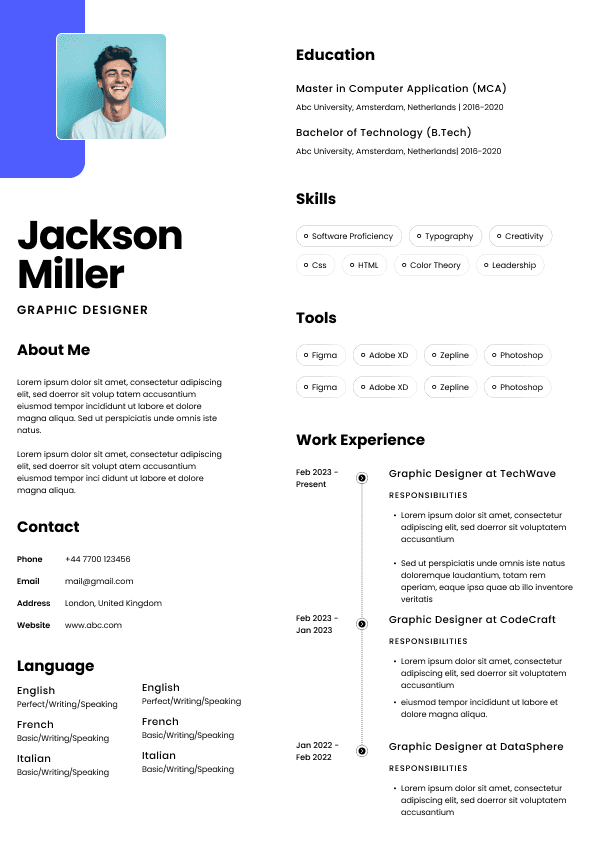
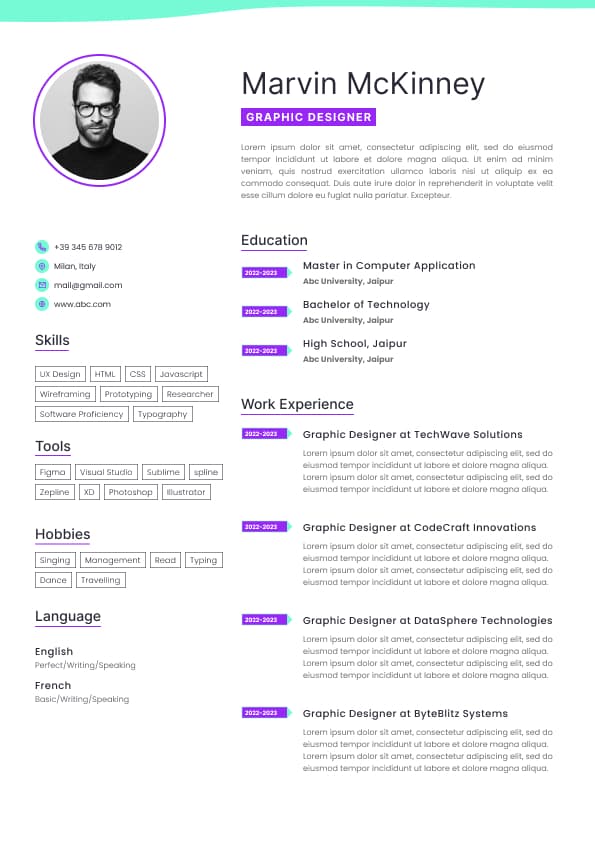
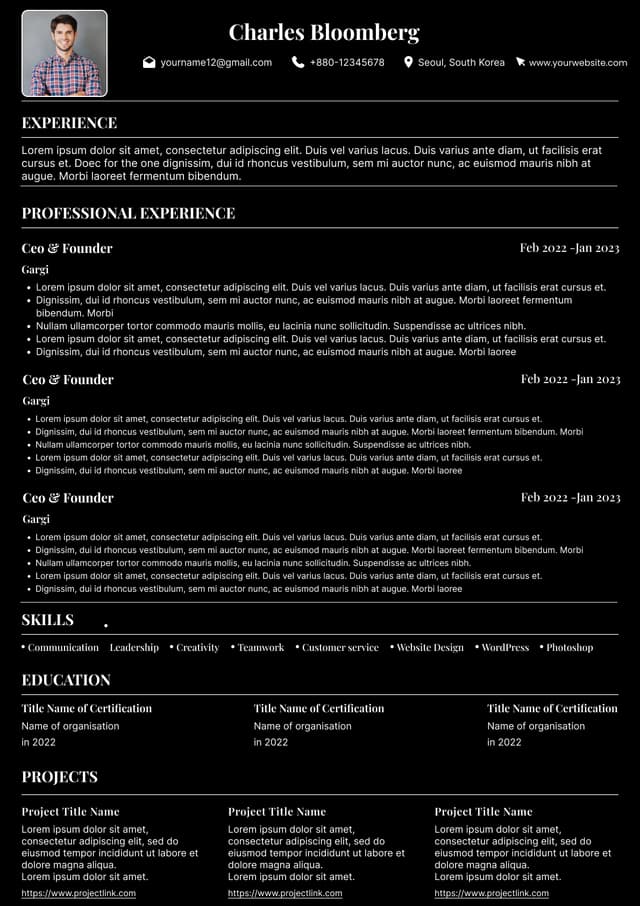
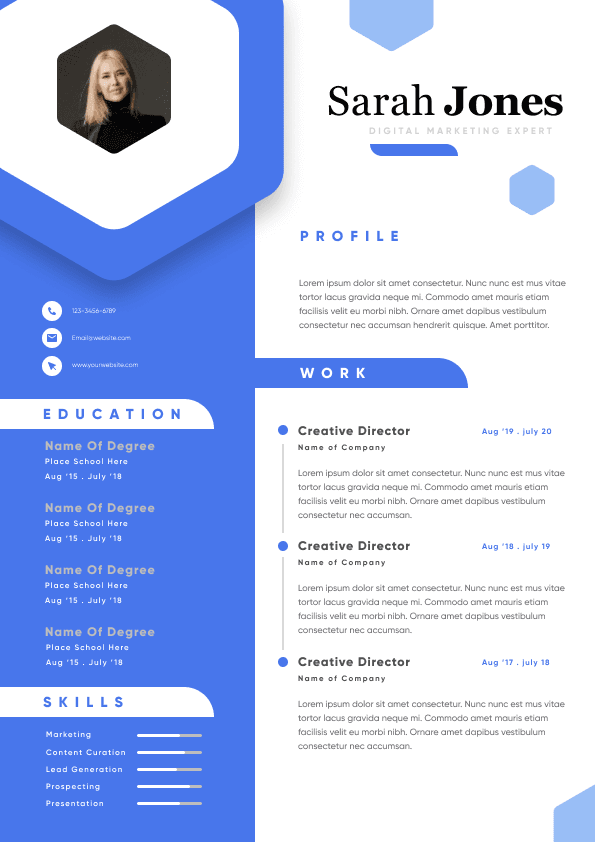
Use ATS-optimised Resume and resume templates that pass applicant tracking systems. Our Resume builder helps recruiters read, scan, and shortlist your Resume faster.

Use professional field-tested resume templates that follow the exact Resume rules employers look for.
Create Resume
Use professional field-tested resume templates that follow the exact Resume rules employers look for.
Create Resume


 Upload Resume
 Import from Linkedin