STILL APPLYING. STILL HEARING NOTHING?BUILD YOUR RESUME

STILL APPLYING. STILL HEARING NOTHING?BUILD YOUR RESUME
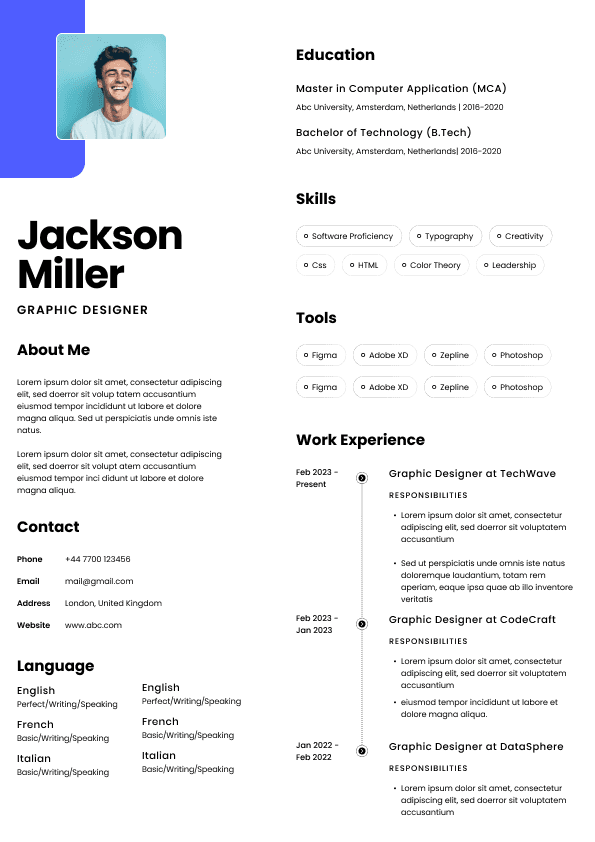
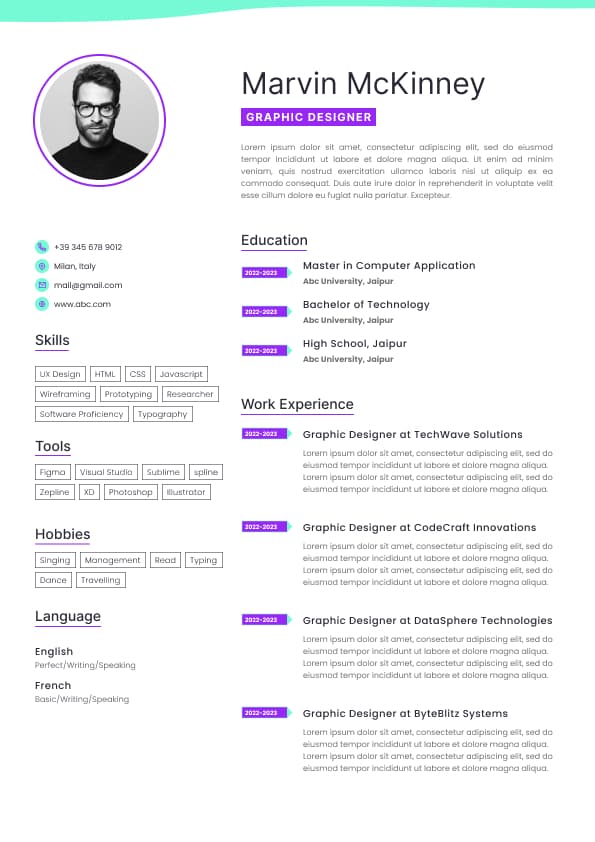
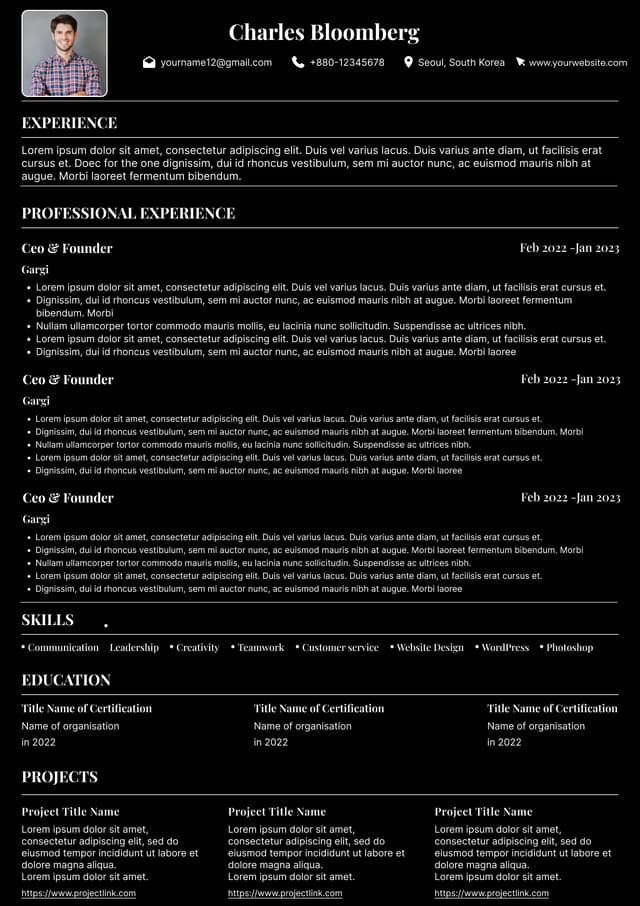
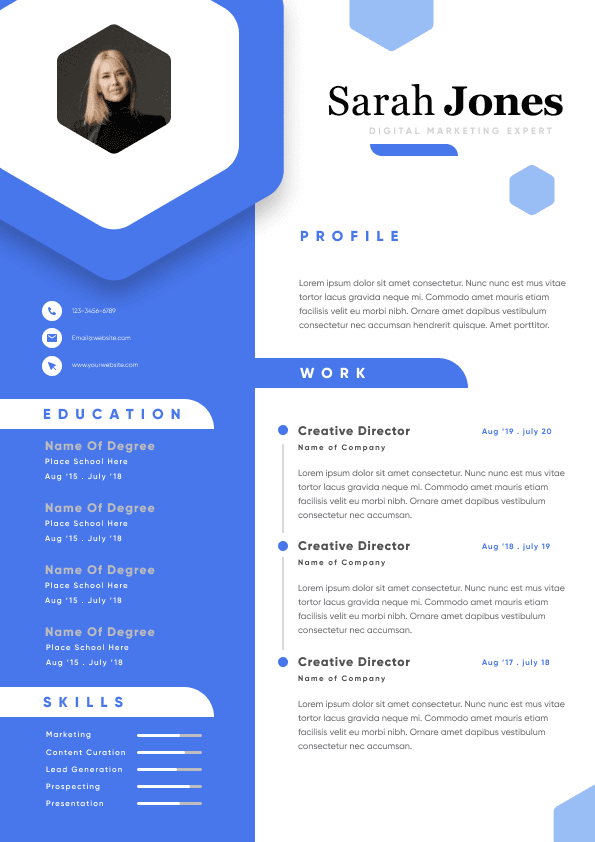
Choose from a wide range of NEWCV resume templates and customize your NEWCV design with a single click.
FAQ

The modern iOS developer role has expanded far beyond building iPhone apps. Companies now want engineers who understand the entire Apple ecosystem, including Apple Watch, Vision Pro, iPad, widgets, Live Activities, App Clips, Siri integrations, and spatial computing experiences. Recruiters increasingly prioritize developers who can design seamless cross-device experiences using frameworks like SwiftUI, WidgetKit, ARKit, RealityKit, ActivityKit, and CloudKit.
If you want to stand out in today’s competitive iOS job market, ecosystem specialization is one of the strongest differentiators available. It signals advanced product thinking, modern Apple framework adoption, stronger architectural maturity, and the ability to build premium user experiences across multiple Apple platforms. Developers with these skills are often considered for higher-impact product teams, innovation initiatives, and future-facing mobile engineering roles.
Standard CRUD-style iPhone apps are no longer enough to distinguish senior iOS engineers in competitive hiring pipelines. Most experienced candidates already know Swift, UIKit, networking, and basic app architecture. What separates top-tier candidates is platform depth.
Hiring managers increasingly evaluate whether a developer can:
Extend experiences across multiple Apple devices
Build low-friction user flows using native Apple integrations
Increase engagement using widgets and Live Activities
Design premium Apple-native experiences
Leverage modern Apple frameworks effectively
Think beyond a single-screen mobile app
This shift is especially visible in:
Health tech
Fitness platforms
Productivity apps
Fintech
Smart home ecosystems
Retail and commerce apps
Travel applications
AR and spatial computing products
Subscription-based consumer apps
Developers who specialize in Apple ecosystem technologies are often viewed as strategic product engineers instead of simply feature implementers.
Recruiters hiring for advanced iOS roles usually screen for signals beyond coding ability.
Strong Apple ecosystem candidates demonstrate:
Cross-device product thinking
Understanding of Apple Human Interface Guidelines
Experience with modern Apple APIs
SwiftUI fluency
Knowledge of device-specific UX patterns
Experience optimizing engagement and retention
Ability to reduce friction across Apple platforms
Familiarity with Apple ecosystem limitations and edge cases
Experience shipping production-grade Apple-native features
What recruiters notice immediately:
WatchOS apps with meaningful utility
VisionOS or ARKit portfolio projects
WidgetKit implementations tied to engagement KPIs
Live Activities tied to real-time user behavior
App Clips with practical business use cases
SwiftUI-first architecture decisions
Real device optimization experience
HealthKit or Core ML integrations
Generic tutorial-clone projects
Only basic iPhone apps
No ecosystem integrations
Outdated UIKit-only portfolios
No SwiftUI experience
No understanding of Apple-specific UX expectations
Resume descriptions focused only on features instead of outcomes
Recruiters also pay close attention to whether the candidate understands why these ecosystem technologies matter from a product perspective.
Not every specialization carries the same hiring value. Some areas have significantly higher market differentiation because the talent pool is smaller.
WatchOS specialization is one of the strongest indicators of advanced Apple ecosystem fluency.
Apple Watch development forces engineers to think differently about:
Information density
Notification-driven UX
Performance constraints
Health integrations
Fast interaction loops
Context-aware experiences
This specialization is highly valuable for:
Fitness platforms
Healthcare applications
Productivity tools
Habit tracking apps
Smart home apps
Enterprise mobility tools
WatchKit
SwiftUI
HealthKit
ActivityKit
App Intents
Background refresh APIs
Workout coaching app
Medication reminder system
Smart habit tracker
Running analytics dashboard
Live heart-rate monitoring experience
Apple Watch productivity assistant
Most iOS candidates never touch WatchOS seriously. Shipping a polished Watch app immediately differentiates your profile.
WidgetKit expertise has become extremely valuable because companies increasingly optimize for engagement and retention.
Widgets create persistent user visibility without requiring full app launches.
This directly impacts:
Daily engagement
Retention
Subscription usage
Task completion
Brand visibility
Re-engagement rates
Delivery tracking
Finance dashboards
Habit streaks
Health summaries
Sports scores
Calendar previews
Smart home controls
Travel updates
WidgetKit
ActivityKit
App Intents
SwiftUI
BackgroundTasks
Strong candidates explain:
Why a widget improves user behavior
How Live Activities reduce friction
Which metrics improved after implementation
How refresh limitations were managed
How performance and battery optimization were handled
Many developers build visually attractive widgets without solving a real user problem. Recruiters care more about utility than appearance alone.
VisionOS is one of the most future-facing Apple ecosystem specializations.
Although still emerging, it already carries strong strategic value because companies want engineers capable of experimenting with spatial computing interfaces.
VisionOS expertise signals:
Early-adopter engineering capability
Advanced UI thinking
Strong SwiftUI understanding
RealityKit familiarity
Product innovation mindset
Ability to work in ambiguous environments
RealityKit
ARKit
SwiftUI
Reality Composer Pro
Spatial gestures
3D scene management
Immersive spaces
Productivity workspace app
Spatial data visualization tool
AR collaboration experience
Virtual showroom
Medical visualization app
Immersive educational platform
Even limited VisionOS experience can significantly elevate your profile because the market still has relatively few qualified developers.
Candidates who understand spatial interaction patterns are often viewed as innovation hires.
AR development remains highly valuable in specific industries.
Retail and ecommerce
Healthcare
Education
Manufacturing
Interior design
Real estate
Gaming
Automotive
Virtual try-on experiences
Furniture placement tools
Interactive education
Indoor navigation
Product visualization
Industrial maintenance tools
Measurement applications
ARKit
RealityKit
SceneKit
Vision framework
Core ML
Strong AR engineers understand:
Environmental tracking limitations
Performance optimization
Occlusion handling
Real-world UX friction
Device compatibility challenges
Camera pipeline considerations
Many candidates focus heavily on visual effects while ignoring usability. Hiring managers prioritize practical AR experiences that solve business problems.
App Clips remain underutilized despite offering significant business value.
App Clips reduce onboarding friction dramatically.
This is especially valuable for:
Retail
Travel
Event apps
Parking systems
Food ordering
Hospitality
Loyalty programs
Instant restaurant ordering
Event ticket access
Hotel check-in
Bike rental activation
Retail checkout flow
Parking payment systems
Lightweight architecture
NFC integrations
QR code handling
Deep linking
Apple Pay integration
Fast-launch optimization
Candidates who understand friction reduction are often viewed as stronger product engineers.
App Clips demonstrate that mindset clearly.
iPadOS development requires different UX thinking than standard iPhone development.
Large-screen optimization is increasingly important for:
Productivity software
Enterprise applications
Creative tools
Medical platforms
Education software
Financial dashboards
Multi-window support
Split view optimization
Keyboard interactions
Apple Pencil integrations
Advanced layout handling
Drag-and-drop interactions
Advanced productivity workflows
Multi-pane interfaces
Data-heavy dashboard apps
Creative editing experiences
Many developers simply stretch iPhone layouts onto iPad screens. Recruiters immediately recognize this mistake.
This is where senior-level ecosystem specialization becomes most valuable.
The strongest Apple developers do not think in isolated apps. They think in connected experiences.
A user can:
Start a task on iPhone
Continue on iPad
Receive updates on Apple Watch
Interact through widgets
Use Siri Shortcuts
View immersive data on Vision Pro
This level of ecosystem integration is extremely attractive to product-focused companies.
CloudKit
Handoff
Universal Links
App Intents
SiriKit
Continuity APIs
Shared SwiftUI architecture
Cross-device architecture experience often signals:
Systems thinking
Strong product intuition
Architectural maturity
Advanced Apple platform knowledge
Modern Apple ecosystem specialization is heavily tied to SwiftUI.
While UIKit still matters, advanced ecosystem development increasingly depends on SwiftUI because Apple prioritizes it across:
VisionOS
Widgets
Apple Watch
Live Activities
App Clips
Multi-platform experiences
State management understanding
Declarative UI architecture
Performance optimization
Reusable component systems
Cross-platform adaptability
Animation fluency
“I built screens using SwiftUI.”
“Architected reusable SwiftUI component systems supporting iPhone, iPad, widgets, and WatchOS experiences with shared state management.”
The second example signals platform scalability and architectural maturity.
Most iOS portfolios fail because projects are too generic.
Strong ecosystem projects combine:
Real-world utility
Multiple Apple platforms
Modern frameworks
Strong UX thinking
Business-oriented outcomes
Fitness ecosystem app with WatchOS, widgets, and HealthKit
Delivery app using Live Activities and Dynamic Island
Smart home dashboard with Siri Shortcuts and widgets
VisionOS collaboration platform
Retail AR shopping experience
Cross-device productivity suite
CarPlay navigation assistant
Travel app with App Clips and Live Activities
They demonstrate:
Product thinking
Modern Apple APIs
Ecosystem fluency
Cross-platform coordination
User engagement optimization
Recruiters can spot tutorial-based projects almost immediately.
Problems include:
Generic architecture
No originality
No business logic depth
No product reasoning
No scalability discussion
Strong candidates discuss:
Engagement improvements
Retention impact
UX friction reduction
Task completion optimization
Accessibility improvements
Weak candidates only describe features.
Widgets, AR, VisionOS, and WatchOS should solve real problems.
Hiring managers want strategic implementation, not novelty.
Apple ecosystem hiring managers care heavily about:
Native interactions
Accessibility
Animation quality
Performance
Device conventions
Human Interface Guidelines compliance
Beyond frameworks, senior ecosystem developers often understand:
Performance profiling
Battery optimization
Accessibility engineering
Offline-first architecture
Subscription flows
StoreKit optimization
Core ML integration
Privacy-focused design
Security best practices
These capabilities increase trust during technical evaluations.
Focus on:
Business impact
Platform breadth
User engagement improvements
Modern framework adoption
Cross-device implementation
“Built Apple Watch application.”
“Developed WatchOS companion experience that improved workout completion engagement by 28% through glanceable progress tracking and HealthKit integrations.”
Strong candidates explain:
Why a specific Apple technology was chosen
Tradeoffs between implementations
User behavior considerations
Performance constraints
Platform-specific UX decisions
Include:
Real devices in screenshots
Short product demos
Architecture explanations
UX rationale
Technical decisions
Performance considerations
The strongest long-term growth areas currently include:
VisionOS development
Spatial computing
WidgetKit and Live Activities
HealthKit ecosystems
Cross-device productivity apps
AI-enhanced Apple experiences
AR commerce applications
SwiftUI platform architecture
Companies increasingly want developers who can build premium Apple-native ecosystems rather than isolated apps.
That trend is accelerating.
Use ATS-optimised Resume and resume templates that pass applicant tracking systems. Our Resume builder helps recruiters read, scan, and shortlist your Resume faster.

Use professional field-tested resume templates that follow the exact Resume rules employers look for.
Create Resume
Use professional field-tested resume templates that follow the exact Resume rules employers look for.
Create Resume


 Upload Resume
 Import from Linkedin