STILL APPLYING. STILL HEARING NOTHING?BUILD YOUR RESUME

STILL APPLYING. STILL HEARING NOTHING?BUILD YOUR RESUME
FAQ
An ATS friendly resume is a resume designed so that applicant tracking systems can process its information clearly while recruiters can understand the candidate's value quickly. It uses recognizable sections, logical organization, readable text, consistent dates, accurate keywords, and formatting that does not hide essential content.
The best resume supports both audiences. It helps technology identify your information and helps people see why you may fit the job.
This guide explains what ATS friendly really means, how to improve your resume without keyword stuffing, and which common mistakes to avoid. If you want a complete evaluation of your current document, start your NewCV Premium Resume Audit for feedback on ATS compatibility, recruiter readability, positioning, content, and practical improvements.
ATS stands for applicant tracking system. Employers use these systems to collect, organize, search, review, communicate about, and manage job applications.
Different organizations use different software and hiring processes. Employers may configure workflows according to their own requirements. Some recruiters search for specific qualifications, while others review applications in the order received or use additional screening questions.
There is no single ATS algorithm that controls every application. This is why one public resume score cannot predict exactly what every employer will do.
Your goal is to make accurate information easy to identify and connect to the vacancy. Clear structure and relevant language reduce avoidable barriers, but they cannot replace the qualifications required for the role.
An applicant tracking system may extract information from your document and place it into fields such as name, email address, phone number, employers, job titles, dates, education, certifications, and skills. This process is often called parsing.
The system may also allow recruiters to search applications, filter by answers, organize candidates, and record progress through the hiring process. The precise functionality varies.
When a resume is difficult to parse, information may appear in an unexpected order or enter the wrong field. A date can become disconnected from a position, or text contained only in an image may not appear as expected.
A clear document structure helps reduce these problems. It also makes the resume easier for recruiters to scan after the information reaches them.
An ATS friendly resume combines technical clarity with relevant content. Important characteristics include:
No single feature makes a resume compatible. The complete document should be clear, truthful, focused, and easy to interpret.
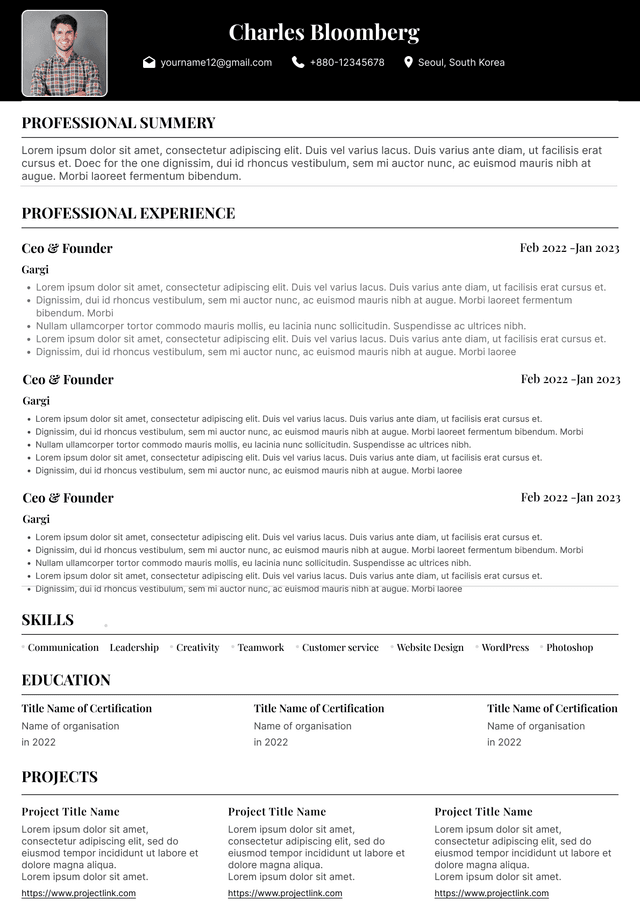
Familiar section labels help identify what type of information follows. Common headings include Professional Summary, Professional Experience, Skills, Education, Certifications, Projects, and Languages.
Avoid replacing recognizable labels with creative phrases such as My Journey, What I Bring, or Where I Made a Difference. Those expressions may sound distinctive but require the reader and software to interpret their meaning.
Use only the sections that support your candidacy. A student may need Projects and Relevant Coursework, while an experienced professional may focus more heavily on Professional Experience and Leadership Achievements.
Apply heading styles consistently throughout the document.
Place your name, email address, phone number, location, and important professional links where they are easy to find and copy. Essential contact information should appear as readable text rather than only inside an icon, image, header, or footer.
Verify every character. An incorrect email address or phone number can prevent an employer from contacting you even when your qualifications are strong.
For most United States resumes, a city and state may be sufficient. A complete street address is usually unnecessary. Do not include sensitive personal identification or financial information.
Test links to your LinkedIn profile, portfolio, website, or relevant professional work before submitting.
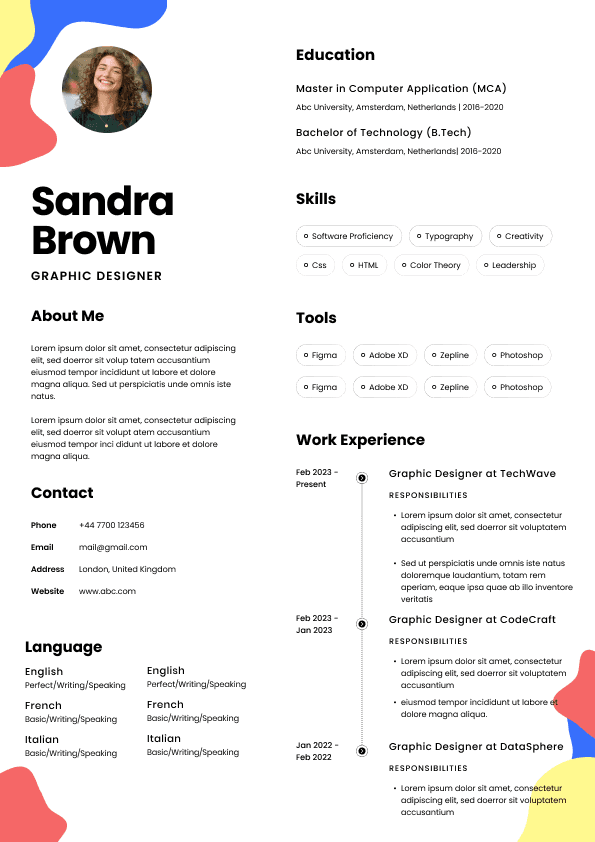
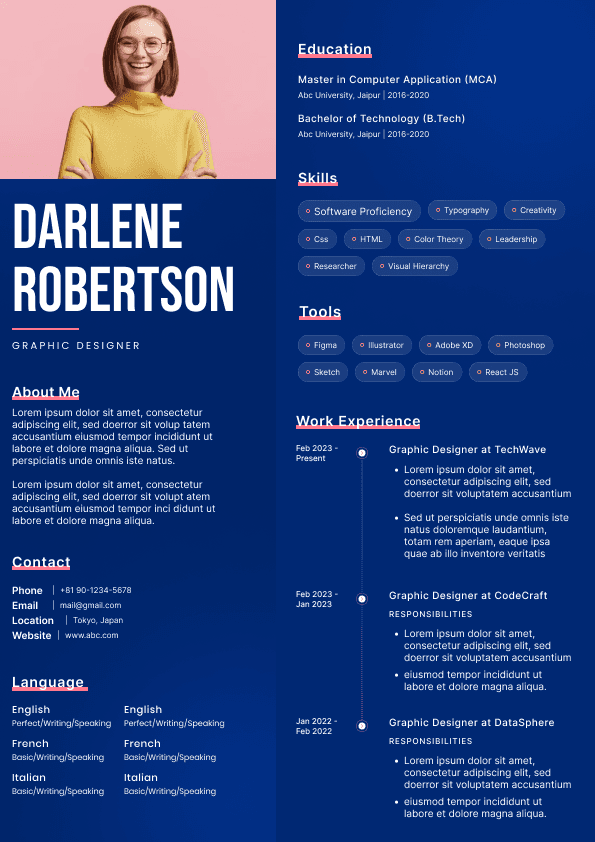
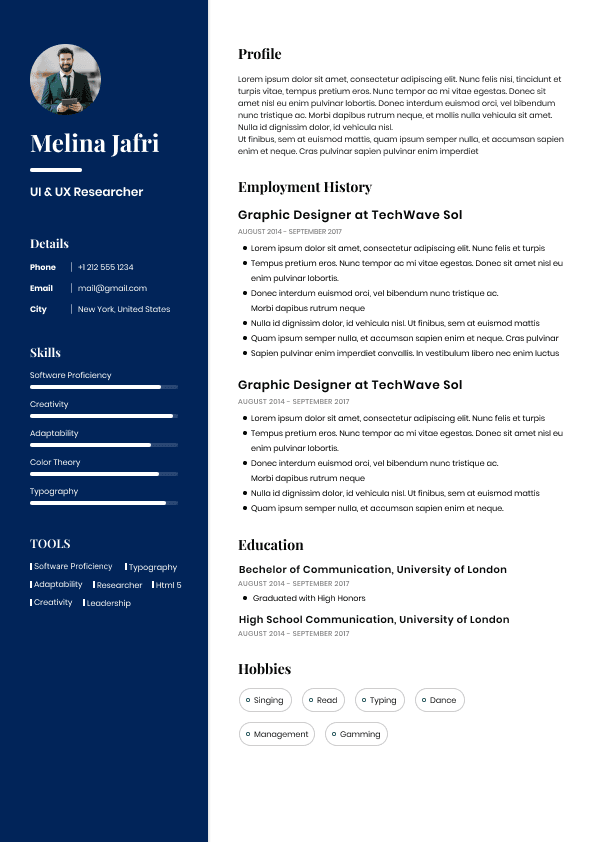
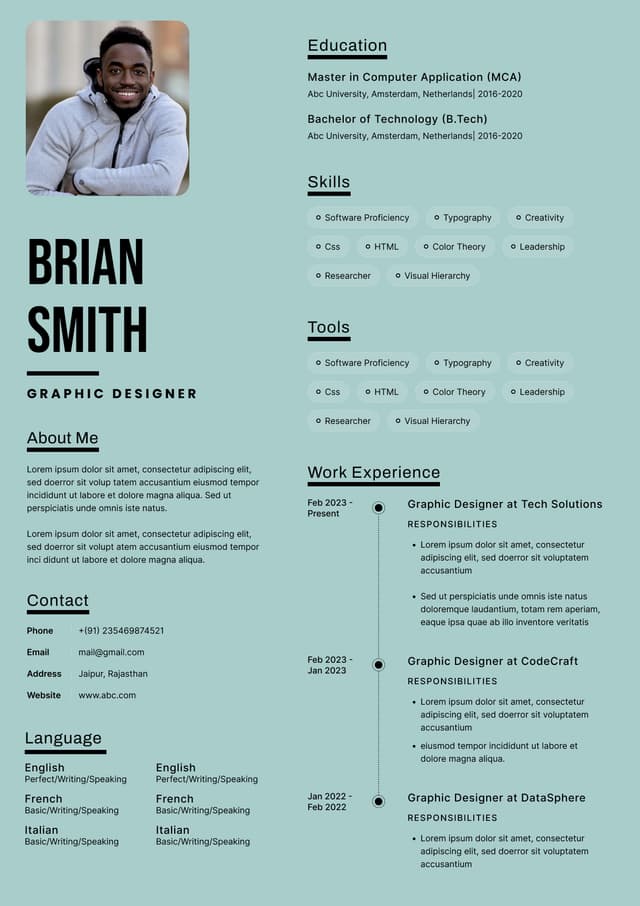
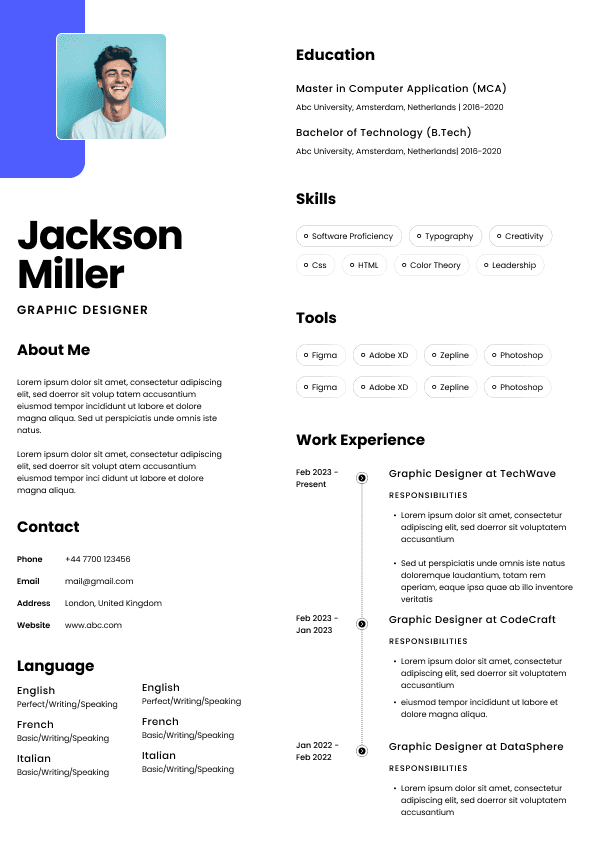
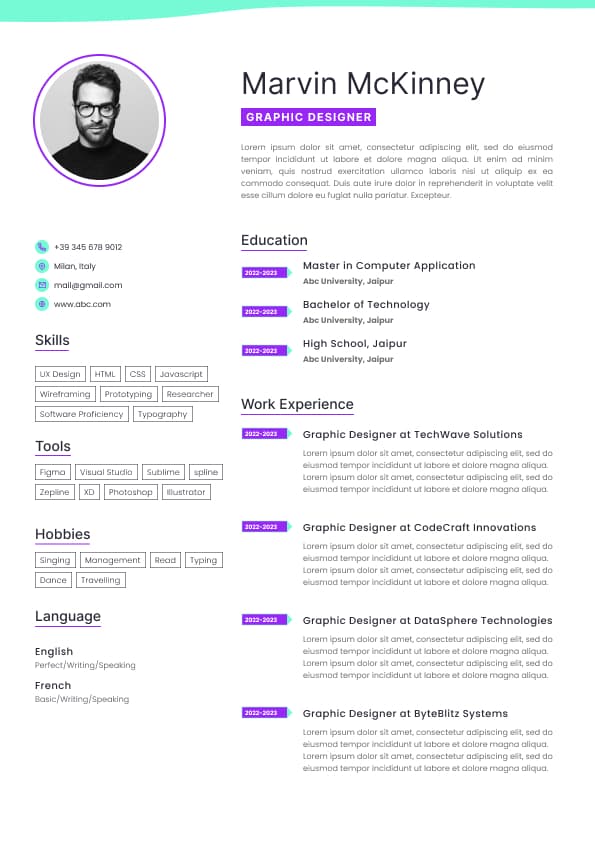
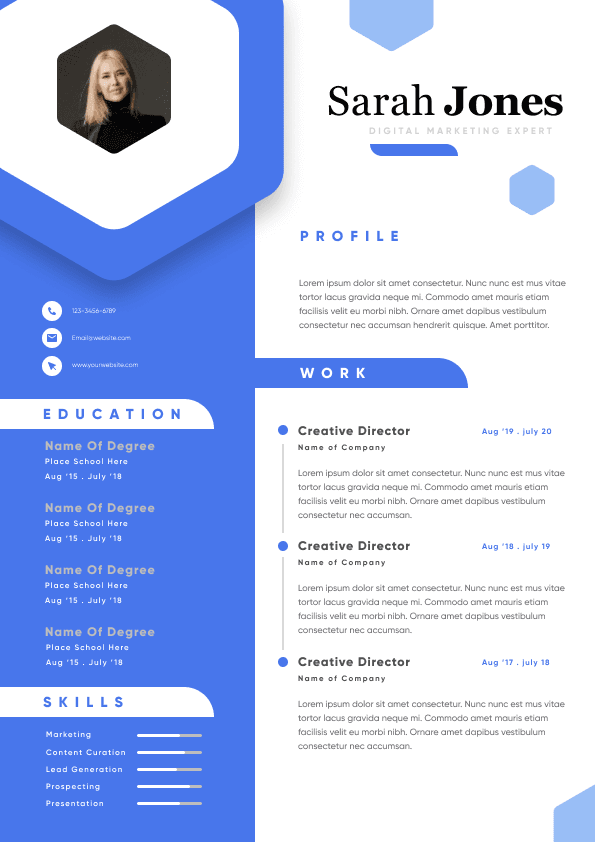
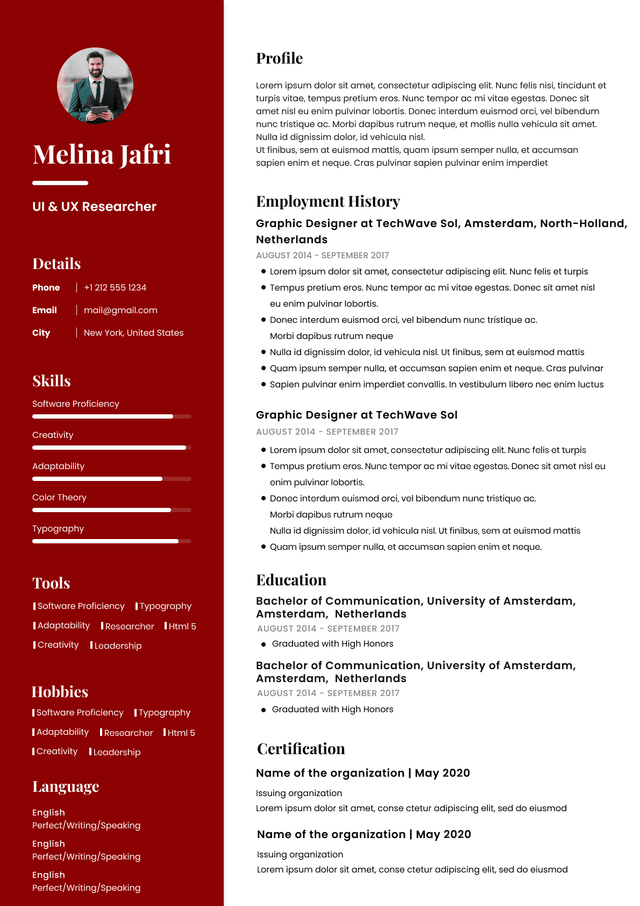
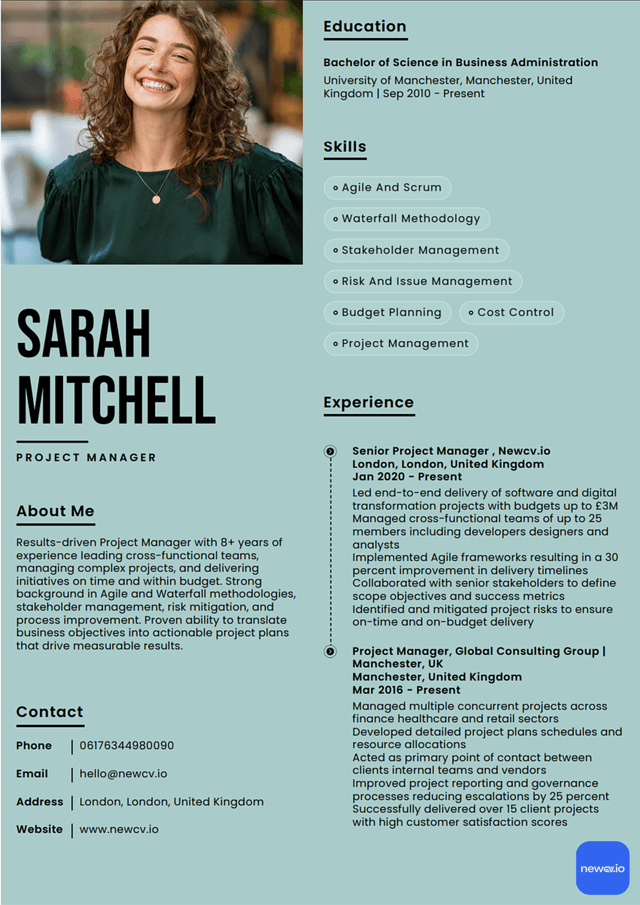
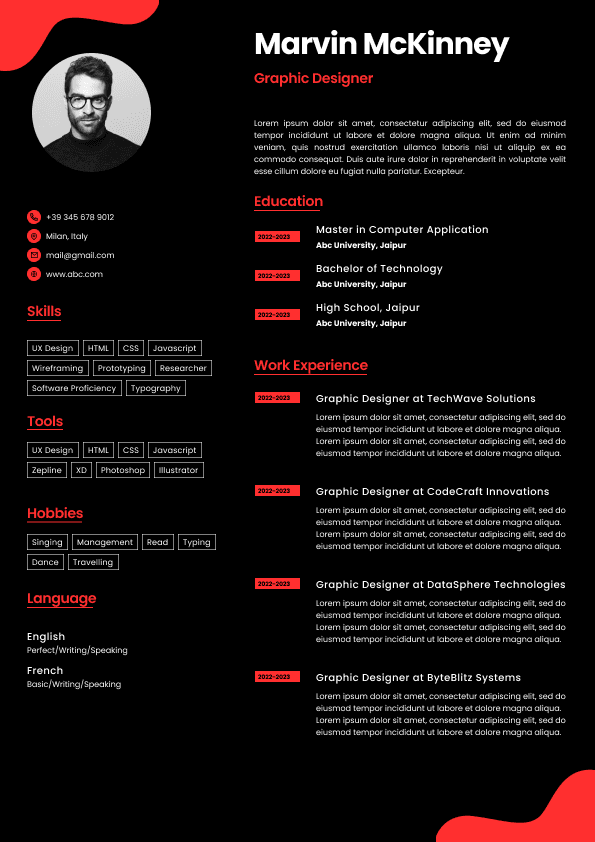
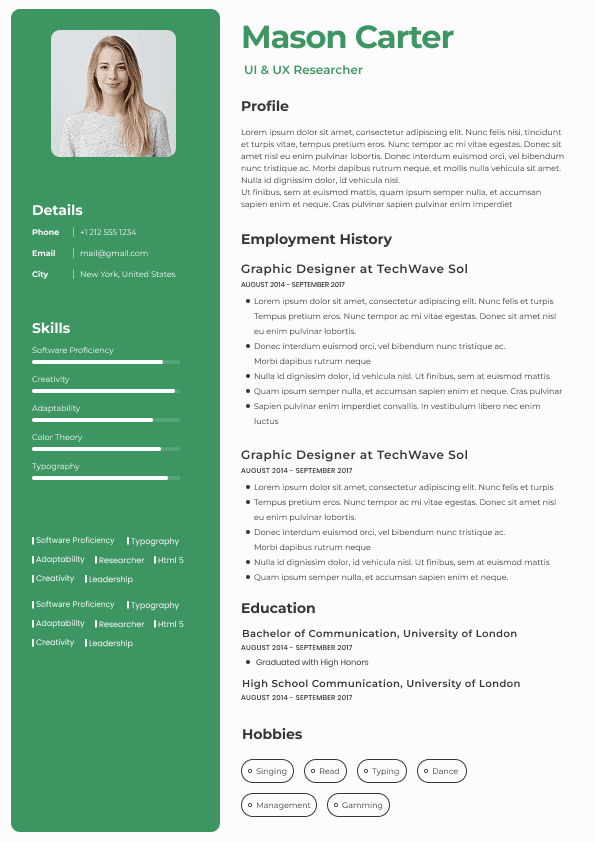
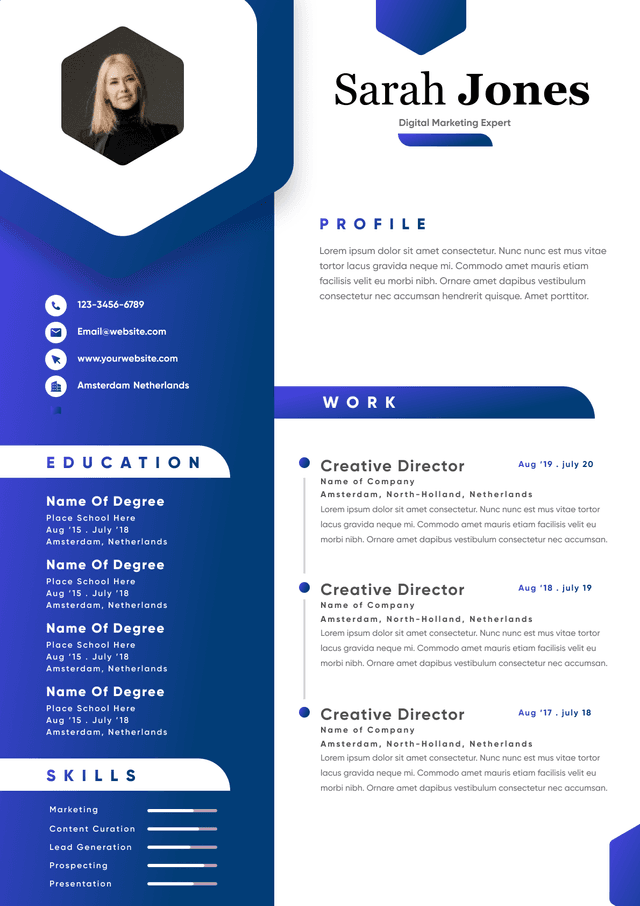
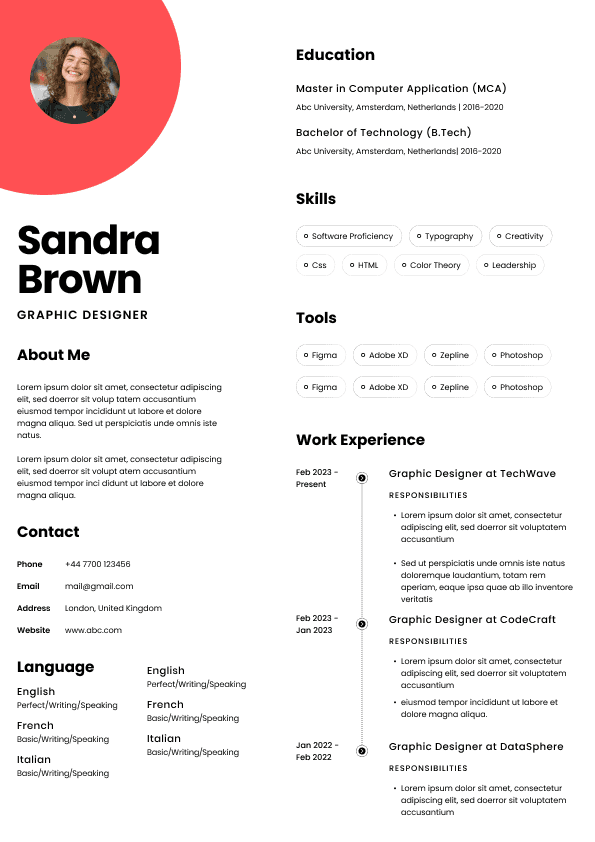
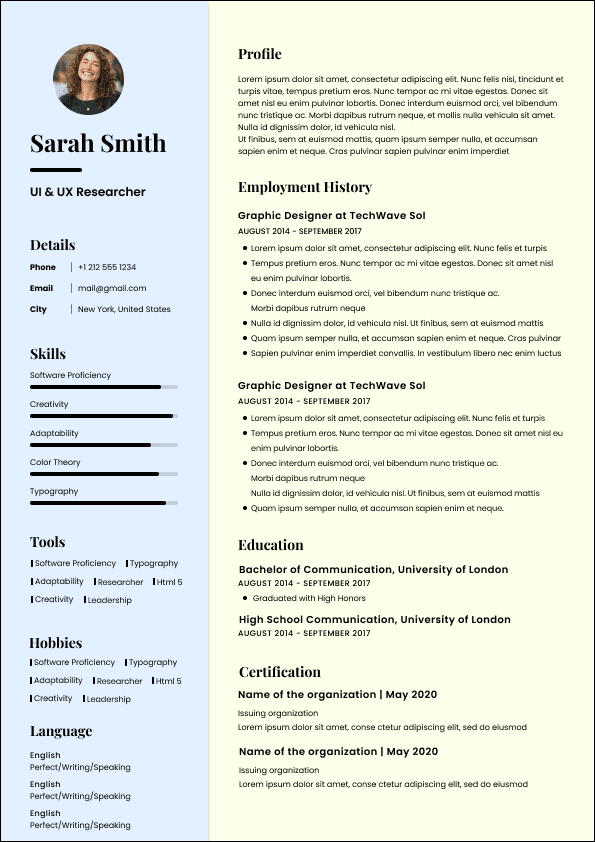
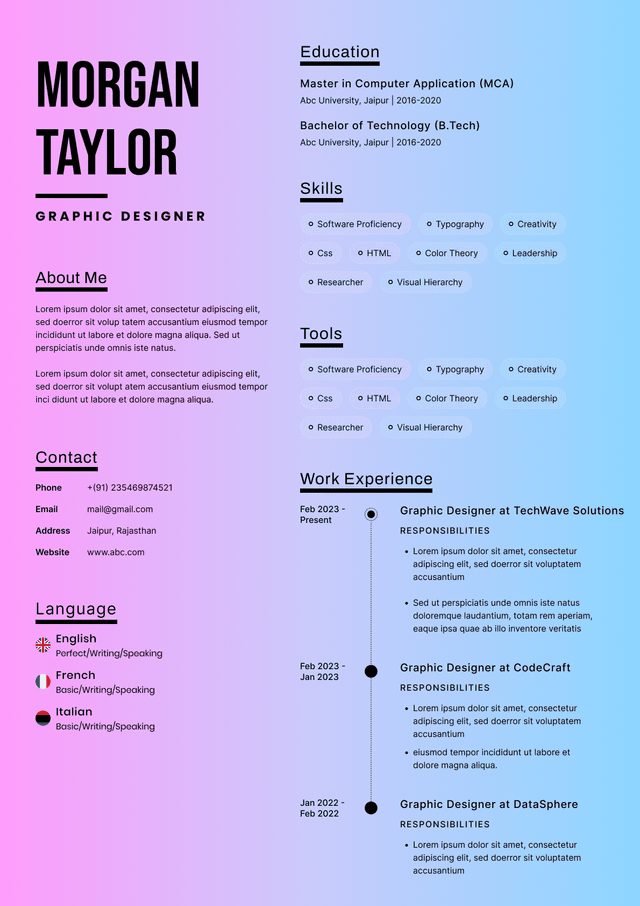
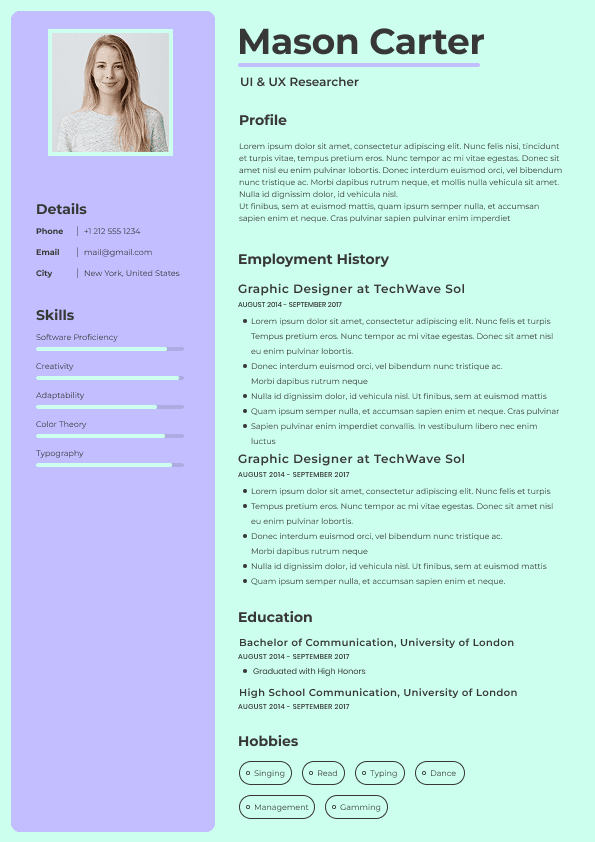
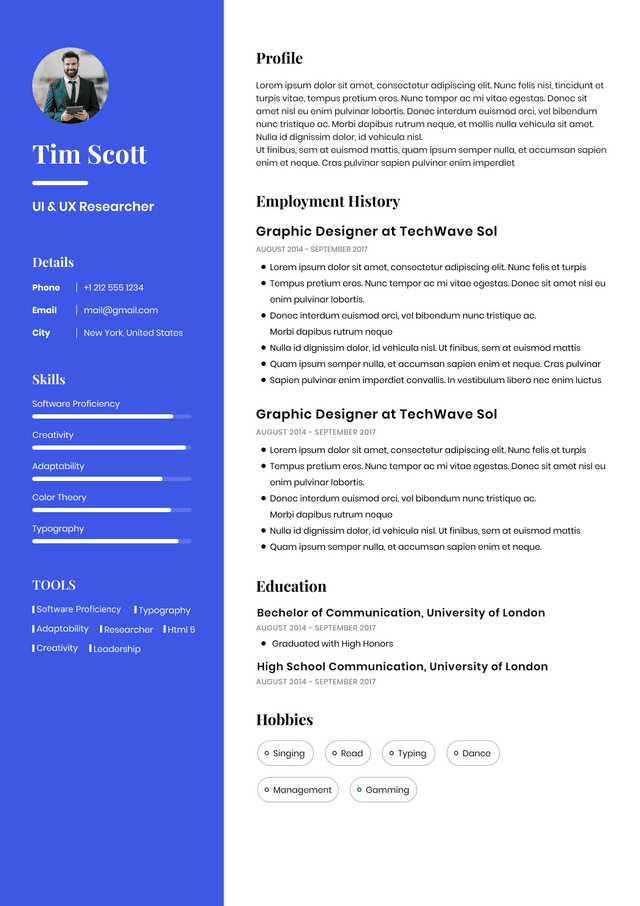
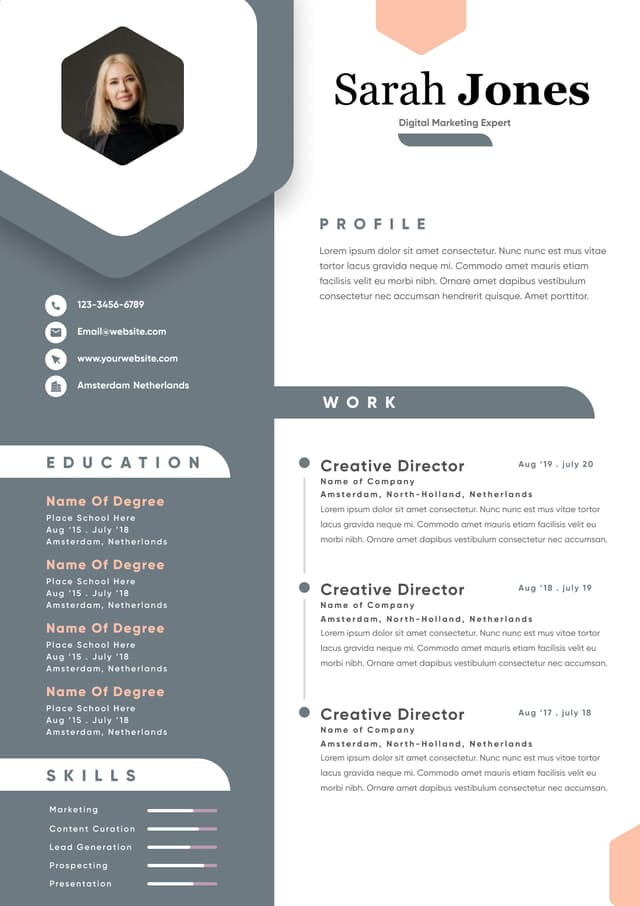
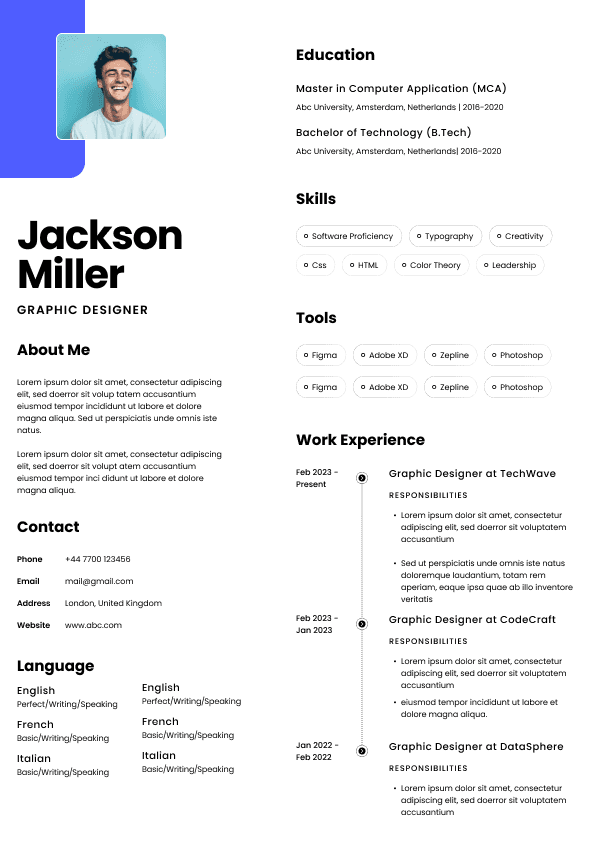
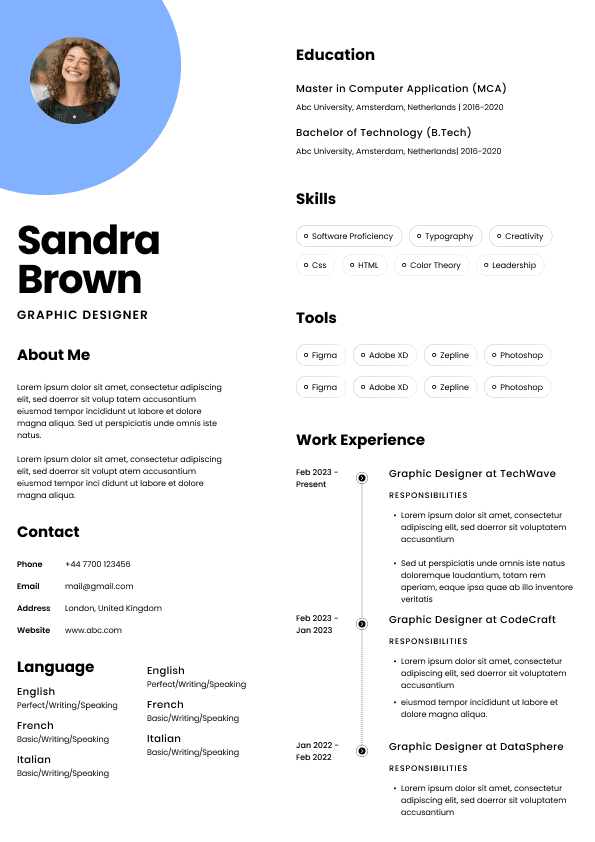
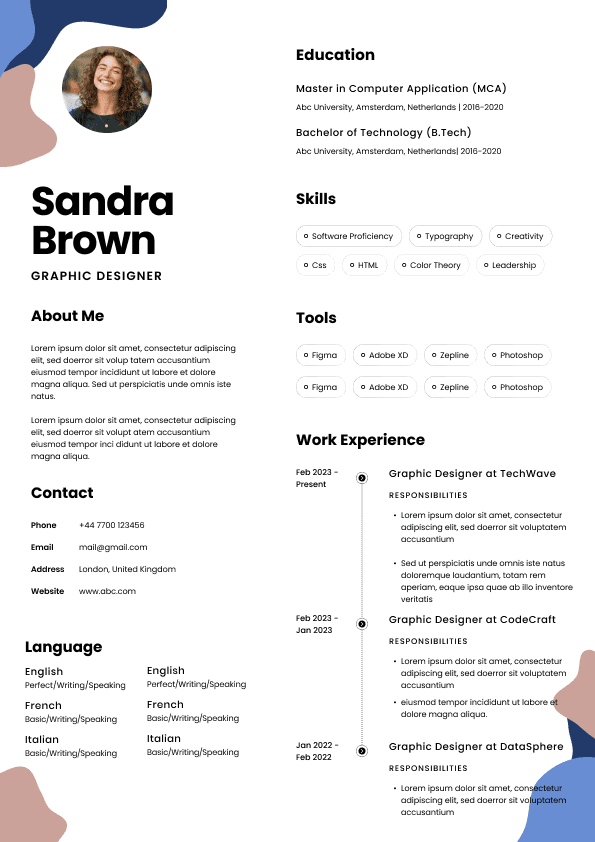
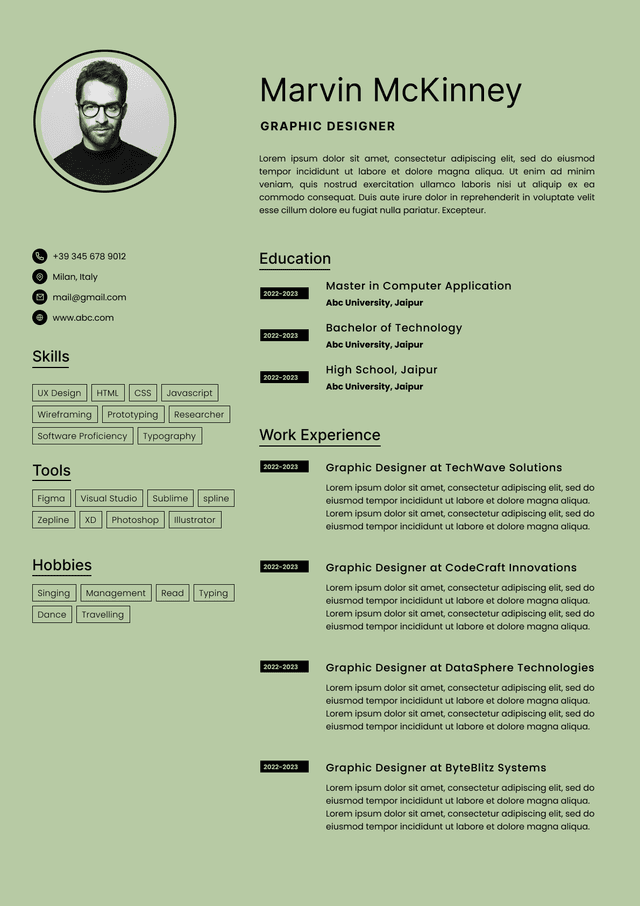
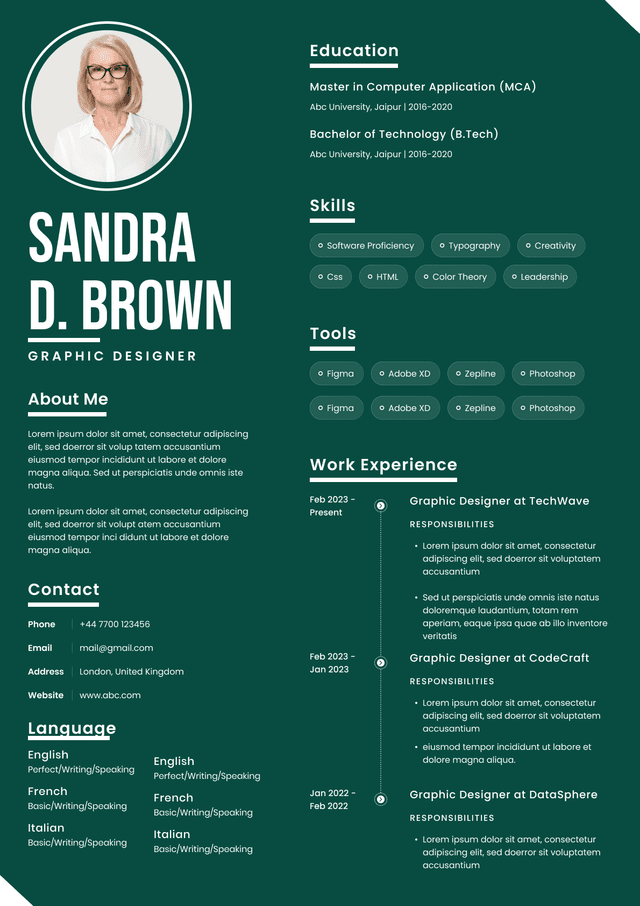
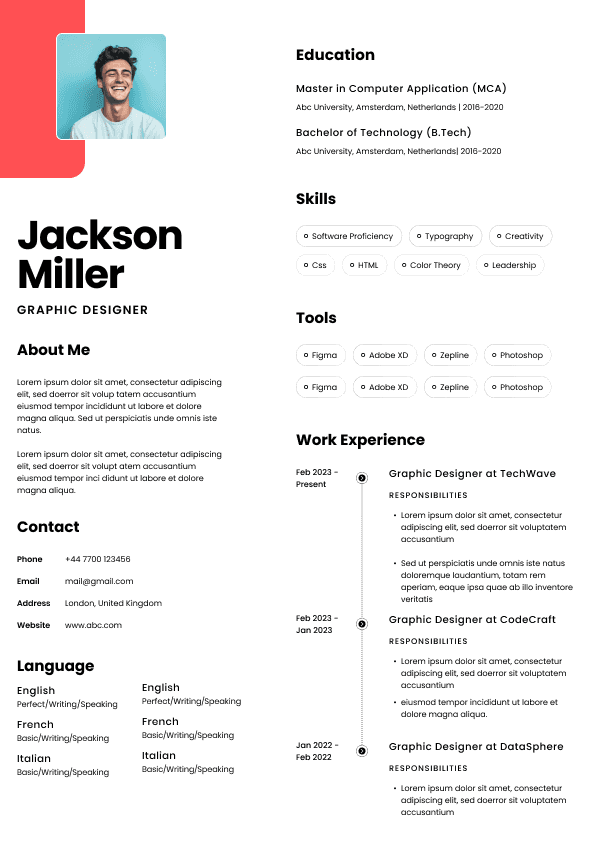
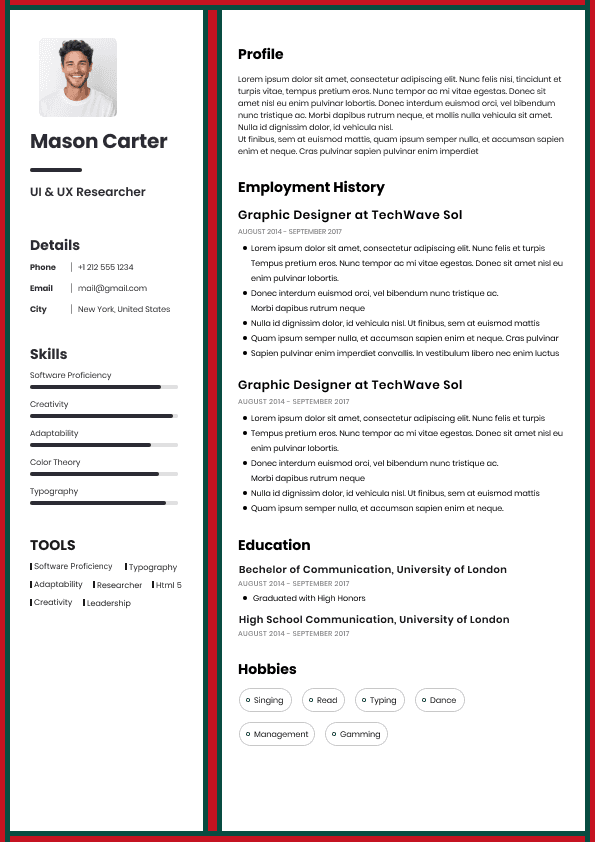
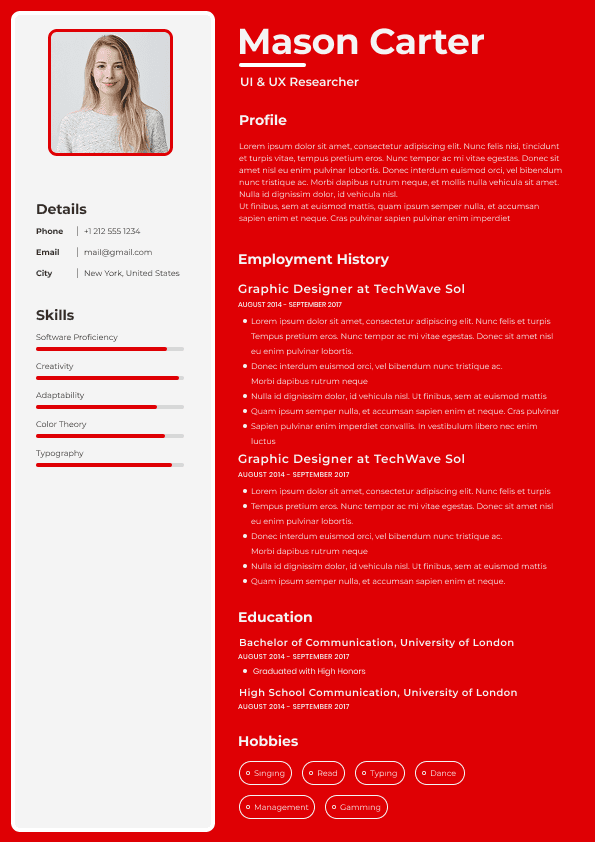
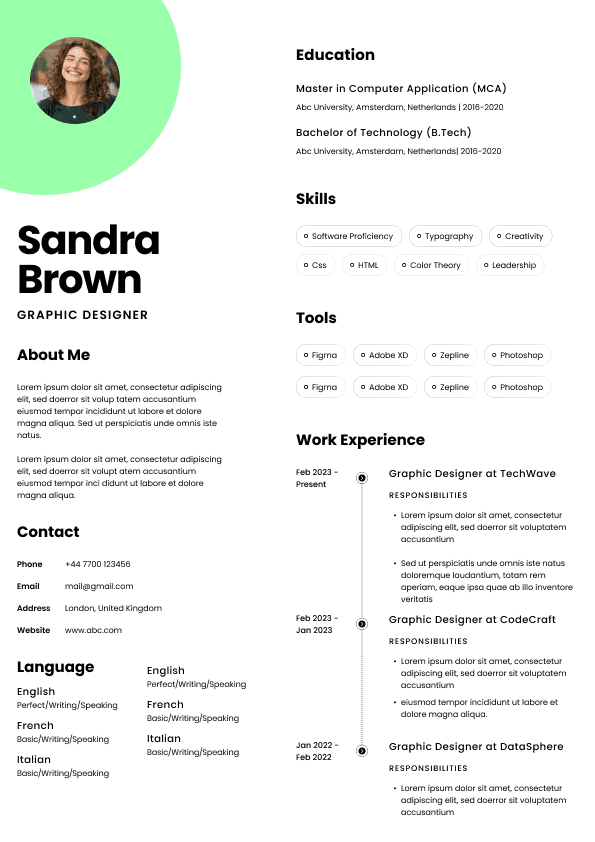
Readers can visually connect information across a page, but a parser may follow a different sequence. Complex columns, sidebars, floating text boxes, and nested design elements can cause content to appear in an unexpected order.
Review whether your resume makes sense when read from left to right and top to bottom. Employer, title, location, dates, and achievements should remain connected.
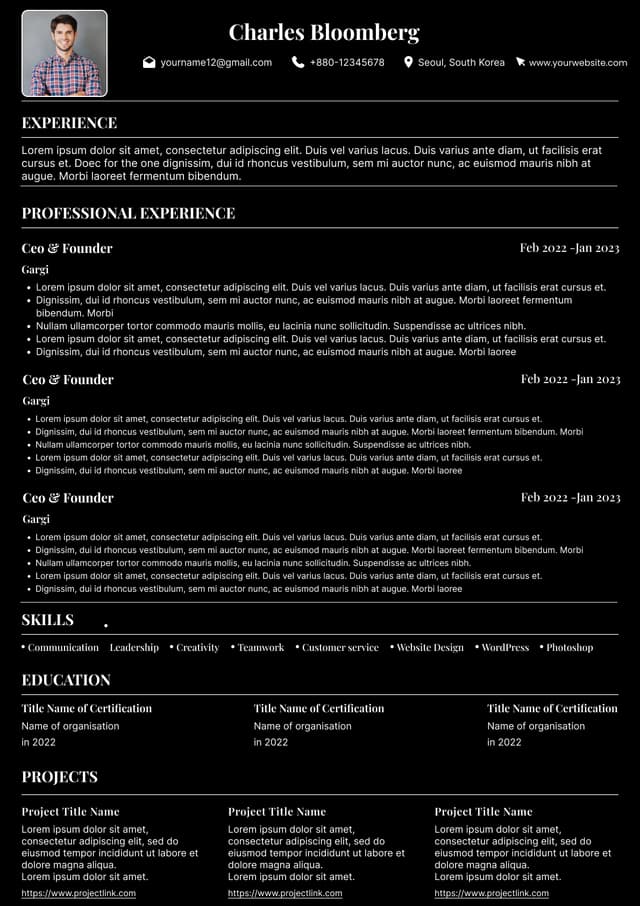
A simple structure is not the only acceptable design, but essential information should remain understandable if some visual formatting disappears.
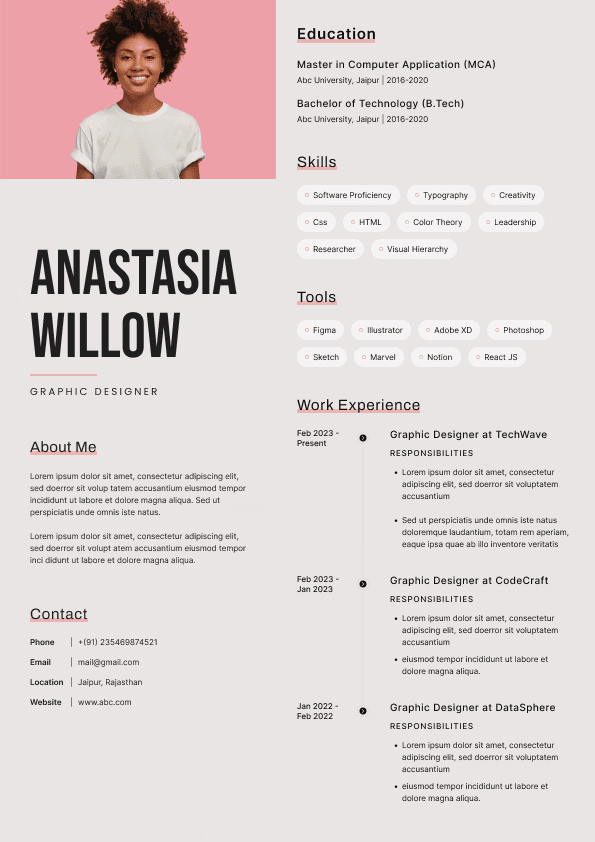
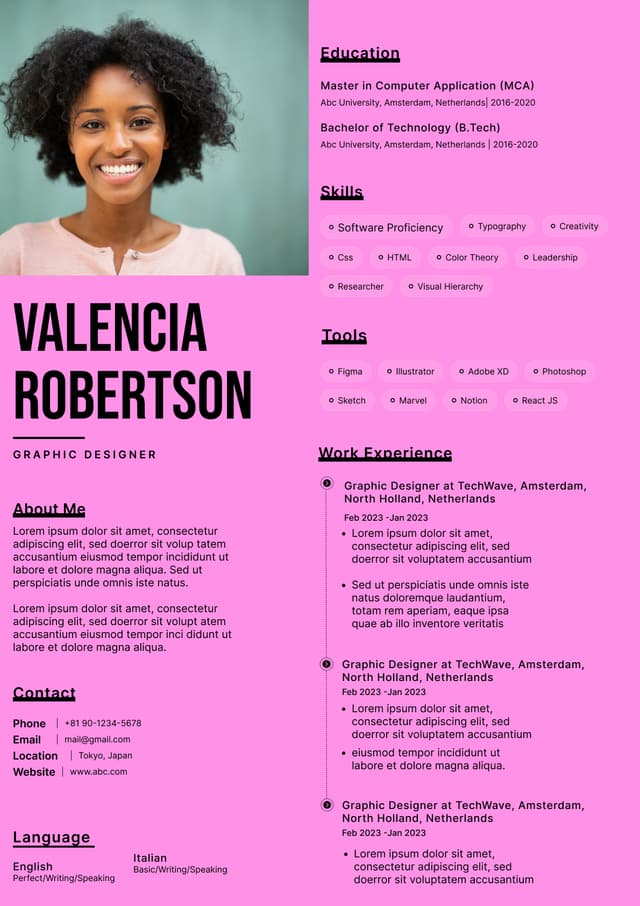
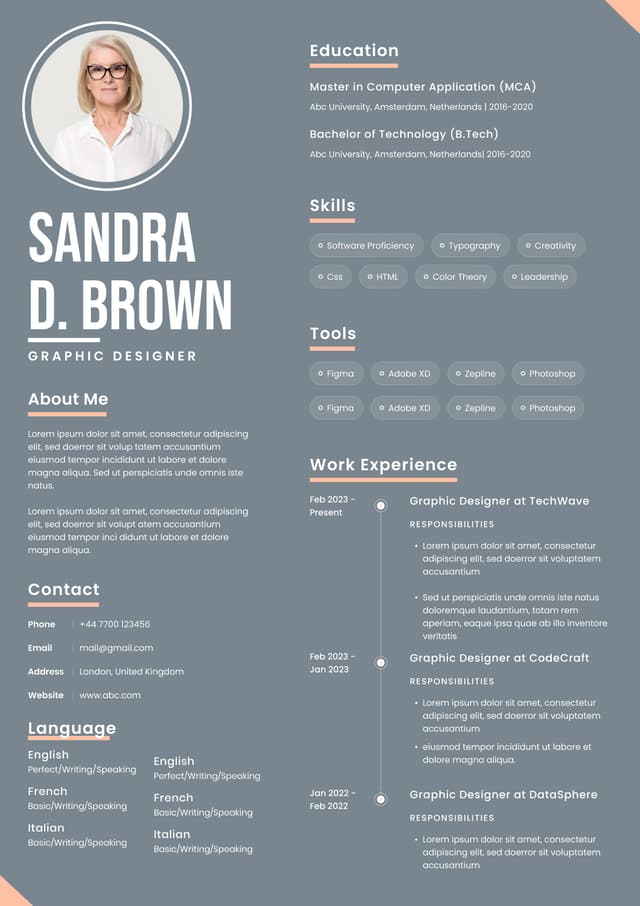
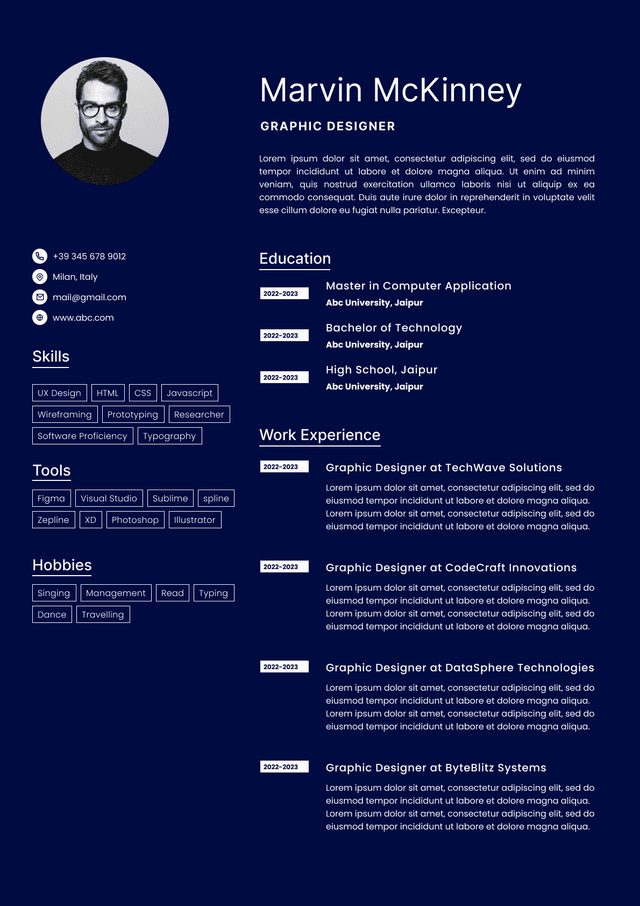
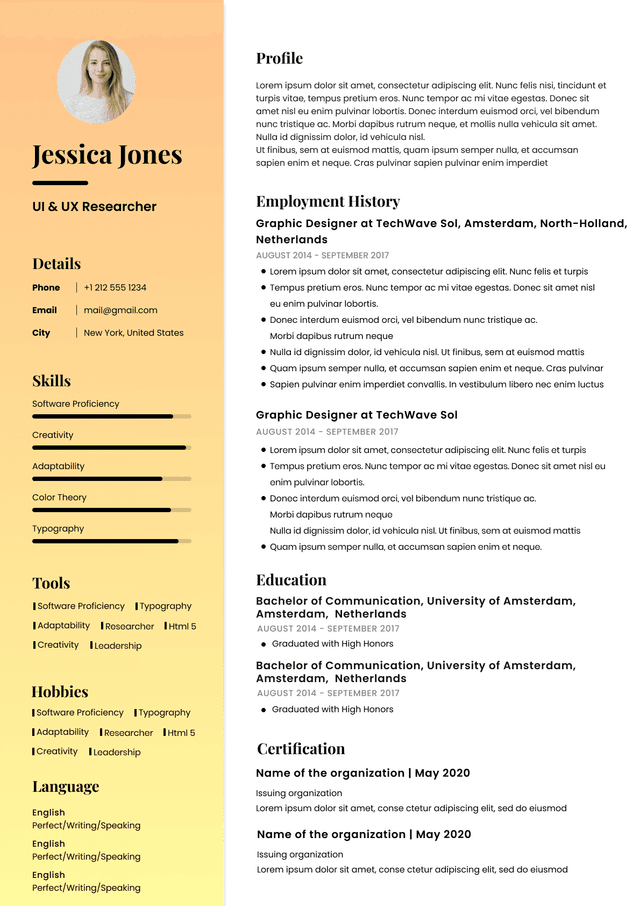
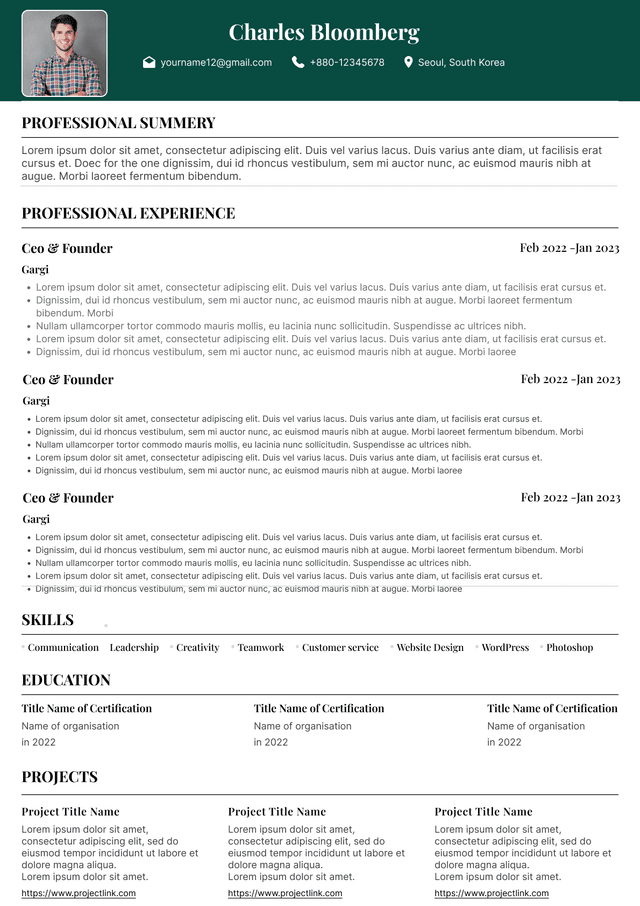
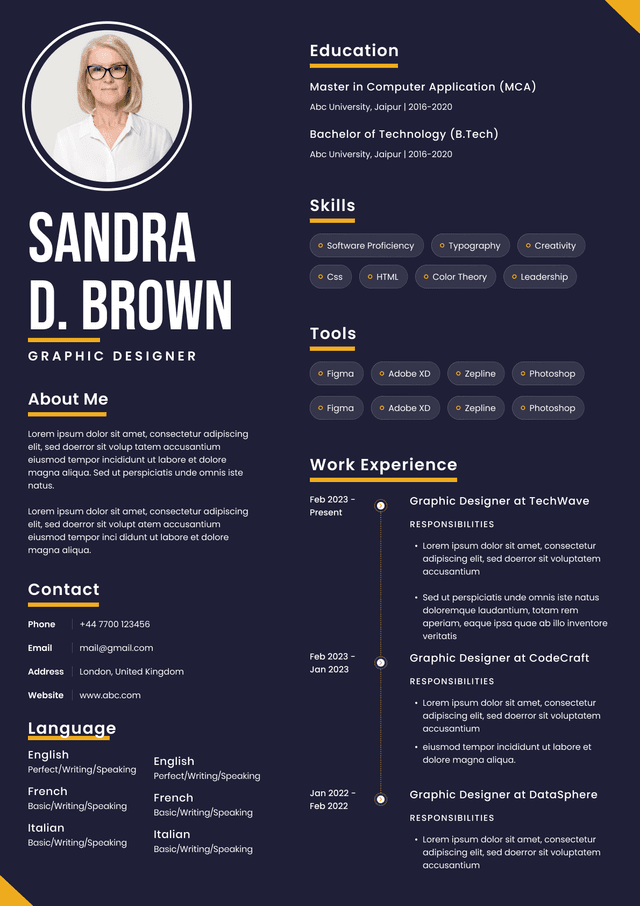
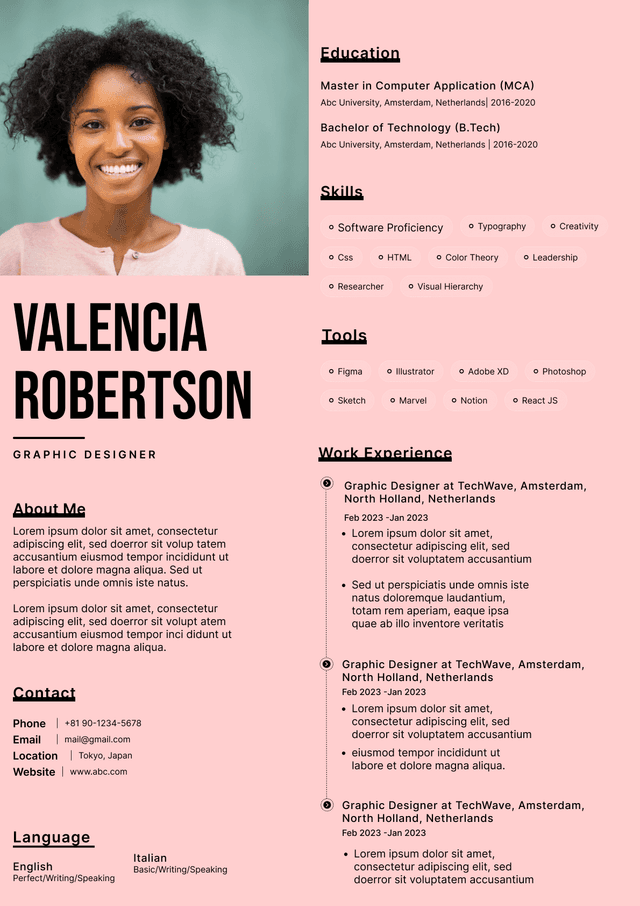
If the current layout makes reading order uncertain, explore ATS focused NewCV resume templates designed to balance professional presentation with clear structure.
Choose a professional font that remains easy to read at normal viewing size. Make section headings, job titles, employers, dates, and achievements visually distinct through consistent hierarchy.
Avoid making text extremely small to force the document onto a particular number of pages. Crowded content slows down review and can make important information disappear.
Use bold text with purpose. Too much emphasis removes the hierarchy because everything competes for attention. Maintain enough white space to separate sections and statements.
Always check the exported file. Fonts, spacing, symbols, and page breaks may change during conversion.
Columns and tables can organize a resume visually, but performance may vary across systems. Risk increases when several design elements are nested or when critical information is split across different areas.
Ask whether the content remains understandable without the visual grid. Dates should not become separated from positions. Skills should not be mixed with unrelated statements. Employer names should stay connected to the correct titles.
Do not place the entire resume inside a complex table simply to control alignment. When a design element adds little value, a cleaner structure is usually easier for both software and people.
Logos, screenshots, charts, infographics, and decorative graphics may not provide text in the same way as normal document content. Never place unique critical information only inside an image.
Your name, contact details, job titles, employers, dates, certifications, and essential skills should appear as readable text. If your profession benefits from a visual portfolio, include an accessible link and keep the resume itself focused on professional evidence.
A photograph is generally not expected on a standard United States resume, although conventions vary by country. Review the requirements of the market where you are applying.
Every position should present the employer, job title, location when useful, and employment dates in a consistent pattern. Confusing placement can make your career history harder to parse and harder for recruiters to verify.
If you held several positions with one organization, group them so progression is clear. Label consulting, freelance, temporary, and contract work accurately. If an internal title is unusual, you can add a short clarification without changing the truth.
Choose one date style and apply it everywhere. Do not place dates so far from a role that the connection becomes uncertain.
Always follow the employer's submission instructions. If the application requests a particular file format, use it.
PDF files often preserve visual appearance, while editable document formats may be preferred in some systems. There is no reason to ignore an employer's direct request based on a general rule found online.
Open the final file after saving. Confirm that fonts, spacing, links, symbols, page breaks, and alignment remain correct. Use a professional file name such as Firstname Lastname Resume.
Avoid submitting a file directly from an editing session without checking the exported result.
Relevant keywords help employers connect your background with the vacancy. They may include job titles, skills, tools, certifications, methods, regulations, industries, products, and responsibilities.
Read the job description and identify the most important qualifications. Compare those terms with your resume. If you possess the skill but describe it using very different language, add recognizable terminology naturally.
Important terms should appear in meaningful context. A skill in a list is useful for scanning, but a related accomplishment shows how you applied it.
For a specific vacancy, match your resume to the job with NewCV and make your real qualifications easier to identify.
Adding every word from a job description does not create a strong resume. Excessive repetition makes the document unnatural and may damage credibility.
Never include a skill, certification, tool, language, or responsibility you do not possess. Do not use invisible text. Do not paste the vacancy into the resume.
Select important terms that accurately reflect your experience. Place them where they belong and support them with relevant evidence.
After editing, read the resume aloud. If the same phrases appear repeatedly or sentences sound written for software rather than people, revise them.
An ATS friendly master resume is not automatically the best resume for every vacancy. Employers prioritize different requirements even when job titles are similar.
Tailoring means selecting and emphasizing the most relevant truth from your experience. Adjust the professional summary, skills, keywords, and order of achievements. Give more attention to work that addresses the employer's main needs.
Do not change official titles, invent accomplishments, or claim missing qualifications. The facts remain the same while the emphasis becomes more relevant.
A tailored resume makes the connection between your experience and the job easier for both software and recruiters to recognize.
Technical compatibility cannot replace persuasive content. Once a resume is available for review, a person must understand why the candidate deserves consideration.
Recruiters look for a clear professional identity, relevant experience, credible achievements, and evidence that matches the opening. Generic task lists and unsupported claims make those decisions harder.
Use natural language. Keep statements focused. Place the strongest relevant evidence early. Make sure the summary agrees with the work history and every listed skill can be supported.
An ATS friendly resume should never feel robotic. It should be easy to process and worth reading.
Many resumes contain accurate responsibilities but fail to show the candidate's contribution. Statements such as managed accounts, supported projects, or prepared reports provide context without explaining impact.
Ask what changed because of your work. Consider revenue, cost, time, quality, customer experience, delivery, accuracy, growth, retention, efficiency, risk, or compliance.
Add verified metrics when available. If exact numbers are confidential or unavailable, provide truthful context such as project complexity, team size, geographic scope, customer volume, or organizational importance.
Never invent a metric. A credible qualitative achievement is stronger than a false percentage.
The professional summary should establish your field, level, specialization, and most relevant value. Avoid broad claims that could describe almost any candidate.
Use accurate terminology connected to the target role without forcing a keyword list into the opening paragraph. Select two or three themes that the experience section supports with evidence.
If your resume was created for an earlier career direction, build a role specific resume with NewCV around the position you want next.
You can perform a basic extraction test by copying content from the final resume into a plain text editor. Review the result from beginning to end.
Check whether section headings remain recognizable, positions appear in the correct order, and dates stay connected to the right titles and employers. Look for missing characters, strange symbols, duplicate text, or information that becomes mixed.
This test does not reproduce every applicant tracking system. It is a practical method for finding obvious reading order and extraction problems.
You should also review every field filled by an employer's application form before submission. Correct errors when the form permits it.
Public tools may give your resume an ATS score or job match percentage. These results can reveal possible issues, but they do not represent one universal employer score.
Different tools use different criteria, keyword methods, and weighting. The same resume can receive different scores from different services.
Evaluate the recommendation behind the number. Does it improve accuracy, relevance, readability, or structure? Do not add unsupported skills or remove valuable evidence simply to gain points.
No score can guarantee that an employer will select your application. Use it as one signal within a broader review.
Misleading ATS advice can cause candidates to make unnecessary or harmful changes.
Common myths include:
Review these points before submitting your next application.
A professional audit can be valuable when you have applied to many realistic jobs without receiving interviews, when complex formatting creates uncertainty, or when several public checkers give conflicting advice.
It can also help candidates changing careers, applying internationally, pursuing senior positions, or managing complex work histories. These situations require judgment about positioning and relevance, not only a technical score.
A complete review should explain what is weakening the resume and which changes matter most. You can compare NewCV plans with Complete Resume Audit access to choose an option that fits your job search.
An ATS friendly resume is clear, focused, accurate, and relevant. It uses familiar section headings, consistent work history, readable text, natural keywords, and a logical structure. It also presents credible achievements and makes the candidate's value easy to understand.
Do not optimize for software at the expense of people. Do not choose visual style at the expense of readable content. Do not chase a score at the expense of truth.
The strongest approach is simple: follow the employer's instructions, tailor the resume to the exact role, test the final file, and review every claim.
Ready to strengthen both ATS compatibility and recruiter impact? Start your NewCV Premium Resume Audit now and discover where your resume can become clearer, more relevant, and more persuasive.
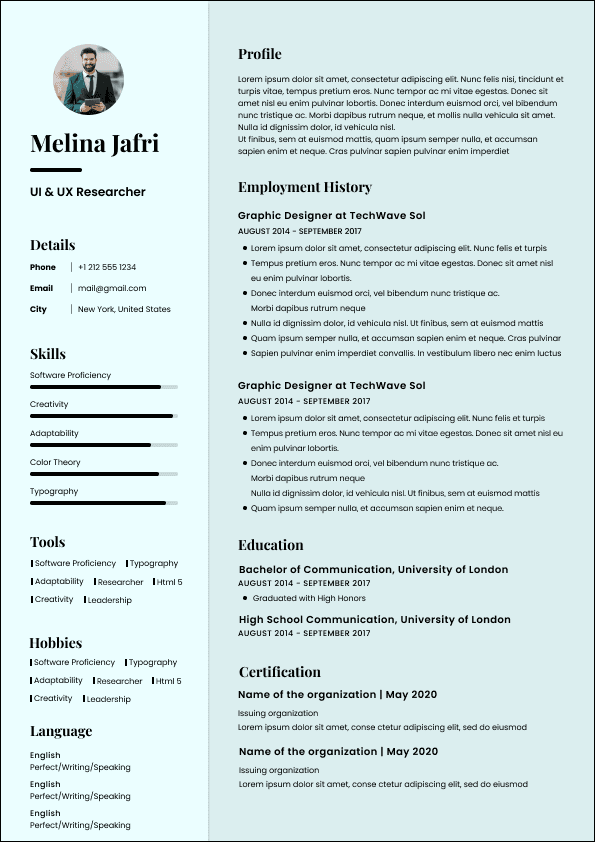
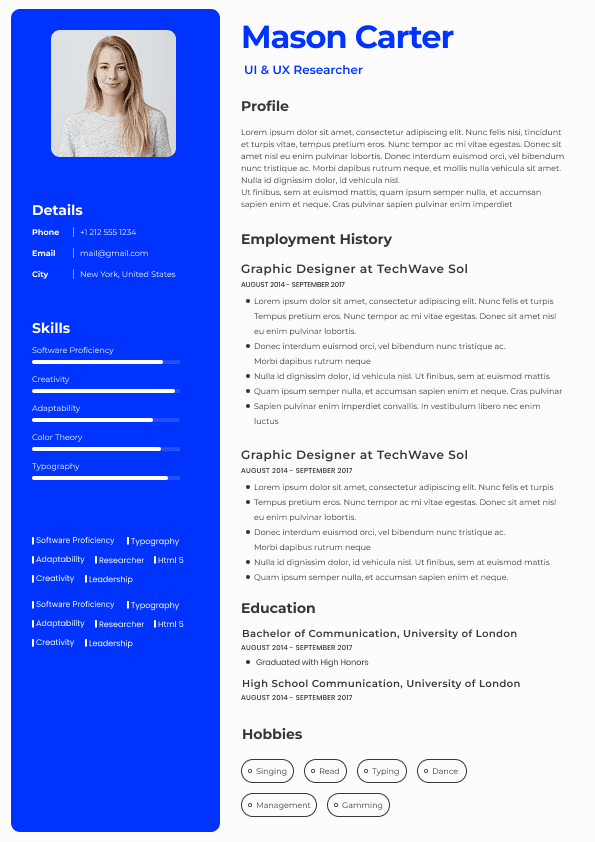
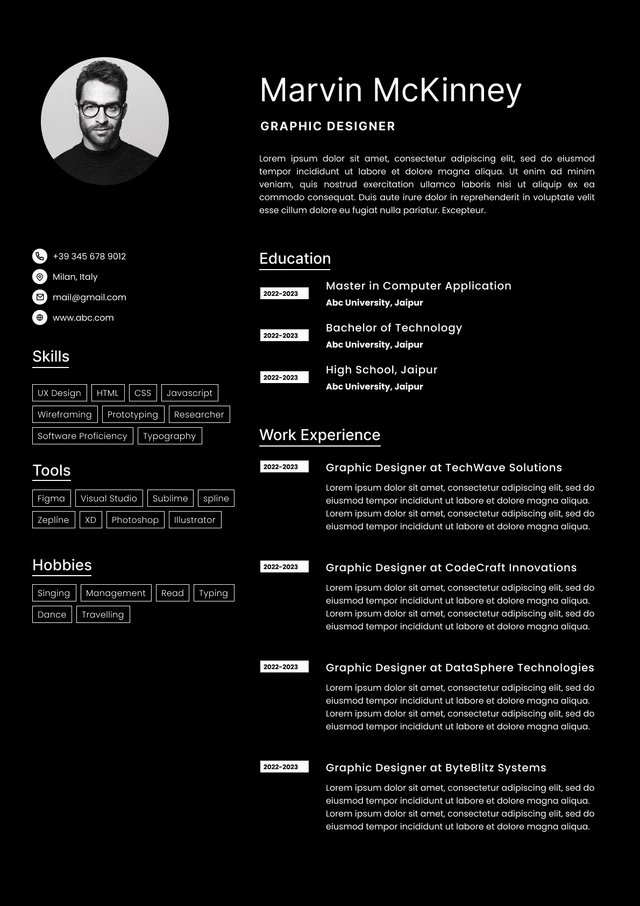
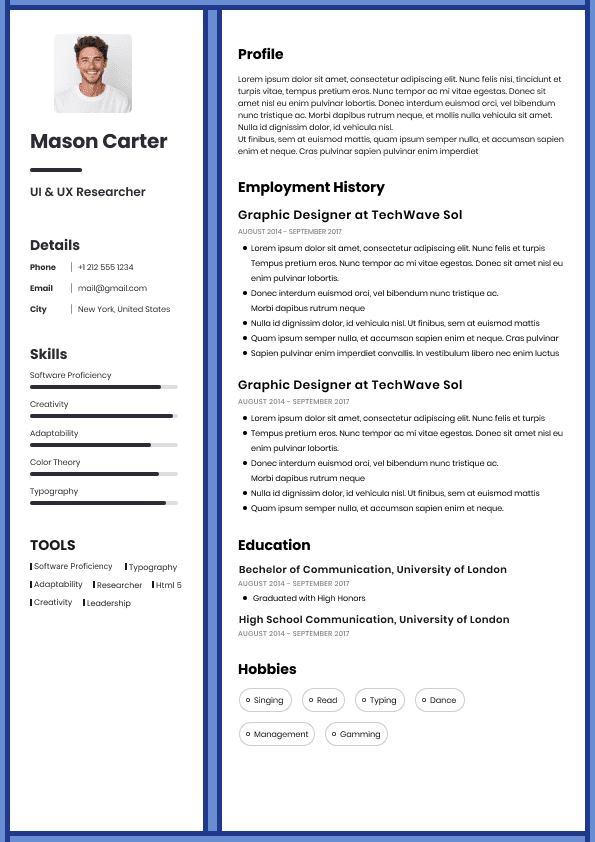
Choose from a wide range of NEWCV resume templates and customize your NEWCV design with a single click.

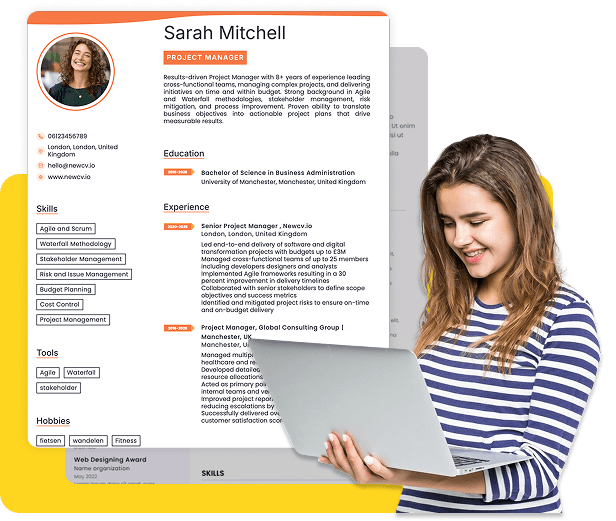
Use ATS-optimised Resume and resume templates that pass applicant tracking systems. Our Resume builder helps recruiters read, scan, and shortlist your Resume faster.

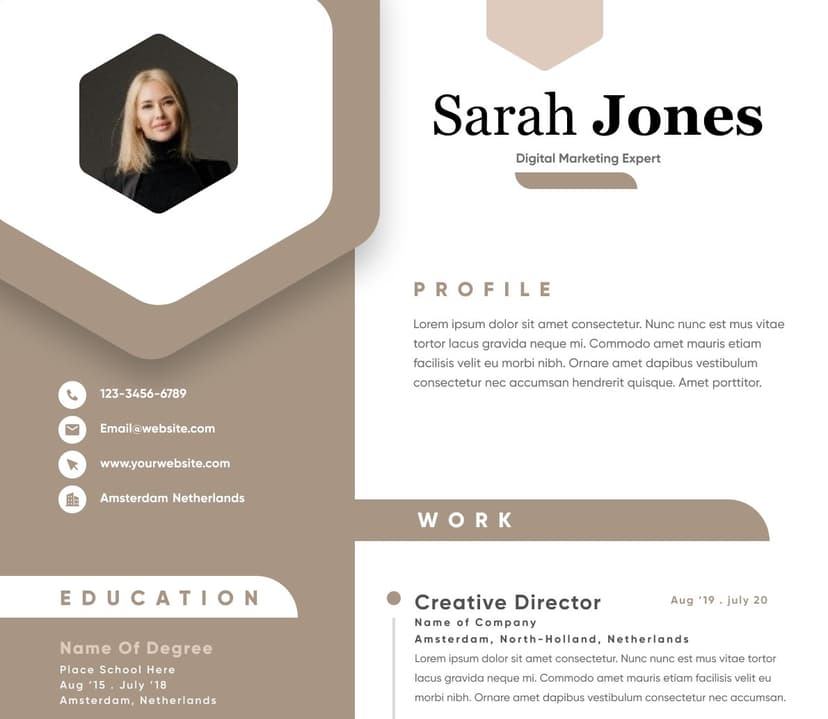
Use professional field-tested resume templates that follow the exact Resume rules employers look for.
Create Resume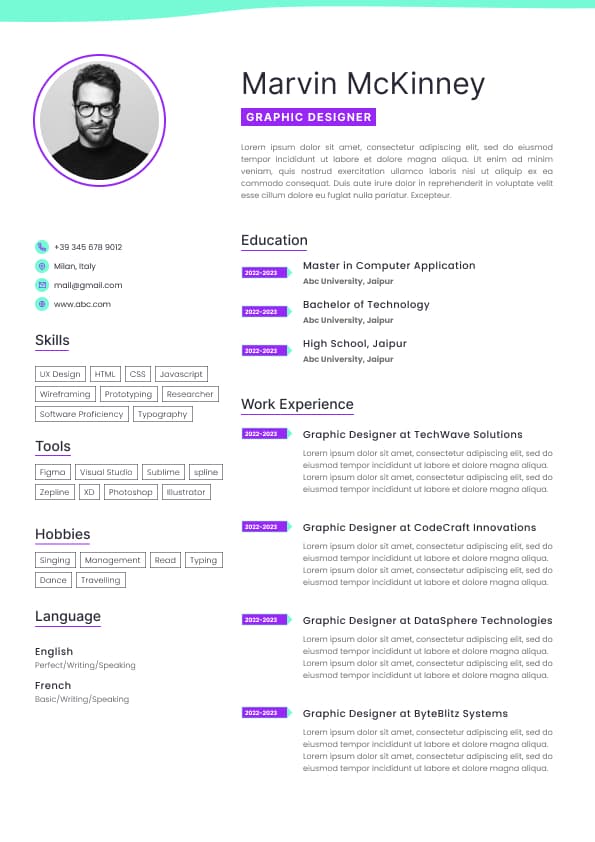
Use professional field-tested resume templates that follow the exact Resume rules employers look for.
Create ResumeEffective resume strategy depends on clarity, truth, evidence, and job relevance.
If several items fail, get a complete NewCV Resume Audit before continuing your applications.
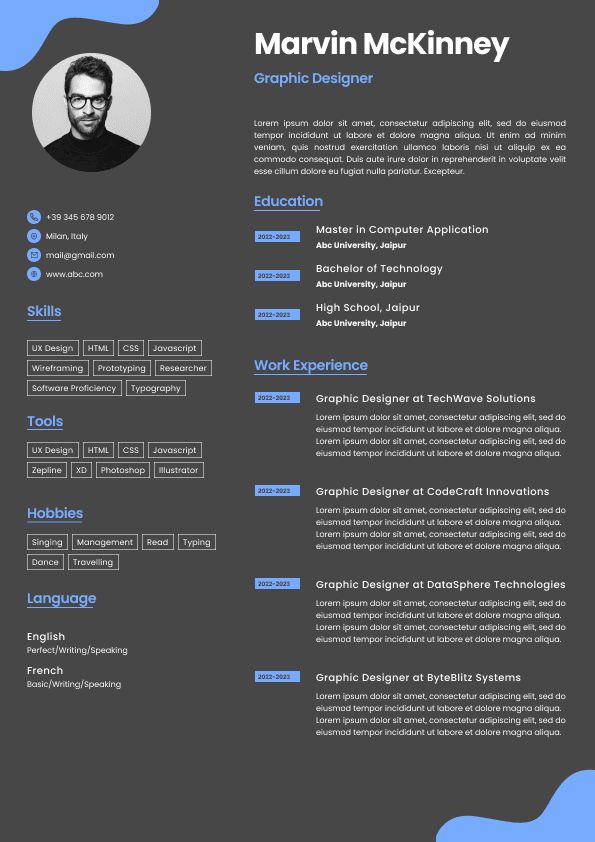



 Upload Resume
 Import from Linkedin