STILL APPLYING. STILL HEARING NOTHING?BUILD YOUR RESUME

STILL APPLYING. STILL HEARING NOTHING?BUILD YOUR RESUME
Choose from a wide range of NEWCV resume templates and customize your NEWCV design with a single click.
FAQ
In Australia, the safest default is to send your resume as a PDF, unless the job ad, recruiter, employer portal, or application system specifically asks for a Word document. PDF protects your formatting, looks more professional, and prevents your resume from opening as a scrambled mess on someone else’s screen. That matters more than candidates realise.
But there is a catch. In real recruitment workflows, Word resumes are still common because recruiters sometimes need to format, anonymise, edit, or upload resumes into employer systems. So the better answer is not simply “PDF is best” or “Word is best”. The right resume format depends on where you are applying, who is reading it, and what they need to do with it next.
For most Australian job applications, I recommend sending your resume as a PDF when you are applying directly to an employer, uploading it through a company careers page, sending it to a hiring manager, or attaching it to a job application email.
A PDF keeps your layout stable. Your headings, spacing, dates, bullet points, margins, and font choices are more likely to appear exactly as intended. That matters because recruiters do not read resumes in ideal conditions. We read them between calls, in preview panes, inside applicant tracking systems, on laptops, across multiple screens, and sometimes from mobile devices. If your resume opens badly, nobody stops the hiring process to admire your formatting struggle. They just move on with less patience.
Use a Word document when the job ad specifically requests it, when a recruiter asks for it, or when you are dealing with an agency that needs to edit or reformat your resume before sending it to a client. Word is not less professional when it is requested. It is simply more editable.
The mistake candidates make is assuming the file type itself gets them hired. It does not. A strong resume in Word will beat a weak resume in PDF every time. But when two candidates are similar, presentation, readability, and friction matter. A clean PDF removes unnecessary risk.
My practical rule is this:
Use PDF when you want your resume to be viewed exactly as you created it
Use Word when someone needs to edit, upload, parse, anonymise, or reformat it
That is the real difference.
PDF is a presentation format. Word is a working format.
A PDF says, “Here is my final resume.”
A Word document says, “This document may need to be handled, edited, or processed.”
Neither is automatically wrong. The problem is using the wrong one for the wrong situation.
If you are applying directly to a company, your resume is usually being assessed as your own professional document. In that situation, PDF is normally cleaner and safer.
If you are working with a recruiter, especially in agency recruitment, your resume may become part of a broader submission process. The recruiter may need to adjust formatting, remove personal details for blind submission, add a candidate summary, or upload your resume into a client portal. That is where Word can be more useful.
This is why you will hear conflicting advice. Candidates think recruiters are contradicting each other. We are usually talking about different workflows.
PDF is popular because it protects your resume from the usual formatting disasters.
I have seen resumes that looked perfectly fine in the candidate’s version but opened with broken spacing, missing fonts, random page breaks, tables shifting across pages, and bullet points turning into strange symbols. It is not always the candidate’s fault. Different devices, software versions, operating systems, and preview tools can make a Word document behave badly.
A PDF avoids most of that.
Your resume needs to be easy to scan. Recruiters and hiring managers are usually looking for fit quickly before they read deeply. They check your current role, recent employers, industry background, location, qualifications, technical skills, and whether your experience matches the job.
If your formatting breaks, that scan becomes harder. And when your resume is harder to scan, your strongest information may not get noticed.
Candidates often underestimate this. They think formatting is cosmetic. It is not. Formatting controls the order in which the reader sees information. It affects whether your resume feels clear, credible, senior, junior, messy, detailed, relevant, or overwhelming.
A PDF usually feels like a final document. It is harder to accidentally edit. It opens cleanly. It looks more polished when emailed or downloaded.
This matters especially for roles where communication, presentation, administration, client work, reporting, stakeholder management, or attention to detail are part of the job. Nobody is rejecting a brilliant candidate solely because they sent a Word document, but a messy file can quietly reinforce doubts.
Hiring decisions are rarely made from one dramatic red flag. They are often built from small signals. Your resume format is one of those small signals.
Word resumes still have a place in the Australian job market. Anyone saying Word is outdated has probably not seen enough recruitment systems, agency workflows, or employer portals.
Use Word when the process clearly needs it.
If the job ad says to upload a Word document, upload a Word document. Do not decide that your PDF is more elegant and ignore the instruction.
This is one of those small candidate behaviours that recruiters notice. If the first instruction is simple and the candidate does not follow it, it raises a quiet question about how they handle detail.
That does not mean the recruiter thinks, “Terrible person, rejected forever.” It is more subtle than that. It is one tiny data point in a process where people are already trying to reduce uncertainty.
Agency recruiters often ask for Word resumes because they may need to make your resume client ready. That can include formatting it into an agency template, removing your contact details, adding a cover sheet, standardising headings, correcting obvious formatting issues, or preparing it for a client portal.
Some candidates get suspicious when recruiters ask for Word. I understand why. Your resume is personal, and you do not want someone rewriting your career history badly. Fair.
The reasonable middle ground is this: provide a Word version when needed, but make sure it is already clean, accurate, and well written. Also, ask the recruiter to confirm before making major content changes. A good recruiter should not be inventing achievements or changing the meaning of your experience.
Most recruiters are not sitting there thinking, “Ah, a PDF, clearly a superior human.” We care about whether we can quickly understand your fit for the role.
The file format matters because it either helps or gets in the way.
When I open a resume, I am usually trying to answer a few practical questions very quickly:
What role is this person doing now?
Is their recent experience relevant to the vacancy?
Have they worked in the right industry, environment, or company size?
Do they have the required skills, licences, qualifications, systems, or certifications?
Are there gaps, jumps, or confusing timelines I need to understand?
Is their level right for the role?
The best format depends on the application channel.
Use PDF unless the employer requests Word.
Direct employer applications are usually about presenting your resume as a final document. A PDF gives you better control over layout and readability. Just make sure the PDF is ATS friendly, not a graphic heavy design file.
PDF is usually fine, but check whether the platform or job ad gives specific instructions.
Some recruiters download resumes from these platforms and review them directly. Others rely on applicant tracking system parsing. A simple PDF is generally safe, but a clean Word version can also work if the job board handles it better.
PDF is fine for initial contact, but have a Word version ready.
This is the practical reality. If a recruiter likes your profile, they may ask for Word later. That does not mean your PDF was wrong. It means the next stage of the recruitment workflow needs a more editable file.
Use PDF.
A hiring manager usually does not need to edit your resume. They need to read it. Your job is to make that reading experience clean, clear, and professional.
There is a lot of fear around applicant tracking systems. Some of it is justified. Some of it is internet drama dressed up as career advice.
An ATS does not usually reject you because your resume is a PDF. Modern systems can often read PDFs. The bigger issue is whether your resume is built in a way the system can understand.
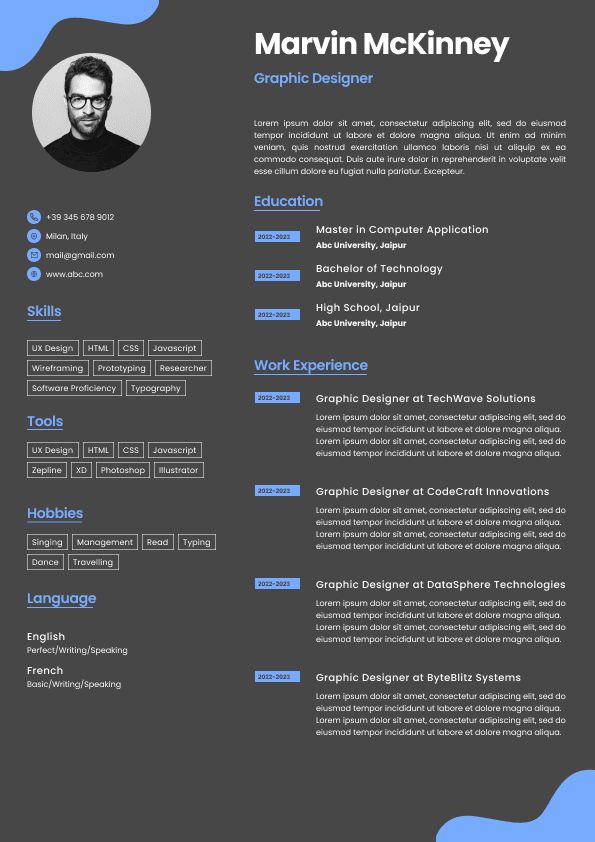
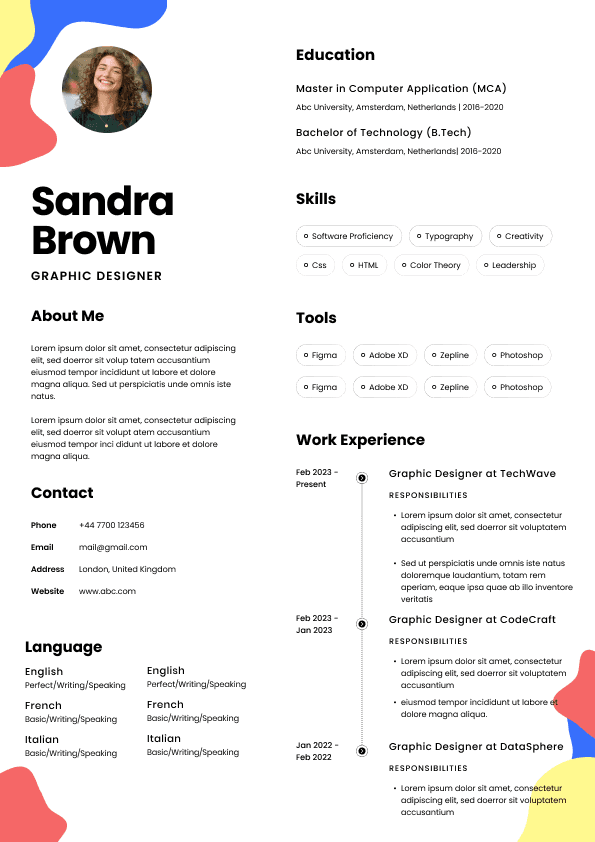
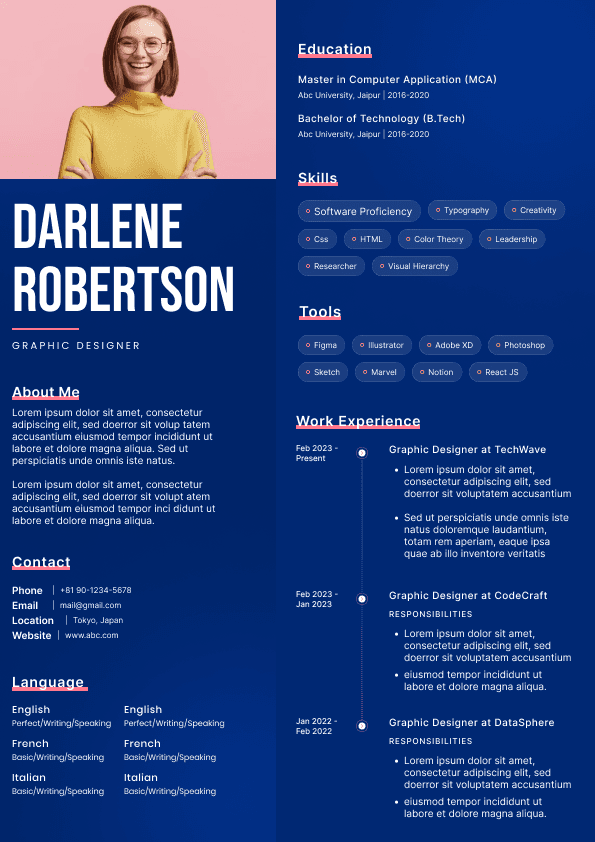
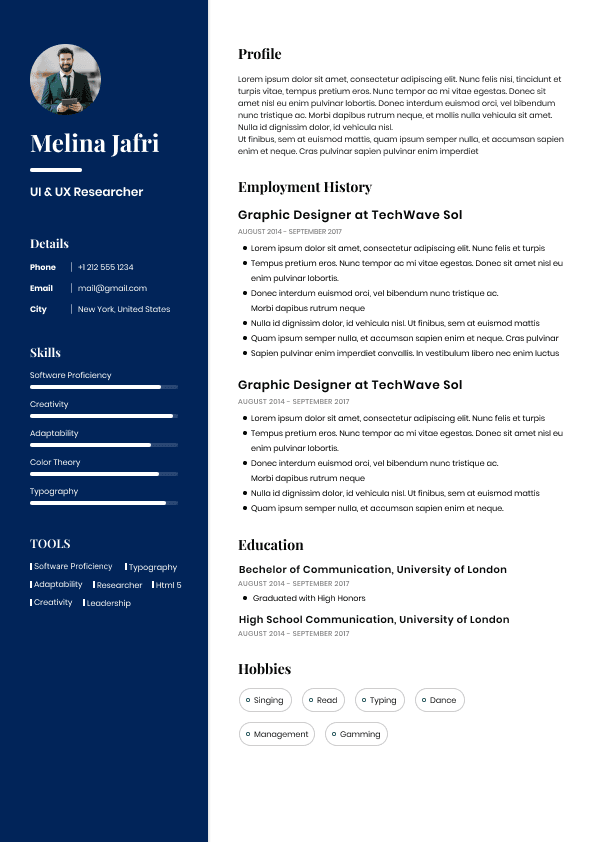
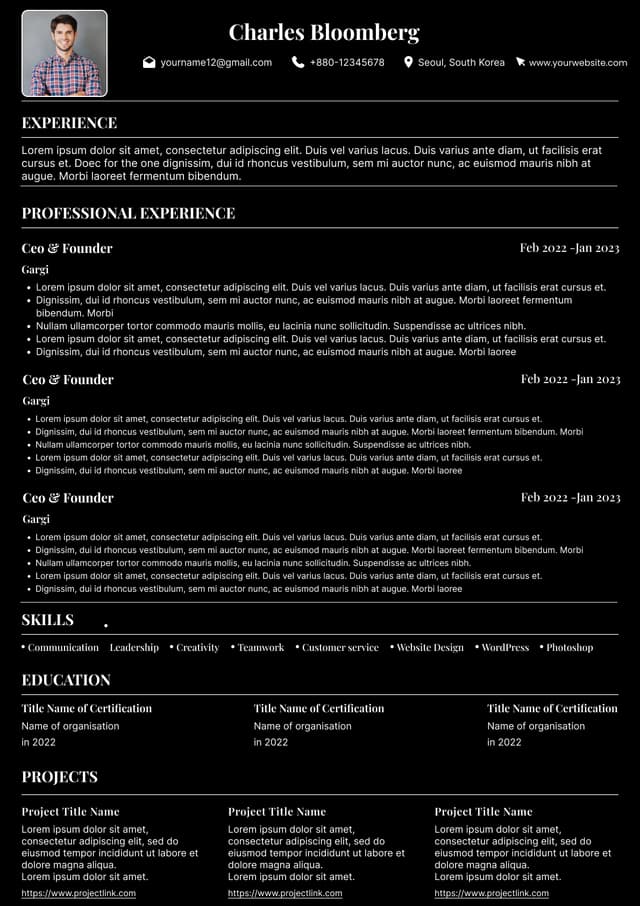
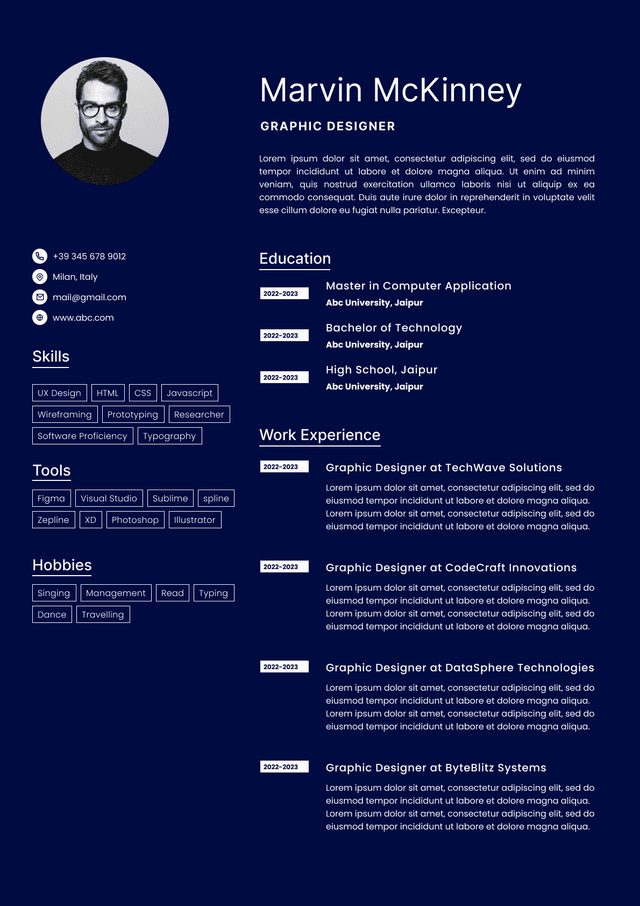
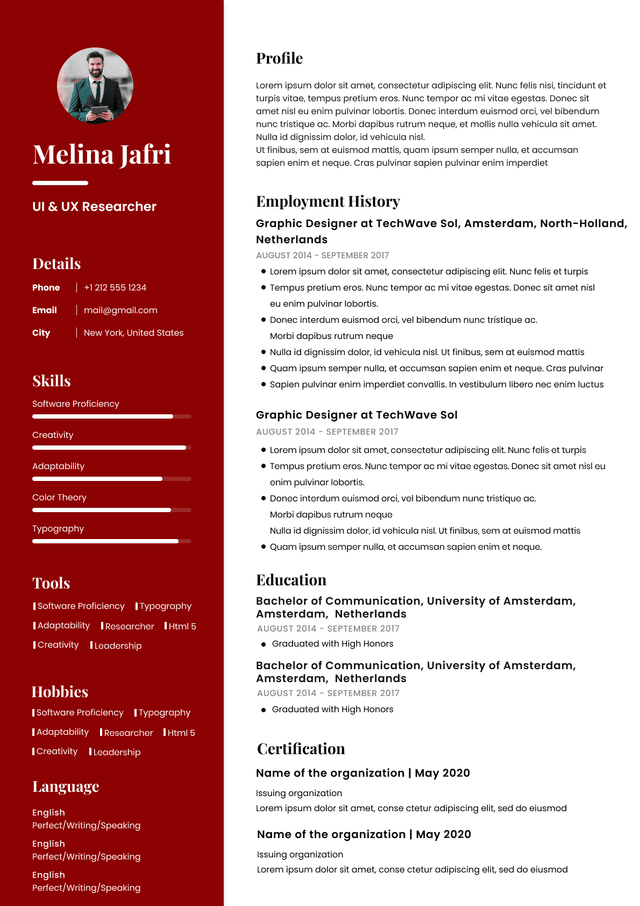
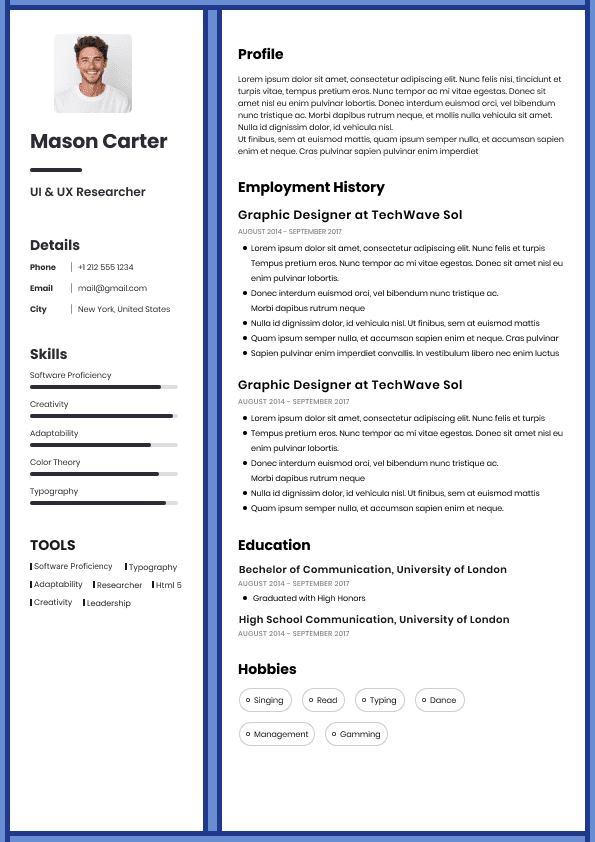
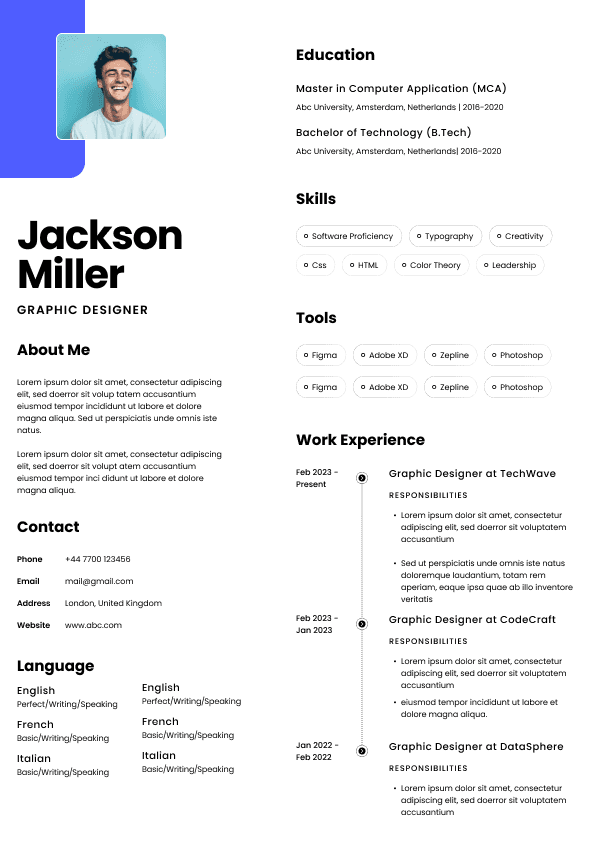
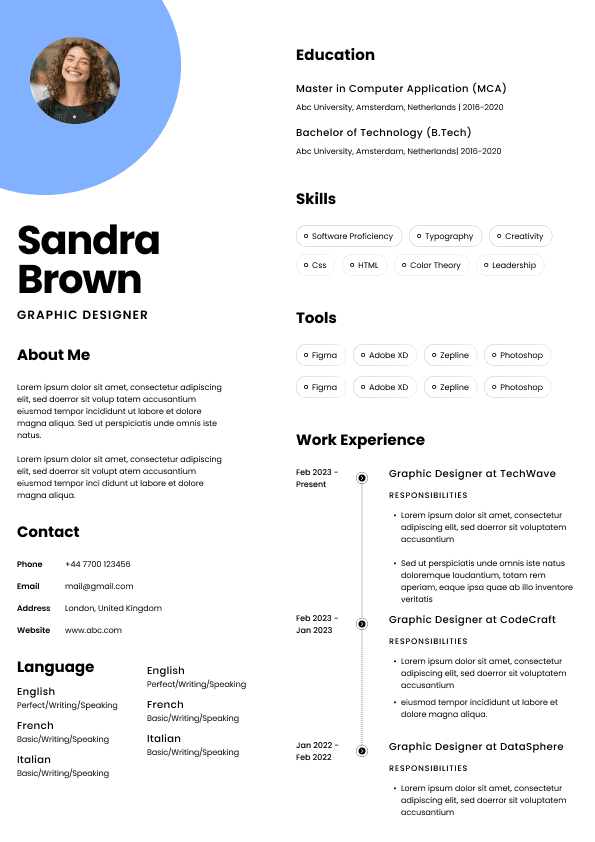
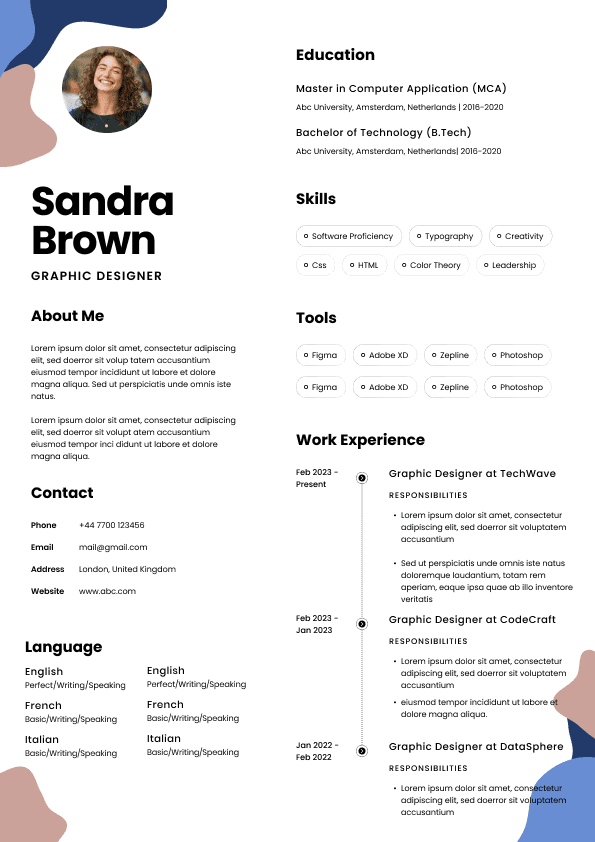
A simple PDF created from a clean Word or Google Docs resume is usually fine. A PDF made from a heavily designed Canva style template, with icons, columns, images, decorative lines, and text embedded in graphics, is much riskier.
The system may struggle to extract your job titles, dates, employers, contact details, skills, or education. Even worse, a recruiter may open the resume and find that it looks pretty but reads badly.
I see this often with candidates who confuse design with strategy. A resume is not a poster. It is a decision document.
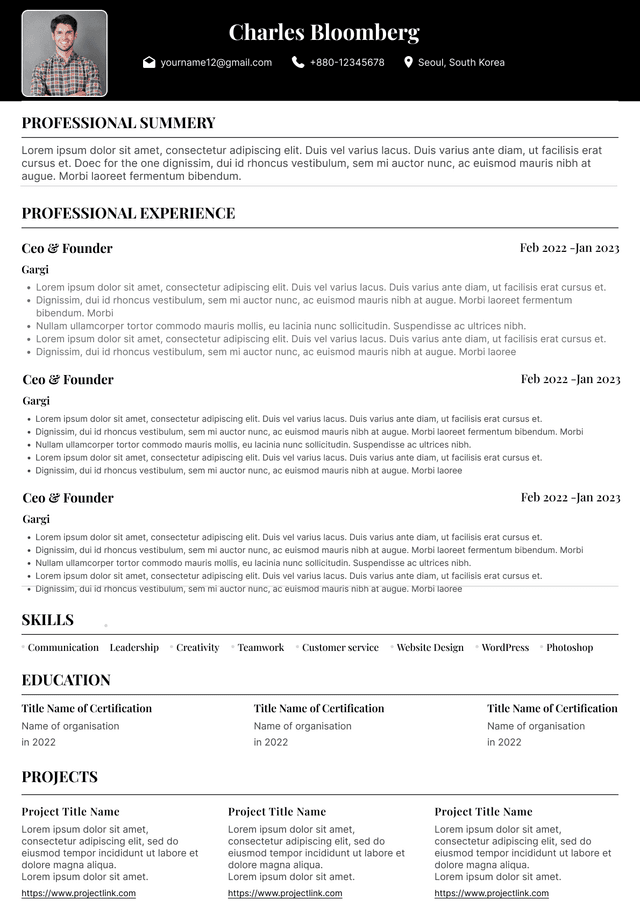
The best ATS friendly resume format is boring in the right ways:
Clear section headings
Reverse chronological experience
Standard job titles
Plain text
Your file name matters more than people think. Recruiters download many resumes, often into shared folders, ATS records, or email threads. A file called “Resume final final updated new version 3” is not helping anyone.
Use a clean, searchable file name.
Good Example
Simar Malhi Resume.pdf
Good Example
Simar Malhi Senior Accountant Resume.pdf
Good Example
Simar Malhi Project Manager Resume Australia.pdf
Your resume file name should usually include your name and the word resume. If the role type is relevant, include that too. Keep it professional and easy to identify.
Avoid file names like:
Resume new
My CV
Updated resume final
Seek resume
The smartest approach is to keep both a PDF and Word version of your resume ready.
That way, you are not trying to convert your resume in a panic five minutes before an application deadline or recruiter call.
Create your resume in Word or Google Docs first. Keep that as your editable master version. Then export a clean PDF version for most applications.
Before sending either file, check the basics:
Open the PDF after exporting and check every page
Make sure your phone number and email are selectable text, not an image
Check that page breaks are clean
Check that your most relevant experience is easy to find
Make sure the Word version does not shift formatting when reopened
Save the file with a clear professional name
Most file format problems are not caused by choosing PDF or Word. They are caused by treating the resume like an aesthetic document instead of a hiring document.
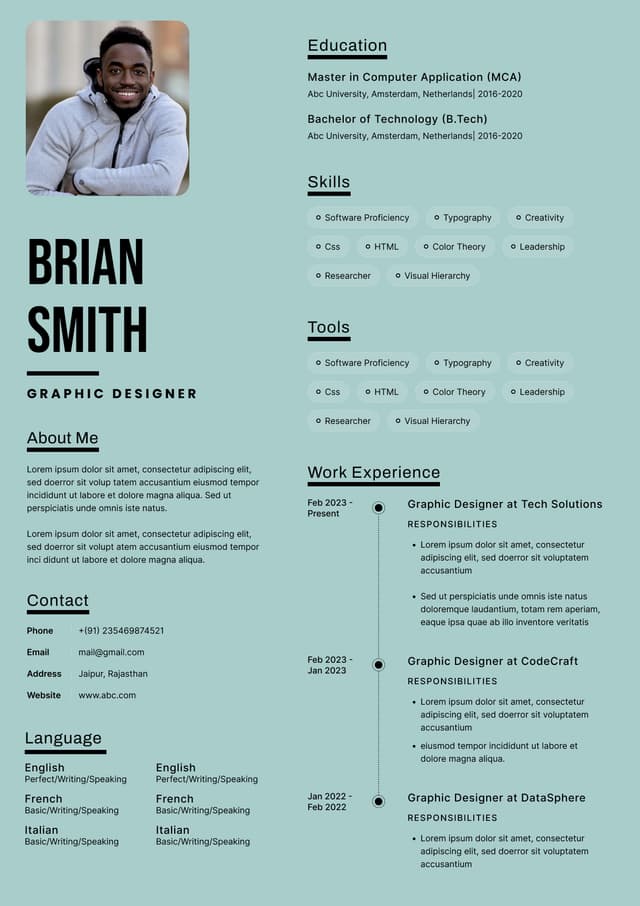
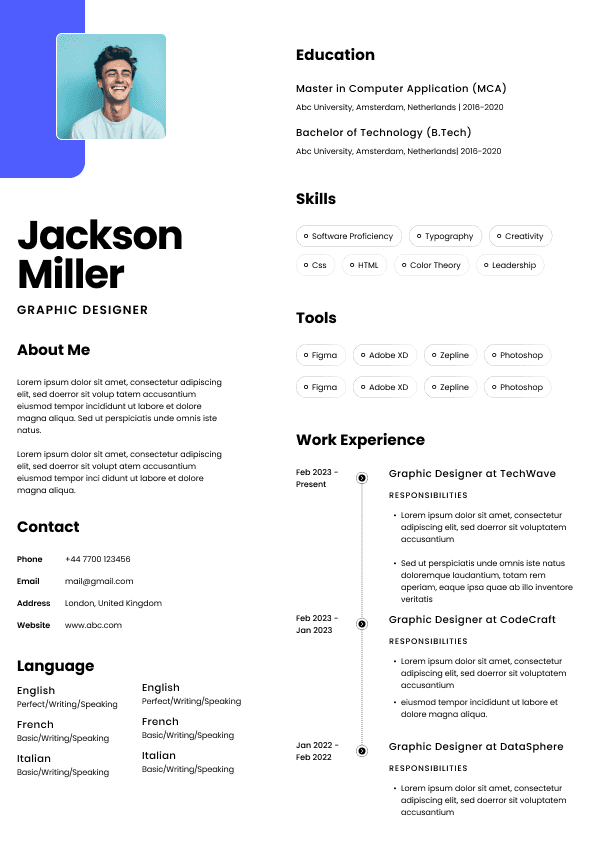
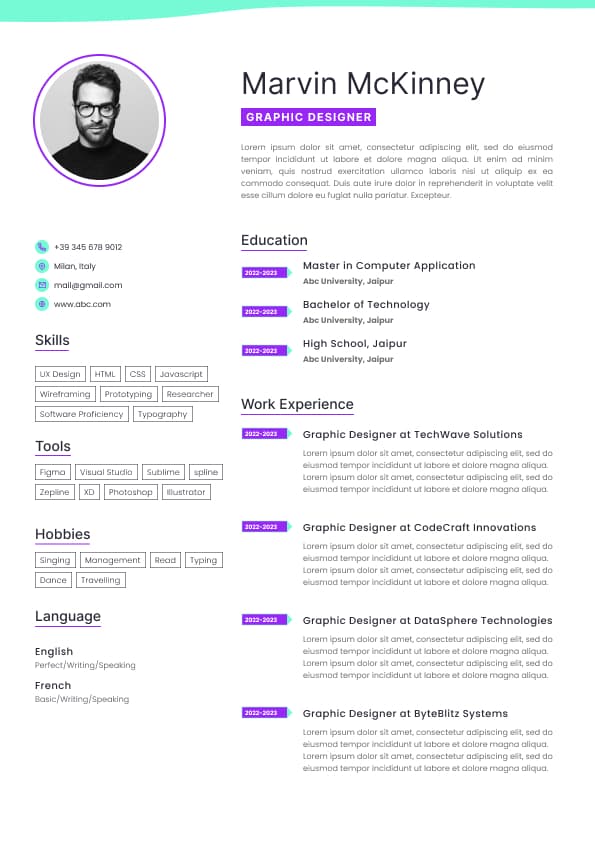
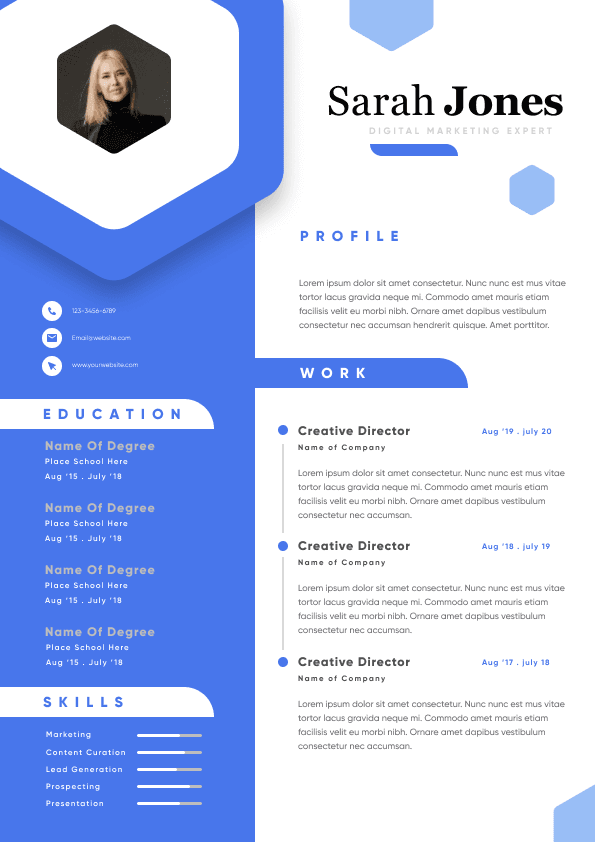
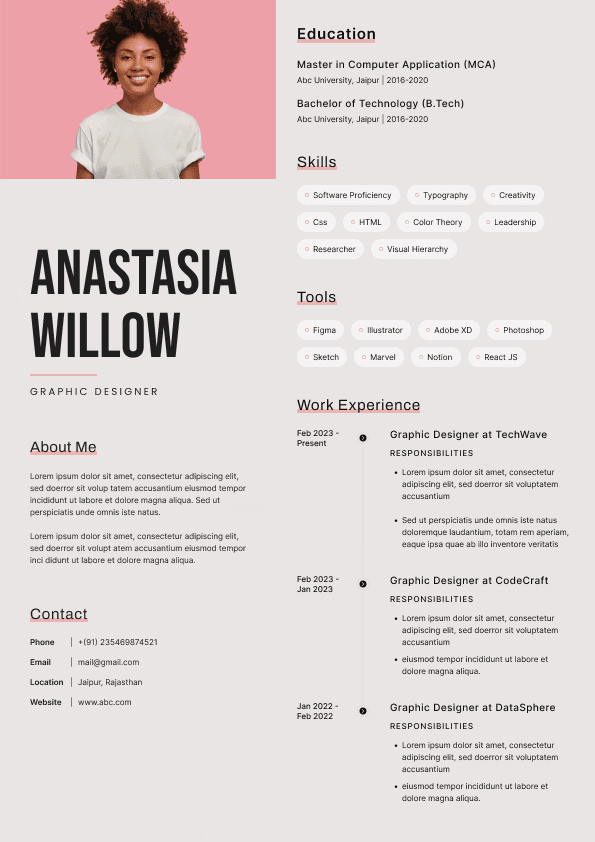
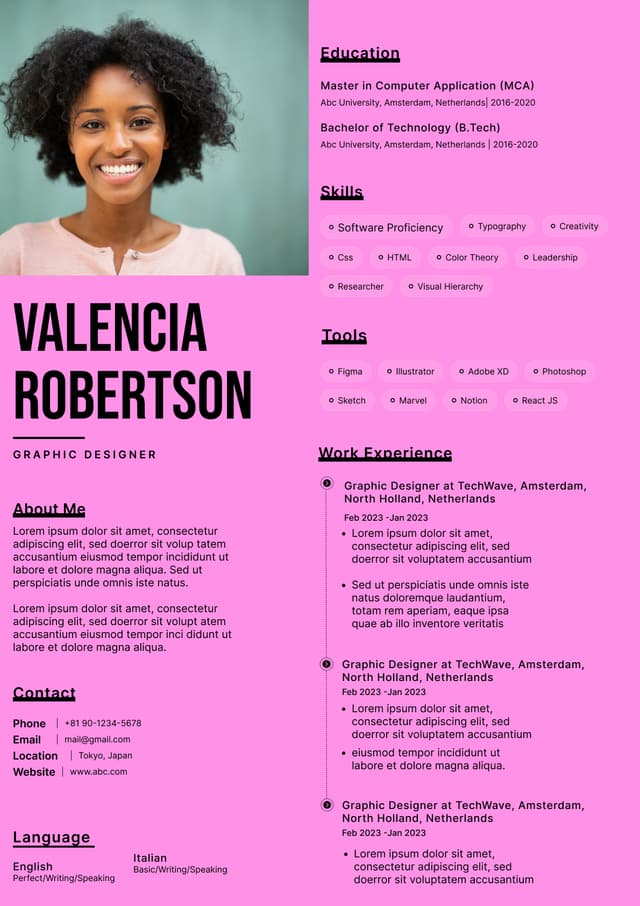
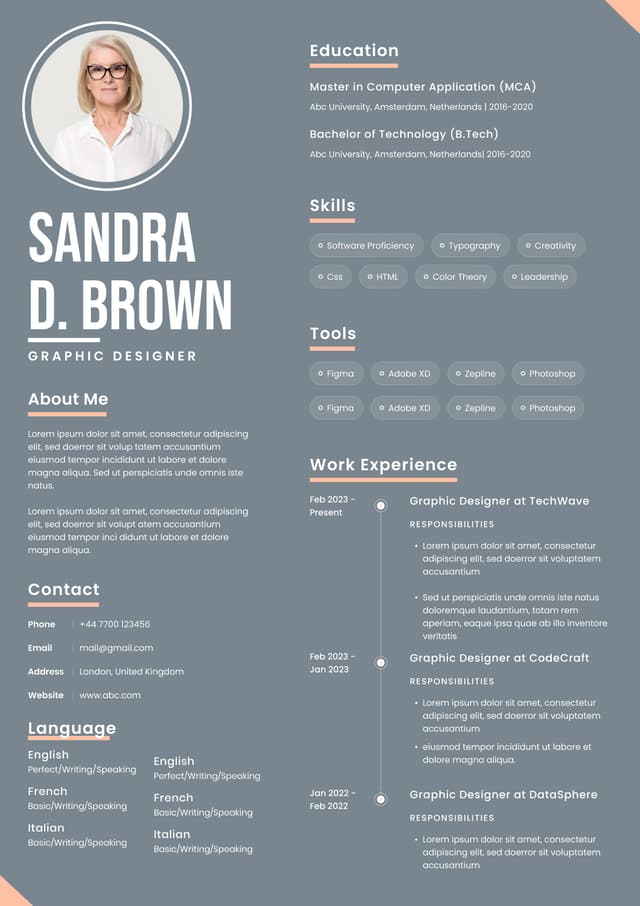
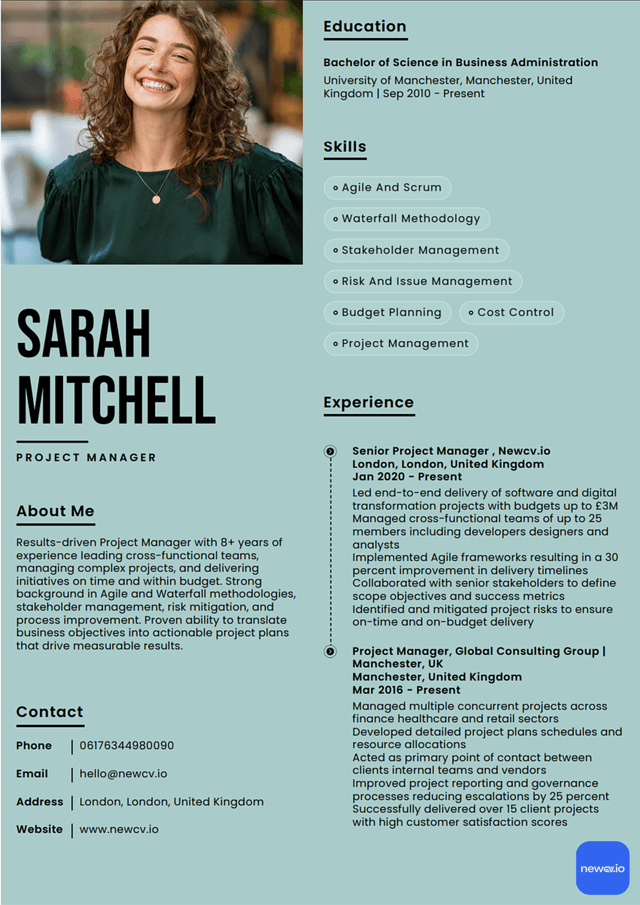
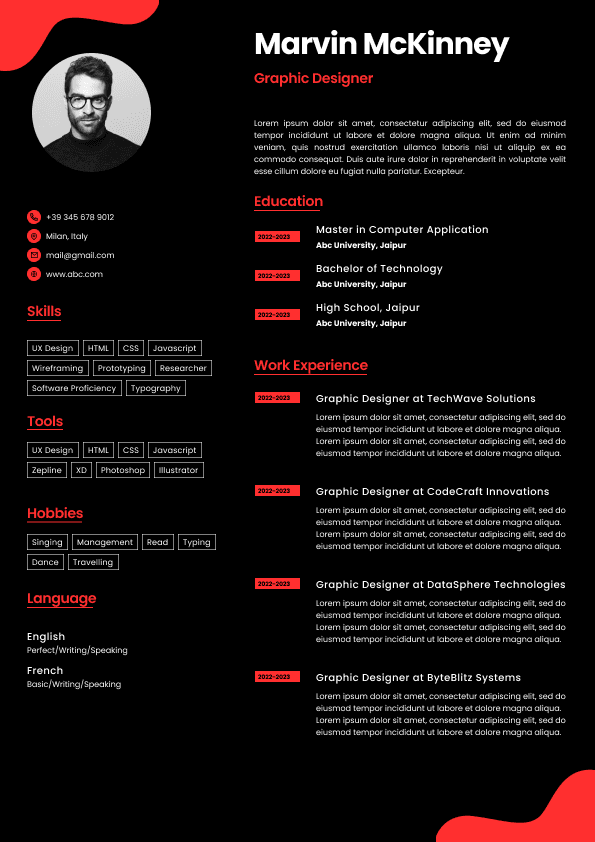
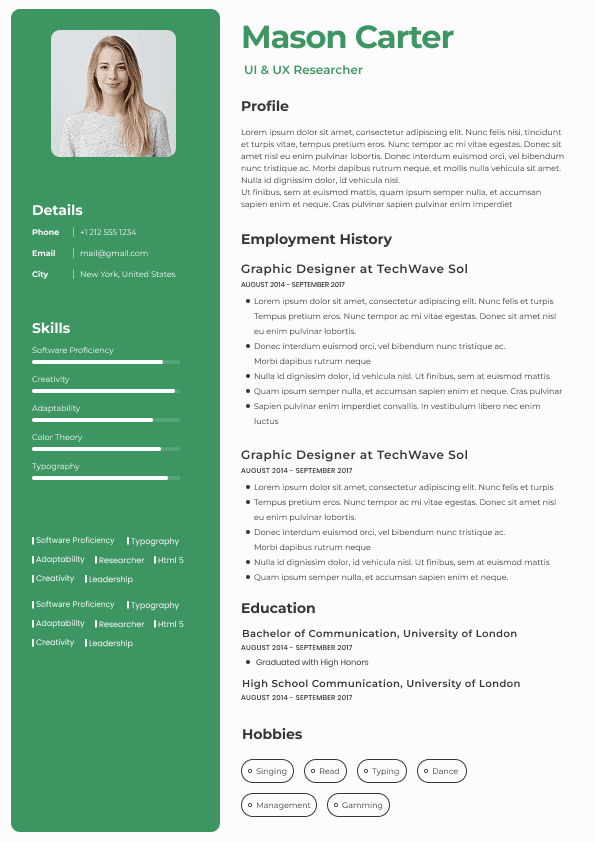
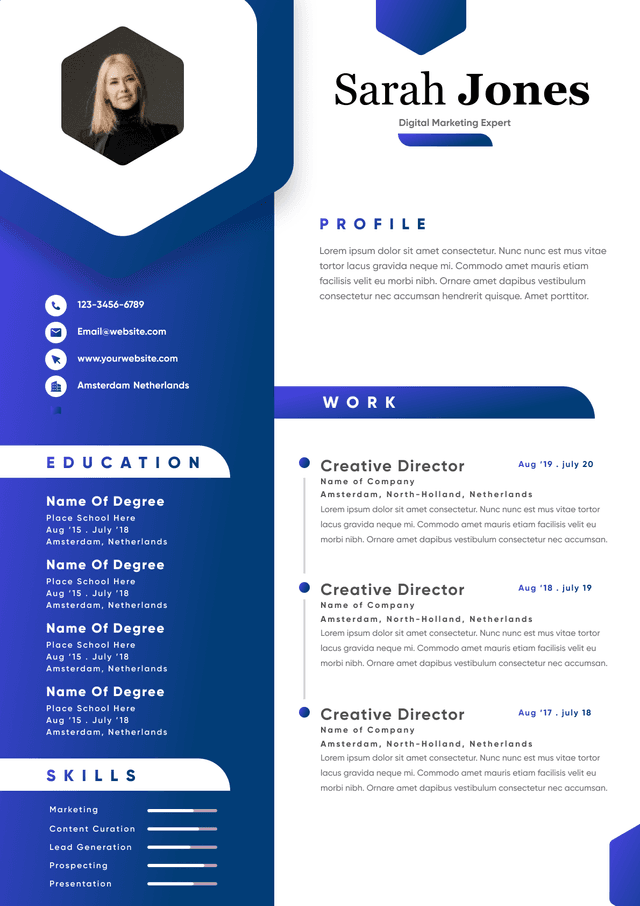
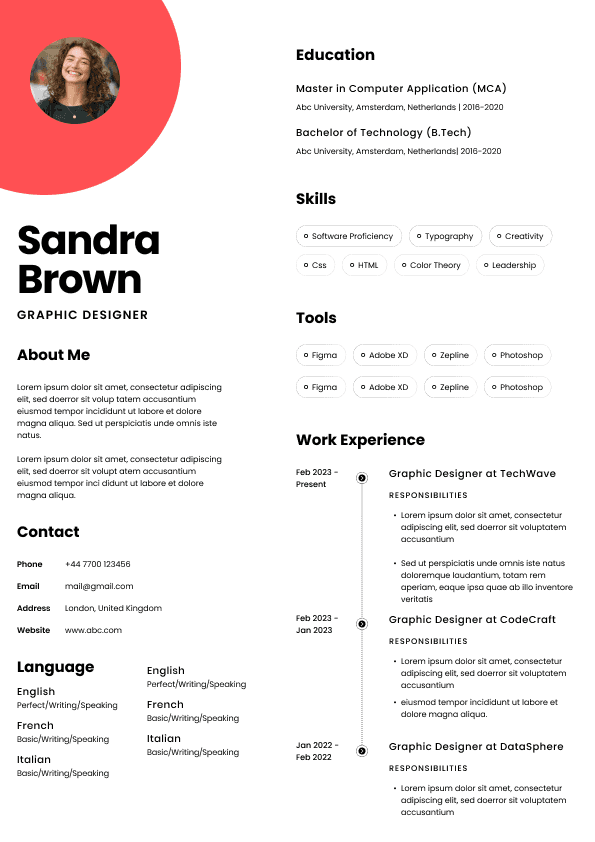
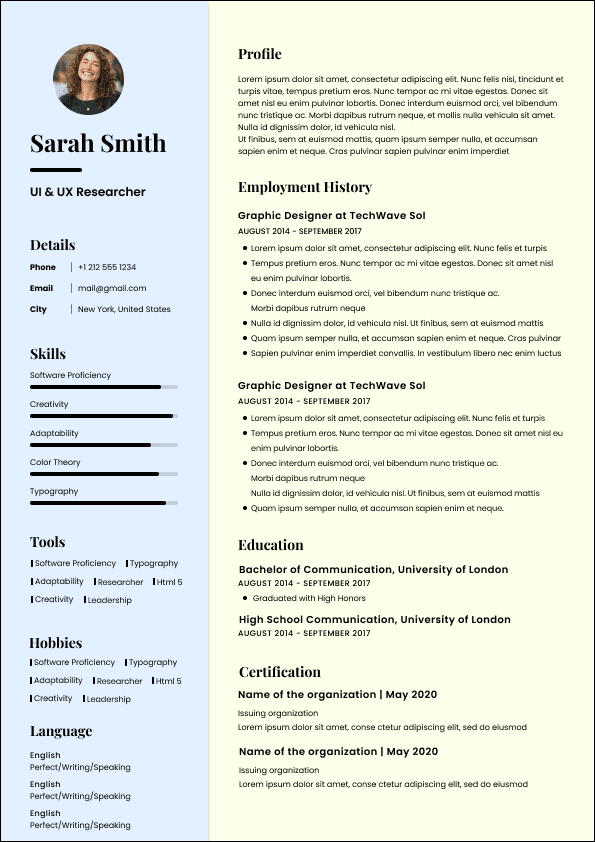
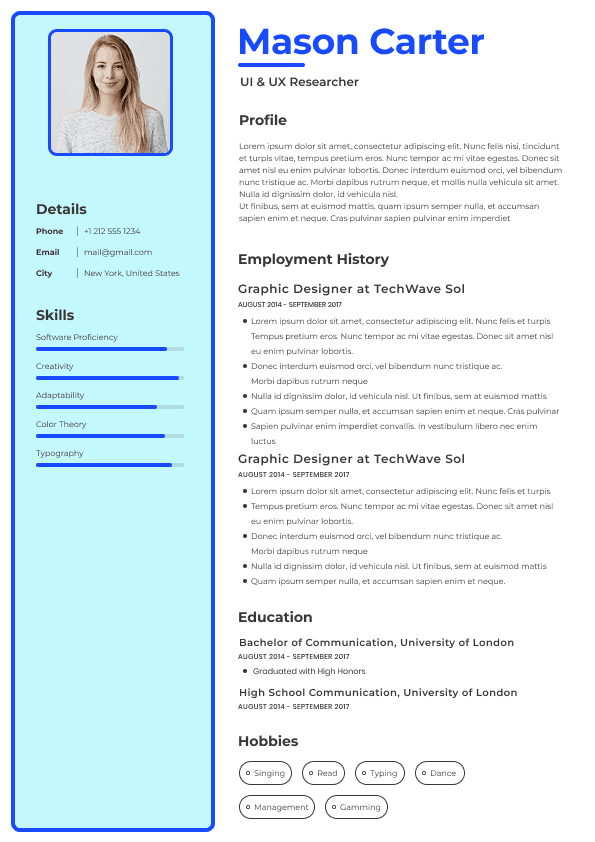
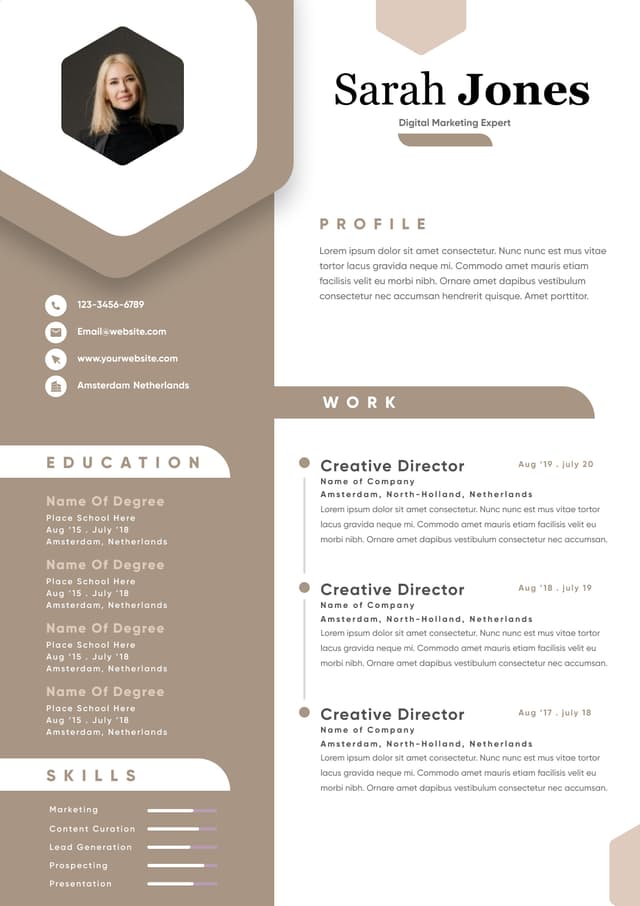
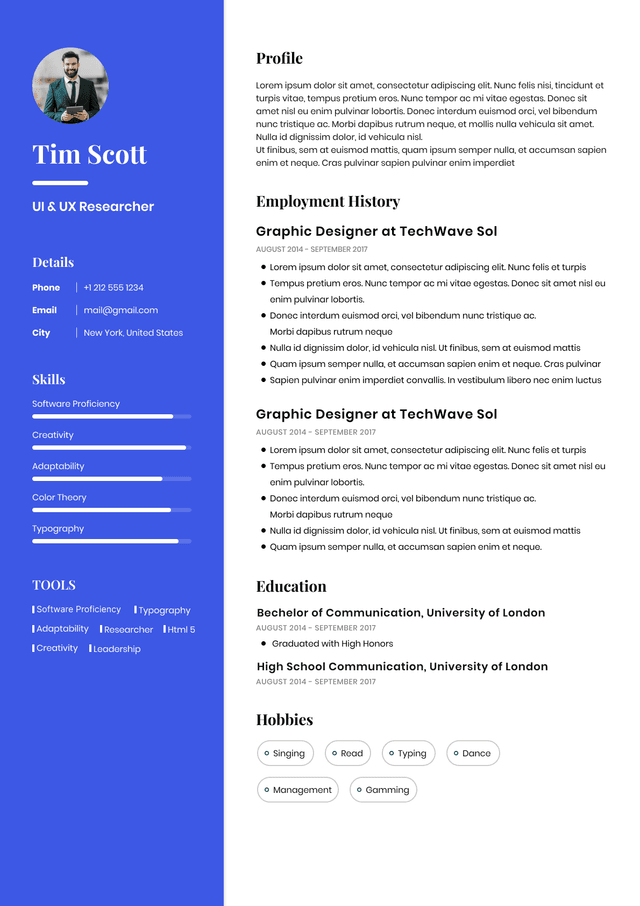
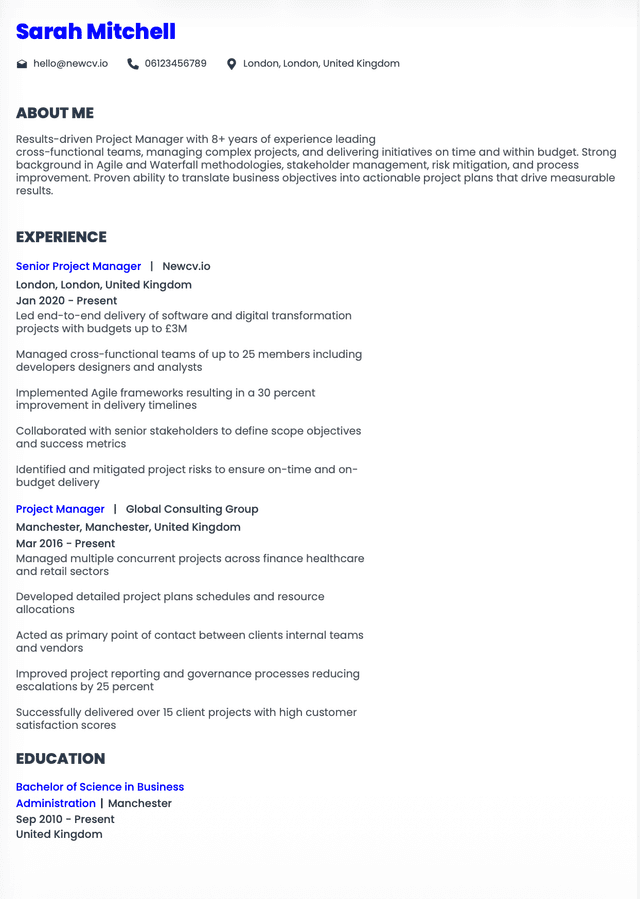
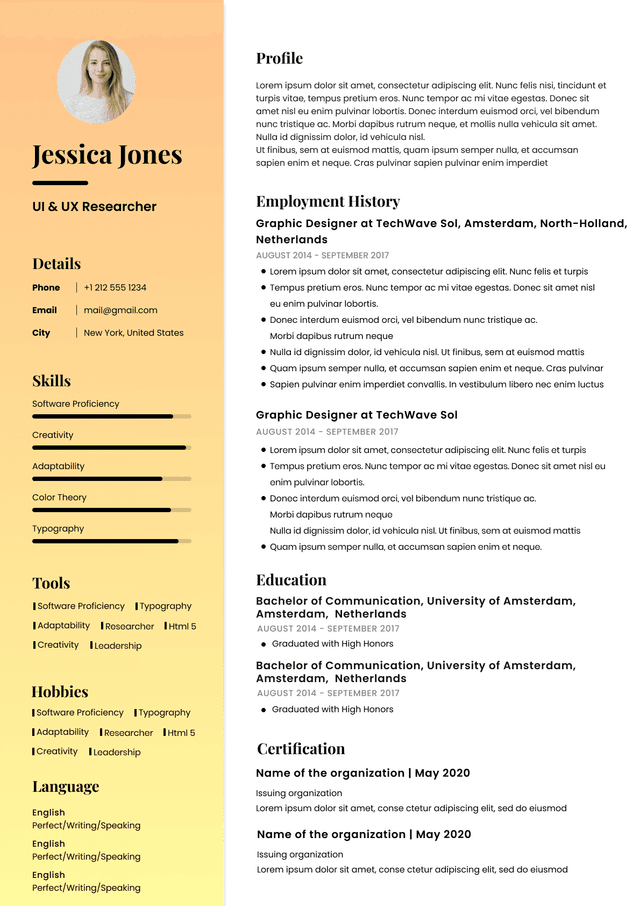
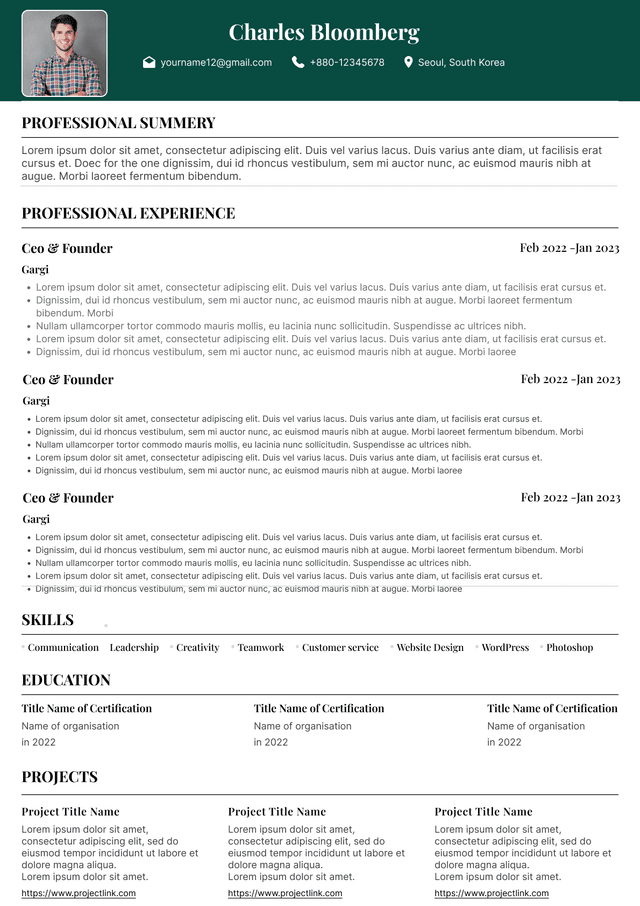
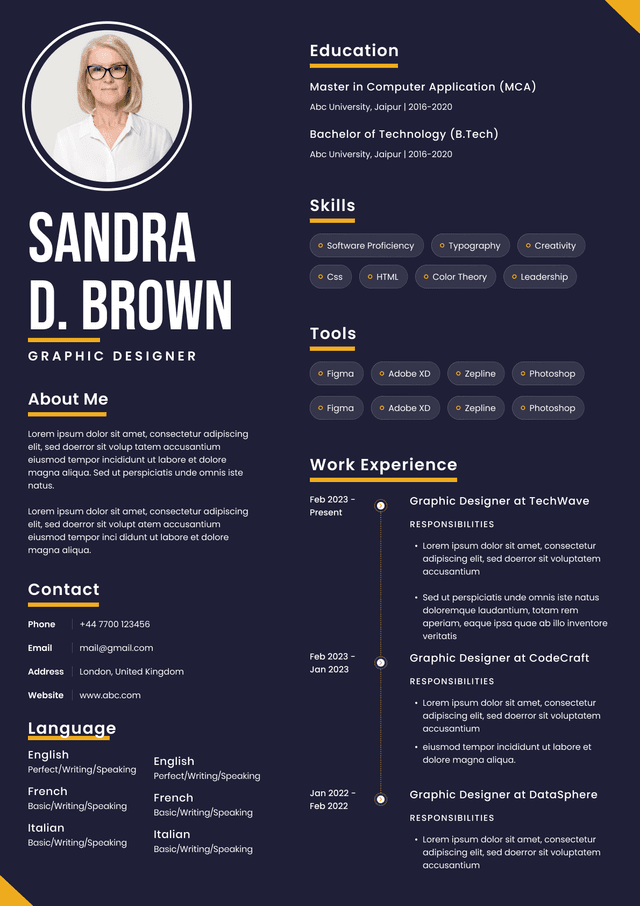
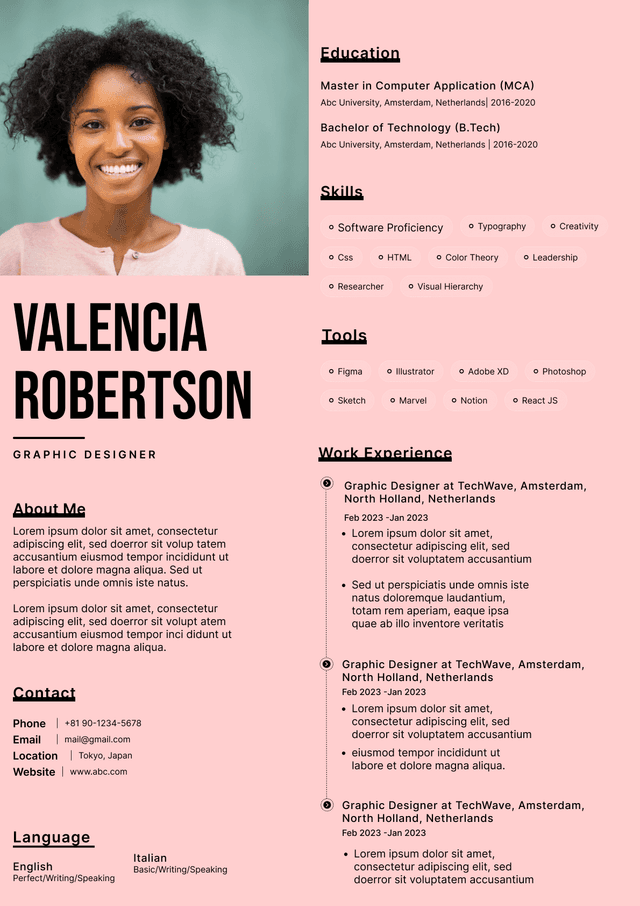
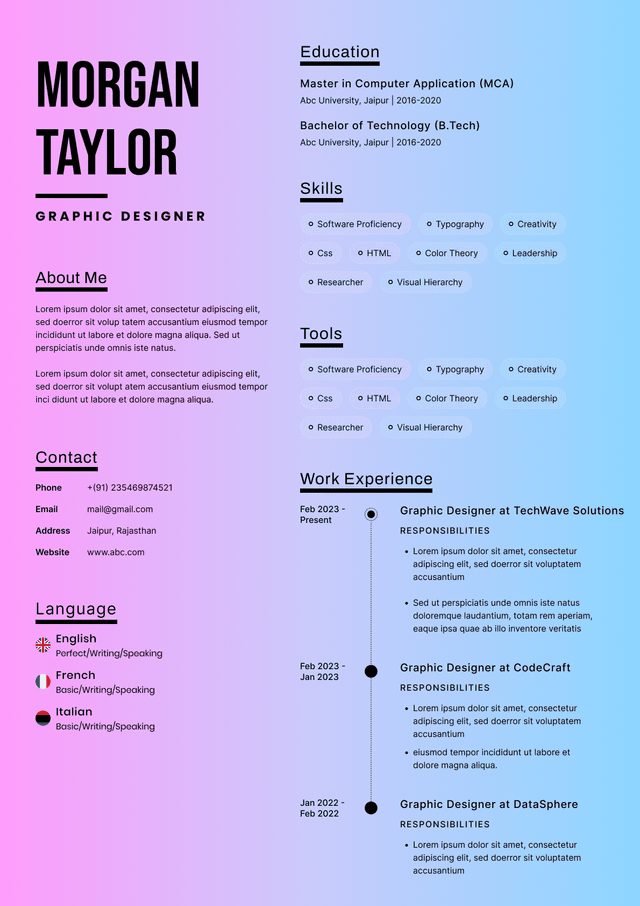
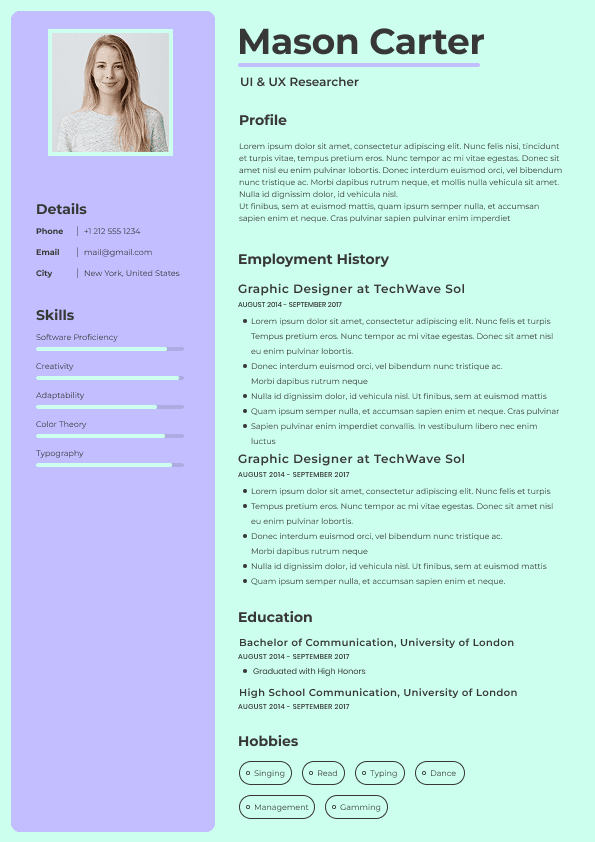
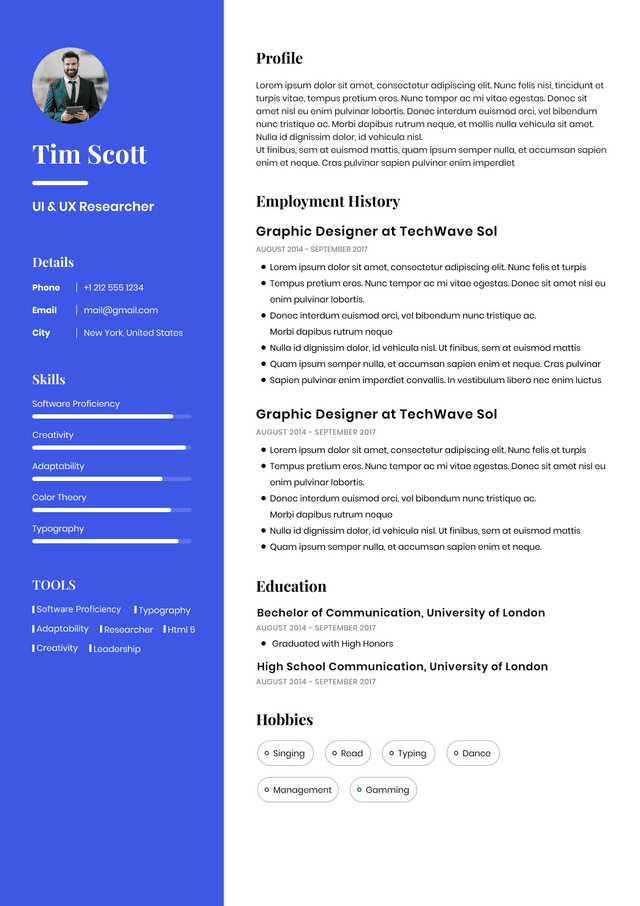
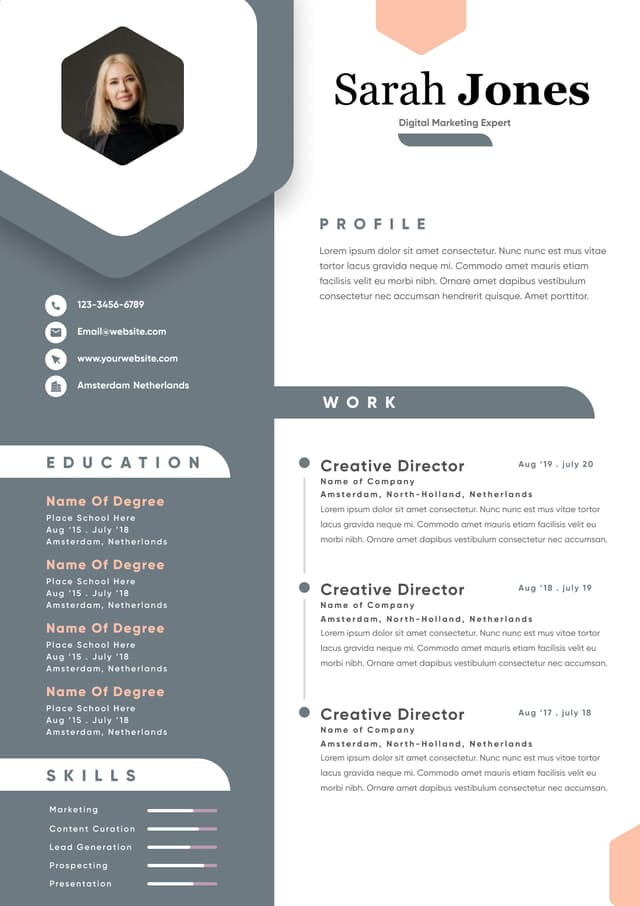
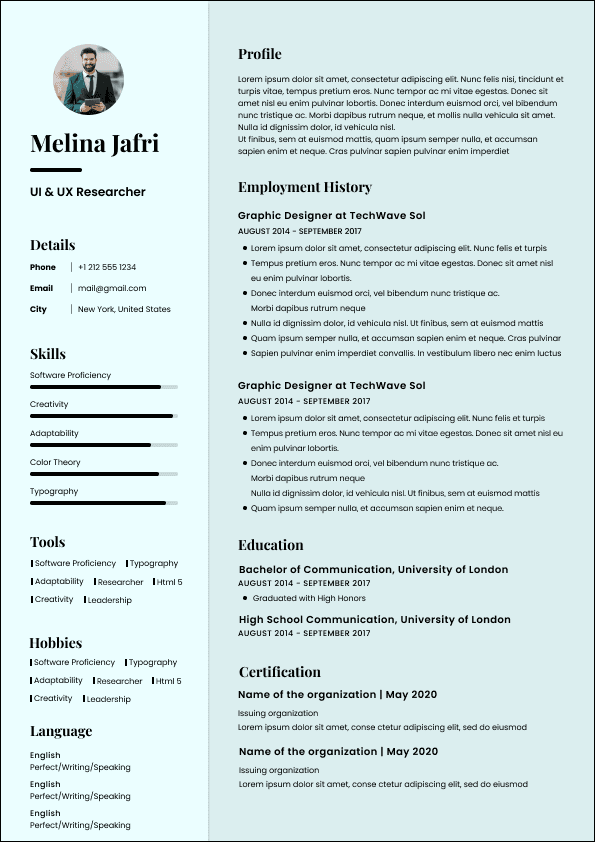
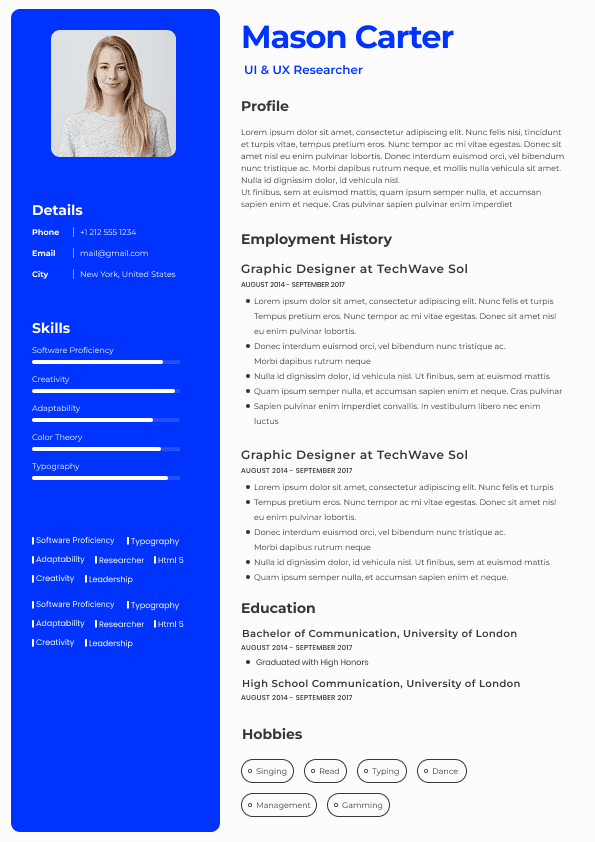
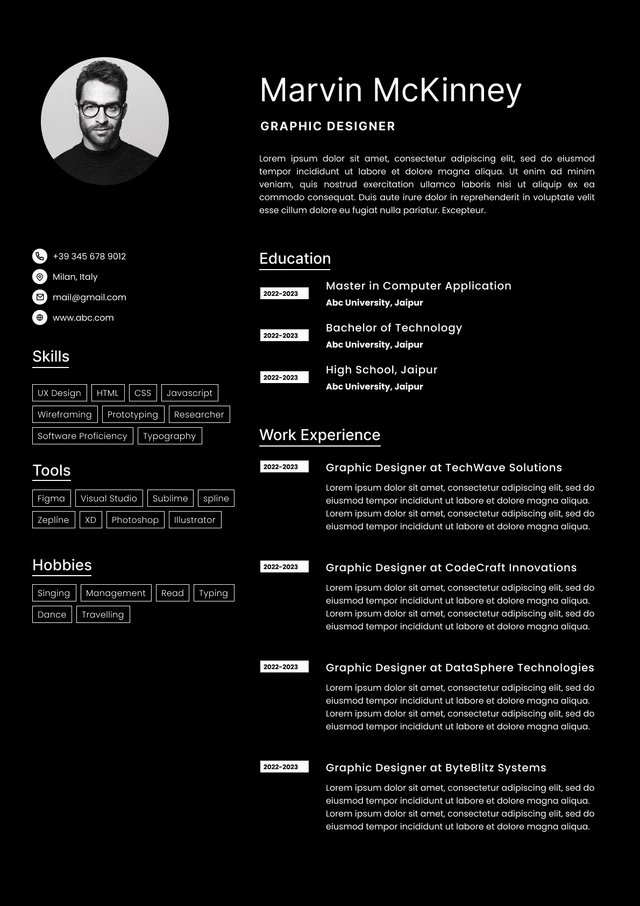
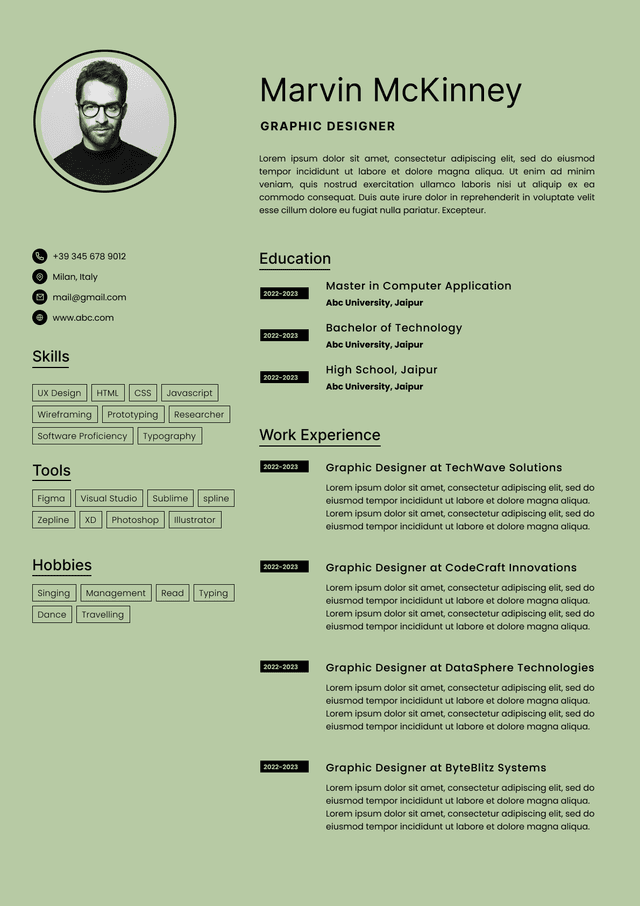
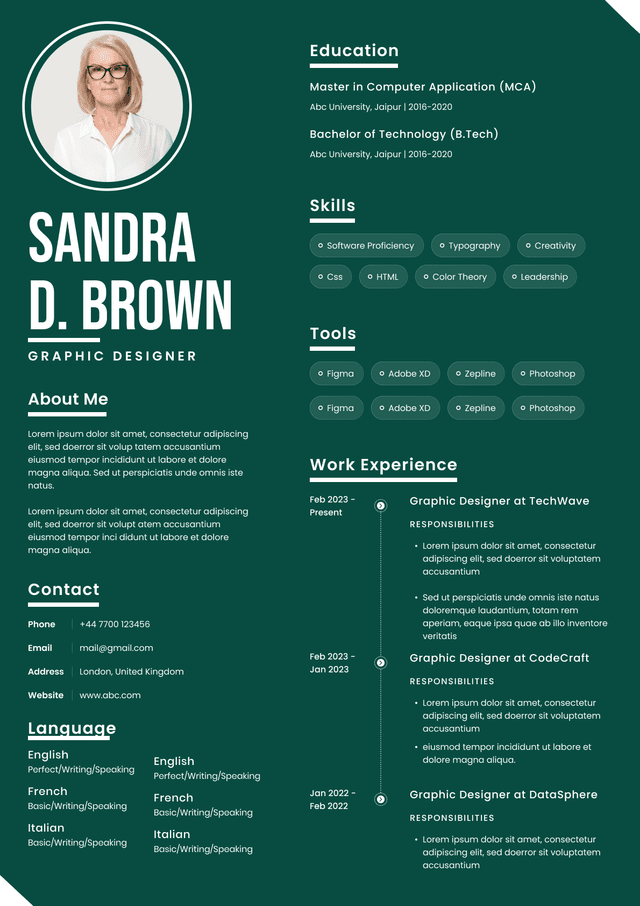
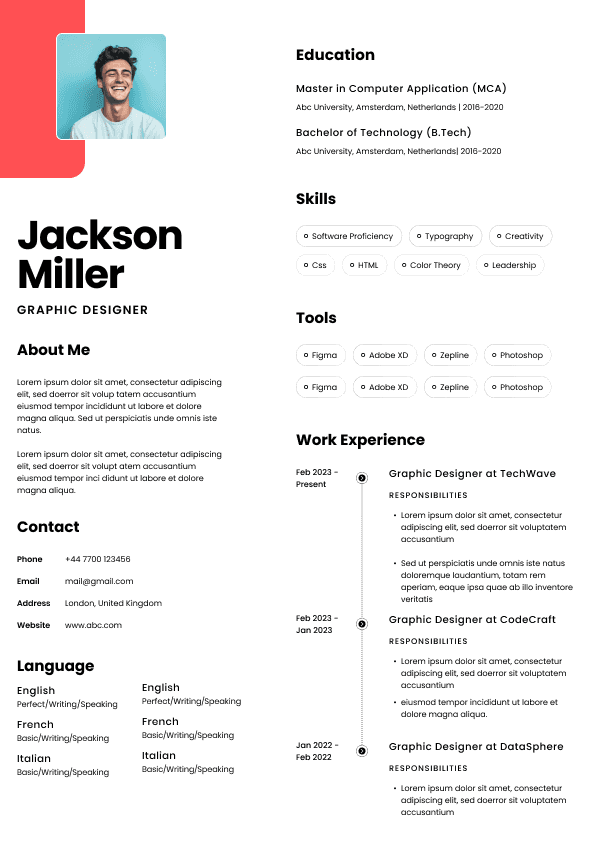
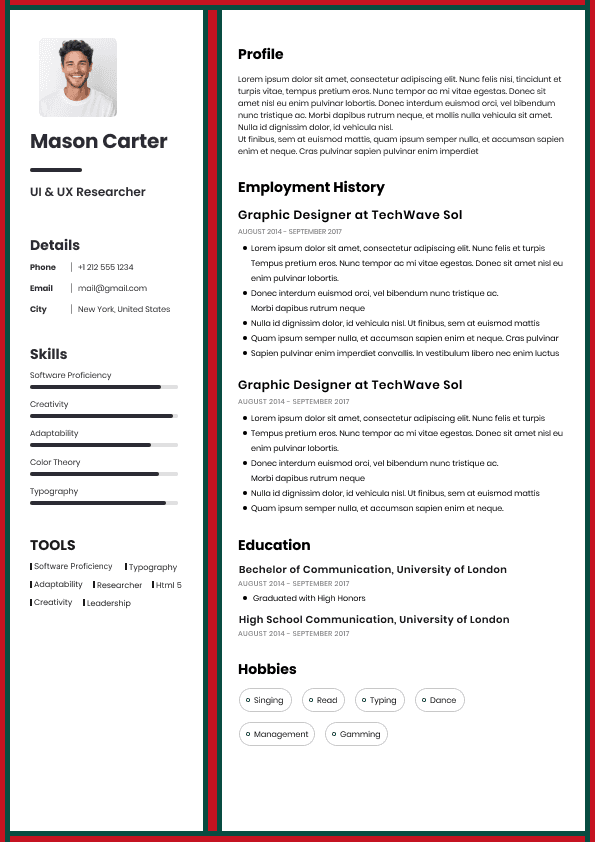
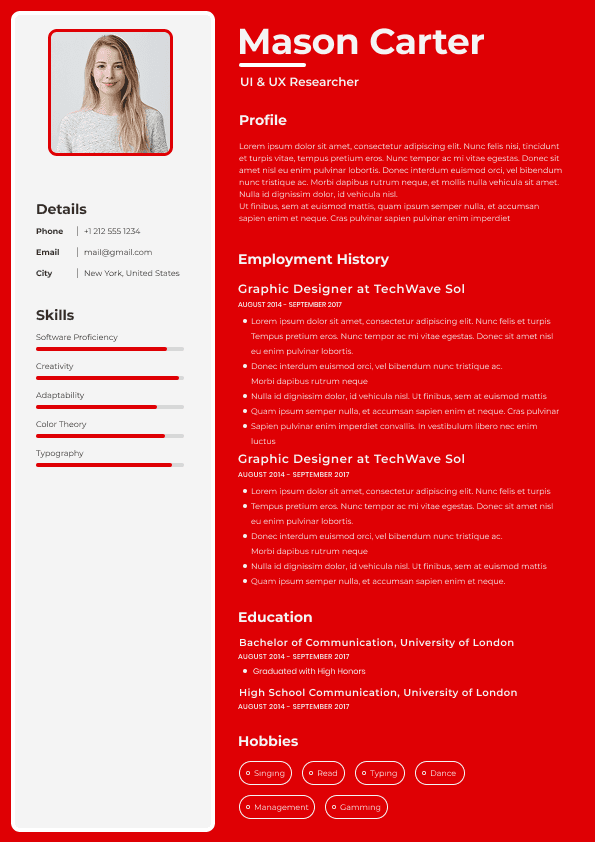
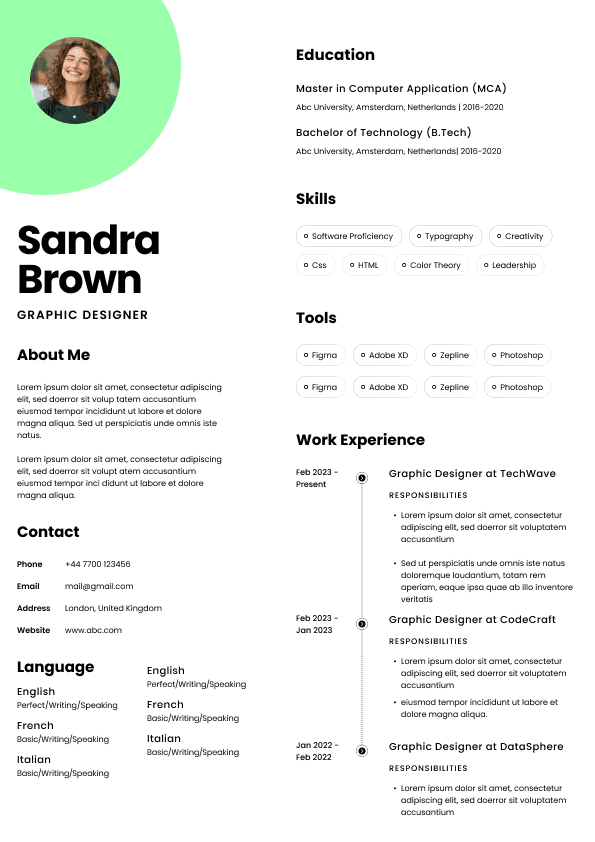
Canva templates, two column layouts, icons, skill bars, profile photos, and decorative elements can look modern at first glance, but they often create practical problems.
Recruiters are not impressed by a resume because it has a coloured sidebar. We are impressed when it quickly shows relevant experience, credible achievements, and a strong match for the role.
A beautiful resume that hides the important information is not a strong resume. It is a brochure with employment dates.
Always open your PDF after saving it. Check the spacing, margins, page breaks, hyperlinks, and text clarity. Candidates often assume exporting to PDF automatically protects the document. It protects what you exported, including mistakes.
If the employer asks for Word, send Word. If they ask for PDF, send PDF. If they ask you to upload your resume in a specific portal, do that.
Some candidates try to outsmart simple instructions. It rarely helps.
Some systems do not read headers and footers well. If your contact details are only in a header, they may not parse properly.
Employer language around applications can be vague. Here is how I interpret it in practice.
When an employer says, “Please upload your resume”, they usually mean they want a clean, readable document that works in their system. PDF is generally safe unless the portal says otherwise.
When a recruiter says, “Can you send it in Word?”, they usually mean they need to work with the document, not that your PDF was unprofessional.
When a job ad says, “Applications that do not follow instructions may not be considered”, believe it. That usually means they are using instructions as an early filter because they expect a high volume of applicants.
When a hiring manager says, “The resume was hard to follow”, they are not usually talking about the file type. They mean the content, structure, timeline, or relevance was unclear.
This distinction matters. Candidates often obsess over the surface issue because it feels controllable. But the deeper question is always whether your resume makes the hiring decision easier.
For Australian job applications, use this approach:
Keep your master resume in Word or Google Docs
Export a clean PDF for most direct applications
Keep a Word version ready for recruiters or systems that request it
Use simple, ATS friendly formatting in both versions
Follow the job ad instructions over general advice
Avoid design heavy templates unless the role genuinely calls for it
Check every file before sending it
If you are still unsure, send your resume as a PDF for most Australian job applications. It is usually the safest, cleanest, and most professional format when applying directly to employers or emailing hiring managers.
Use Word when the job ad asks for it, when a recruiter requests it, or when a system handles Word documents better.
But do not let the format conversation distract you from the bigger issue. A resume needs to position you properly. It needs to show relevant experience clearly. It needs to help the reader understand why you make sense for the role.
A PDF can protect your formatting. Word can support recruiter workflows. Neither can save a vague, cluttered, poorly targeted resume.
The file format should make your resume easier to read. The content still has to make you worth interviewing.
Written by Simar Malhi, a recruiter and headhunter with international recruitment experience. I write about CVs, job applications, hiring decisions, and the reality behind recruitment processes. My goal is to help candidates understand more honestly how employers, recruiters, and hiring managers actually select candidates.

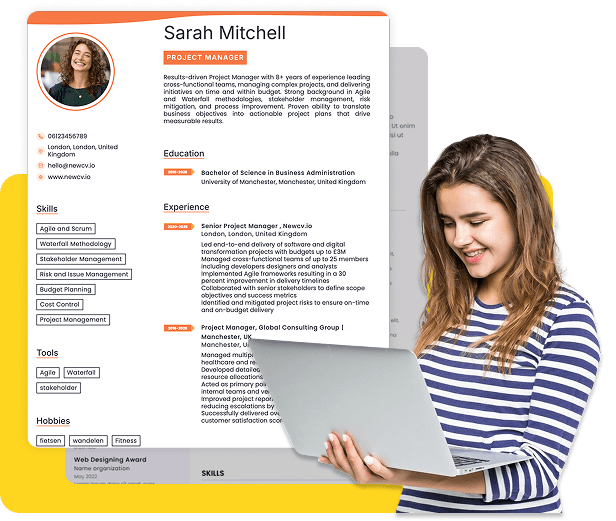
Use ATS-optimised Resume and resume templates that pass applicant tracking systems. Our Resume builder helps recruiters read, scan, and shortlist your Resume faster.
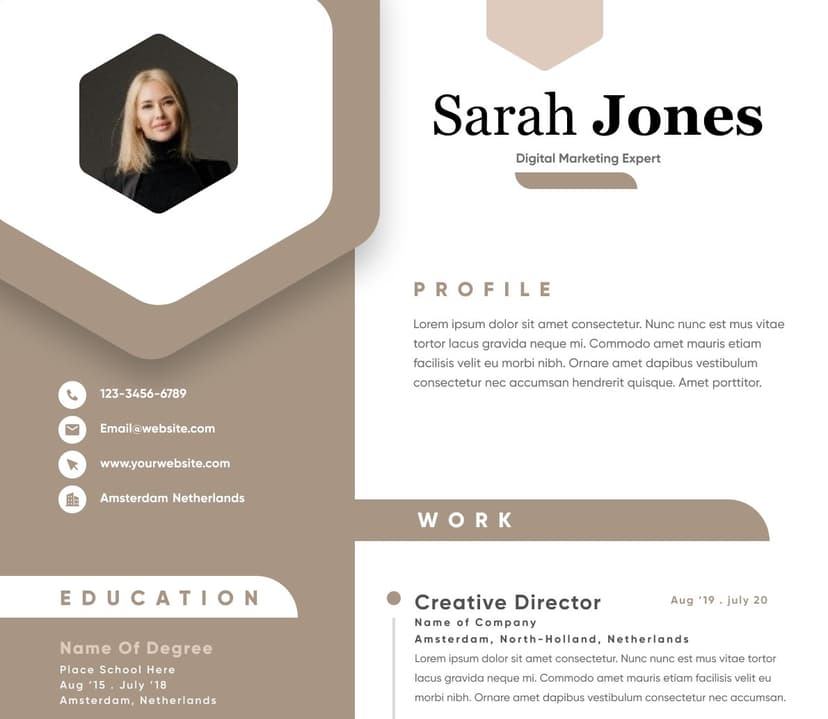
Use professional field-tested resume templates that follow the exact Resume rules employers look for.
Create Resume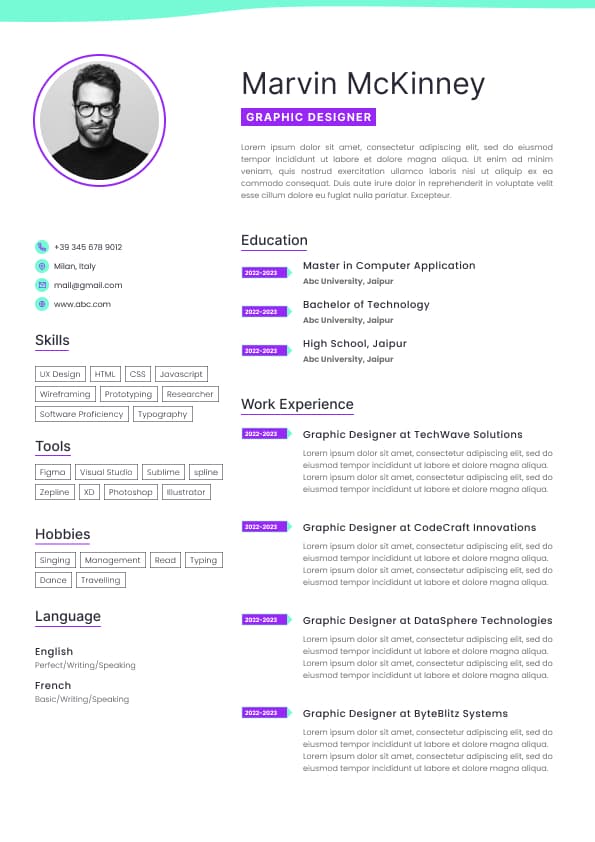
Use professional field-tested resume templates that follow the exact Resume rules employers look for.
Create ResumeA Word document can be edited accidentally. A recruiter or hiring manager can click into it, shift spacing, delete a line, or open it in a version that changes the look of the document.
With PDF, your resume is more stable. That does not mean it is untouchable, but it is less likely to be altered casually.
If you are emailing your resume directly to a recruiter, hiring manager, or employer, PDF is usually the better attachment format. It looks cleaner, opens quickly, and is less likely to be distorted by software differences.
A good email application should feel easy for the reader. The person receiving it should be able to open your resume, understand your positioning, and decide whether to move you forward without battling the file.
Some applicant tracking systems handle PDFs perfectly. Some do not. Some parse Word documents better. Some extract information badly from both. Lovely little chaos machine, as usual.
If you upload a PDF and the system turns your details into nonsense in the application form, try Word. If the portal requests a specific format, follow that instruction.
The goal is not to win a file format debate. The goal is to get your resume read properly.
If your resume is plain, ATS friendly, and built with standard headings, normal fonts, simple bullet points, and no complex design elements, Word can work perfectly well.
The problem is not Word itself. The problem is fragile formatting.
A clean Word resume is better than a heavily designed PDF that cannot be read properly by a system or recruiter.
Can I confidently present this person to a hiring manager?
This is where candidates often focus on the wrong thing. They worry about whether PDF or Word is more professional, but their resume itself does not clearly show why they are suitable.
A polished PDF cannot fix weak positioning. A Word document does not ruin strong positioning. Format supports the message. It does not replace the message.
Use the requested file type. If no file type is requested, use a simple ATS friendly PDF or Word document.
The key is not just PDF versus Word. The key is whether your resume can be parsed. Avoid text boxes, columns, graphics, icons, images, unusual fonts, headers with critical information, footers with contact details, and tables that may confuse the system.
Consistent dates
Simple bullet points
No important information trapped in images
No complicated tables or columns
That kind of resume can still look polished. It just does not need to audition for a graphic design award unless you are applying for graphic design and even then, attach a portfolio separately.
Resume 2026 final final
John resume copy edited latest
This seems small, but recruitment admin is messy enough already. Make yourself easy to find.
Avoid password protection unless specifically needed
Do not scan your resume as an image
That last one is important. A scanned resume might look like a document to you, but to a system it can behave like a picture. That is a great way to make your resume harder to search, parse, and read. Please do not make the hiring process more cursed than it already is.
Put your name, phone number, email, LinkedIn, and location clearly in the main body of the document at the top.
This is common when candidates scan a document or export from certain design tools. The resume looks visible, but the text may not be readable by systems.
If you can select and copy the text from your PDF, that is a good sign. If you cannot, rebuild it properly.
Candidates sometimes send one version to a recruiter, another version through Seek, another version to a company, and then forget what each one says. This becomes awkward when dates, job titles, or achievements do not match.
Keep a proper master resume and tailor from there. Do not create random versions that drift away from the truth.
Name the file professionally
This gives you the best of both worlds. You get the polished presentation of a PDF and the flexibility of a Word document when recruitment workflows require it.
The strongest candidates are not the ones who argue about format. They are the ones who remove friction from the process. Their resume opens properly, reads clearly, matches the role, and gives the recruiter or hiring manager enough confidence to take the next step.
That is the point.



 Upload Resume
 Import from Linkedin