STILL APPLYING. STILL HEARING NOTHING?BUILD YOUR RESUME

STILL APPLYING. STILL HEARING NOTHING?BUILD YOUR RESUME
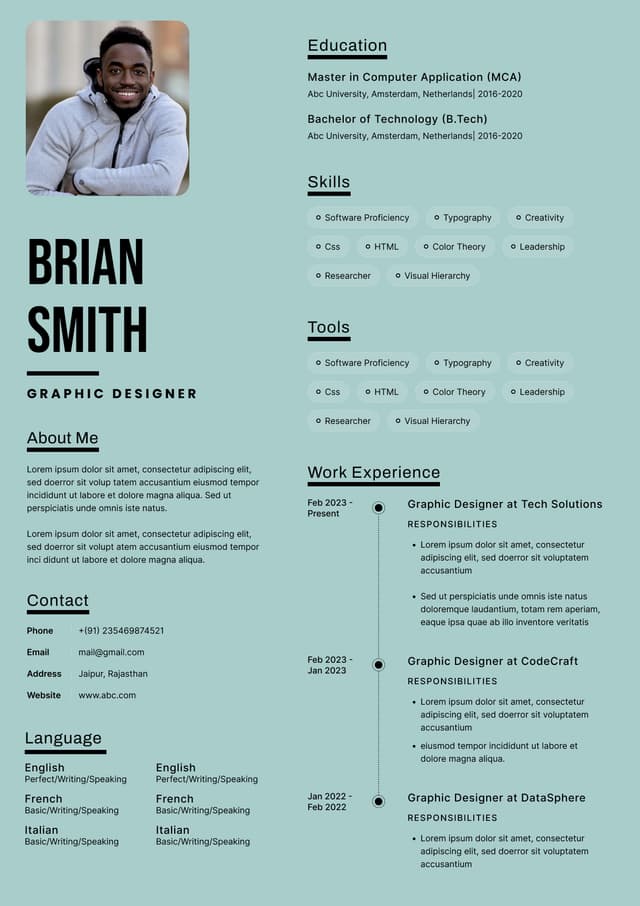
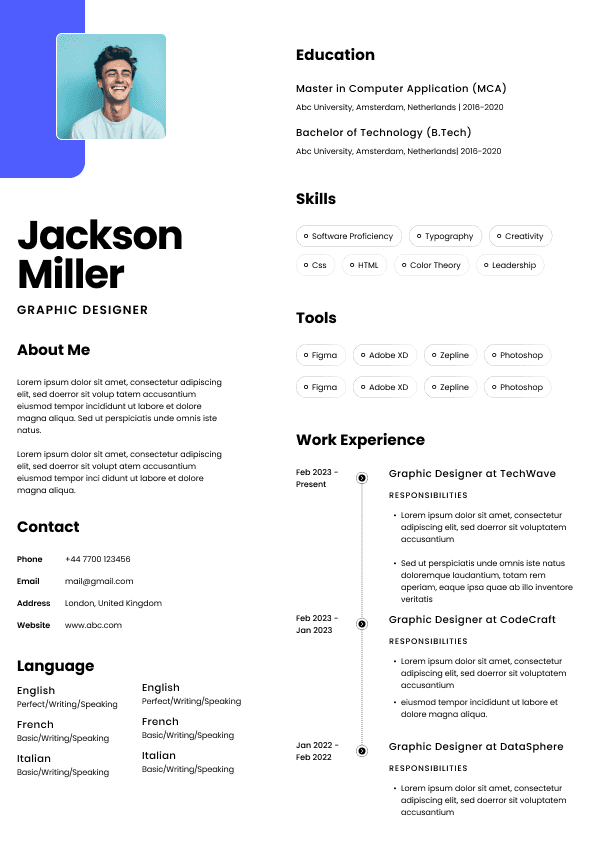
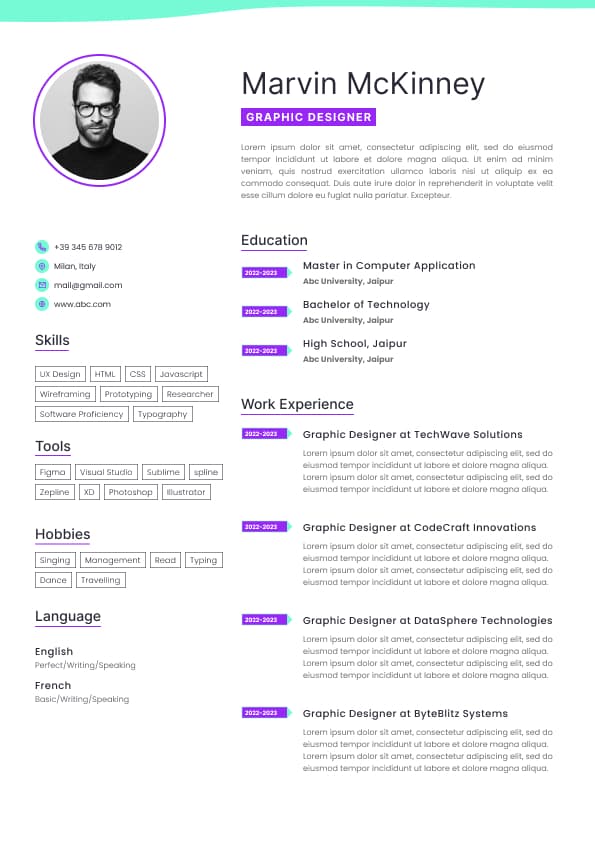
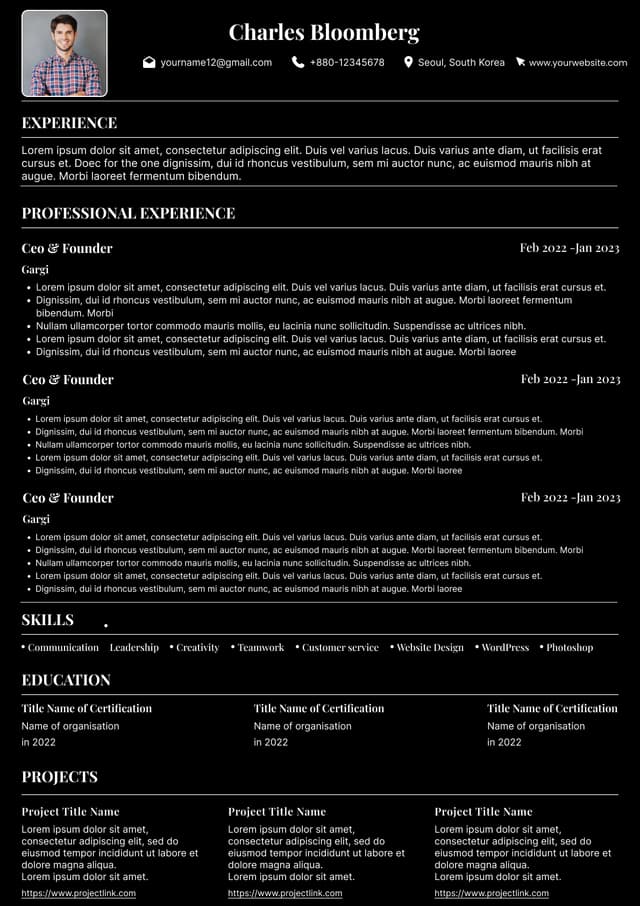
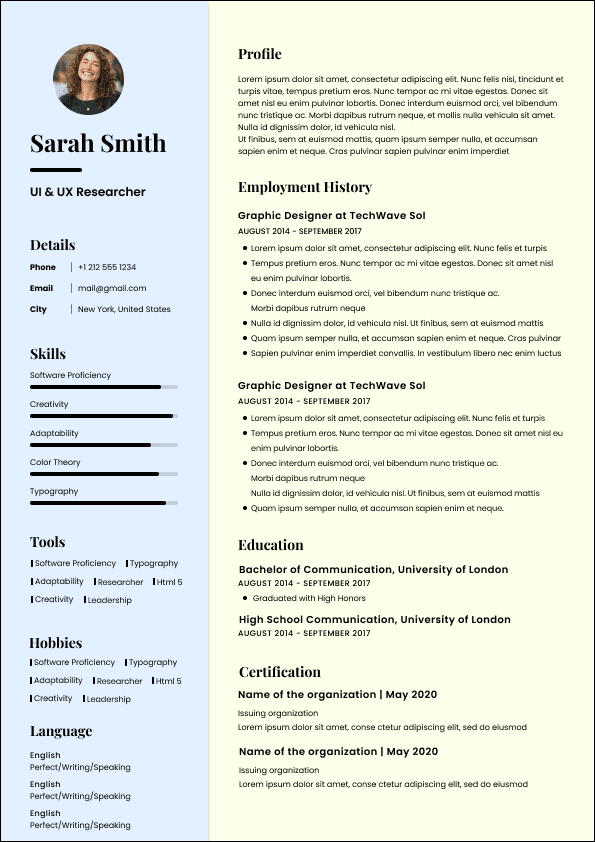
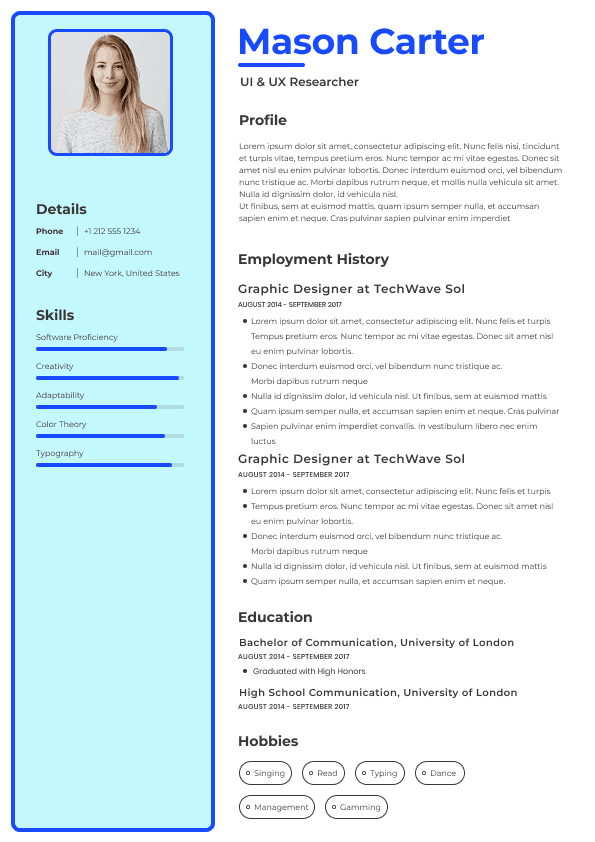
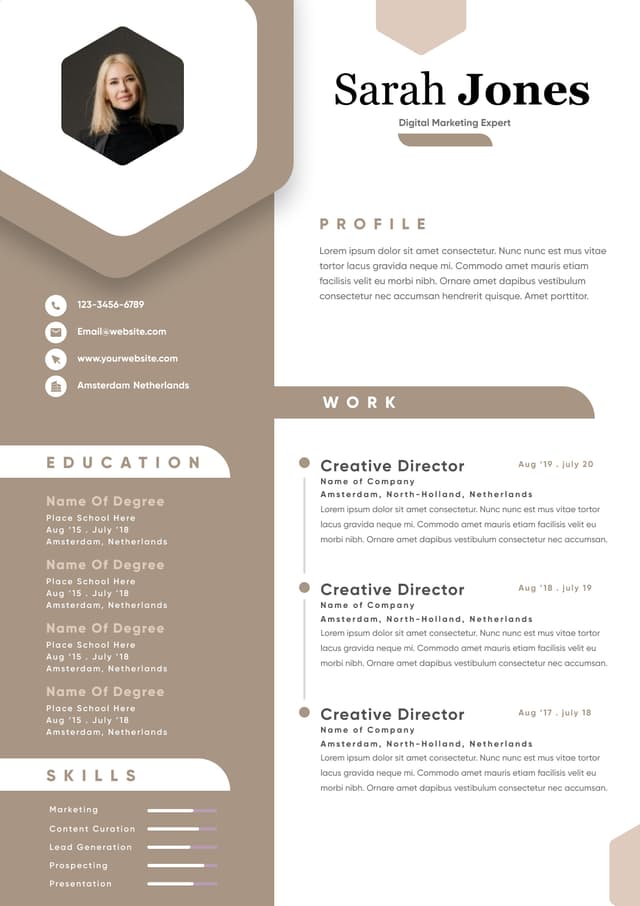
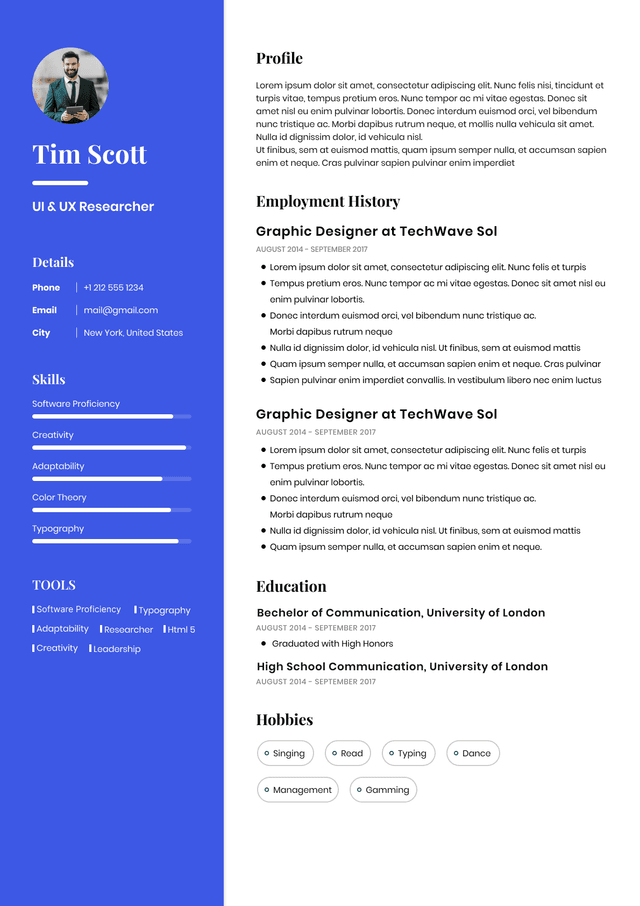
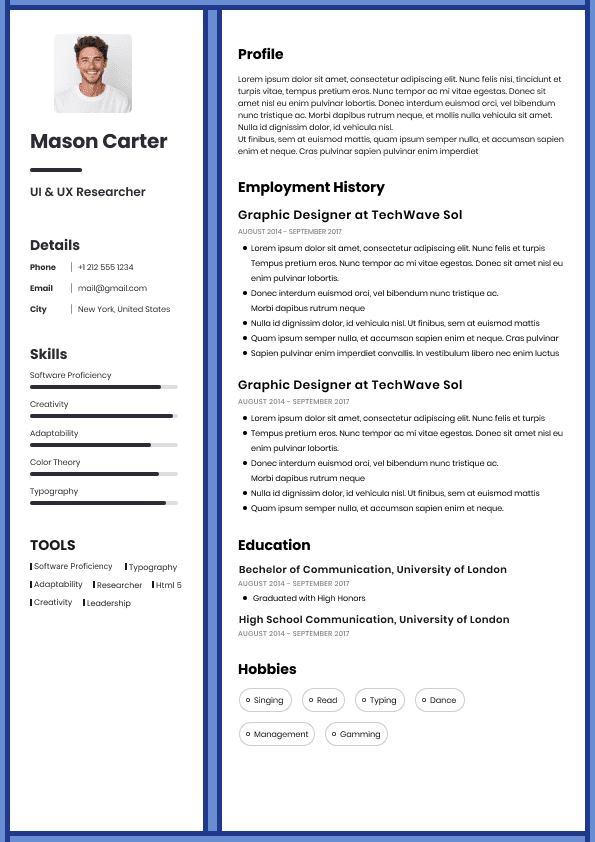
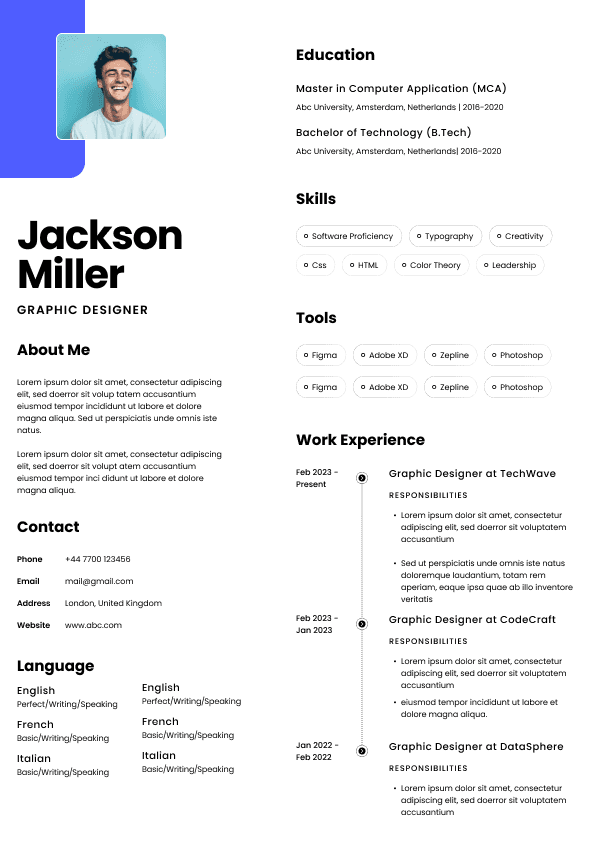
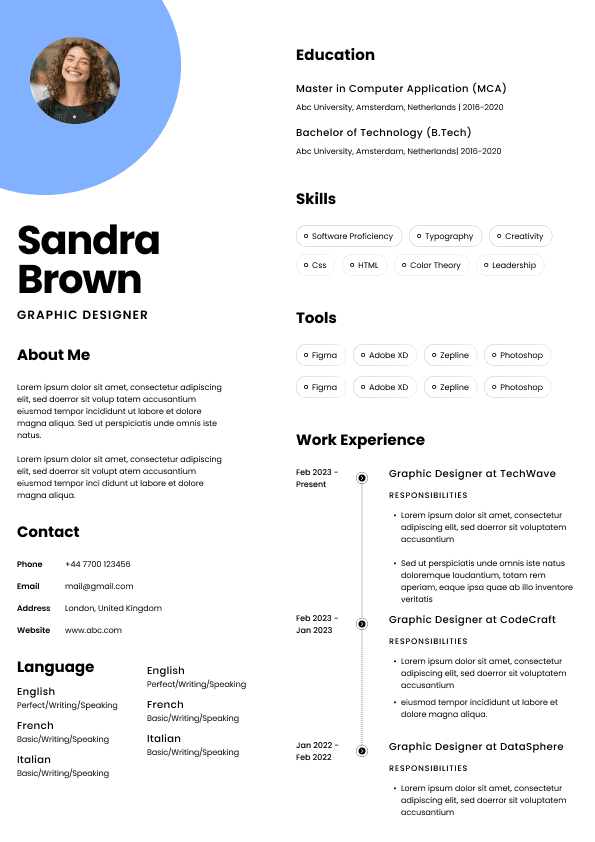
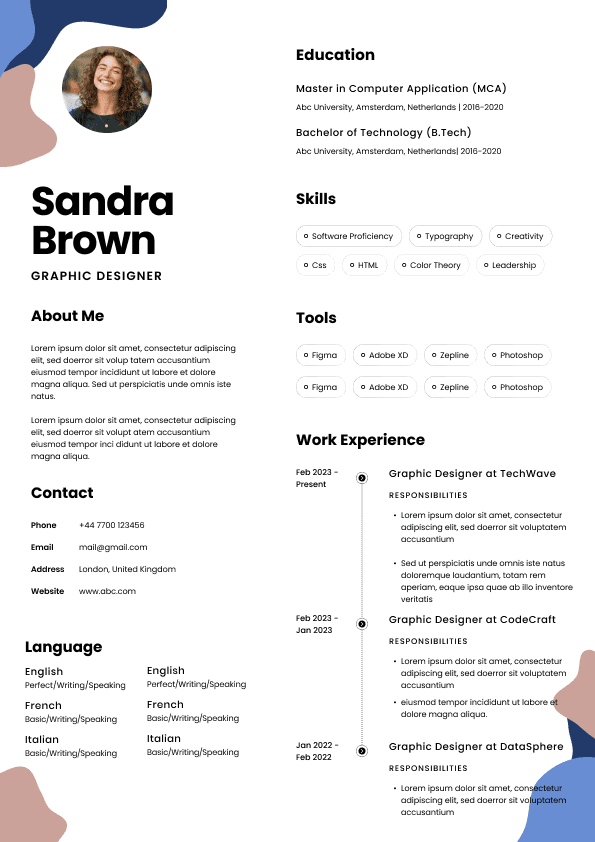
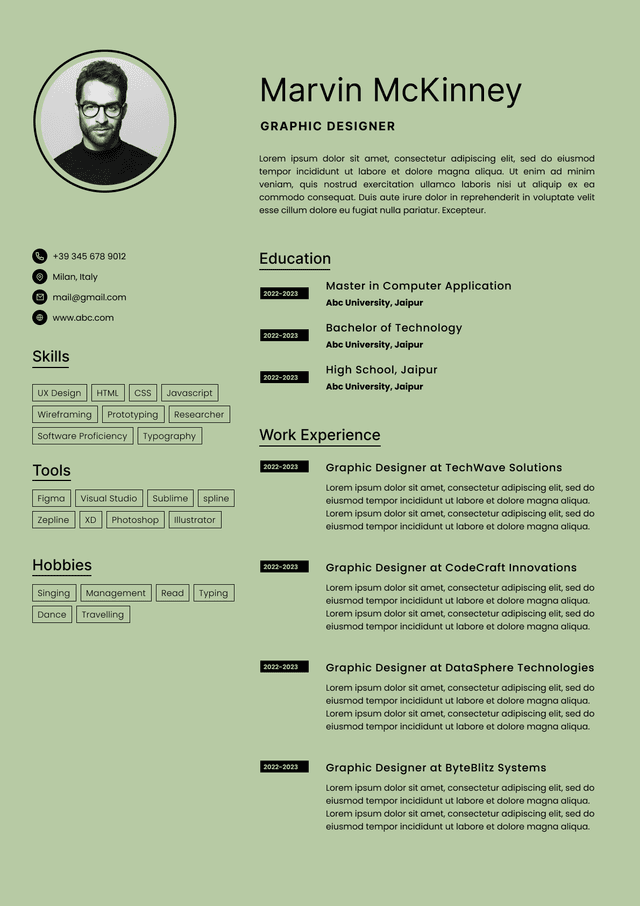
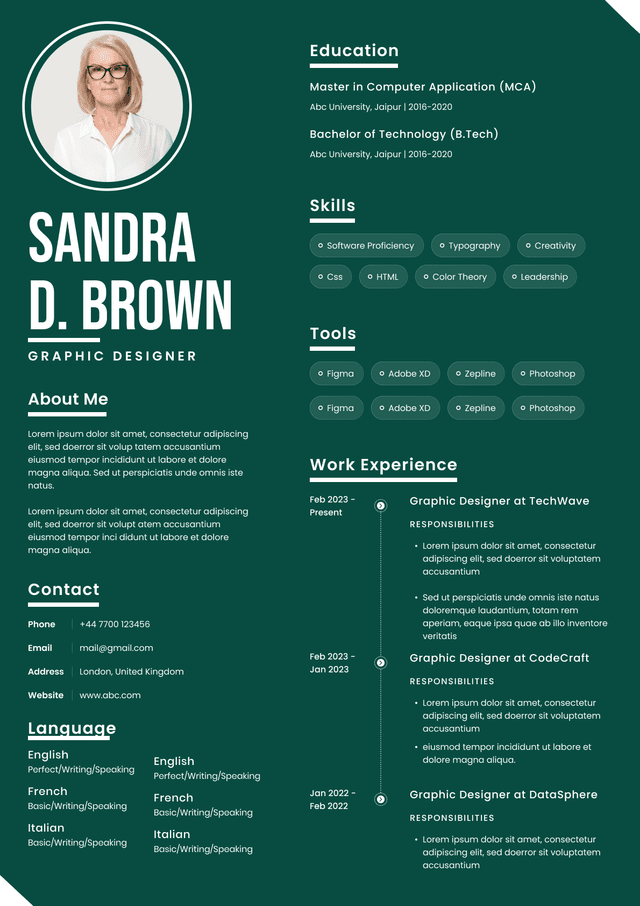
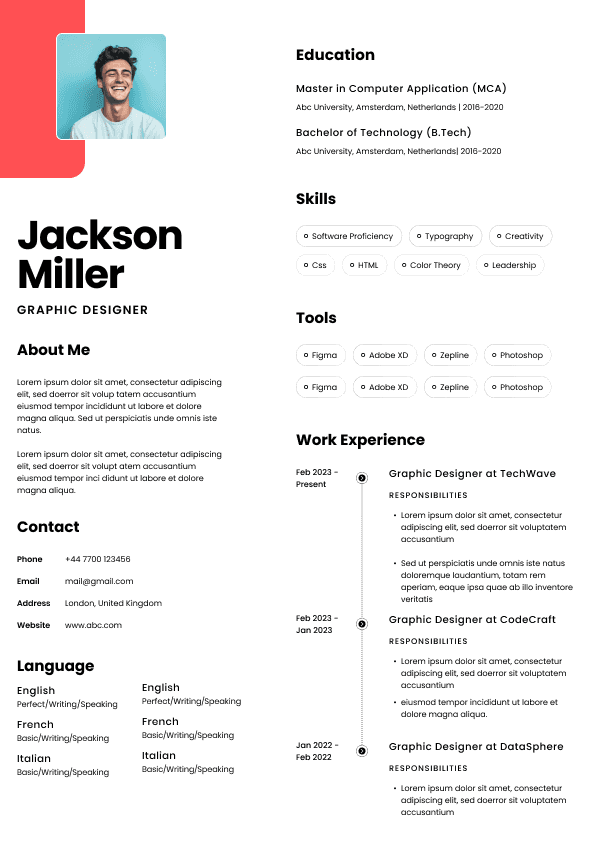
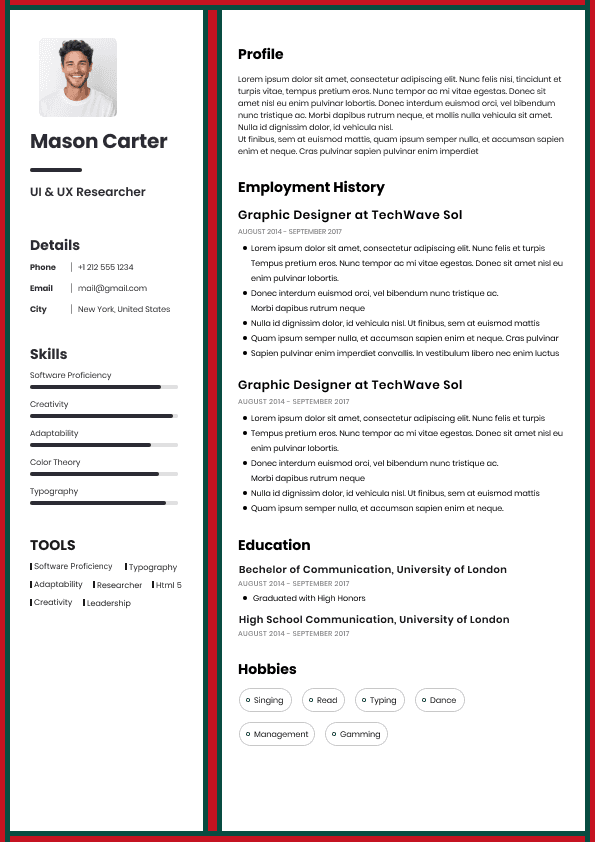
Choose from a wide range of NEWCV resume templates and customize your NEWCV design with a single click.
FAQ
Most candidates should send their CV as a PDF when applying directly to an employer in Ireland, because it protects the layout, looks more polished, and is less likely to open strangely on another system. But there are exceptions. If a recruiter, recruitment agency, job board, or employer specifically asks for a Word document, send Word. If you are uploading your CV through an applicant tracking system, either PDF or Word may work, but a clean, simple, ATS friendly file matters more than the file type.
The mistake candidates make is thinking this is purely a formatting decision. It is not. The right CV format depends on how your CV will be opened, screened, parsed, shared, edited, and discussed inside the hiring process.
If you are wondering whether to send your CV as a PDF or Word document, my practical recruiter answer is this:
For most direct job applications in Ireland, send your CV as a PDF.
For recruitment agencies, send a Word document only if they ask for it.
For online job applications, follow the employer’s instructions exactly.
For ATS systems, use a clean, simple CV that can be read properly by software, whether it is PDF or Word.
That is the clean answer. The real answer is a little more nuanced, because hiring is not as tidy as candidates are often led to believe.
Your CV may be opened by a recruiter on a laptop, previewed on a phone, downloaded from a job board, parsed by an ATS, forwarded to a hiring manager, attached to an internal email, printed for an interview, or saved into a recruitment database. Sometimes all of that happens before anyone even replies to you.
So the best CV format is not simply the one that looks nicest on your screen. It is the one that survives the hiring process without creating problems.
A PDF is usually the safest format when you are applying directly to an employer, especially in the Irish job market where hiring teams often review applications across different systems, devices, and inboxes.
The main benefit of a PDF is control. What you see is much closer to what the recruiter or hiring manager sees. Your margins stay put. Your font does not randomly change. Your section spacing does not collapse. Your carefully arranged CV does not turn into a mild visual crime scene when opened on another computer.
That matters more than candidates think.
Recruiters do not usually reject candidates because a margin moved slightly. Let’s not be dramatic. But poor formatting creates friction. And friction is not your friend when someone is scanning fifty CVs before lunch.
A PDF is usually best when:
You are emailing your CV directly to a hiring manager or employer
You are applying through a company website that accepts PDF files
Your CV has a clean, professional layout you want to preserve
You are applying for professional, office based, corporate, technical, finance, legal, HR, marketing, operations, project, or management roles
A Word document is useful when the person receiving your CV needs to edit, format, anonymise, rebrand, or upload it into a system that works better with Word files.
This is most common with recruitment agencies.
Some Irish recruitment agencies ask candidates for Word CVs because they may need to format the CV into their agency template before sending it to a client. Some also remove personal contact details before submitting the CV to an employer. In agency recruitment, this is often part of their internal process.
That does not mean every recruiter should casually edit your CV without telling you. They should not. If a recruiter wants to change your CV materially, especially your wording, responsibilities, achievements, job titles, dates, or salary related details, they should be transparent with you.
But in practical hiring terms, Word files are still widely used because they are editable and easy to process.
Send your CV as a Word document when:
The recruiter specifically asks for a Word version
A job advert says Word documents are required
You are working with a recruitment agency that needs an editable CV
The employer’s system rejects PDF uploads
Most recruiters are not sitting there having philosophical debates about PDF versus Word. They are asking simpler questions:
Can I open it?
Can I read it quickly?
Does the formatting make sense?
Can I find the candidate’s experience, skills, location, salary expectations, and notice period if relevant?
Can I send this to a hiring manager without embarrassment?
Will the ATS read it properly?
Does this CV make the candidate look organised and credible?
That is the real screening logic.
The file format only becomes an issue when it creates a problem. A PDF that cannot be parsed properly is a problem. A Word document that opens with broken formatting is a problem. A CV saved as an image inside a PDF is a problem. A file with tables, text boxes, graphics, icons, columns, and decorative nonsense that confuses the ATS is a problem.
Candidates often obsess over whether PDF or Word is “better”, when the bigger issue is whether the CV is readable by both humans and systems.
A strong CV format does three things:
It opens cleanly
It scans easily
For ATS purposes, both PDF and Word can work, but only if the CV is built properly.
This is where bad advice gets repeated online. Some people say “always use Word because ATS systems hate PDFs”. Others say “PDF is always fine”. The truth is more practical.
Modern applicant tracking systems can usually read simple PDFs and Word documents. The problem is not always the file type. The problem is the structure inside the file.
ATS systems can struggle when your CV uses:
Text boxes
Complex tables
Multiple columns
Graphics and icons
Headers and footers with important details
Scanned images
For most job seekers in Ireland, I recommend having both versions ready:
A polished PDF CV for direct applications and email submissions
A clean Word CV for recruiters, agencies, and systems that request it
This does not mean you need two different CVs with different content. It means you should keep one master CV and export it properly into both formats.
The content should stay consistent. Your job titles, dates, achievements, qualifications, and skills should not change between the PDF and Word version unless you are tailoring the CV for a different role.
What should change is how the document behaves.
Your PDF version should look final, polished, and stable.
Your Word version should be clean, editable, and not dependent on fragile formatting.
If you are actively job searching in the Irish market, this saves time. You will not panic when a recruiter asks for Word. You will not send a broken document because you rushed the conversion. You will not have to rebuild your CV at midnight because an employer portal refuses your PDF. We have all seen worse job search admin chaos than this, but it is still avoidable.
If the job advert does not specify a format, use PDF for direct employer applications.
This is especially true if you are emailing your CV to a company or applying through a website that accepts multiple file types. PDF is cleaner, safer, and more professional for most direct applications.
But before uploading, check the application page. Some portals list accepted file types beside the upload button. If it accepts PDF, Word, DOC, and DOCX, a clean PDF is usually fine. If it only accepts DOC or DOCX, do not try to force a PDF. Follow the instruction.
This sounds obvious, but recruiters do notice when candidates ignore very simple application guidance. It creates a small question in the reader’s mind:
Did they miss the instruction?
Did they rush?
Will they be awkward with basic process requirements?
That may sound unfair, but hiring decisions are often built from small signals. No single tiny mistake usually destroys a strong application, but enough small signs of poor attention to detail can quietly weaken trust.
Your CV file name should be clear, professional, and easy to identify.
Use your name and the word CV. If helpful, add the role type.
Good Example
Simar Malhi CV.pdf
Simar Malhi Marketing Manager CV.pdf
Simar Malhi Project Manager CV.docx
This is simple, searchable, and easy for a recruiter to save or forward.
Weak Example
My CV final final new version.pdf
CV 2024 updated really final.docx
Document1.pdf
Best CV latest copy.docx
This looks careless. It also creates practical problems. Recruiters download a lot of CVs. Hiring managers receive attachments from multiple sources. A clear file name helps people find your CV again.
I know candidates often think this is tiny. It is tiny. But hiring is full of tiny moments where you either make life easier for the person reviewing you or you create mild irritation. Choose easier.
Usually, no. Do not send both unless there is a reason.
Sending both can look a little untidy, especially if the employer only asked for one CV. It can also create confusion if the versions are not identical. The recruiter may open the wrong one, save the wrong one, or wonder why two files were attached.
Send one format unless:
The recruiter specifically asks for both
You are unsure whether their system can open one version and you mention it clearly
You are dealing with an agency that wants Word but you also want them to see the final PDF layout
If you do send both, keep the note simple.
Good Example
I have attached my CV in both PDF and Word format in case one is easier for your system.
That is enough. No essay required.
A PDF CV often looks more professional because the formatting is fixed and the document feels final. It has the same kind of finished quality as a formal business document.
But professionalism is not created by PDF alone. A weak CV in PDF is still a weak CV. A vague profile, unclear job titles, unexplained gaps, generic responsibilities, and no evidence of impact will not magically become impressive because the file extension says PDF.
Recruiters do not hire file formats. They shortlist evidence.
The PDF helps preserve the presentation. The content still has to do the heavy lifting.
This is where candidates sometimes get distracted. They spend hours choosing between PDF and Word, then leave the CV full of vague phrases like:
Responsible for various duties
Worked in a busy environment
Excellent communication skills
Team player
Hard working and motivated
Those phrases tell me very little. A hiring manager wants to know what you did, what level you operated at, what tools or systems you used, who you worked with, what outcomes you achieved, and whether your background matches the role.
A Word CV does not automatically look less professional. A clean Word CV can be excellent. Many recruiters and employers still work with Word documents every day.
The issue is that Word documents can behave unpredictably when opened on different systems. Fonts may change. Spacing may shift. Tables may move. Page breaks may appear in strange places. If your CV relies on delicate formatting, it may not survive.
This is why I prefer simple Word CVs when Word is required. Keep the structure clean. Avoid complicated design. Do not build your CV like a magazine layout unless you are fully prepared for it to break at the worst possible moment.
A Word CV is strongest when it is practical, editable, and ATS friendly.
A PDF CV is strongest when it is final, stable, and presentation ready.
That is the real difference.
If a recruiter asks for a Word version after you sent a PDF, send it. Do not overthink it.
This usually means one of four things:
Their recruitment system works better with Word
They need to format the CV for a client submission
They need to remove contact details before sending it to an employer
Their internal process requires editable documents
What I would not do is become defensive about it. A recruiter asking for Word is not automatically a red flag. It is often just process.
However, you are allowed to protect your CV content. If you are concerned about edits, you can say:
Good Example
Of course, I have attached the Word version. Please let me know before making any content changes beyond formatting.
That is a fair and professional boundary.
What you want to avoid is a situation where someone rewrites your CV badly, adds exaggerated claims, changes your job titles, or presents you in a way that does not match your actual experience. That can cause problems later in the interview process when the hiring manager asks about something you did not really do.
The biggest mistakes are not always dramatic. They are usually small practical issues that make the CV harder to process.
This sounds basic, but it happens. Corrupted files, unusual formats, password protected documents, and links that require access permission all create friction.
If a recruiter has to request access to your CV, you have already made the application process more awkward than it needed to be.
Some candidates create CVs in design tools and export them as PDFs. The result may look nice, but the text may not parse correctly. If the CV is image based, an ATS may struggle.
Before sending it, try copying and pasting the text from the PDF into a plain document. If the text comes out in a strange order or cannot be selected, that is a warning sign.
A poor file name does not make you unqualified. But it does look careless. Use your name and CV. Keep it clean.
If the employer says Word, send Word. If the portal says PDF only, send PDF. If it gives a file size limit, follow it.
This is not about obedience for the sake of it. It is about showing that you can follow a simple process. Hiring teams notice when candidates make easy things difficult.
Keep two clean versions of your CV ready at all times:
PDF for direct applications
Word for recruiters or when requested
Use the same content in both. Keep the layout simple. Test both versions before sending. Make sure the CV opens properly, reads clearly, and does not rely on formatting tricks.
For most Irish job seekers, this is the most practical setup.
Your PDF is the version you send when you want the employer to see the CV exactly as intended.
Your Word version is the flexible version you keep ready for recruitment agencies, employer requests, and systems that prefer DOCX files.
Do not let the format decision distract you from the bigger question: does your CV clearly show why you are a strong match for the job?
Because that is what recruiters and hiring managers are really judging.
They are looking at whether your experience fits the role, whether your career history makes sense, whether your skills match the job spec, whether your achievements suggest you can deliver, whether your salary expectations are realistic, whether your notice period works, and whether you look credible enough to bring to interview.
The file format supports that judgement. It does not replace it.
Use this as a practical rule of thumb.
Send your CV as a PDF when applying directly to an employer, emailing a hiring manager, submitting through a portal that accepts PDF, or sending a polished final version.
Send your CV as a Word document when a recruiter asks for it, an agency needs an editable version, the job advert requests DOC or DOCX, or the application system does not accept PDF.
Use either PDF or Word for ATS systems, but only if the CV is simple, text based, well structured, and easy to parse.
Do not send both unless there is a clear reason.
Do not use unusual formats.
Do not send screenshots of your CV.
Do not rely on heavy graphics, icons, tables, or columns.
And please, for the love of all things recruitment admin, do not name the file Final CV New Version Final FINAL.
The format matters, but the content matters more.
A good CV should make it easy for a recruiter or hiring manager to understand:
What roles you have held
Where you worked
When you worked there
What level of responsibility you had
What systems, tools, processes, or markets you know
What measurable impact you made
Why your background fits the role
Written by Simar Malhi, a recruiter and headhunter with international recruitment experience. I write about CVs, job applications, hiring decisions, and the reality behind recruitment processes. My goal is to help candidates understand more honestly how employers, recruiters, and hiring managers actually select candidates.

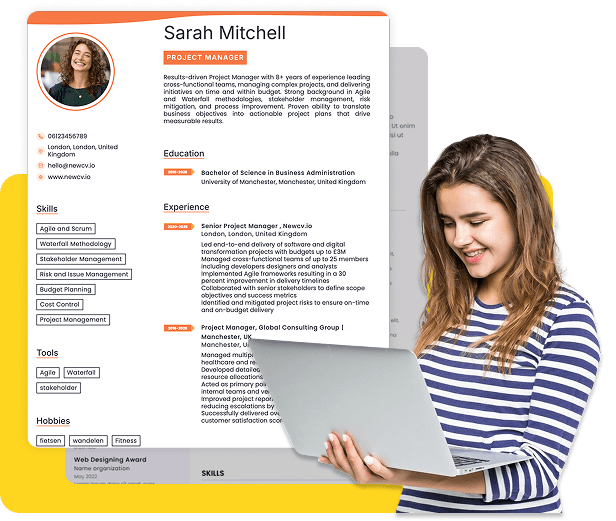
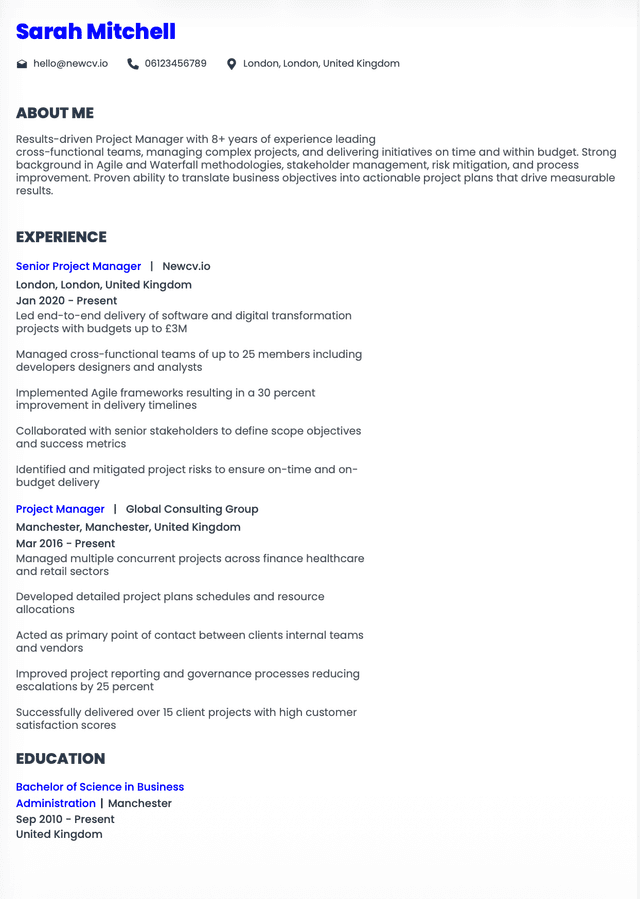
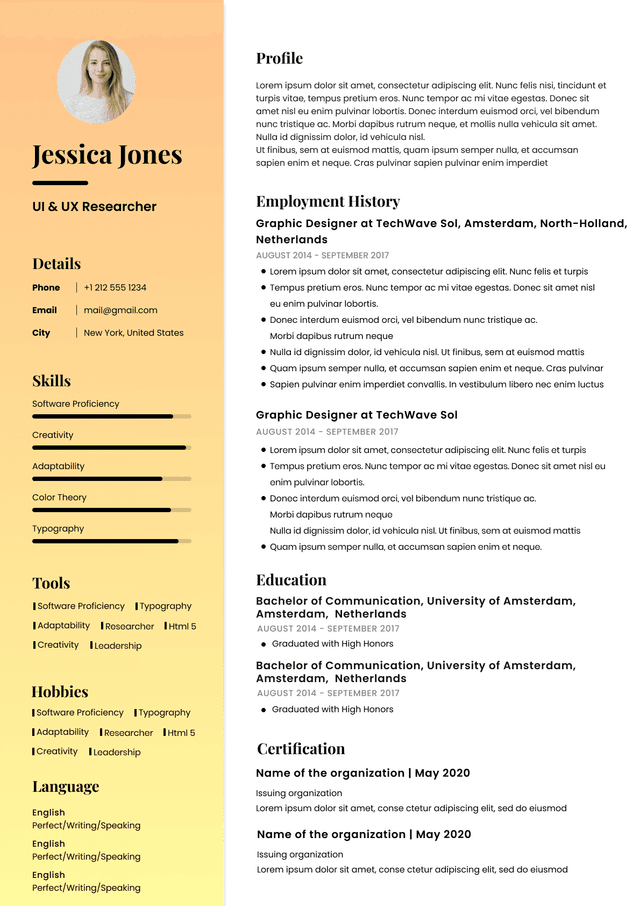
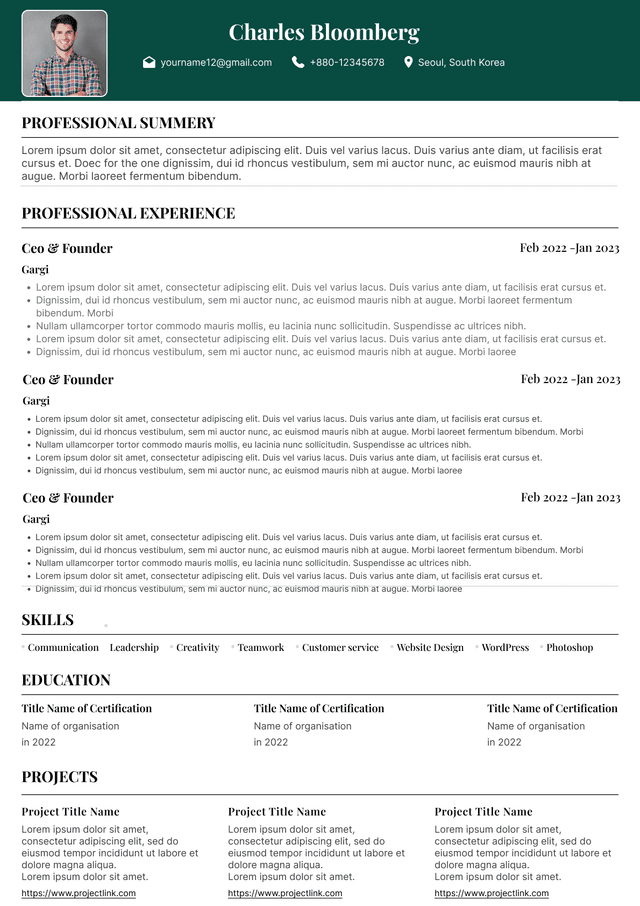
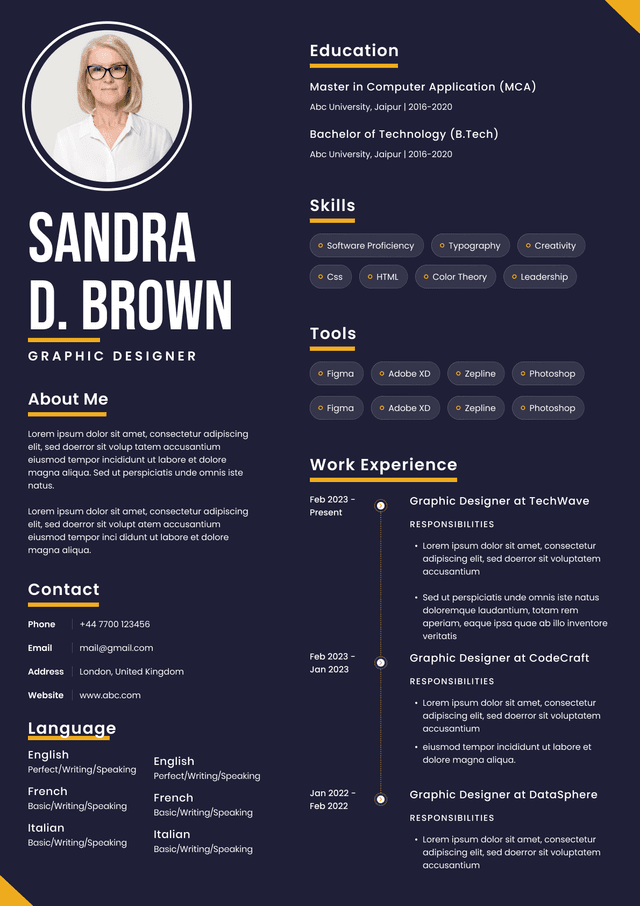
Use ATS-optimised Resume and resume templates that pass applicant tracking systems. Our Resume builder helps recruiters read, scan, and shortlist your Resume faster.
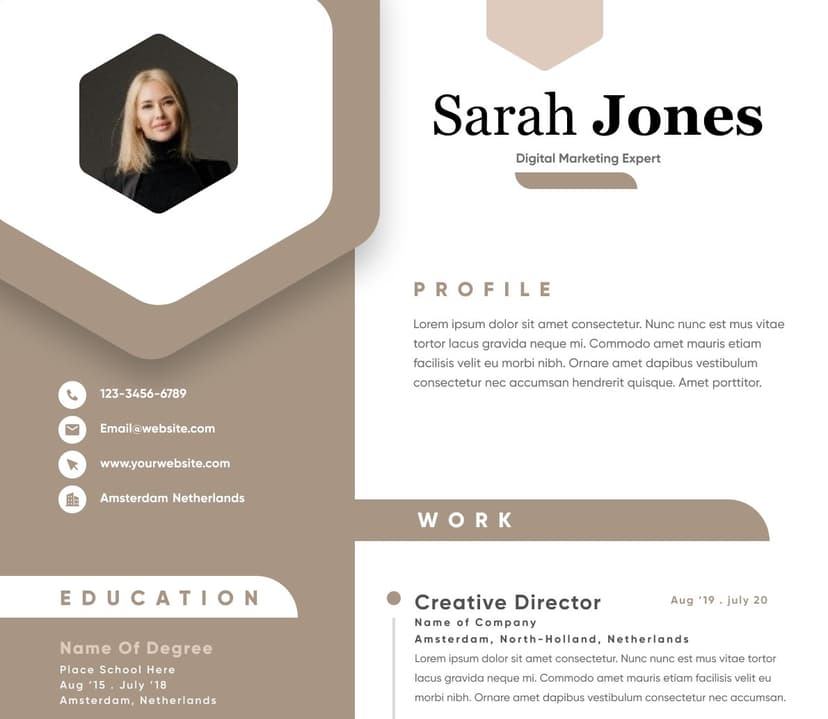
Use professional field-tested resume templates that follow the exact Resume rules employers look for.
Create Resume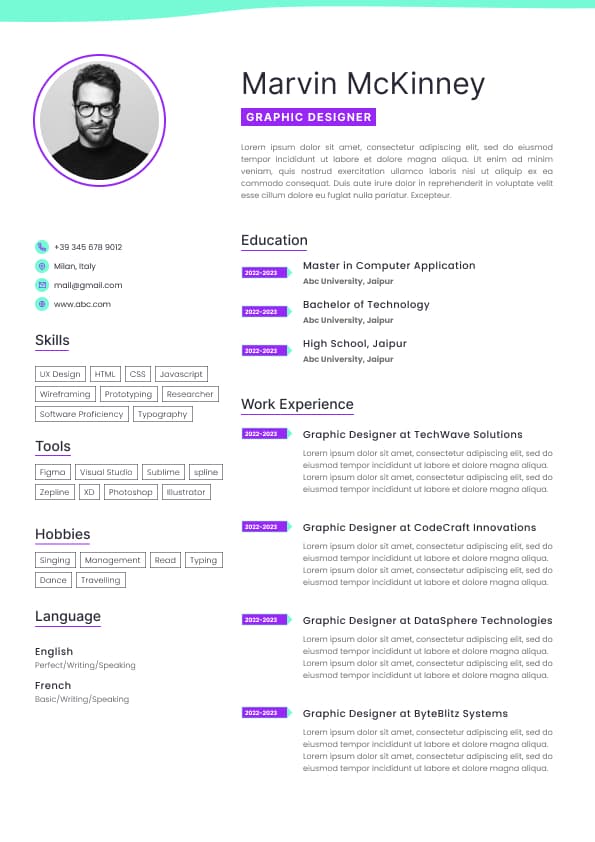
Use professional field-tested resume templates that follow the exact Resume rules employers look for.
Create ResumeYou want the document to look polished when opened on different devices
You are sending your CV speculatively to an employer in Ireland
What I like about PDF CVs is that they reduce unpleasant surprises. Recruiters are used to seeing CVs arrive in all sorts of states. Some are fine. Some look like they were attacked by formatting gremlins. A PDF gives you more control over the first impression.
And yes, first impression matters. Not in a shallow “pretty CV wins” way, but in a basic professional judgement way. If your CV is messy, hard to read, or awkward to open, the recruiter is already working harder than they need to.
You are asked to complete or adapt your CV in a specific format
You are submitting to a platform that clearly parses Word documents better
The key point is this: do not send Word just because you assume recruiters prefer it. Many do not care as long as the CV opens properly and reads clearly. But if they ask for Word, give them Word. Ignoring simple application instructions is a small thing that can make you look oddly difficult before the process has even started.
It presents your experience without making the reader work too hard
That last point is where many CVs fall down. A recruiter should not have to decode your career history like it is a Leaving Cert comprehension paper.
Photos
Unusual fonts
Decorative lines that interfere with parsing
Skills hidden inside visual charts
If you upload a beautifully designed PDF where the text is actually embedded as an image, an ATS may not read it properly. If you upload a Word CV full of messy tables and formatting tricks, that can also parse badly.
So the better question is not “PDF or Word for ATS?” The better question is:
Can the system identify my name, contact details, job titles, employers, dates, skills, qualifications, and experience accurately?
For Irish job applications, especially through employer portals, keep the CV clean and straightforward. Use clear headings such as Professional Profile, Key Skills, Work Experience, Education, Certifications, and Additional Information if relevant.
A boring CV that parses correctly will usually outperform a gorgeous CV that gets mangled by the system. Harsh, but true.
So yes, send a PDF when appropriate. But do not confuse a polished file with a persuasive CV.
A good recruiter should not put you in that position.
If your PDF says one job title and your Word CV says another, that creates doubt. If one version says you finished a role in March and another says May, that creates more doubt.
Recruiters are trained to notice inconsistencies. Not because they are trying to catch you out for sport, but because inconsistencies often create risk in hiring.
Whether you are likely to be a realistic candidate for the vacancy
The best CVs do not make the reader hunt for relevance. They bring the relevant evidence forward.
That is the part many candidates miss. They think the CV is a record of everything they have done. It is not. It is a positioning document. It should help the employer quickly understand why you are worth interviewing for this specific role.
So yes, choose the right file type. But do not stop there.
A well formatted PDF will not rescue a vague CV. A clean Word document will not fix weak positioning. The file format gets the CV through the door properly. The content gets you taken seriously.



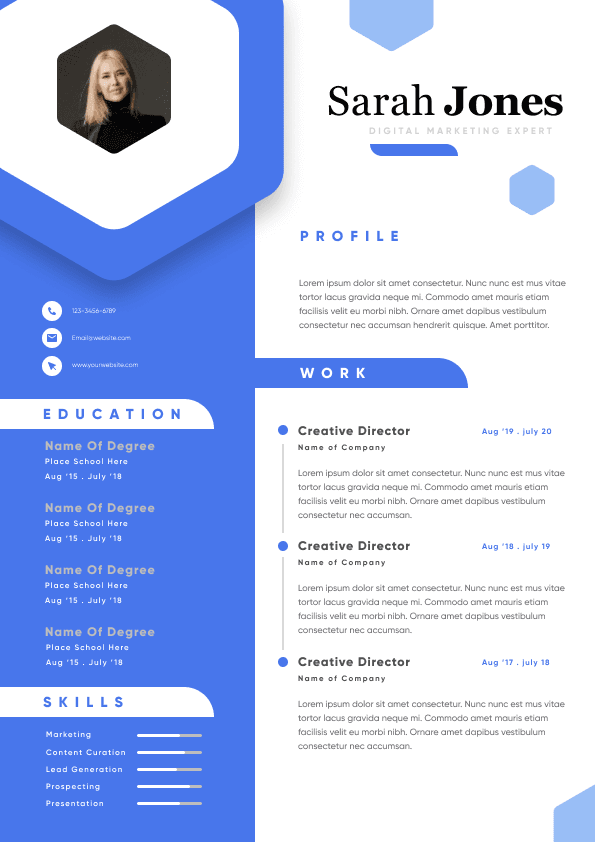
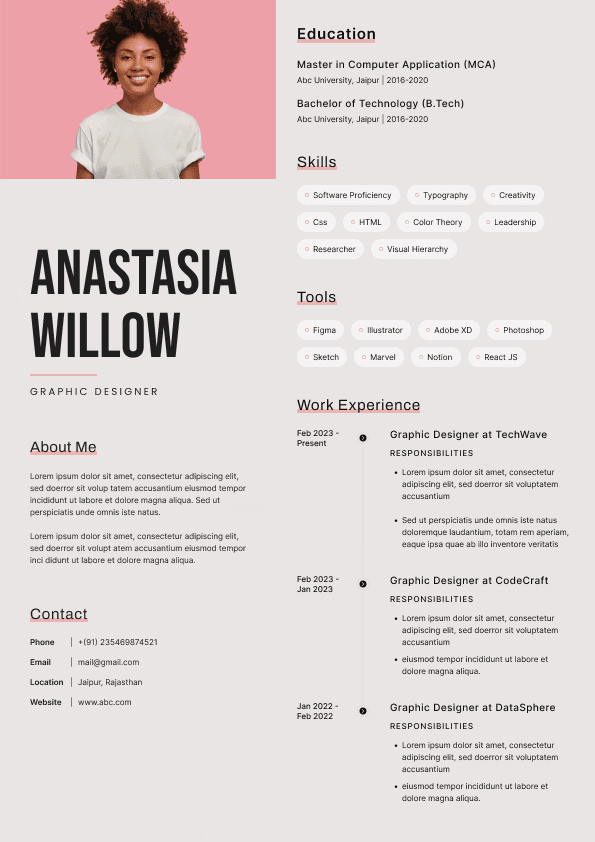
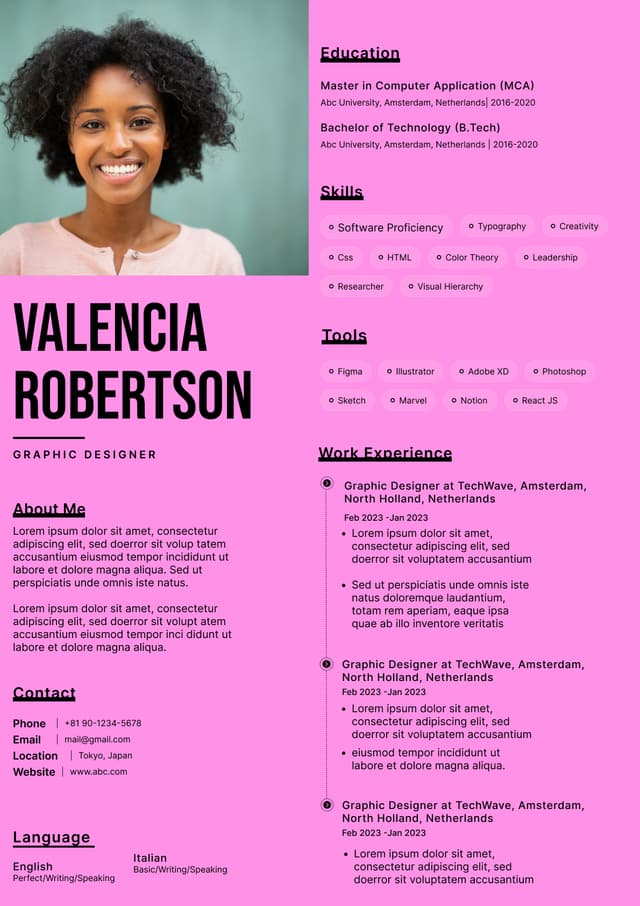
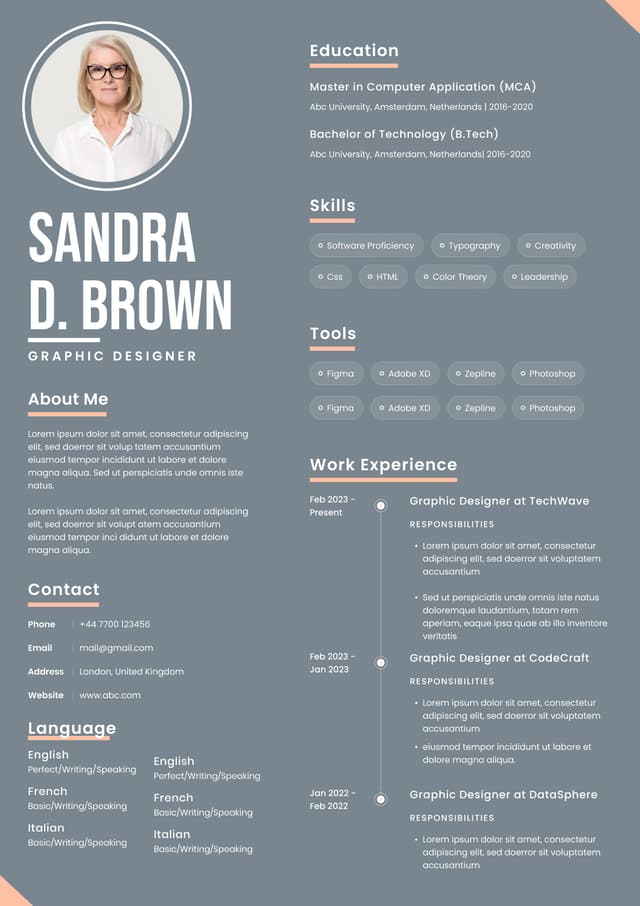
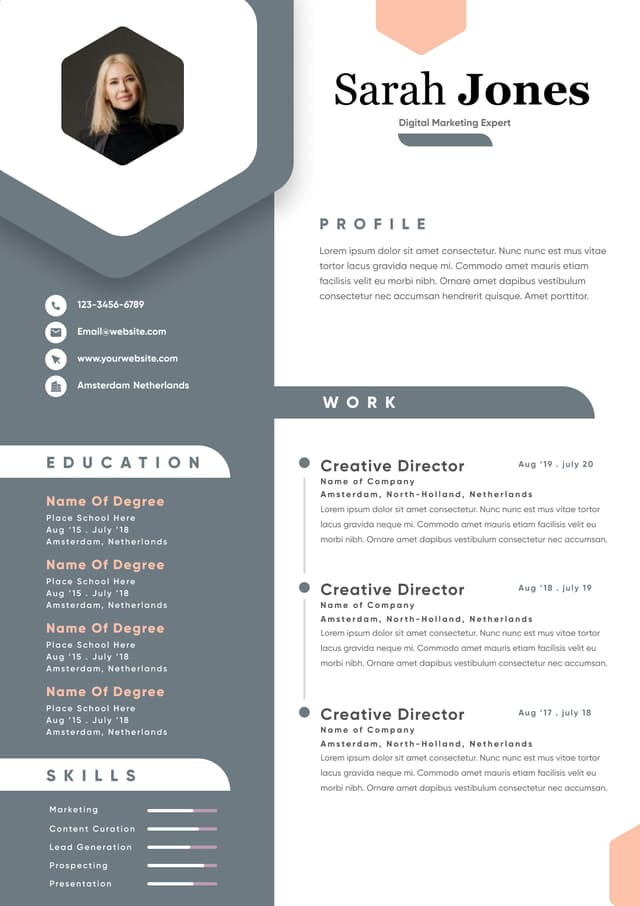
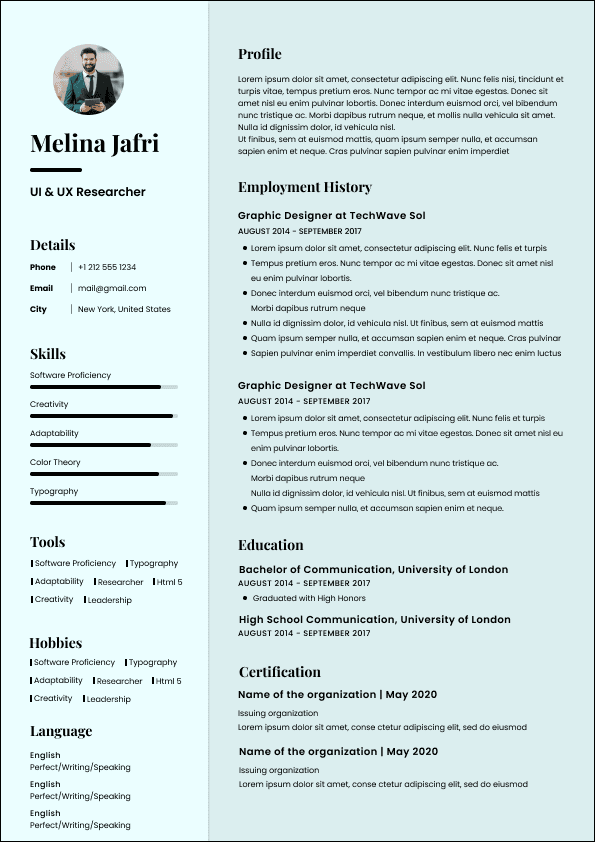
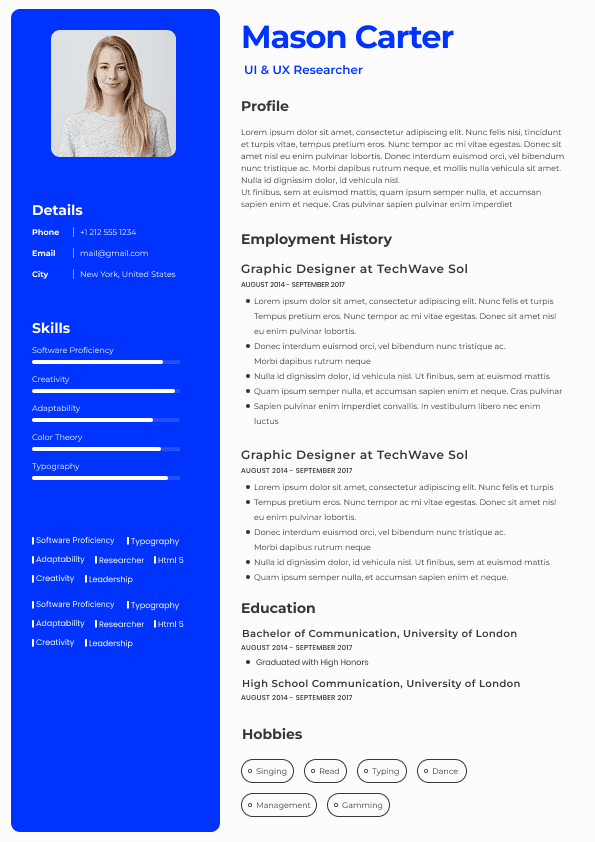
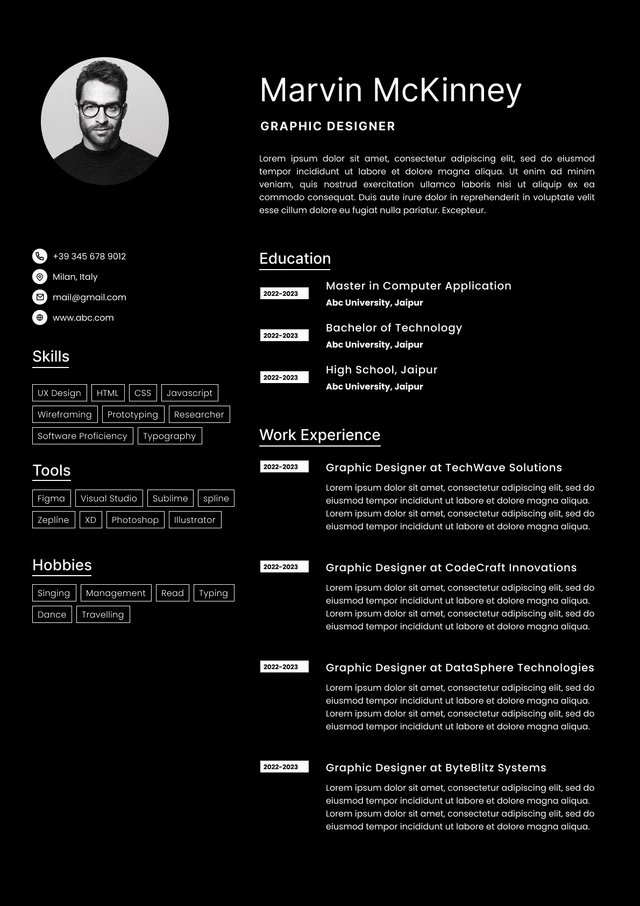
 Upload Resume
 Import from Linkedin