STILL APPLYING. STILL HEARING NOTHING?BUILD YOUR RESUME

STILL APPLYING. STILL HEARING NOTHING?BUILD YOUR RESUME
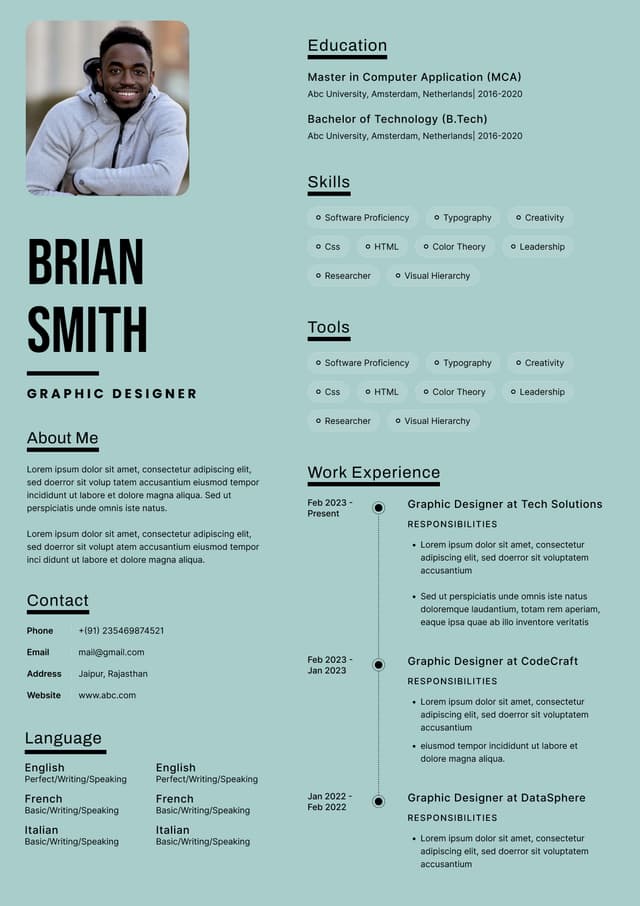
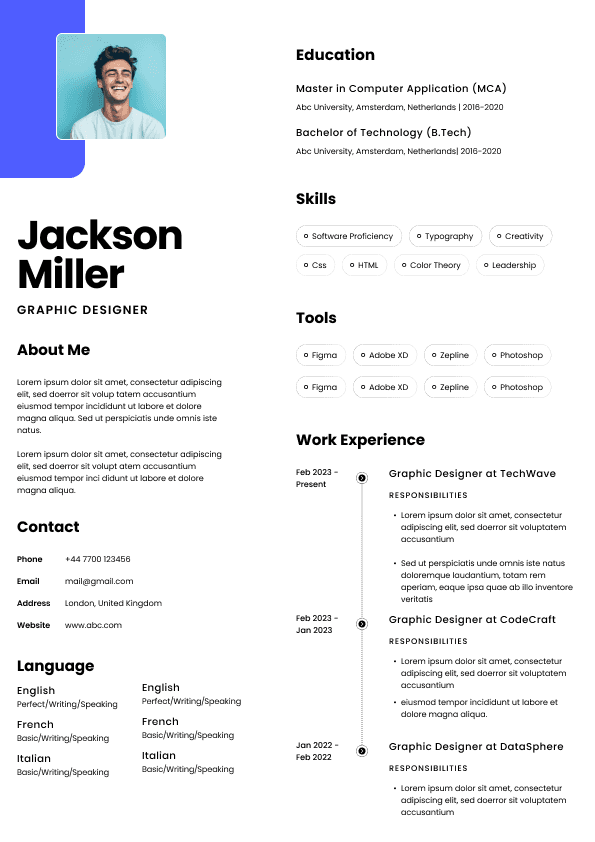
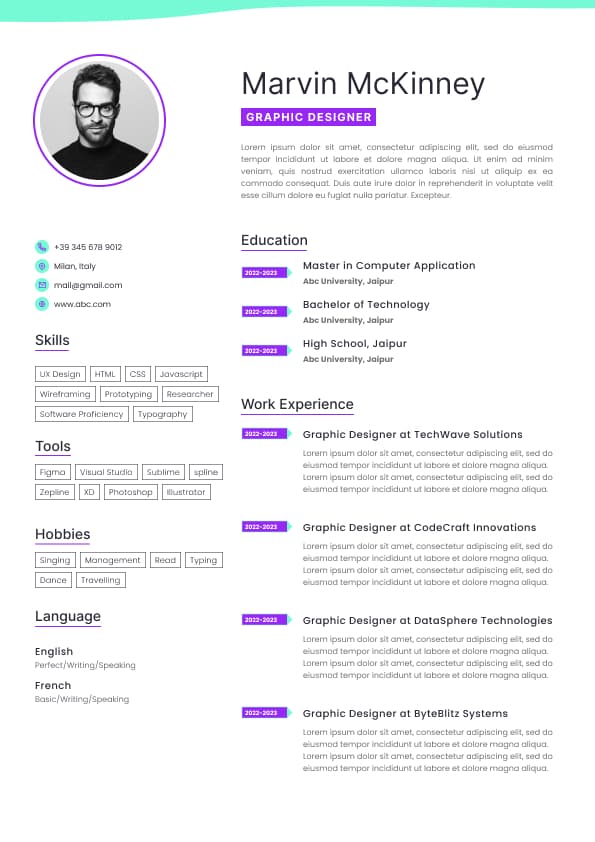
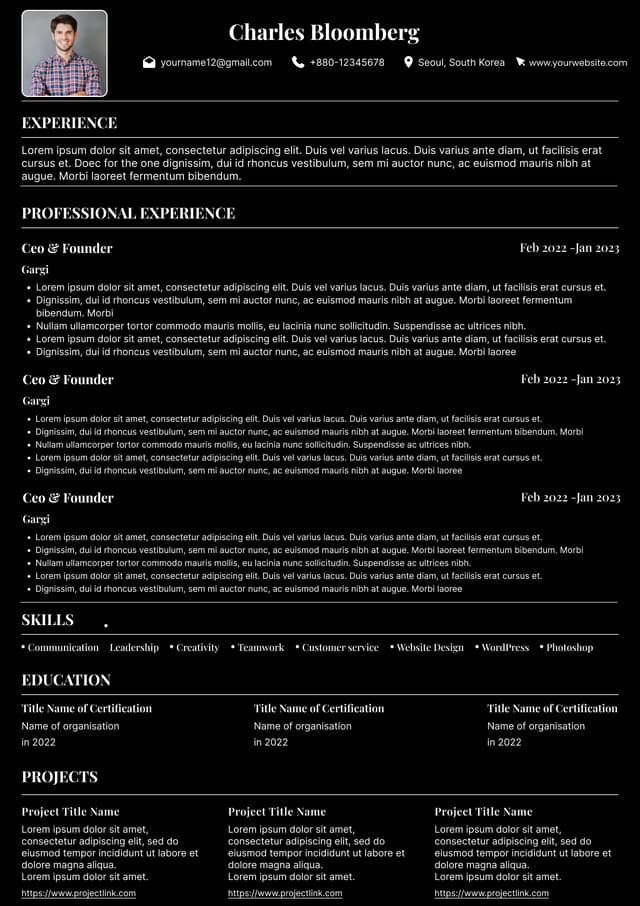
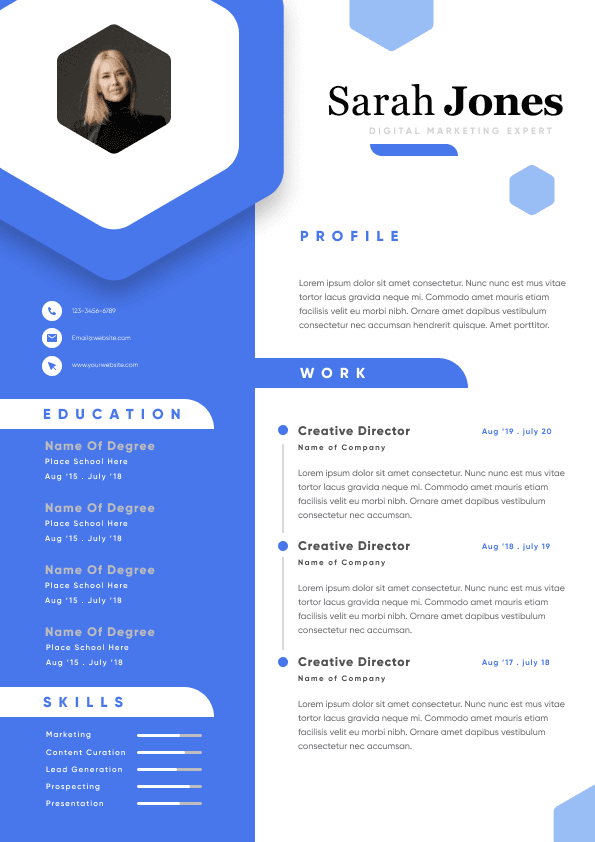
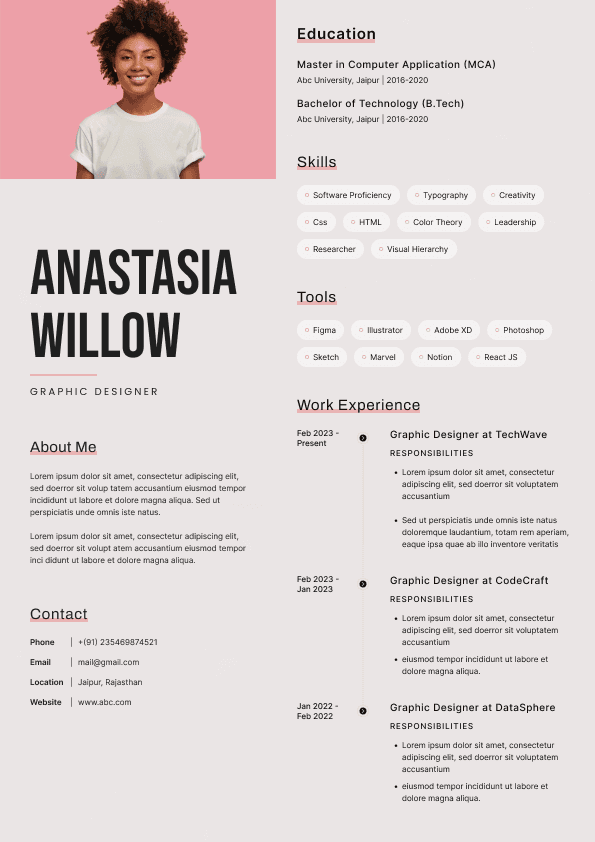
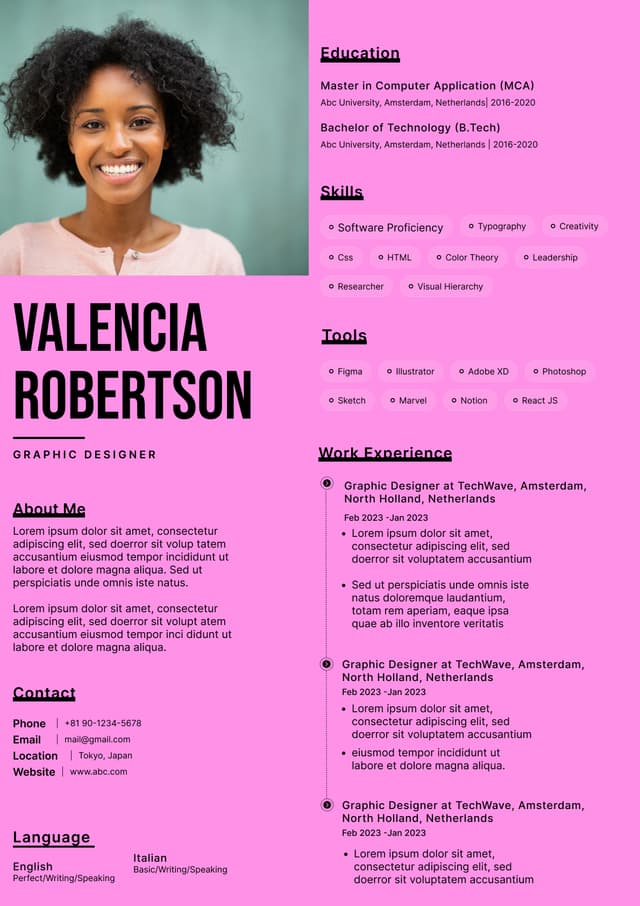
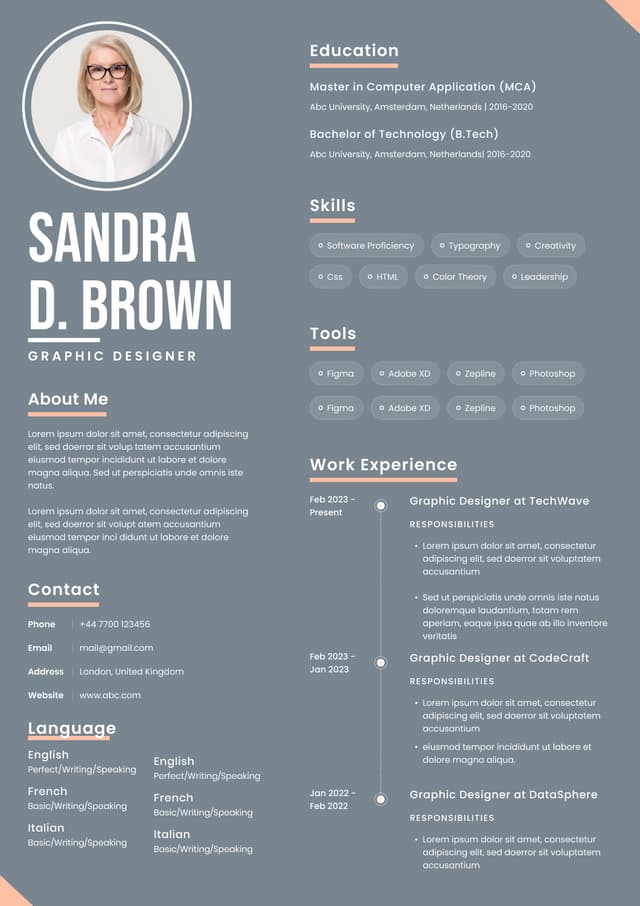
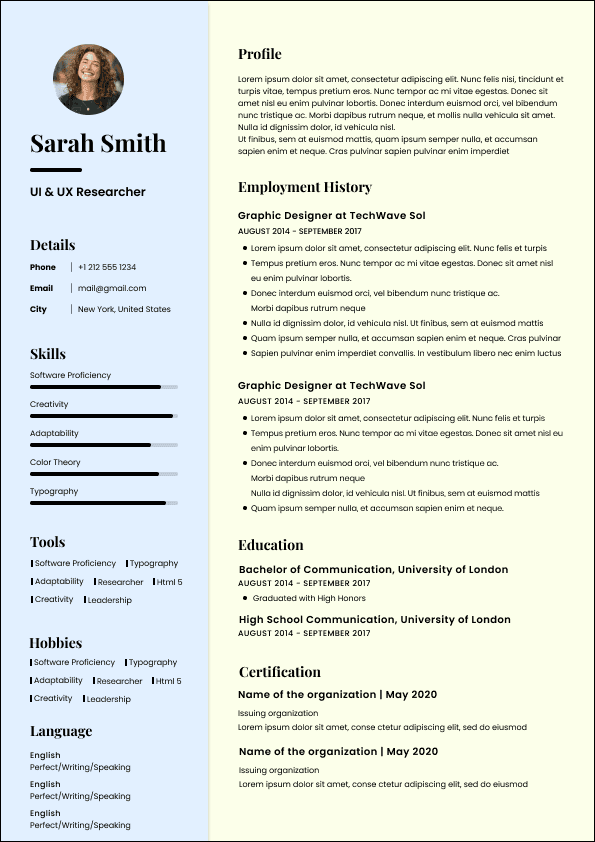
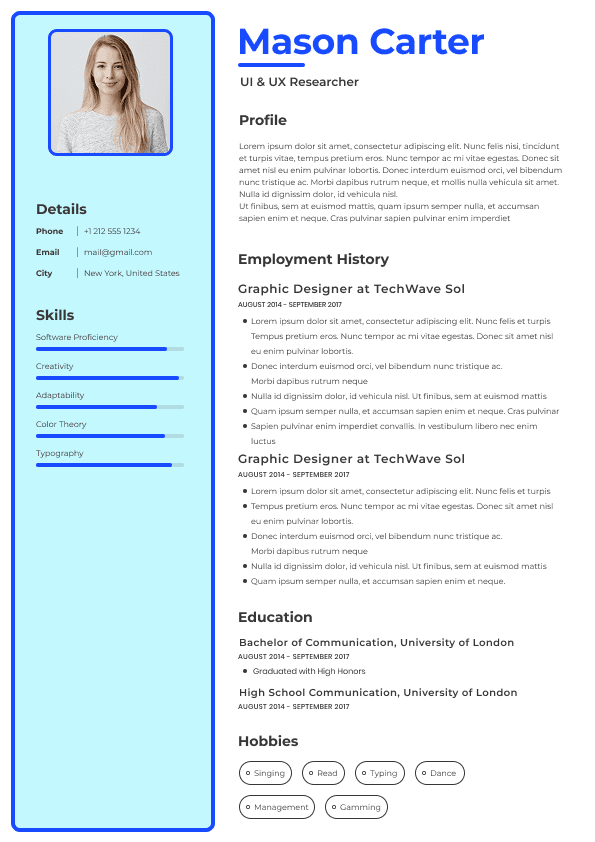
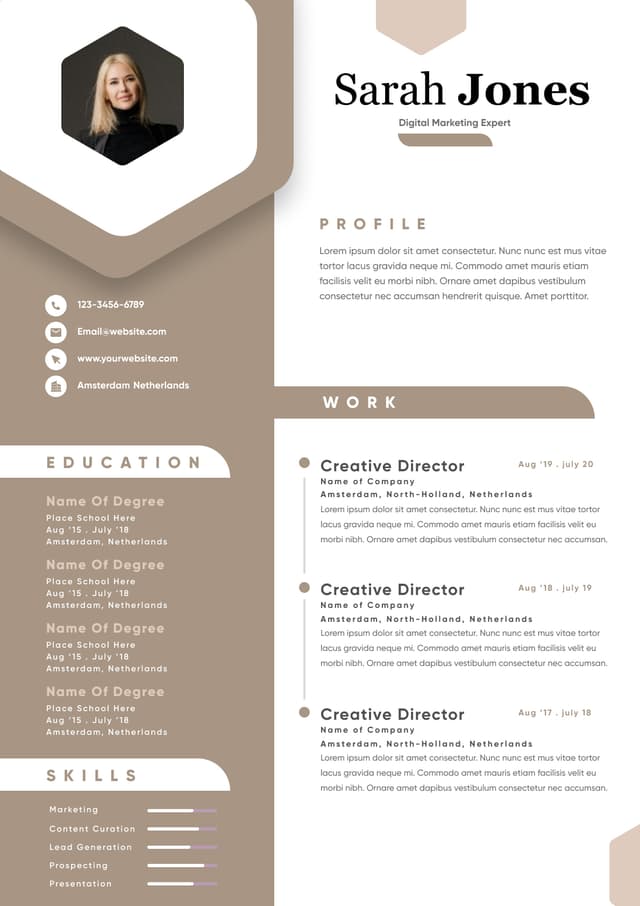
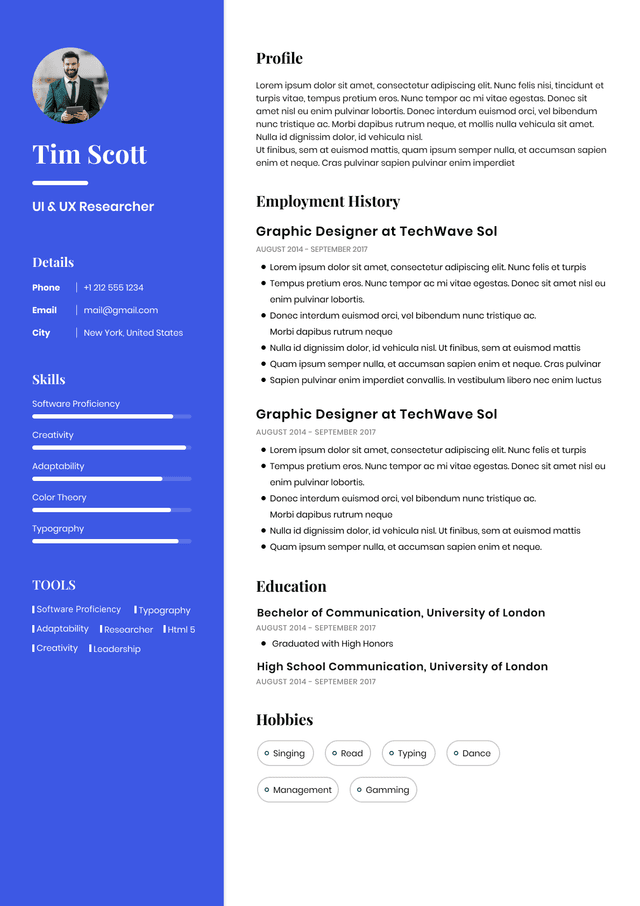
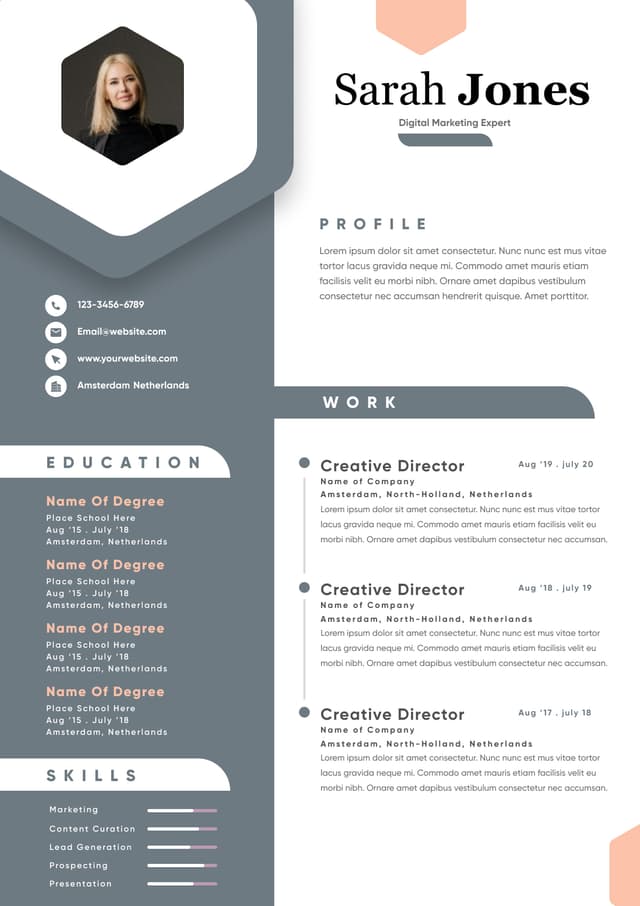
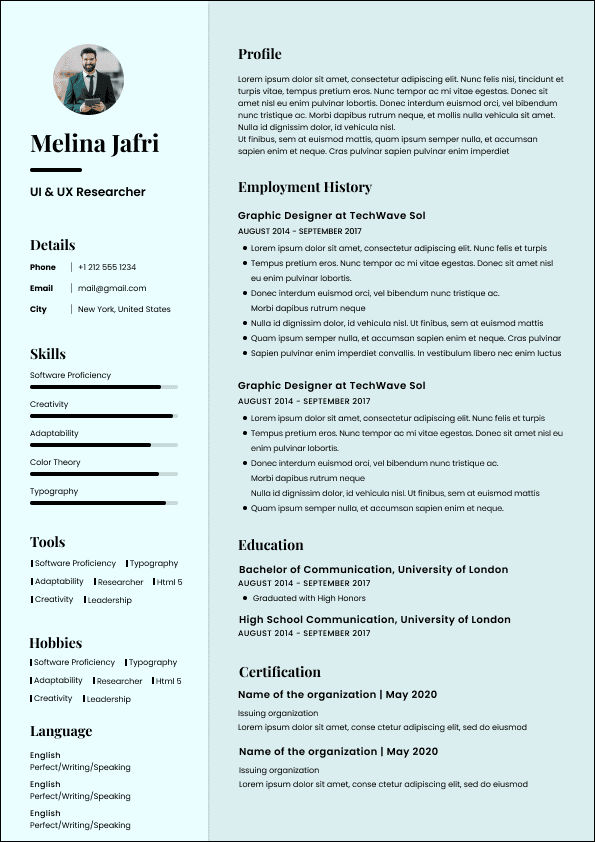
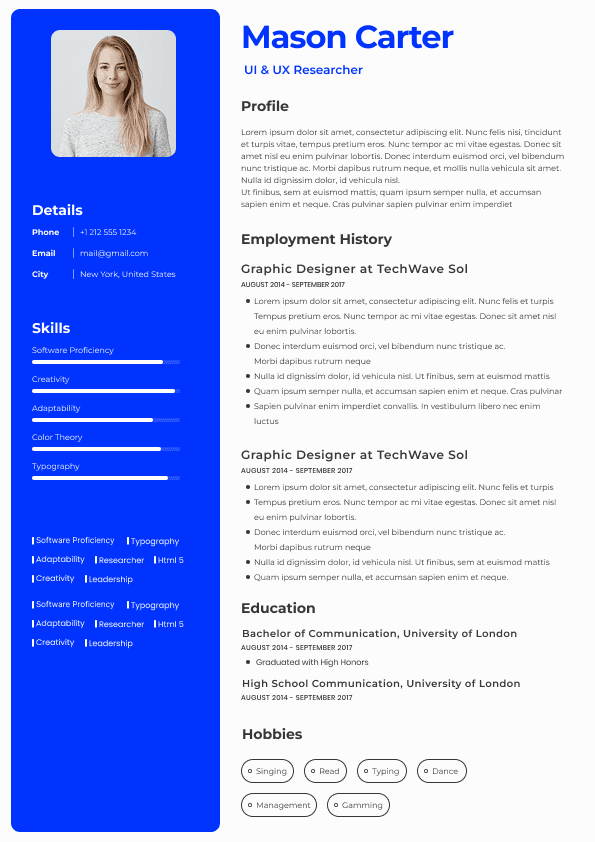
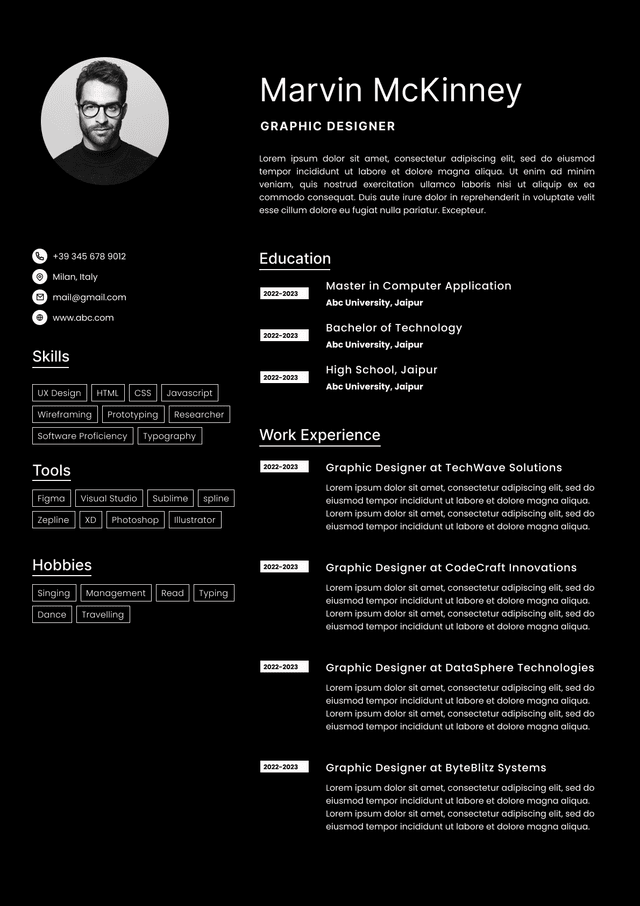
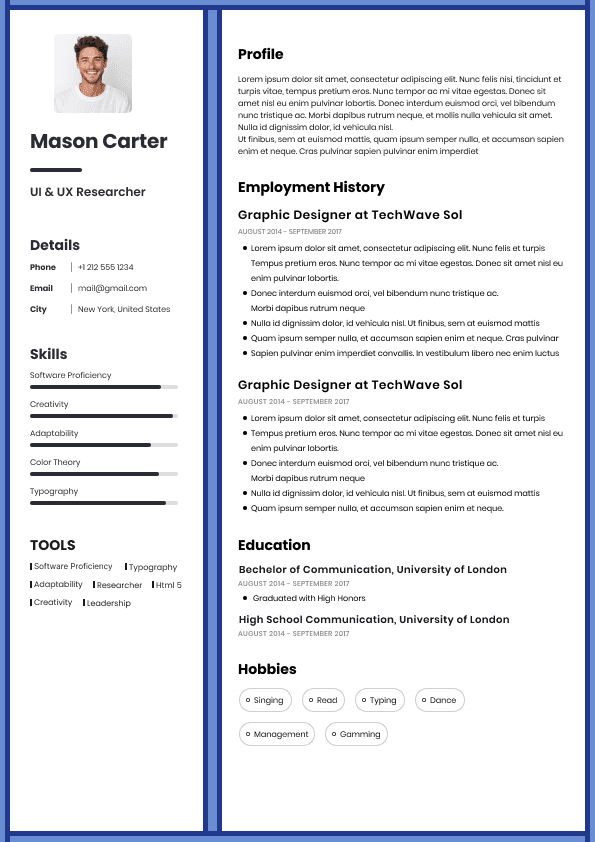
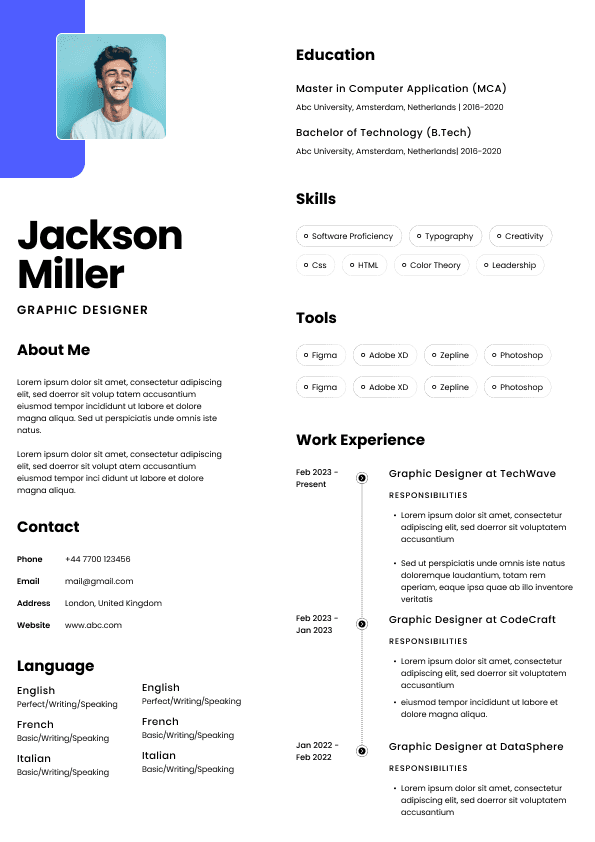
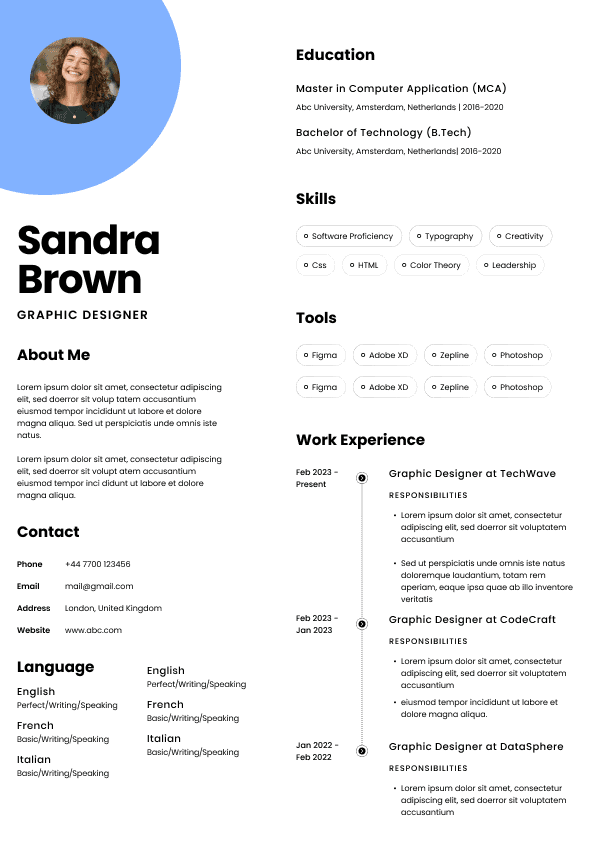
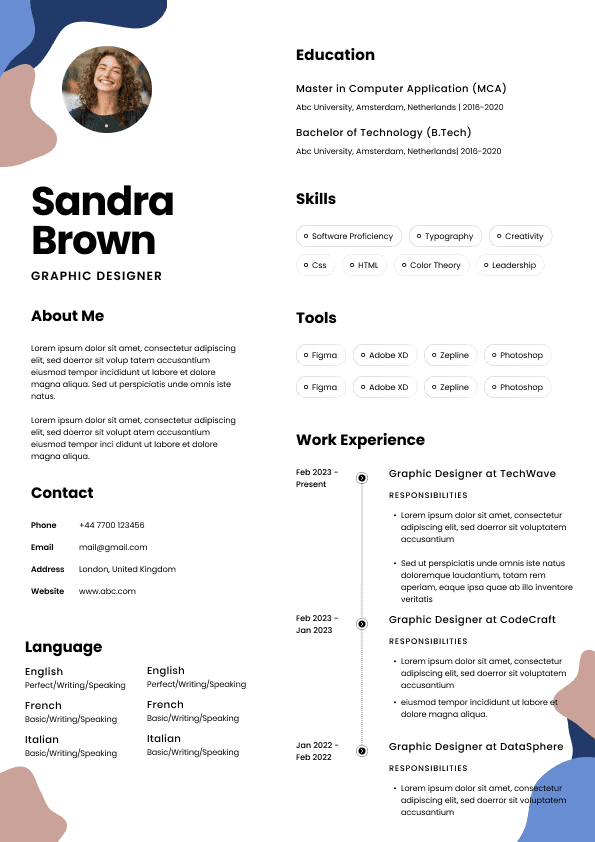
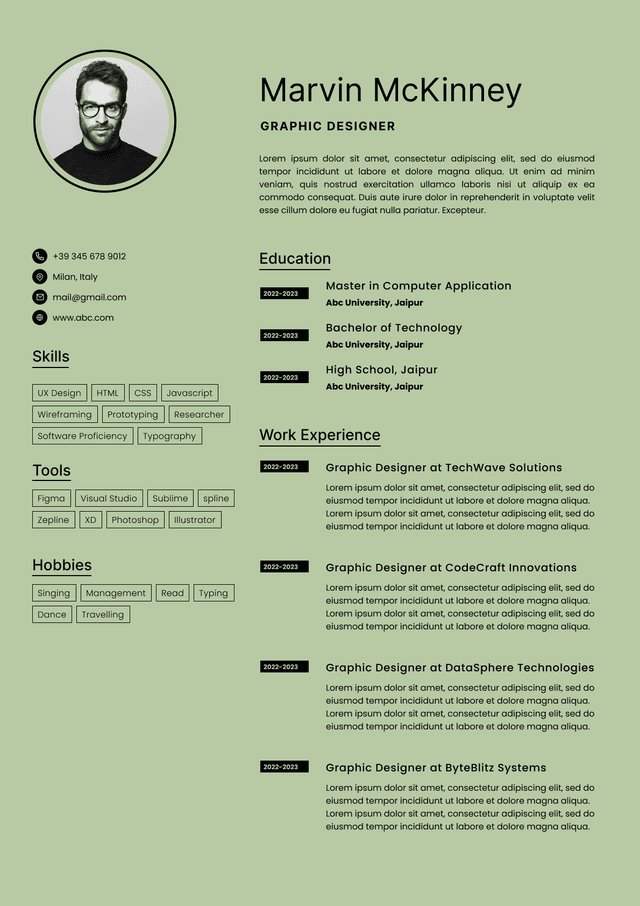
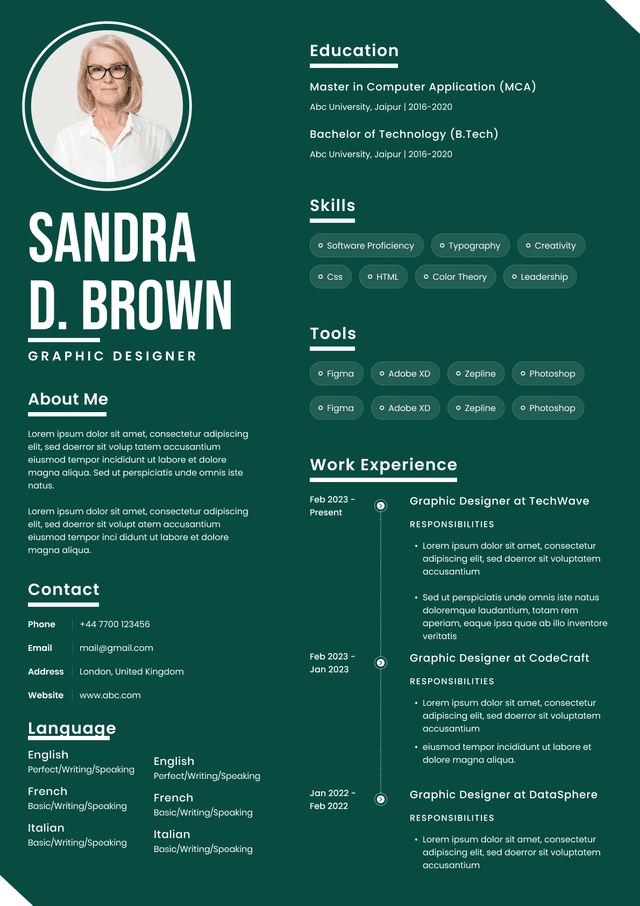
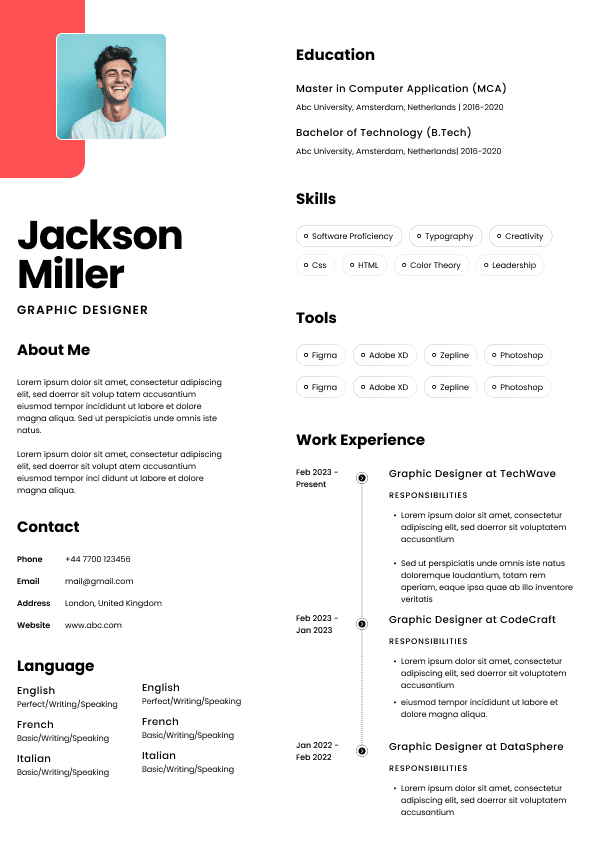
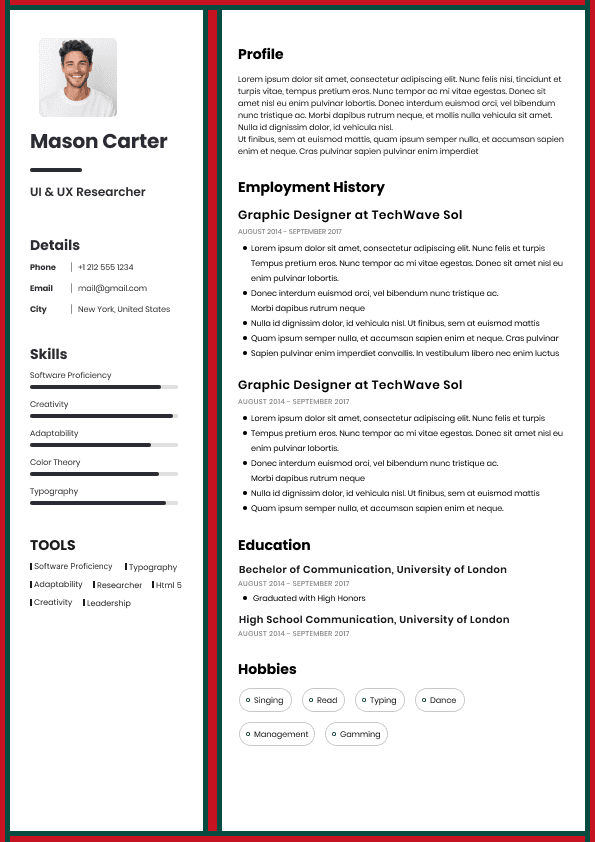
Choose from a wide range of NEWCV resume templates and customize your NEWCV design with a single click.
FAQ

Android accessibility is no longer a “nice-to-have” skill. Companies building healthcare, banking, government, education, insurance, and enterprise apps increasingly require developers who understand inclusive mobile UX, accessibility compliance, and assistive technology support.
For Android developers, accessibility expertise directly impacts hiring competitiveness. Recruiters and hiring managers now look for developers who can build apps that work for users with visual, motor, cognitive, and hearing impairments while maintaining strong UX standards. Candidates who understand TalkBack, WCAG, Material Design accessibility, semantic labeling, focus management, dynamic font scaling, and accessible Compose components stand out immediately in regulated and enterprise hiring pipelines.
Accessibility also affects product outcomes. Poor accessibility creates usability failures, increases support tickets, reduces form completion rates, and introduces compliance risk. Strong accessibility implementation improves user retention, app ratings, QA pass rates, and customer trust.
Many developers misunderstand accessibility as simply adding content descriptions to icons. In reality, Android accessibility is a broader engineering and UX discipline focused on making applications usable for everyone.
An accessible Android app supports:
Screen readers like TalkBack
Keyboard and switch navigation
Dynamic text resizing and font scaling
Color contrast requirements
Clear semantic structure
Accessible forms and validation messaging
Proper focus behavior
Touch target sizing
Motion and animation considerations
Error prevention and recovery
Assistive technology compatibility
Strong accessibility implementation requires collaboration between engineering, UX design, QA, and product teams.
Hiring managers increasingly evaluate whether developers understand accessibility as part of overall product quality rather than isolated compliance work.
Accessibility knowledge changes how recruiters evaluate Android candidates.
A developer who understands accessibility signals:
Strong UX awareness
Higher engineering maturity
Better attention to detail
Experience working in regulated industries
Cross-functional collaboration skills
Product ownership mindset
Enterprise readiness
This matters especially in industries where accessibility failures create legal or operational risk.
Healthcare organizations must support patients across age groups and ability levels. Accessibility failures can directly affect patient outcomes.
Hiring managers prioritize developers who understand:
Screen reader compatibility
Accessible medical forms
Font scaling for older users
Error prevention in medication workflows
High contrast interfaces
Government applications often require Section 508 alignment and accessibility compliance standards.
Recruiters look for:
WCAG familiarity
Keyboard navigation support
Accessibility audit experience
Compliance-oriented development workflows
Financial institutions care heavily about usability, trust, and inclusive customer access.
Accessibility issues in banking apps frequently affect:
Authentication flows
Form completion
Transaction usability
Security verification experiences
Education apps must support users with varying learning and accessibility needs.
Developers with accessibility expertise help improve:
Content readability
Navigation clarity
Assistive learning support
Interactive accessibility
The strongest Android accessibility developers understand both implementation details and user behavior.
TalkBack remains one of the most important Android accessibility competencies.
Developers should know how to:
Add meaningful content descriptions
Avoid redundant accessibility labels
Ensure logical navigation order
Handle custom components correctly
Test real user flows with TalkBack enabled
Recruiters often notice when candidates mention actual TalkBack testing rather than generic accessibility claims.
Accessibility labels help assistive technologies explain UI elements to users.
Weak implementations usually include:
Generic labels like “button”
Missing labels on icons
Duplicate accessibility descriptions
Non-contextual announcements
Strong implementations provide clear intent-based descriptions.
Weak Example
“Image button”
Good Example
“Submit payment”
Hiring managers notice developers who think from the user’s perspective rather than simply satisfying lint checks.
Accessibility navigation failures are extremely common in Android apps.
Developers should understand:
Focus traversal logic
Modal focus management
Navigation consistency
Compose accessibility semantics
Keyboard and D-pad behavior
Broken focus order creates major usability problems for screen reader users.
Small touch targets remain one of the most frequent accessibility violations.
Material Design accessibility guidelines recommend adequately sized interactive elements that reduce accidental taps and improve usability across devices and user groups.
Developers who proactively validate touch targets demonstrate strong mobile UX maturity.
Apps frequently break when users increase system font sizes.
Strong Android developers test:
Large font accessibility modes
Layout expansion behavior
Truncated content issues
Overflow handling
Responsive Compose layouts
This matters heavily for healthcare, enterprise, and aging-user demographics.
Modern Android hiring increasingly favors developers who understand accessibility implementation in both Compose and legacy XML environments.
Compose accessibility has become a major differentiator in modern Android recruiting.
Developers should understand:
Semantics modifiers
Accessible composables
State announcements
FocusRequester behavior
Content descriptions in Compose
Accessibility actions
Hiring managers often prefer candidates who can discuss real Compose accessibility testing strategies instead of theoretical knowledge.
Many enterprise applications still rely heavily on XML-based Android architectures.
Important XML accessibility considerations include:
android:contentDescription
Label relationships
Focus handling
Accessibility traversal order
ConstraintLayout usability
Form field associations
Candidates with hybrid Compose and XML accessibility experience often have broader enterprise appeal.
Many Android developers mention WCAG on resumes without understanding how it applies to mobile development.
Recruiters can usually tell immediately.
WCAG principles commonly affect:
Perceivability
Operability
Understandability
Robustness
In Android development, this translates into practical implementation standards such as:
Sufficient contrast ratios
Clear interactive states
Screen reader compatibility
Accessible forms
Consistent navigation patterns
The Americans with Disabilities Act increasingly influences digital product expectations, especially in public-facing industries.
Developers do not need legal expertise, but hiring managers value awareness of:
Accessibility litigation risks
Inclusive UX expectations
Accessibility remediation processes
Government and public-sector applications frequently require Section 508 considerations.
Candidates who mention:
Accessibility audits
Compliance collaboration
QA accessibility testing
Government accessibility standards
often stand out in enterprise recruiting pipelines.
One of the biggest mistakes candidates make is claiming accessibility knowledge without demonstrating testing workflows.
Real accessibility experience includes validation.
Accessibility Scanner helps identify:
Small touch targets
Missing labels
Contrast issues
Navigation problems
Developers who regularly audit applications demonstrate proactive quality ownership.
This is where many candidates separate themselves from average applicants.
Recruiters value developers who:
Navigate complete workflows using TalkBack
Test forms with screen readers
Validate error messaging
Assess usability beyond automation
Manual accessibility testing signals real product empathy.
Automated accessibility testing is increasingly important in mature Android engineering teams.
This includes:
UI accessibility assertions
Automated validation pipelines
Accessibility regression prevention
Candidates who understand accessibility automation appear significantly more senior.
Enterprise teams often integrate accessibility validation into release pipelines.
Developers with experience using:
Firebase Test Lab
Google Play pre-launch reports
Device matrix testing
demonstrate operational maturity beyond coding alone.
Accessibility and Material Design should work together, not compete.
Strong Android developers know how to use Material Design components while maintaining accessibility quality.
Poor contrast remains one of the most common usability failures.
Developers should evaluate:
Text readability
Disabled states
Error states
Dark mode accessibility
Theme consistency
Accessibility-aware developers avoid relying on color alone to communicate meaning.
Forms are one of the highest-risk accessibility areas.
Strong implementations include:
Clear labels
Proper error announcements
Accessible helper text
Logical navigation
Validation timing that does not interrupt users
Accessibility failures in forms directly reduce conversion rates and completion rates.
Excessive motion can negatively affect accessibility.
Developers should understand:
Reduced motion preferences
Animation timing
Motion-triggered discomfort
Focus stability during transitions
Hiring managers increasingly view this as part of modern UX engineering.
Most resumes mention accessibility incorrectly.
Weak resumes include vague phrases like:
“Worked on accessibility”
“Implemented WCAG”
“Improved UX”
These statements provide no measurable value.
Strong accessibility-focused Android resumes demonstrate:
Specific accessibility improvements
Measurable impact
Testing methods
Collaboration with UX and QA
Compliance awareness
Improved Android accessibility by implementing TalkBack labels, semantic content descriptions, and accessible form validation across enterprise mobile workflows
Reduced accessibility defects by 40% through Accessibility Scanner audits, Compose UI testing, and QA accessibility review processes
Partnered with UX designers to implement Material Design accessibility standards including touch target sizing, color contrast validation, and dynamic font support
Supported Section 508-aware Android development requirements for government-facing mobile applications
Improved screen reader usability and reduced navigation friction by restructuring focus order and accessibility semantics in Jetpack Compose components
These examples succeed because they show:
Specific accessibility competencies
Business impact
Collaboration
Real implementation work
Quantifiable outcomes
Recruiters want evidence, not buzzwords.
Accessibility failures are often symptoms of broader UX and engineering problems.
Accessibility should be integrated during:
UX design
Component architecture
Development
Testing
Late-stage accessibility fixes are expensive and incomplete.
Automated scanners help identify issues, but they cannot fully evaluate usability.
Apps may technically pass accessibility scans while remaining difficult to use with assistive technologies.
Emulators alone are not enough.
Developers should validate accessibility behavior on:
Physical Android devices
Different screen sizes
Multiple Android versions
Various accessibility settings
Custom UI components frequently introduce accessibility regressions.
Material components generally provide stronger accessibility foundations when implemented correctly.
Accessibility is not just compliance work.
It directly affects business outcomes.
Strong accessibility implementation can improve:
Form completion rates
User retention
App ratings
Customer satisfaction
Enterprise adoption
Accessibility QA pass rates
Support ticket reduction
Hiring managers increasingly connect accessibility quality with overall product maturity.
Developers who understand this business impact position themselves more strategically during interviews.
Accessibility candidates often undersell their experience.
Instead of saying:
“I added accessibility support”
Explain:
What problem existed
Which users were affected
What implementation decisions were made
How testing was performed
What business or UX outcome improved
A strong accessibility interview answer includes:
User impact
Technical implementation
Cross-functional collaboration
Validation process
Measurable improvement
This demonstrates engineering maturity far beyond basic Android development.
Accessibility requirements are expanding rapidly across mobile hiring.
Several trends are driving demand:
Increased accessibility regulation
Enterprise compliance requirements
Aging user populations
Inclusive design expectations
Mobile UX quality standards
Public-sector modernization initiatives
Developers who build accessibility expertise now gain a long-term competitive advantage.
This is especially true in enterprise Android development, healthcare technology, fintech, education platforms, and public-sector applications.
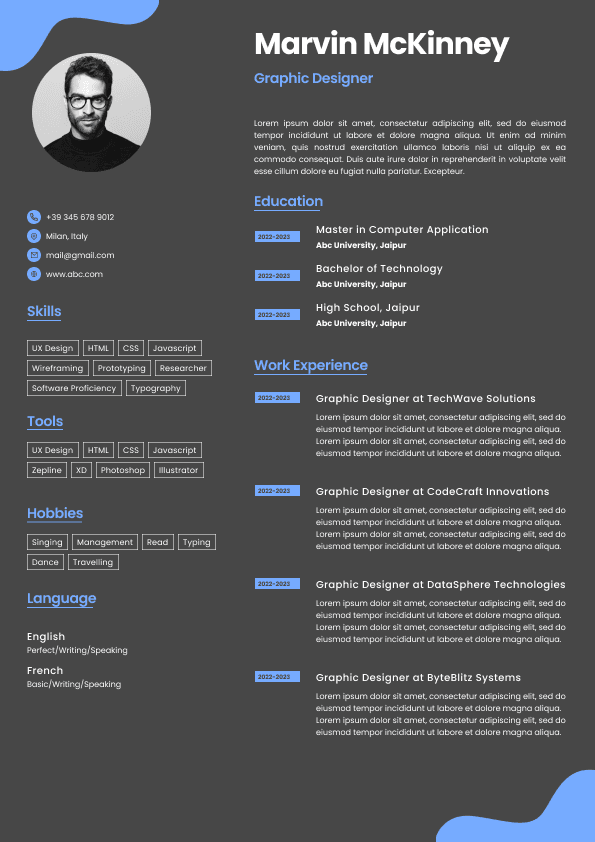
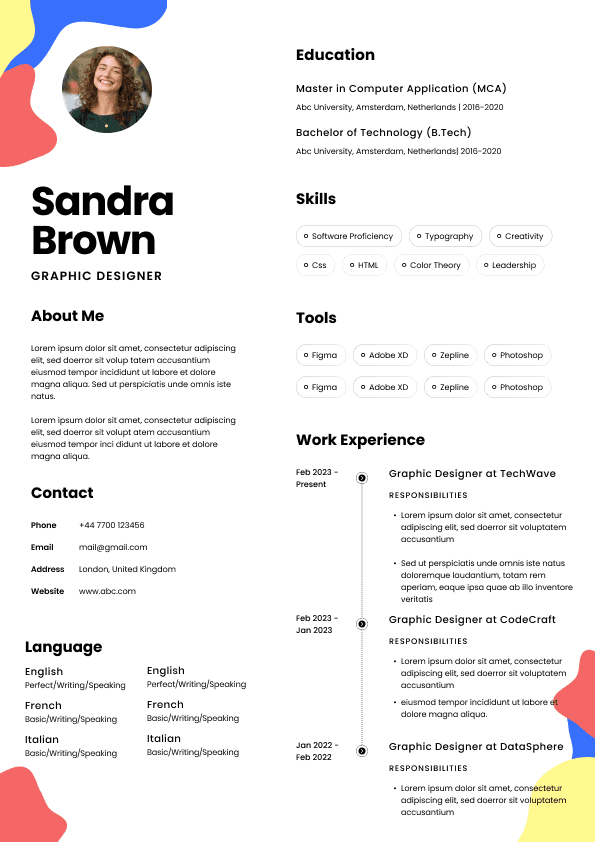
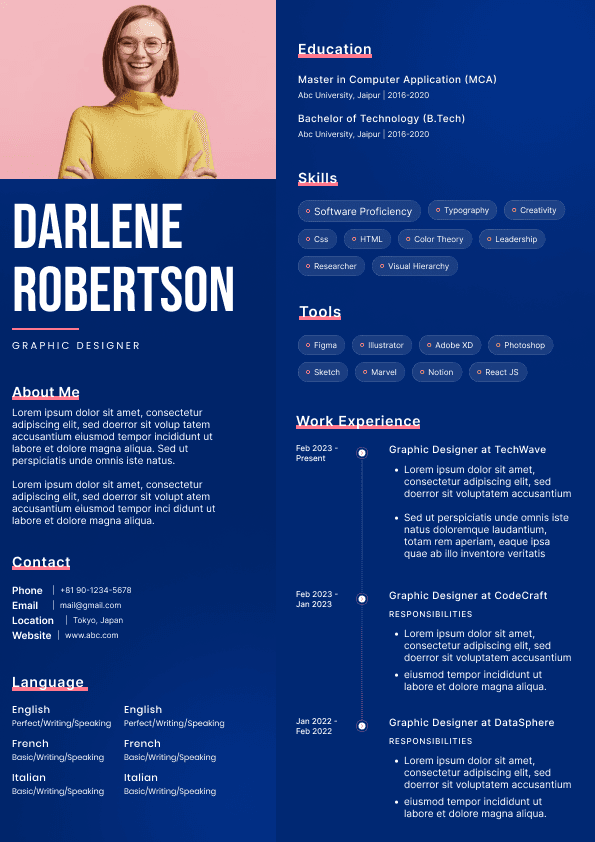
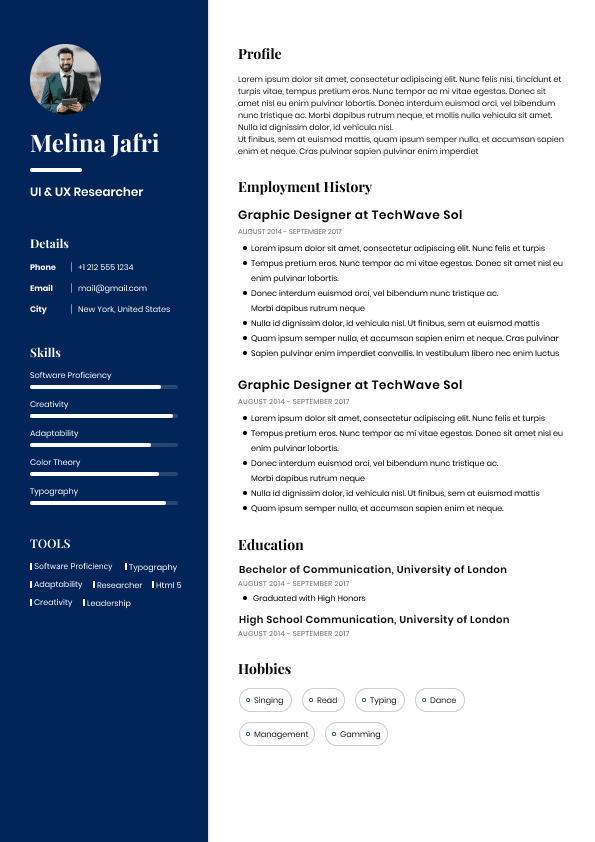
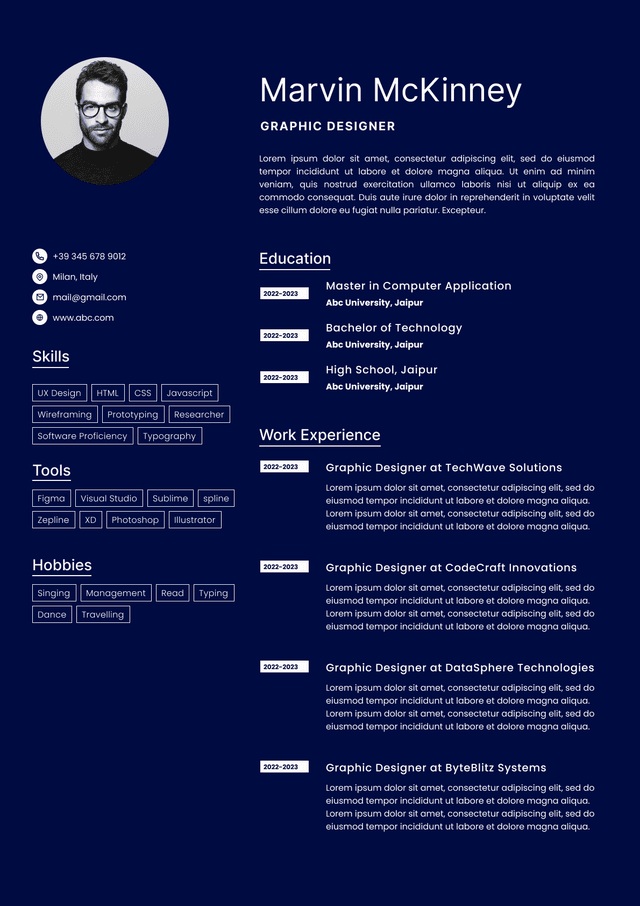
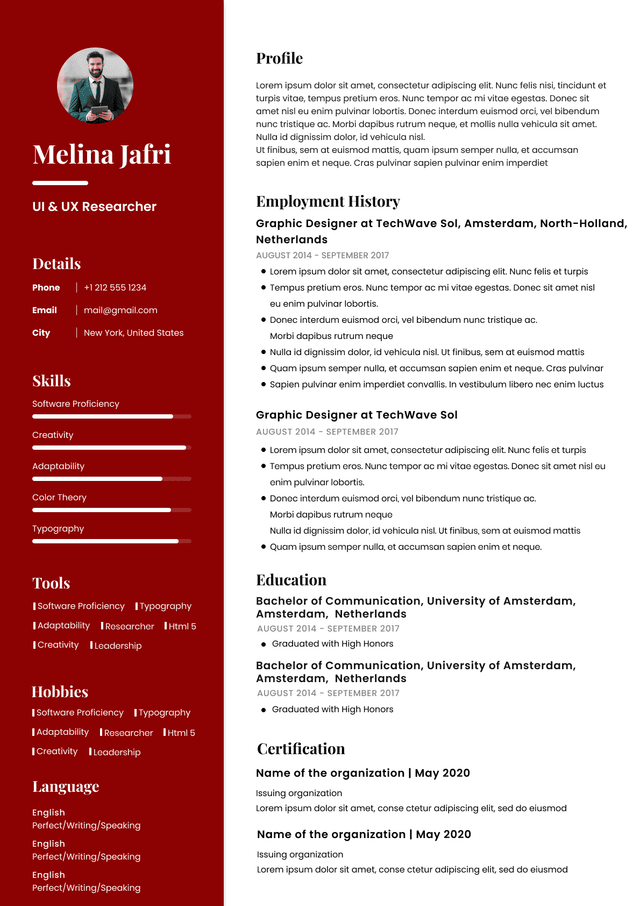
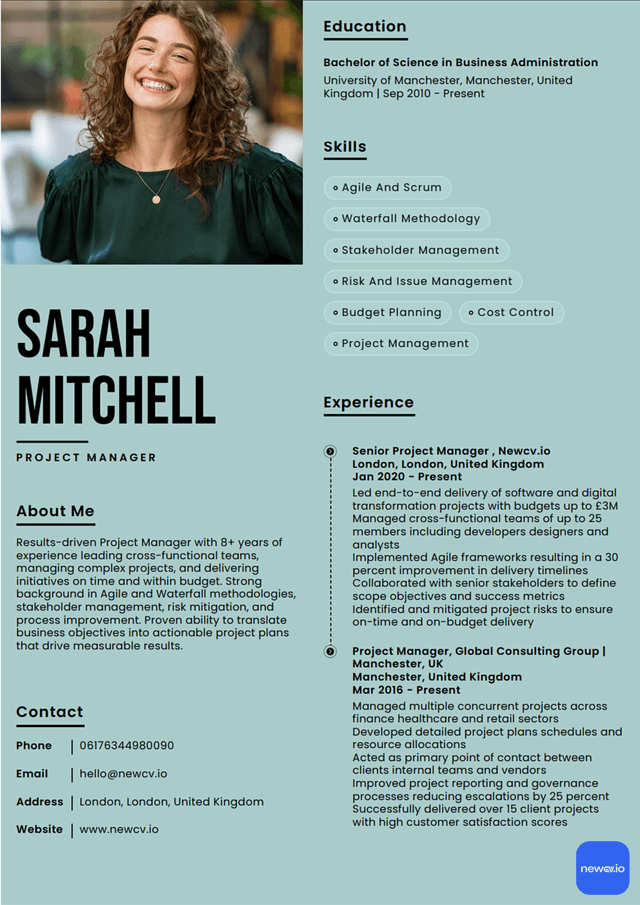
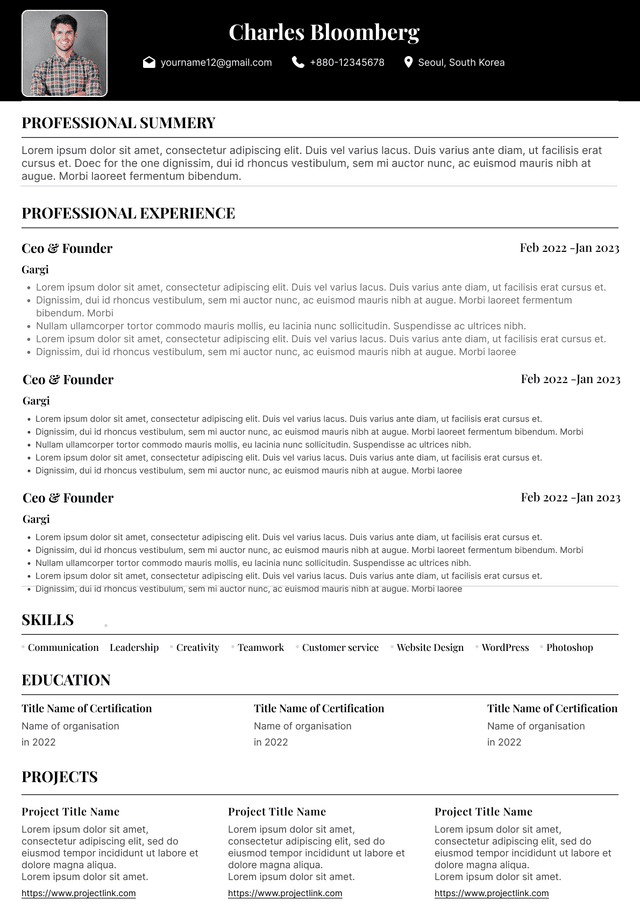
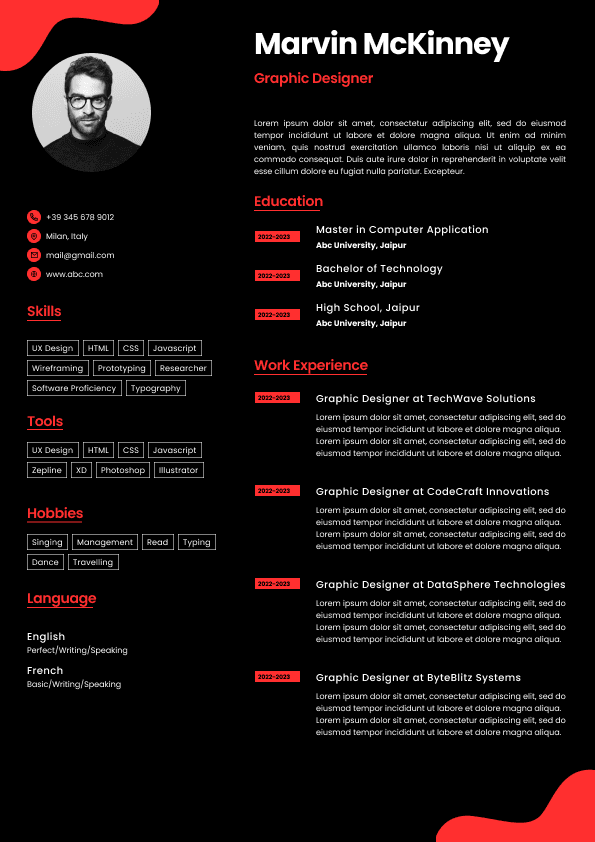
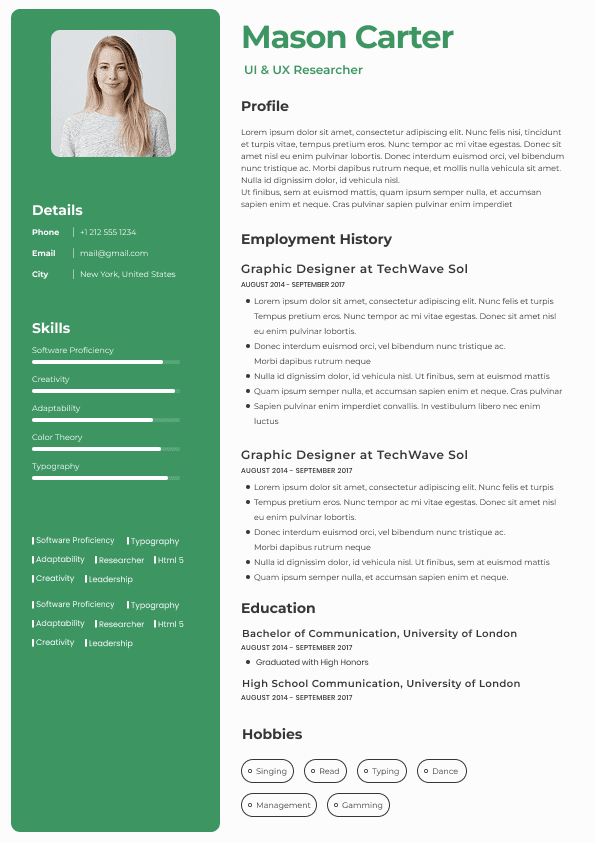
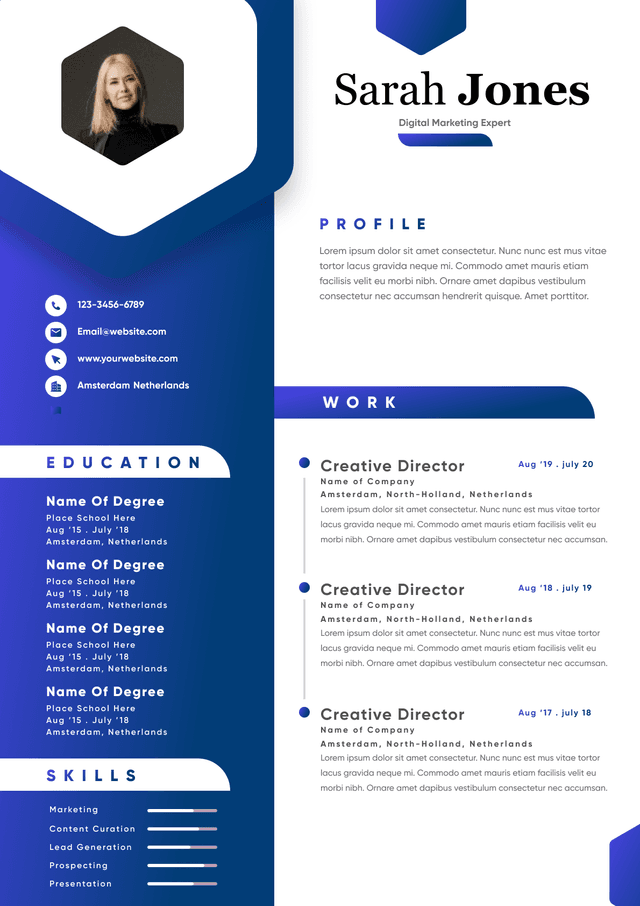
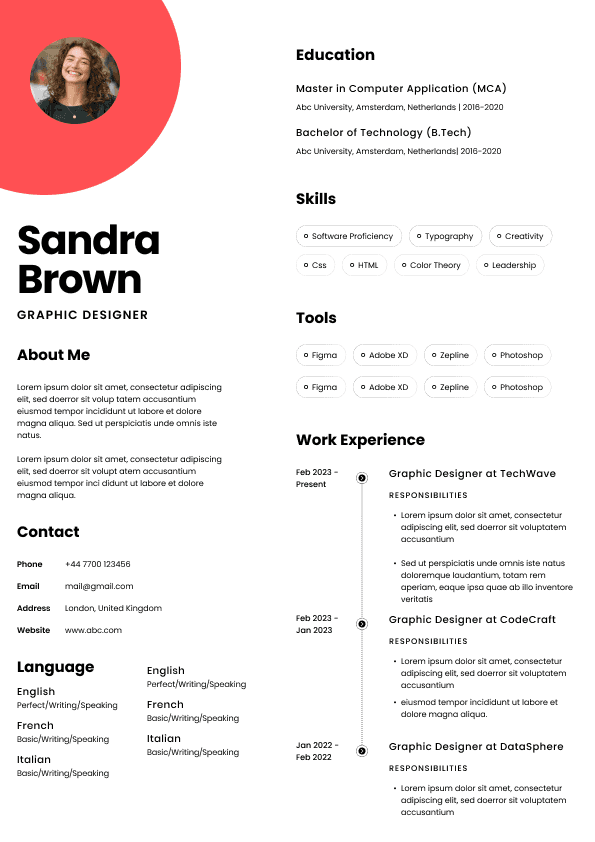
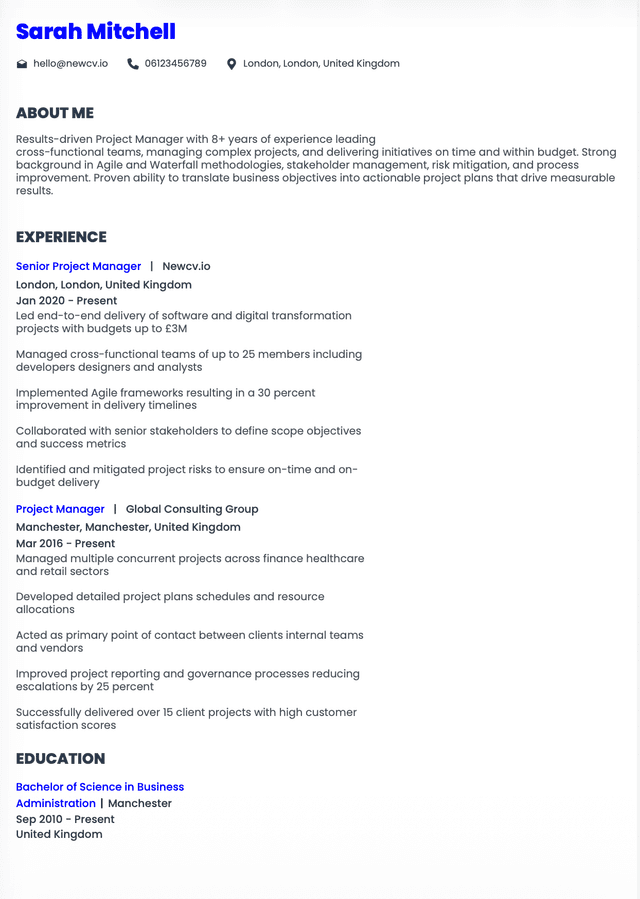
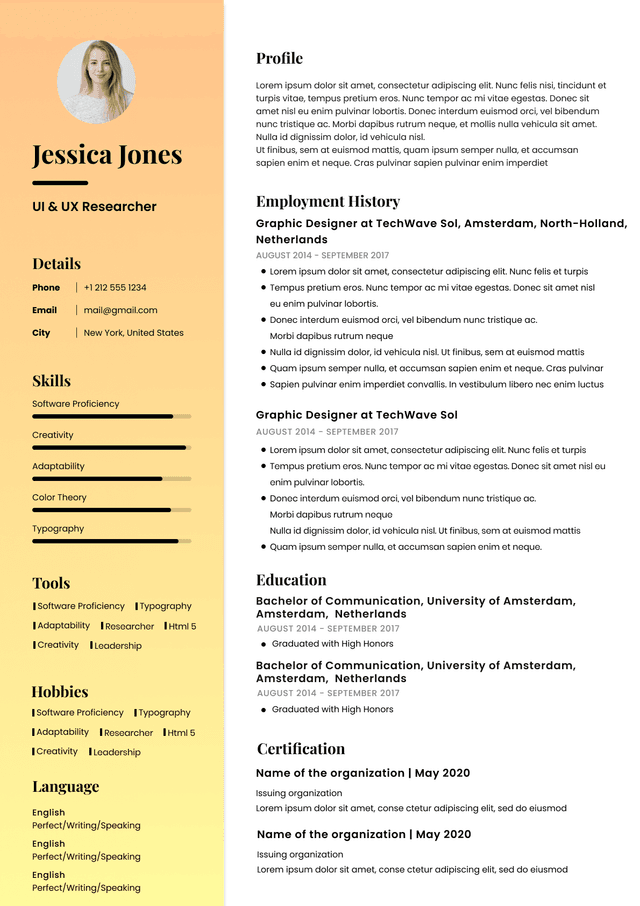
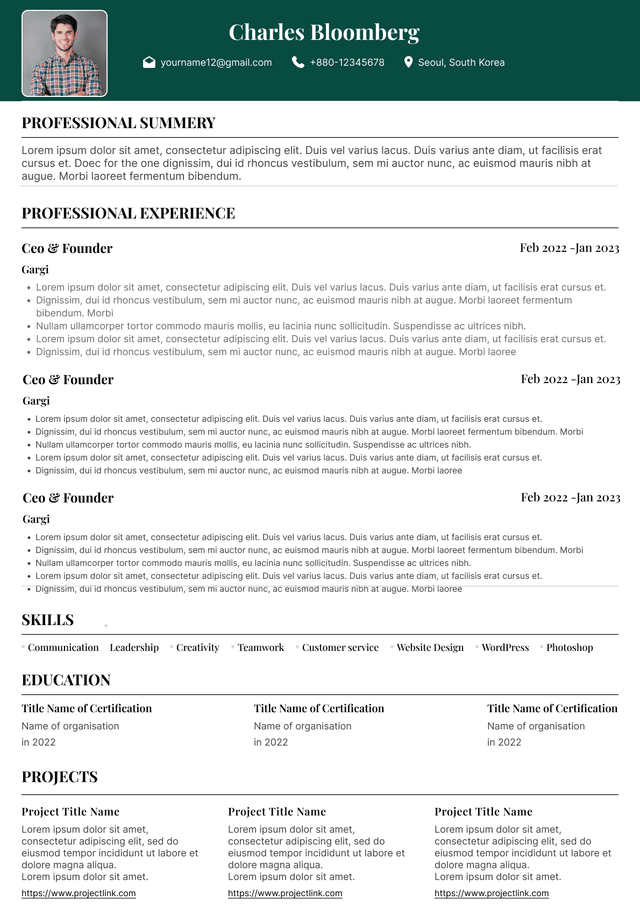
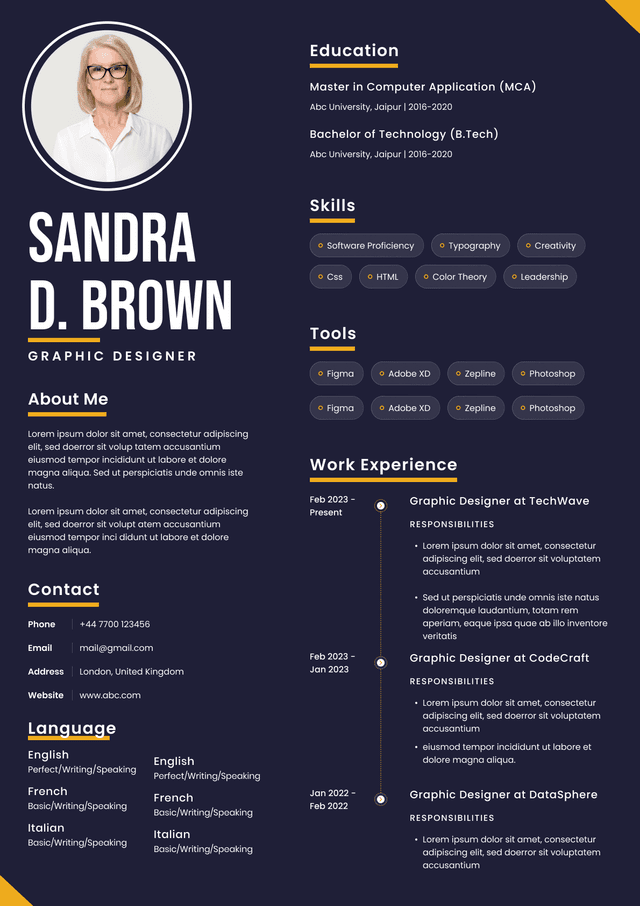
Use ATS-optimised Resume and resume templates that pass applicant tracking systems. Our Resume builder helps recruiters read, scan, and shortlist your Resume faster.
Use professional field-tested resume templates that follow the exact Resume rules employers look for.
Create Resume
Use professional field-tested resume templates that follow the exact Resume rules employers look for.
Create Resume


 Upload Resume
 Import from Linkedin