STILL APPLYING. STILL HEARING NOTHING?BUILD YOUR RESUME

STILL APPLYING. STILL HEARING NOTHING?BUILD YOUR RESUME
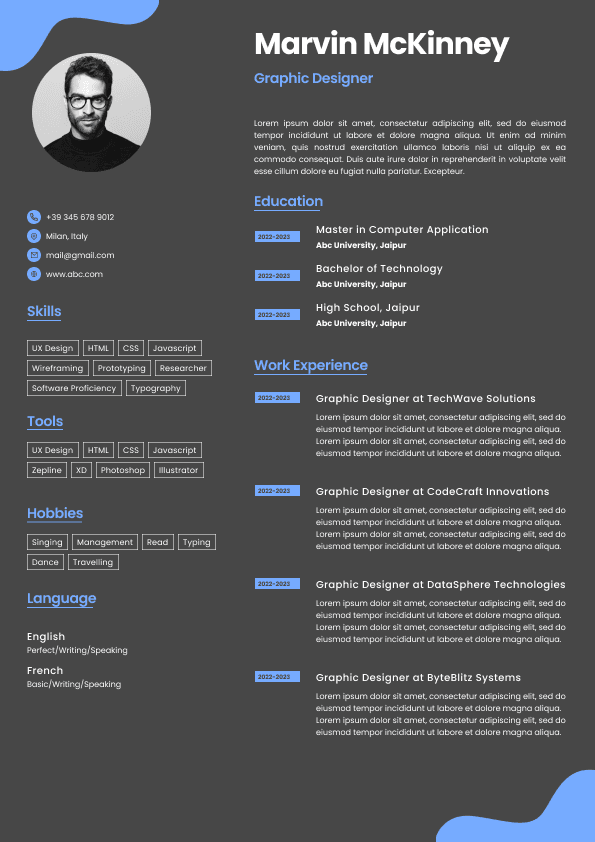
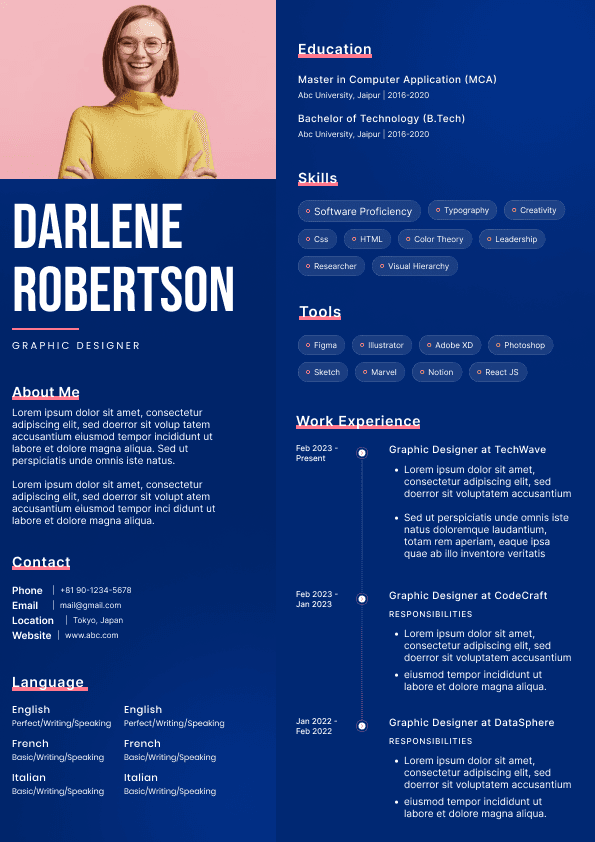
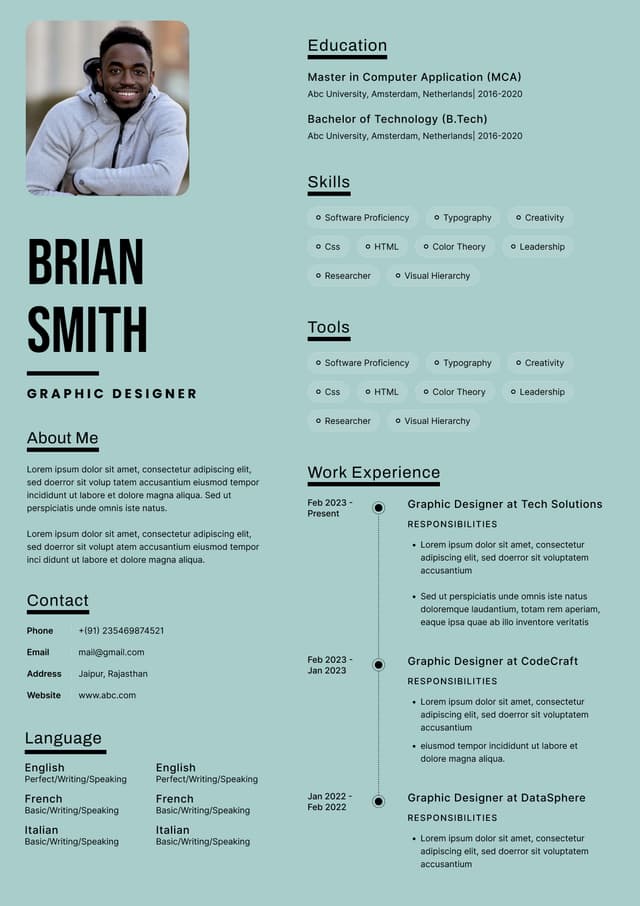
Choose from a wide range of NEWCV resume templates and customize your NEWCV design with a single click.
FAQ
iOS performance optimization means making an iPhone or iPad app faster, smoother, more memory efficient, more battery friendly, and more reliable under real user conditions. The highest impact areas are app launch time, memory usage, CPU load, scroll performance, SwiftUI rendering, UIKit cell reuse, network efficiency, battery consumption, and crash reduction.
The right approach is not to guess or randomly rewrite code. Strong iOS developers profile first, identify the real bottleneck, measure the user impact, then optimize the specific system causing the slowdown. In production apps, the best performance gains usually come from reducing main thread work, deferring startup tasks, fixing memory leaks, optimizing image loading, improving rendering behavior, and using Xcode Instruments correctly.
A slow iOS app damages retention, App Store ratings, conversion, session depth, and user trust. Users rarely describe the technical issue accurately. They say the app feels slow, freezes, drains battery, crashes, or takes too long to open.
From a hiring manager’s perspective, iOS performance optimization separates feature builders from production engineers. A mid level developer can build a screen. A senior iOS developer can make that screen load quickly, scroll smoothly, consume less memory, avoid unnecessary battery drain, and remain stable across older devices, poor networks, and long user sessions.
The strongest iOS developers focus on metrics users feel and businesses can measure:
Cold app launch time
Warm app launch time
Time to first meaningful screen
Time to interactive UI
Main thread utilization
Memory footprint during key user flows
CPU usage during active sessions
Scroll FPS and animation smoothness
App launch time is one of the first performance signals users notice. If an app takes too long to open, users form a negative impression before seeing the first screen.
iOS startup optimization usually focuses on:
Cold start
Warm start
Resume from background
Cold start is usually the hardest because the app must initialize its process, load dependencies, build early UI, restore required state, and become interactive.
Slow launch time usually comes from too much synchronous work happening too early.
Common causes include:
Heavy AppDelegate or SceneDelegate initialization
Eager dependency injection of services not needed at launch
Memory performance is one of the biggest drivers of iOS app stability. Poor memory behavior causes crashes, background termination, laggy navigation, scroll stutter, and long session degradation.
The most common memory issues include:
Retain cycles
Strong closure captures
Delegates not marked weak
Timers retaining view controllers
Notification observers not removed correctly
Combine subscriptions retained incorrectly
Swift performance optimization is not about writing clever code. It is about understanding memory behavior, allocation cost, ARC overhead, value semantics, concurrency, and hot path execution.
Most Swift performance issues appear when code runs frequently, handles large datasets, or sits inside rendering and scrolling paths.
Swift structs and classes have different performance tradeoffs.
Value types can improve safety and predictability, but large value types can become expensive if copied unnecessarily. Classes avoid large copies, but they introduce reference sharing, mutation complexity, ARC overhead, and retain cycle risk.
Strong Swift developers choose based on ownership, mutation behavior, memory cost, and lifecycle needs.
Swift concurrency improves readability, but poor task management can hurt performance.
Common async mistakes include:
Creating too many tasks
Not cancelling stale tasks
Overusing detached tasks
SwiftUI performance issues often come from state design, identity instability, excessive redraws, and expensive work inside view bodies. SwiftUI can be fast, but it punishes unclear data flow.
The biggest SwiftUI performance problem is unnecessary body recomputation. A body recomputation is not automatically bad, but it becomes expensive when the view contains heavy logic, unstable identity, large data transformations, complex layout, or unnecessary child view updates.
Common causes include:
Oversized ObservableObjects
Broad EnvironmentObject usage
Unstable Identifiable values
Filtering and sorting inside body
Heavy formatting inside body
UIKit remains heavily used in enterprise apps, fintech apps, streaming platforms, e commerce apps, healthcare apps, and large legacy codebases. It also gives developers direct control over rendering, layout, reuse, and view lifecycle.
Scroll performance in UIKit depends on how efficiently cells are configured, reused, laid out, and rendered.
Common scroll performance killers include:
Synchronous image loading
Image decoding on the main thread
Complex Auto Layout constraints
Nested stack views inside cells
Excessive shadows, masks, and corner radius rendering
Attributed text calculation during scrolling
Most iOS responsiveness problems are main thread problems. The UI feels frozen when the main thread is busy doing work that should happen elsewhere.
Common sources include:
Data parsing
Image decoding
Database queries
File reads and writes
Large array transformations
Synchronous network callbacks
Complex layout calculation
Battery performance is often overlooked until users complain. Battery drain is usually caused by excessive CPU use, frequent wakeups, inefficient networking, poor background behavior, location misuse, or unnecessary rendering.
Common battery issues include:
Polling APIs too frequently
High frequency timers
GPS updates with unnecessary precision
Background tasks running too long
Repeated rendering loops
Animations that continue offscreen
Network and image loading are major performance drivers in modern iOS apps. They affect launch speed, scrolling, memory, battery, data usage, and user perception.
Common issues include:
Large payloads
Over fetching data
Duplicate requests
No request deduplication
No cache policy
Uncompressed responses
Blocking UI on remote data
Xcode Instruments is essential for serious iOS performance work. Developers who rely only on intuition usually optimize the wrong thing.
Important Instruments tools include:
Time Profiler for CPU bottlenecks and slow call stacks
Allocations for memory growth and object churn
Leaks for retain cycle detection
Energy Log for battery and wakeup analysis
Network Profiler for request timing and payload behavior
Animation Hitches for dropped frames and rendering delays
A practical profiling framework is:
Performance and reliability are connected. Apps that consume too much memory, block the main thread, mishandle async work, or ignore lifecycle transitions often crash more often.
Common causes include:
Memory pressure crashes
Race conditions
Force unwrapping unexpected nil values
Invalid collection updates
Stale async callbacks
UI updates after deallocation
Background task expiration
Different iOS apps have different performance priorities. A generic optimization checklist is useful, but senior engineers adapt based on product context.
Streaming apps prioritize startup playback time, buffering reduction, battery efficiency, network adaptation, smooth controls, and memory stability during long sessions.
E commerce apps prioritize fast product listing pages, smooth image heavy scrolling, checkout responsiveness, search speed, cart reliability, and low crash rates during payment flows.
FinTech apps prioritize transaction reliability, secure but efficient authentication, fast dashboard loading, low crash rates, predictable background behavior, and clear handling of poor network conditions.
Feed based apps prioritize scroll FPS, image and video loading, memory stability, request deduplication, prefetching, and fast content refresh.
Enterprise apps prioritize stability on managed devices, offline support, database efficiency, long session memory performance, reliable sync, and compatibility across iOS versions.
For senior iOS developer roles, performance optimization is a strong differentiator. Hiring managers look for candidates who can connect technical work to user outcomes.
Roles where iOS performance experience is especially valuable include:
Senior iOS Developer
Staff iOS Engineer
Mobile Performance Engineer
Big Tech iOS Engineer
Streaming App iOS Developer
E commerce iOS Developer
FinTech iOS Developer
Most iOS performance problems come from repeated small decisions, not one obvious bug.
Common mistakes include:
Optimizing without profiling
Measuring only on simulator
Ignoring older devices
Doing disk I/O on the main thread
Decoding images during scrolling
Overusing global SwiftUI state
Creating unstable SwiftUI identities
Use this checklist when improving a slow or unstable iOS app.
For launch time:
Profile cold and warm launch separately
Defer nonessential SDK initialization
Avoid network blocking before first render
Reduce main thread startup work
Cache startup state locally
Measure first meaningful screen and time to interaction
For memory:
Check whether view controllers deallocate


Use ATS-optimised Resume and resume templates that pass applicant tracking systems. Our Resume builder helps recruiters read, scan, and shortlist your Resume faster.


Use professional field-tested resume templates that follow the exact Resume rules employers look for.
Create Resume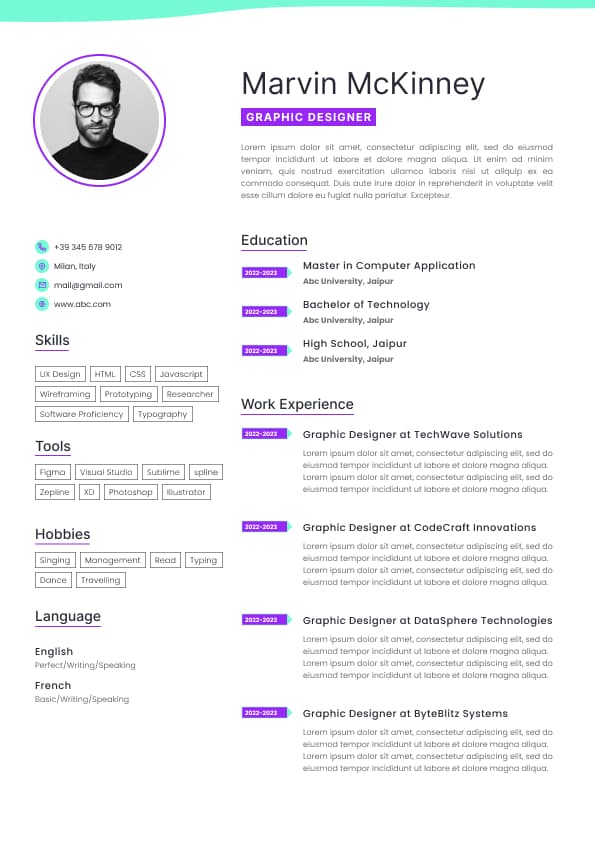
Use professional field-tested resume templates that follow the exact Resume rules employers look for.
Create ResumeBattery drain during common workflows
Network request volume and payload size
Crash free sessions
App hang frequency
Memory termination rate
App size and install footprint
The best performance engineers think in terms of user journeys. They ask whether the app opens quickly, whether the feed scrolls smoothly after long usage, whether memory grows after repeated navigation, and whether checkout remains responsive under poor network conditions.
Analytics, crash reporting, ads, or remote config SDKs blocking startup
Synchronous database reads or migrations
Large JSON parsing during launch
Network calls required before rendering the first screen
Image decoding during startup
Complex SwiftUI root view construction
Large UIKit view hierarchies loaded immediately
Main thread file I/O
Excessive logging or configuration checks
The key principle is simple: only do what is required to show the first meaningful screen. Everything else should be delayed, batched, cached, or moved off the critical path.
A strong launch strategy includes:
Render the first usable screen before loading nonessential systems
Defer analytics and secondary SDK setup when possible
Lazy load dependencies that are not needed immediately
Cache critical startup state locally
Avoid blocking launch on network requests
Move database preparation away from the main thread
Use lightweight placeholders or skeleton states when appropriate
Measure startup phases separately
Weak Example
Loading remote config, analytics, database migrations, user profile fetches, ads, and full navigation state before showing the first screen.
Good Example
Showing the first meaningful screen quickly, loading only critical local state, and initializing secondary services asynchronously after the UI is responsive.
Large images kept in memory unnecessarily
Cached objects with no eviction strategy
View controllers not deallocating after navigation
SwiftUI state objects living longer than expected
Repeated allocations during scrolling
Large collections copied unnecessarily
A practical memory debugging workflow is to repeat the same user flow several times and verify whether objects deallocate correctly. For example, open a product detail screen, close it, repeat the flow several times, then inspect whether view controllers, view models, images, and subscriptions remain in memory.
Updating UI from the wrong context
Overusing MainActor for work that does not require the main thread
Starting duplicate network requests during rapid view updates
Allowing search, feed, or navigation tasks to continue after the screen disappears
Good async performance requires cancellation discipline.
Image processing during rendering
Nested GeometryReader usage
Excessive animation triggers
Large Lists with unstable data identity
State changes that redraw too much of the hierarchy
Improve SwiftUI performance by:
Keeping identity stable
Reducing broad state updates
Moving expensive work out of rendering paths
Using lazy containers where appropriate
Splitting large views into smaller state aware components
Avoiding unnecessary redraw cascades
Keeping global state minimal and precise
SwiftUI performance improves when state changes are targeted and predictable.
Network requests started directly in cell configuration
Poor cell reuse handling
Uncached dynamic heights
Heavy work in layout cycles
Good cell reuse requires:
Resetting state before reuse
Cancelling image requests when reused
Avoiding duplicate subscriptions
Keeping configuration lightweight
Moving expensive work out of cell setup
Using prefetching for images and data when appropriate
A feed cell should not parse data, format large text, decode images, and calculate layout every time it appears. That work should be prepared before rendering whenever possible.
Heavy logging
Encryption or compression work
Rendering large attributed strings
The goal is not to move everything off the main thread blindly. The goal is to keep the main thread available for interactions, rendering, and fast UI updates.
Large CPU spikes during parsing or processing
Inefficient Bluetooth, audio, or location usage
Network requests not batched or cached
Tasks continuing after views disappear
Better patterns include:
Batch network requests
Use push updates when appropriate
Pause offscreen animations
Cancel hidden screen tasks
Reduce location accuracy when high precision is unnecessary
Cache aggressively but responsibly
Avoid excessive background wakeups
Respect app lifecycle transitions
Poor retry behavior
Aggressive polling
Waterfall request chains
Optimize image loading by:
Serving correctly sized images
Using modern image formats when supported
Decoding images off the main thread
Caching memory and disk layers appropriately
Cancelling image requests when cells are reused
Avoiding oversized assets
Preheating images when useful
Using placeholders intentionally
Releasing images when no longer needed
Large images can quietly destroy memory performance. A thumbnail displayed at a small size should not require downloading and decoding a full resolution photo.
Reproduce the issue on a real device
Measure the baseline
Identify the bottleneck with Instruments
Fix only the confirmed bottleneck
Re measure with the same scenario
Validate on older devices and production like data
Monitor after release
Performance optimization without before and after measurement is guesswork.
Network state assumptions
Device specific rendering issues
OS version regressions
Modern iOS teams use tools such as Crashlytics, Sentry, Datadog RUM, MetricKit, Xcode Organizer, and Firebase Performance Monitoring to track crash free users, crash free sessions, app hangs, memory terminations, startup regressions, and release specific problems.
Consumer App iOS Developer
Strong candidates can explain:
What performance problem existed
How they measured it
Which tools they used
What root cause they found
What tradeoffs they considered
What they changed
What measurable improvement resulted
Good Example
Reduced iOS cold launch time by 42 percent by deferring noncritical SDK initialization, moving database preparation off the main thread, and validating improvements with Time Profiler and MetricKit.
Good Example
Improved feed scroll performance from inconsistent 45 FPS to stable 60 FPS by moving image decoding off the main thread, simplifying collection view cell layout, and cancelling reused cell image requests.
Good Example
Reduced memory footprint by 28 percent during long user sessions by fixing retain cycles, improving image cache eviction, and validating object deallocation with Allocations and Memory Graph Debugger.
Weak Example
Worked on app performance.
This is too vague. It gives no metric, tool, technical depth, or impact.
Running heavy work inside rendering paths
Failing to cancel async tasks
Initializing too many SDKs at launch
Allowing memory to grow across repeated navigation
Ignoring app lifecycle transitions
Using timers when event driven updates would work better
Not tracking production regressions after release
The most dangerous mistake is assuming performance work is done after one fix. Performance has to be monitored continuously because new features, SDK updates, API changes, and UI complexity can reintroduce slowdowns.
Inspect retain cycles
Review closure captures
Audit image cache behavior
Measure memory after repeated flows
Validate long session stability
For SwiftUI:
Stabilize view identity
Reduce broad observable state updates
Move heavy work out of rendering paths
Use lazy containers where appropriate
Split large views into smaller state aware components
Avoid unnecessary redraw cascades
For UIKit:
Optimize cell reuse
Cancel reused image requests
Simplify Auto Layout in reusable views
Reduce view hierarchy depth
Decode images off the main thread
Cache expensive layout calculations
For networking:
Reduce payload size
Cache stable responses
Deduplicate requests
Cancel stale requests
Avoid startup request waterfalls
Track latency by endpoint
For battery:
Reduce polling
Batch work
Pause hidden animations
Manage background activity carefully
Use location precision responsibly
Monitor wakeups and CPU spikes
For reliability:
Track crash free sessions
Monitor app hangs
Use production diagnostics
Watch release regressions
Test on real devices
Validate poor network and memory pressure scenarios






































 Upload Resume
 Import from Linkedin