STILL APPLYING. STILL HEARING NOTHING?BUILD YOUR RESUME

STILL APPLYING. STILL HEARING NOTHING?BUILD YOUR RESUME
FAQ
TypeScript developer performance optimization is the practice of making React and Next.js applications faster, lighter, more responsive, and easier to scale without hurting user experience or business results. For senior frontend roles, this skill matters because hiring managers want developers who can diagnose real production bottlenecks, improve Core Web Vitals, reduce JavaScript bundle size, optimize runtime rendering, and connect speed improvements to measurable outcomes like conversion rate, SEO visibility, lower bounce rate, and better mobile usability.
The strongest TypeScript developers do not simply say they “improved performance.” They prove it with metrics, explain what caused the slowdown, show how they measured the issue, and describe the tradeoffs behind the fix.
Performance is now a core hiring signal for React, Next.js, and TypeScript developers because modern web applications are heavier than ever. Companies ship dashboards, ecommerce platforms, SaaS products, marketplaces, and content-heavy sites that rely on large JavaScript bundles, third-party scripts, APIs, analytics tools, design systems, and personalization layers.
From a hiring manager’s perspective, slow frontend performance creates real business risk. It can reduce search visibility, frustrate users, lower conversion rates, increase support complaints, and make the product feel less trustworthy.
Recruiters and hiring teams pay attention to candidates who can speak clearly about:
Core Web Vitals
Largest Contentful Paint
Interaction to Next Paint
Cumulative Layout Shift
JavaScript bundle optimization
Core Web Vitals are some of the most important frontend performance signals because they reflect how users experience a web page. For React and Next.js developers, they also create a practical framework for diagnosing page speed, responsiveness, and layout stability.
Largest Contentful Paint measures how quickly the main visible content appears to the user. In real applications, poor LCP is often caused by oversized images, slow server response times, blocking JavaScript, inefficient rendering, unoptimized fonts, or heavy client-side loading.
A strong TypeScript developer improves LCP by identifying what the browser is waiting for. That may involve optimizing the hero image, improving server response time, moving non-critical JavaScript later in the load sequence, improving caching, or choosing a better rendering strategy in Next.js.
From a recruiter’s perspective, LCP experience is valuable because it shows the developer understands more than component-level work. It shows they can improve the user’s first impression of the product.
Interaction to Next Paint measures how quickly the page responds after a user interaction. This is especially important in React applications because unnecessary re-renders, heavy state updates, complex component trees, and expensive JavaScript execution can make an interface feel slow even after the page has loaded.
Strong developers improve INP by reducing main-thread work, simplifying render paths, optimizing event handling, improving state boundaries, virtualizing large lists, and deferring non-critical tasks.
This is a senior-level signal because it requires real runtime understanding. A developer who can explain INP well usually understands how browsers, React rendering, and user interactions work together.
React applications often become slow because teams add features faster than they manage rendering cost. TypeScript helps maintain structure and reliability, but it does not automatically make an application fast.
Common React performance problems include:
Too many unnecessary re-renders
Large component trees
Overused global state
Heavy client-side rendering
Inefficient context usage
Large third-party dependencies
Expensive calculations during render
Next.js gives developers strong performance tools, but it does not guarantee a fast application. Poor architecture can still create slow pages, bloated bundles, hydration issues, and weak mobile performance.
A strong Next.js developer understands when to use different rendering strategies and why each one affects performance.
Server-side rendering can be useful for personalized pages, authenticated dashboards, dynamic content, and pages that need fresh data on request. The risk is that slow backend calls or expensive server work can delay the initial response.
A senior developer knows SSR is not automatically better. It must be measured against real user needs, SEO requirements, caching options, and infrastructure cost.
Static site generation is often ideal for marketing pages, documentation, landing pages, resource hubs, and SEO-heavy content. It allows pages to be served quickly from a CDN and reduces runtime processing.
For performance-focused roles, hiring managers like candidates who understand how static generation can improve speed, scalability, and reliability.
Incremental static regeneration is useful when content needs to stay reasonably fresh without rebuilding the entire site constantly. It works well for ecommerce categories, content platforms, job boards, resource libraries, and large SEO sites.
A strong developer can explain how ISR balances freshness and speed.
Bundle size is one of the clearest performance signals in frontend engineering. Large bundles slow down page load, increase JavaScript parsing time, hurt mobile users, and make applications feel sluggish.
A strong TypeScript developer looks at bundle size as an ongoing engineering discipline, not a one-time cleanup project.
Important bundle optimization strategies include:
Route-level code splitting
Lazy loading non-critical components
Removing unused dependencies
Auditing duplicate packages
Avoiding oversized libraries for small tasks
Improving tree shaking
Runtime performance is about how the application behaves after it loads. A site can have decent page speed scores and still feel slow if interactions lag, filters freeze, dashboards stutter, or forms respond late.
React runtime performance often depends on how well the developer manages rendering behavior.
Important runtime optimization areas include:
Reducing unnecessary re-renders
Keeping state close to where it is used
Avoiding oversized global state
Splitting heavy interfaces into smaller rendering boundaries
Virtualizing large tables and lists
Deferring expensive calculations
Images, fonts, and static assets are common causes of poor frontend speed, especially on mobile.
Large images can destroy LCP. Too many font variants can delay rendering. Uncompressed assets can increase page weight. Poor CDN configuration can slow global delivery.
High-impact asset optimization includes:
Compressing images before delivery
Using modern image formats
Serving responsive image sizes
Prioritizing above-the-fold visuals
Lazy loading below-the-fold media
Reducing unnecessary font weights
Preloading critical assets carefully
Frontend performance is not only about the frontend. Many React and Next.js applications feel slow because API responses are delayed, payloads are too large, caching is weak, or data loading patterns create unnecessary waterfalls.
Strong TypeScript developers understand how frontend and backend performance interact.
Common data performance problems include:
Sequential API requests that could be parallelized
Large payloads sent to the browser
Repeated requests for the same data
Missing caching strategy
Slow database-backed responses
Too much data loaded before rendering
Performance optimization without measurement is guesswork. Strong developers use tools to identify bottlenecks, prioritize fixes, and prove results.
Common tools include:
Lighthouse
Chrome DevTools
WebPageTest
PageSpeed Insights
React Profiler
Next.js Bundle Analyzer
Vercel Analytics
Sentry
Recruiters screen for keywords, but hiring managers evaluate judgment.
A resume may pass initial screening if it includes terms like Core Web Vitals, React performance, Next.js optimization, bundle size, Lighthouse, code splitting, caching, and frontend speed. But during interviews, hiring managers look for proof.
They want to know:
What was slow?
How did you discover the issue?
Which tools did you use?
What tradeoffs did you consider?
What changed after your work?
How did you measure improvement?
Did the improvement affect users or business metrics?
Because this topic includes a resume-intent keyword, it is useful to explain positioning without turning the article into a resume template page.
For senior TypeScript developers, performance experience should be written as business-impact evidence, not a technical task list.
Weak positioning sounds like:
Weak Example
This is too vague. It does not show scope, tools, metrics, or impact.
Strong positioning sounds like:
Good Example
Good Example
Good Example
Many developers claim performance experience, but hiring managers can quickly tell when the work is shallow.
A developer cannot credibly claim improvement without knowing the starting point. Strong performance work begins with a baseline such as bundle size, LCP, INP, CLS, Lighthouse score, page load time, API latency, or conversion impact.
Lighthouse is useful, but it is not the whole picture. A page can score well in a test and still perform poorly for real users on mobile devices, slower connections, or lower-end hardware.
Strong developers combine lab tools with production monitoring.
Mobile performance is often where the biggest problems appear. Senior frontend developers test with throttled networks, lower CPU power, real devices, and production traffic patterns.
Every dependency has a cost. Large UI libraries, utility packages, date libraries, charting tools, analytics scripts, and tracking pixels can add significant weight.
Good developers consider whether a dependency is worth the performance tradeoff.
Performance decays over time if no one monitors it. New features, new scripts, new dependencies, and new media assets can slowly slow down the application.
The best TypeScript developers follow a disciplined process.
Start with measurement. Identify whether the issue is load speed, responsiveness, layout stability, bundle size, API latency, rendering cost, hydration, or third-party scripts.
Then prioritize by impact. Focus first on the pages and flows that matter most to users and the business.
Next, isolate the bottleneck. Use the right tool for the right problem instead of guessing.
Then apply the smallest effective fix. Avoid unnecessary architecture changes when a targeted optimization solves the issue.
Finally, validate the result. Compare before-and-after metrics and monitor production behavior after deployment.
A practical optimization workflow looks like this:
Measure the current performance baseline
Identify the highest-impact bottleneck
Confirm whether the issue is network, rendering, JavaScript, assets, API, or layout stability
Choose the optimization with the strongest impact-to-risk ratio
Average developers know performance terms. Senior developers know how to make tradeoffs.
A senior TypeScript developer understands that performance optimization is not about chasing every possible improvement. It is about improving the right thing at the right time without damaging maintainability, user experience, or delivery speed.
Senior-level judgment includes:
Knowing when SSR helps and when it hurts
Knowing when lazy loading improves performance and when it creates delay
Knowing when memoization is useful and when it adds complexity
Knowing when a large dependency is justified
Knowing when API latency is the real frontend bottleneck
Knowing when synthetic scores do not reflect real-user experience
Choose from a wide range of NEWCV resume templates and customize your NEWCV design with a single click.


Use ATS-optimised Resume and resume templates that pass applicant tracking systems. Our Resume builder helps recruiters read, scan, and shortlist your Resume faster.


Use professional field-tested resume templates that follow the exact Resume rules employers look for.
Create Resume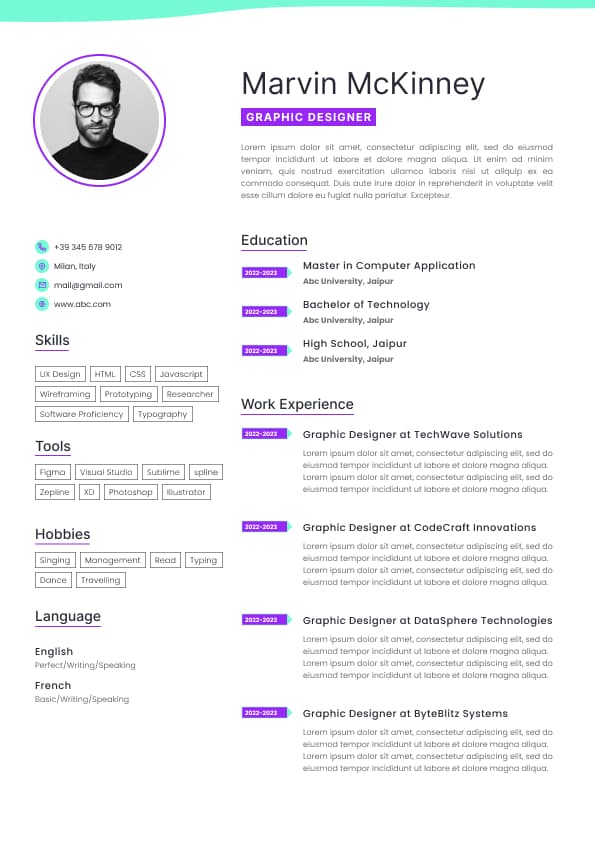
Use professional field-tested resume templates that follow the exact Resume rules employers look for.
Create ResumeLazy loading
Code splitting
Rendering optimization
Hydration performance
API latency
Caching strategy
Mobile performance
Lighthouse score improvement
Production monitoring
The best candidates show they understand performance as both an engineering problem and a business problem.
Cumulative Layout Shift measures unexpected movement on the page. Poor CLS usually comes from images without reserved dimensions, late-loading ads, unstable font rendering, injected components, or hydration mismatches.
Good developers prevent CLS by reserving space for visual elements, stabilizing layouts before content loads, optimizing fonts, and avoiding unexpected DOM shifts.
Hiring managers value this because layout stability directly affects user trust. A fast page that jumps around still feels broken.
Long lists rendered all at once
Poor API loading patterns
Too much JavaScript shipped to the browser
A senior TypeScript developer does not guess at the problem. They profile the application, identify the bottleneck, fix the highest-impact issue first, and validate the improvement with before-and-after data.
That diagnostic mindset is what hiring managers look for.
Hydration is one of the most misunderstood performance issues in modern React and Next.js applications. A page may appear quickly, but if the browser has too much JavaScript to process before the interface becomes responsive, users still experience poor performance.
Hydration problems often come from:
Too many client components
Large client-side bundles
Complex state initialization
Browser-only logic loaded too early
Heavy interactive components above the fold
Third-party scripts blocking responsiveness
Senior developers reduce hydration cost by minimizing unnecessary client-side JavaScript, isolating interactive components, deferring non-critical work, and choosing server-rendered patterns where appropriate.
Deferring third-party scripts
Reducing client-side JavaScript
Monitoring bundle growth over time
Hiring managers value developers who can reduce bundle size without breaking product functionality. The best candidates can also explain the business impact of that reduction, especially for mobile users and high-traffic pages.
Reducing main-thread blocking
Optimizing user interaction flows
Monitoring real-user responsiveness
A senior frontend developer knows not to optimize randomly. They focus on the interactions users actually perform most often and the screens that create the biggest business impact.
For example, optimizing a checkout flow, pricing page, search results page, account dashboard, or lead form usually matters more than polishing a low-traffic internal screen.
Serving static assets through a CDN
Avoiding oversized background images
Removing unused media files
A recruiter may not understand every technical detail, but they will understand outcomes like improved Lighthouse score, faster mobile load time, better LCP, and lower bounce rate.
Client-side fetching where server-side fetching would perform better
Effective solutions include:
API response caching
Request deduplication
Payload reduction
Pagination
Incremental loading
Edge caching
Better loading states
Parallel data fetching
Moving appropriate work closer to the server
In hiring conversations, this matters because senior developers are expected to think across system boundaries. They should know when the bottleneck is React, when it is the network, and when it is the backend.
Datadog
New Relic
Cloudflare Analytics
Each tool answers a different question. Lighthouse gives a structured audit. Chrome DevTools helps inspect runtime and network behavior. React Profiler shows rendering problems. Bundle analyzers reveal JavaScript weight. Monitoring platforms show what happens in production.
The strongest candidates understand the difference between lab data and real-user monitoring. Lab tools help diagnose. Real-user data shows actual user experience.
Weak candidates speak in vague terms. Strong candidates explain the full performance story from diagnosis to measurable outcome.
The best answers sound specific:
Improved LCP by reducing render-blocking assets and optimizing above-the-fold content
Reduced bundle size by removing unused dependencies and splitting routes
Improved INP by reducing unnecessary re-renders on high-traffic screens
Reduced API latency impact through caching and smarter data loading
Improved mobile Lighthouse score after addressing JavaScript execution and image weight
That level of detail builds trust.
The strongest performance bullets include:
The metric improved
The technical cause addressed
The method used
The business or user impact
The tool used to measure results
Recruiters do not need every implementation detail. They need proof that the candidate can improve production systems in a measurable way.
Strong teams use performance budgets, monitoring, and review processes to prevent regressions.
Validate improvement with measurable data
Monitor production to prevent regression
Document the result for engineering visibility and resume impact
This framework is valuable because it mirrors how strong engineering teams actually make performance decisions.
Knowing how to communicate performance impact to product and business teams
This is why performance optimization is such a strong hiring signal. It shows technical depth, product awareness, and engineering maturity.
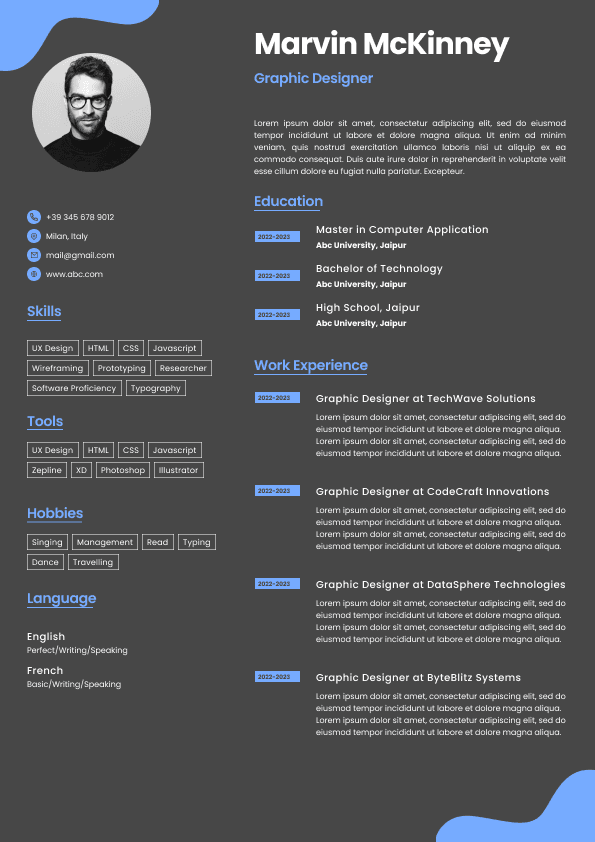


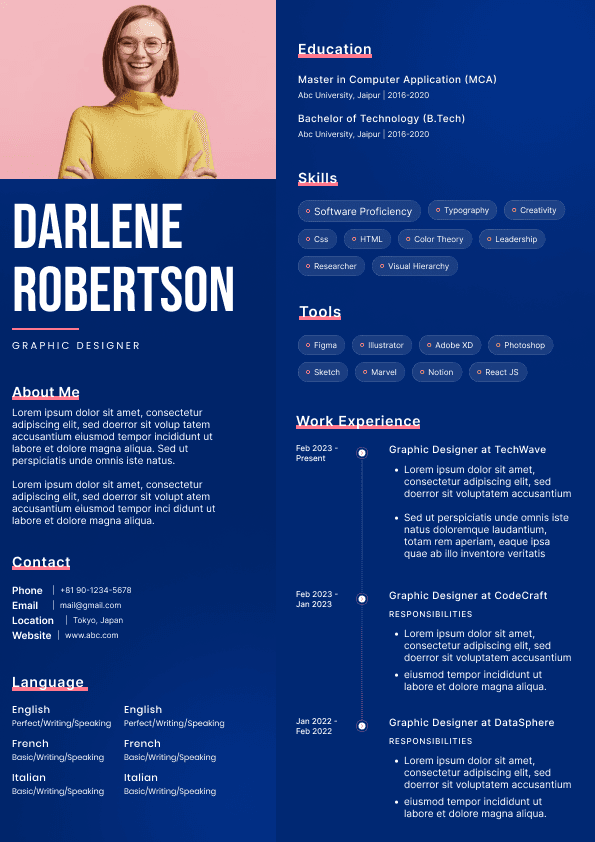

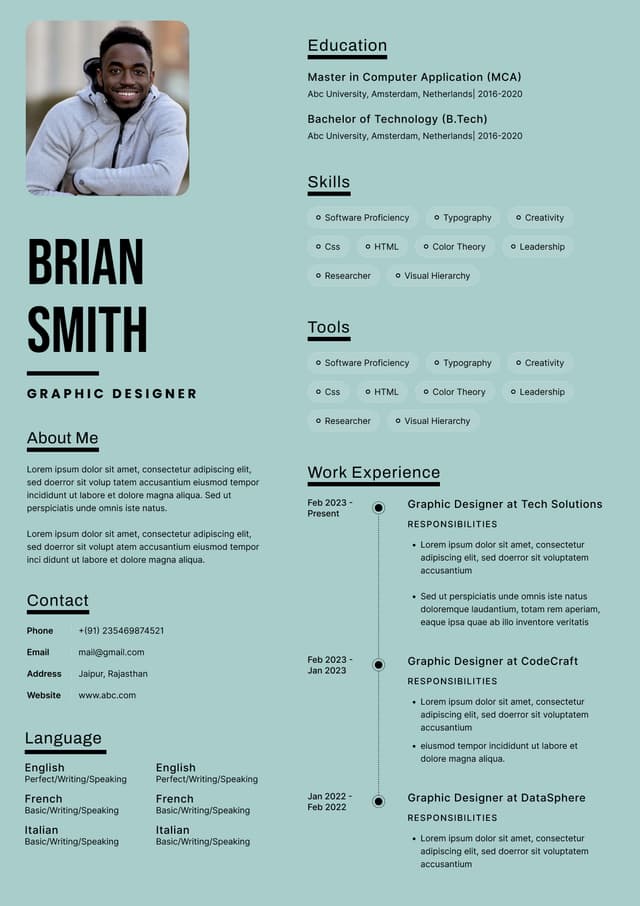






























 Upload Resume
 Import from Linkedin