STILL APPLYING. STILL HEARING NOTHING?BUILD YOUR RESUME

STILL APPLYING. STILL HEARING NOTHING?BUILD YOUR RESUME
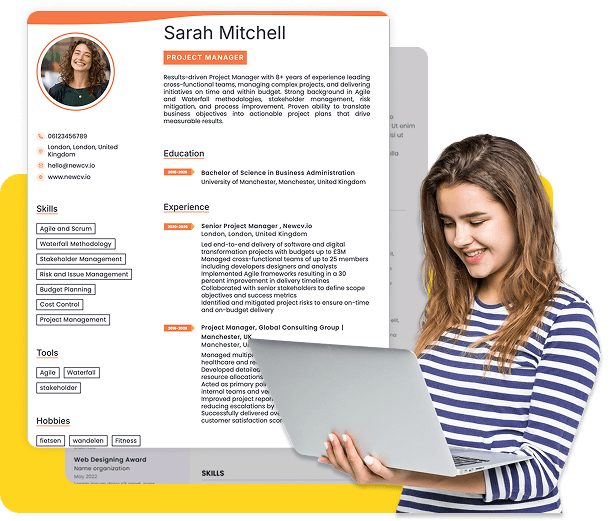
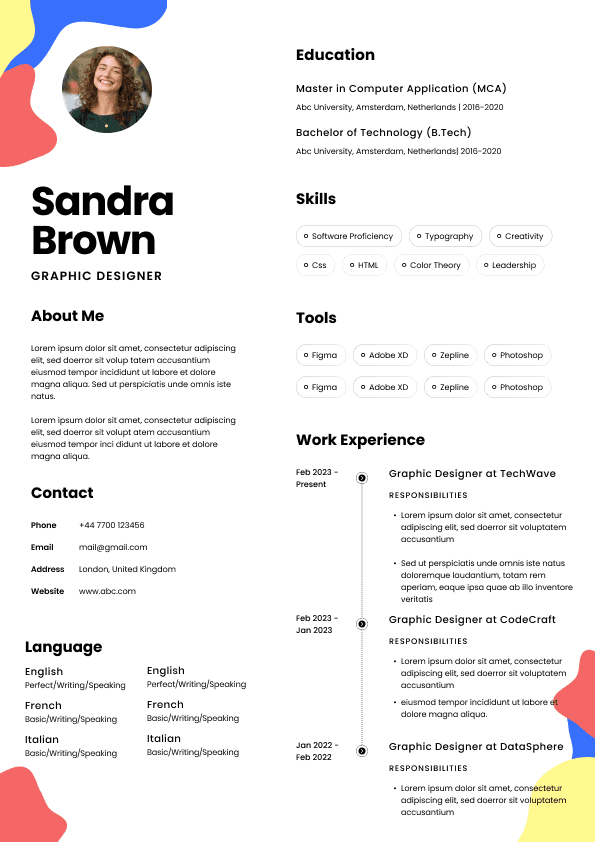
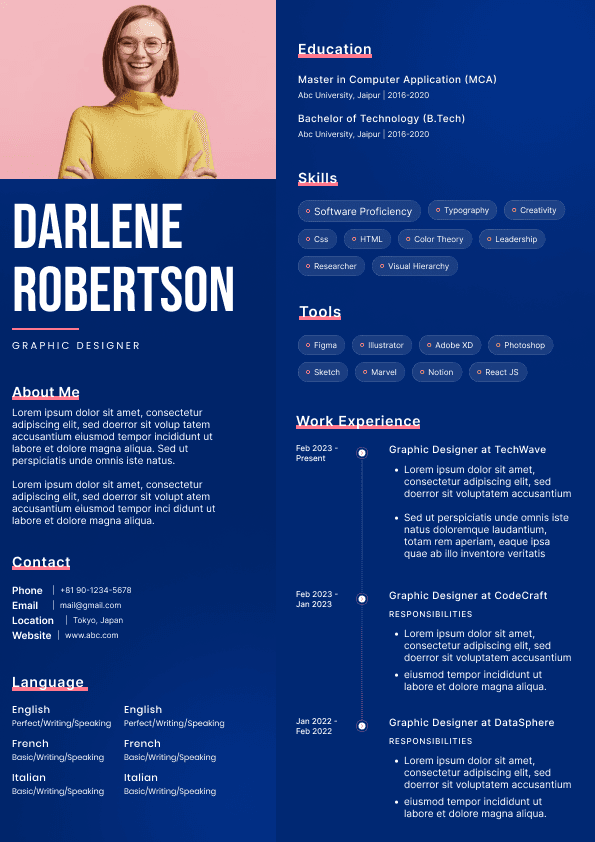
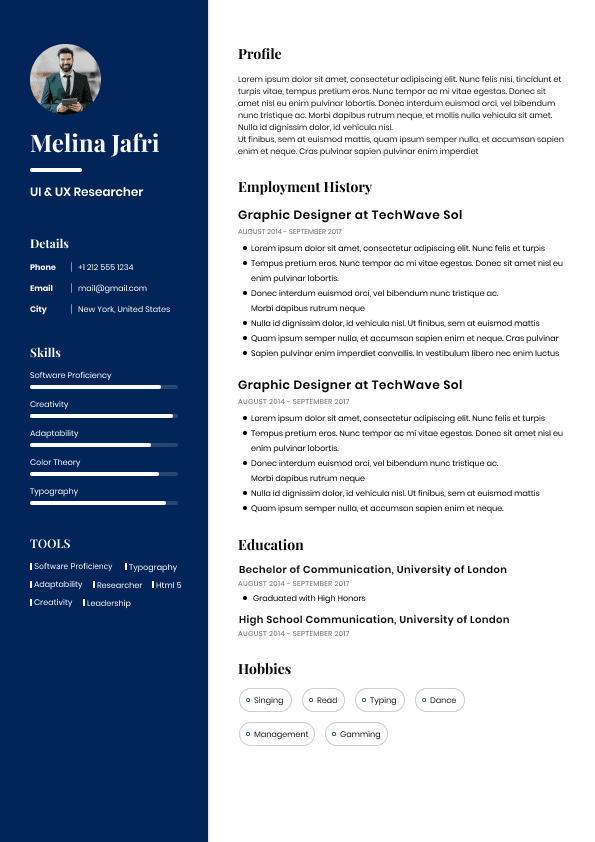
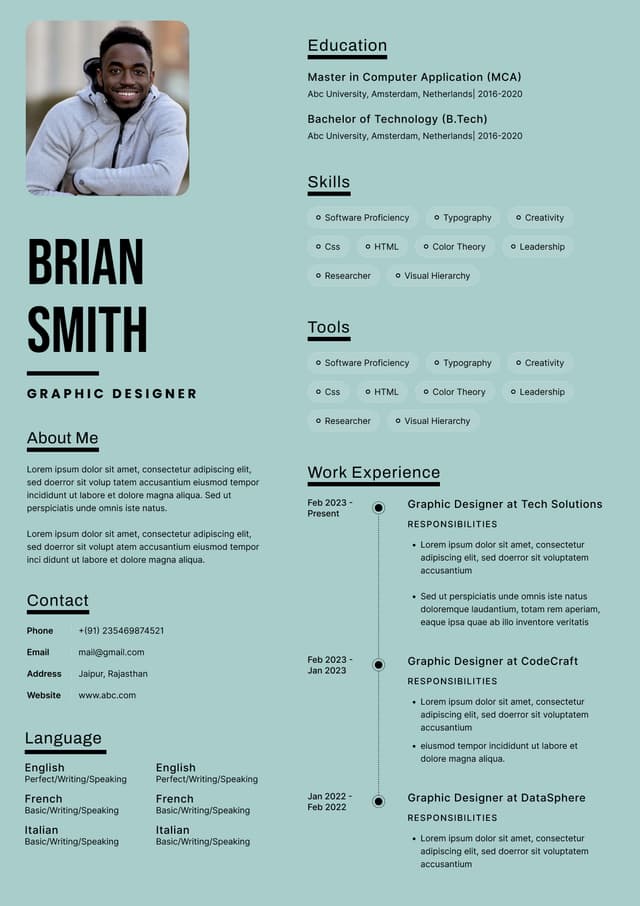
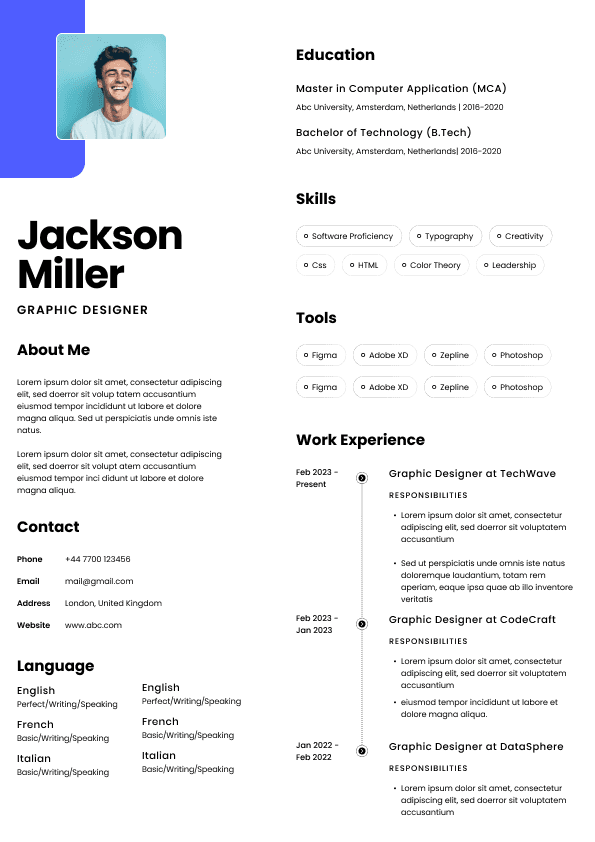
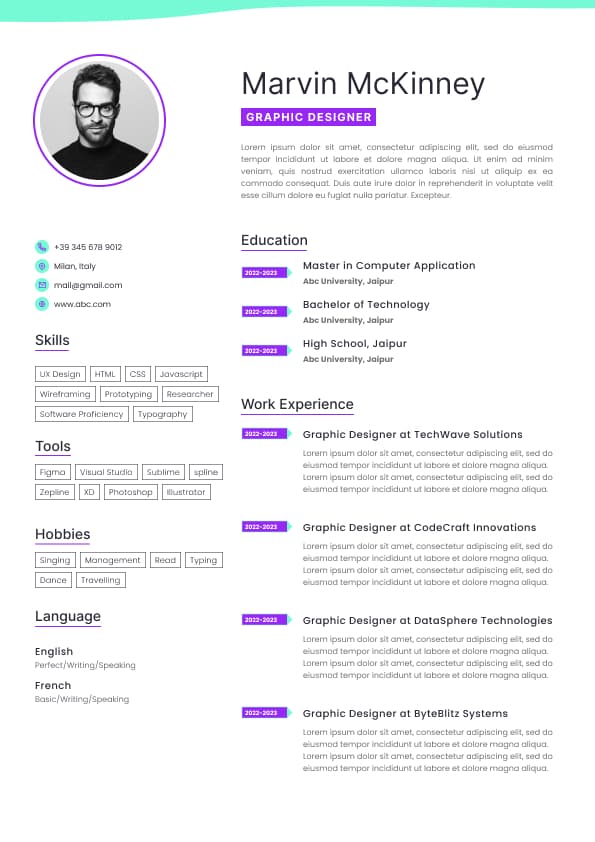
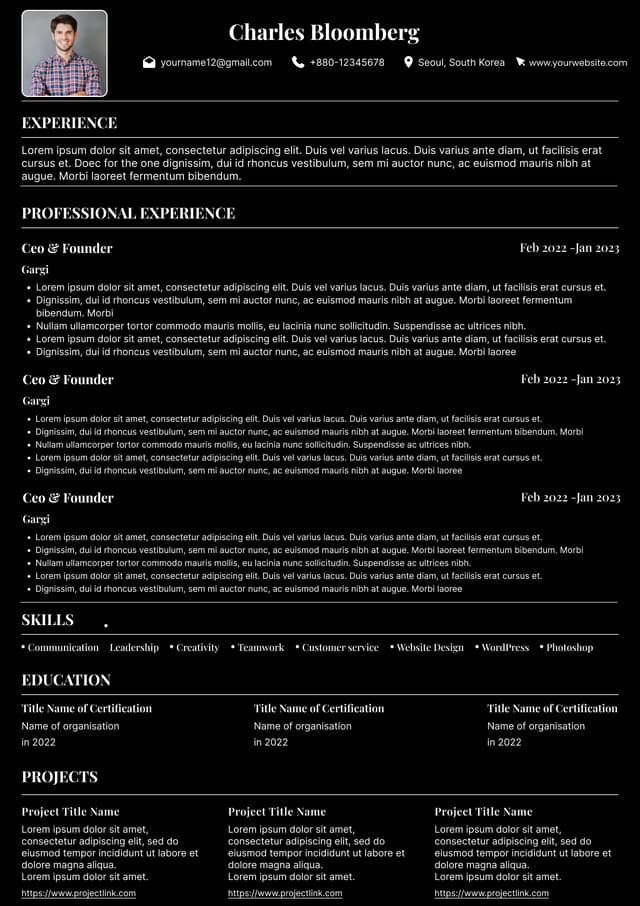
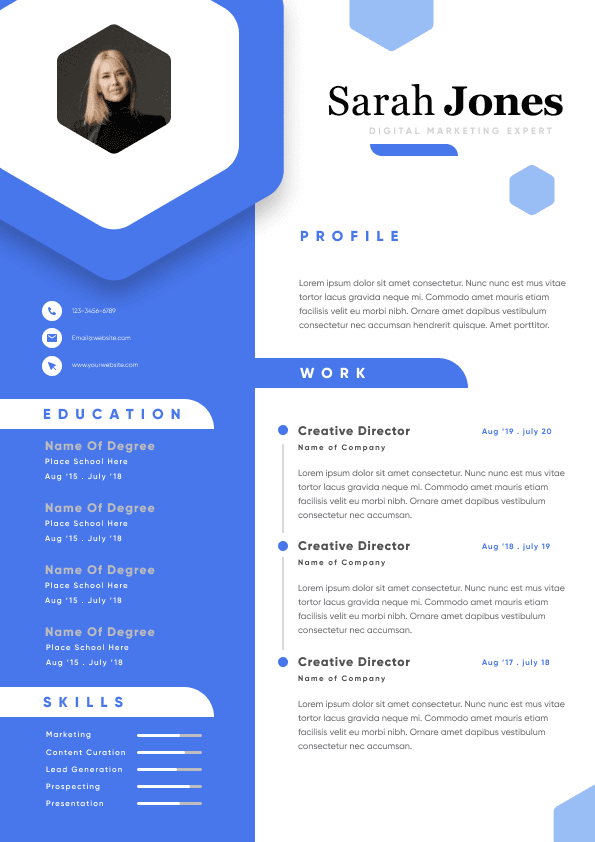
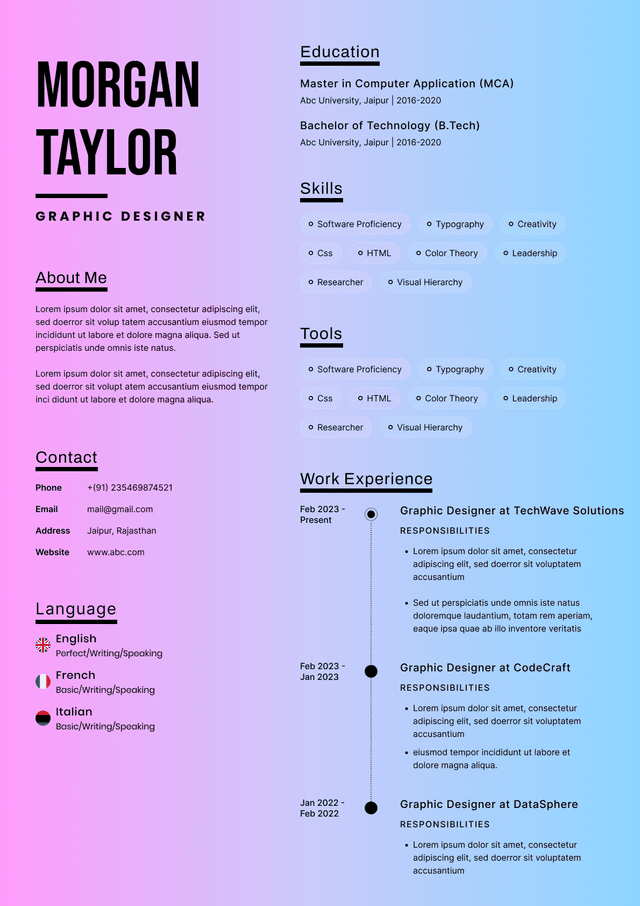
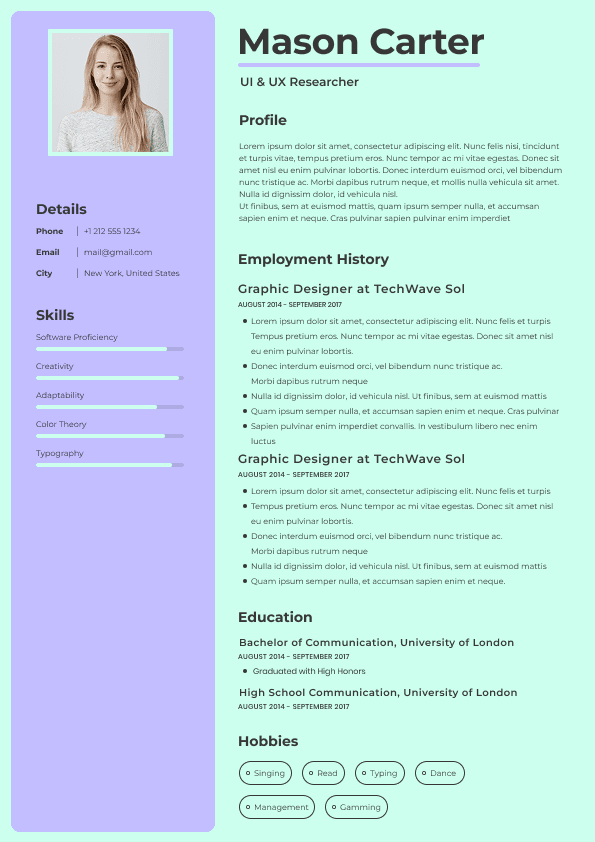
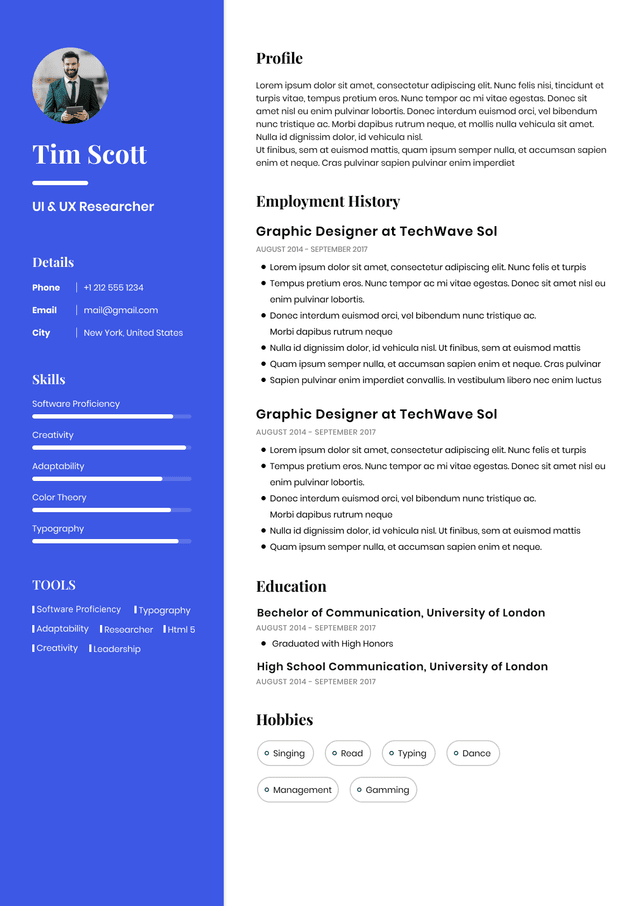
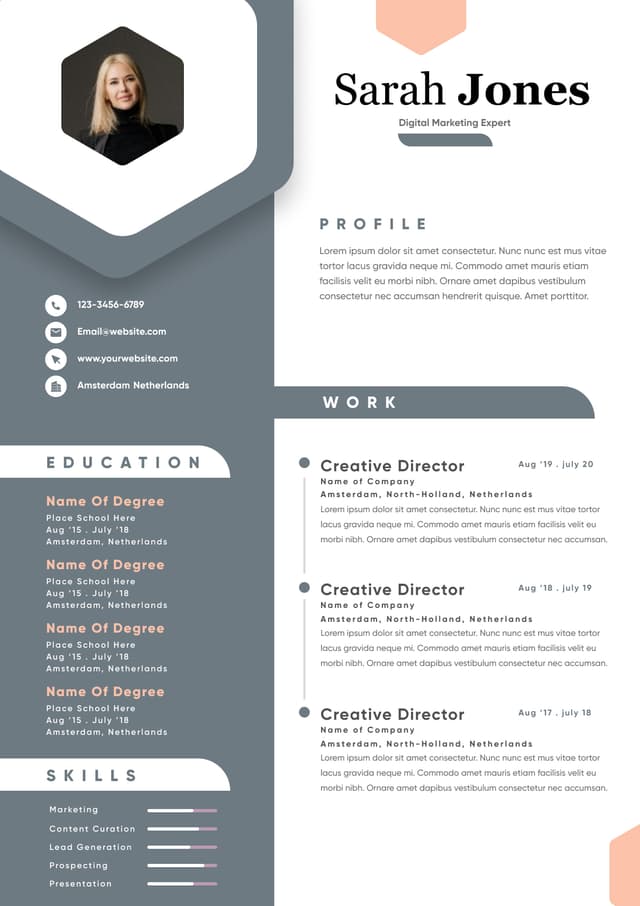
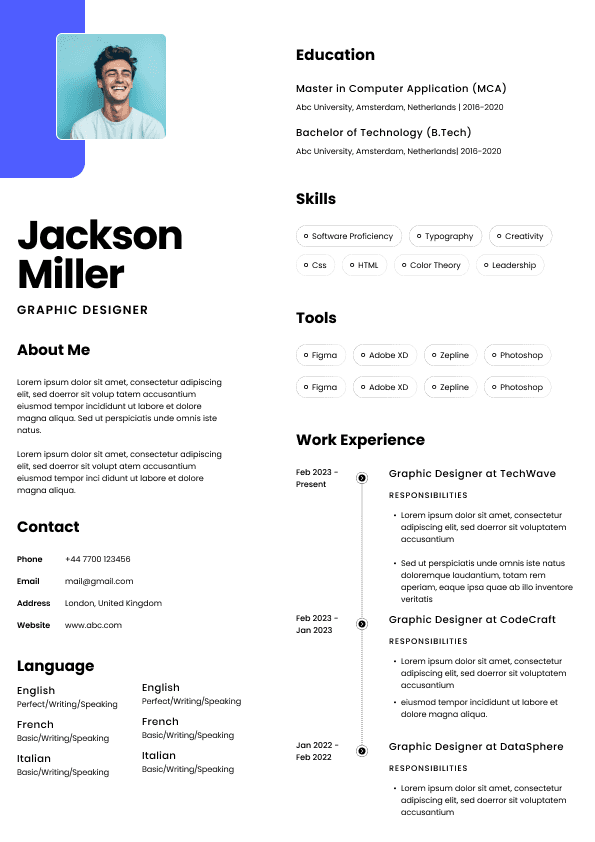
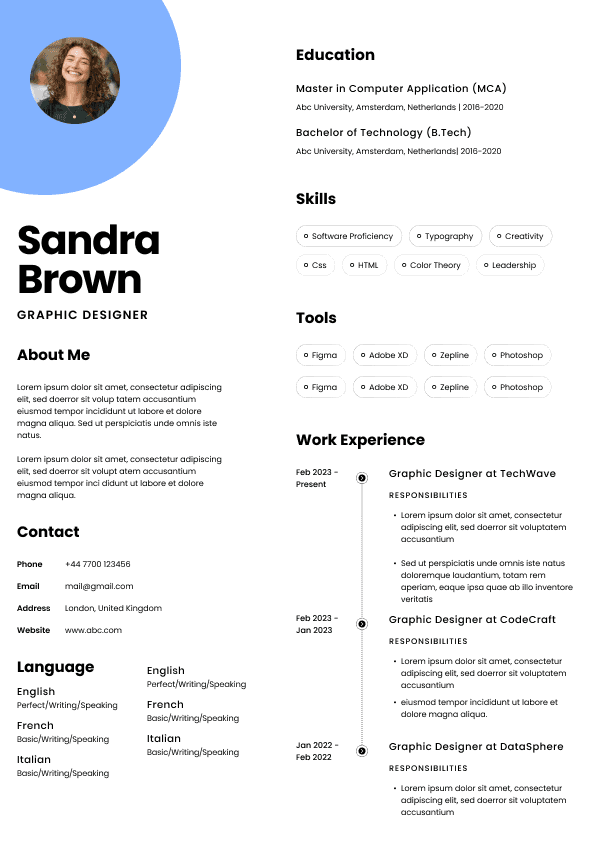
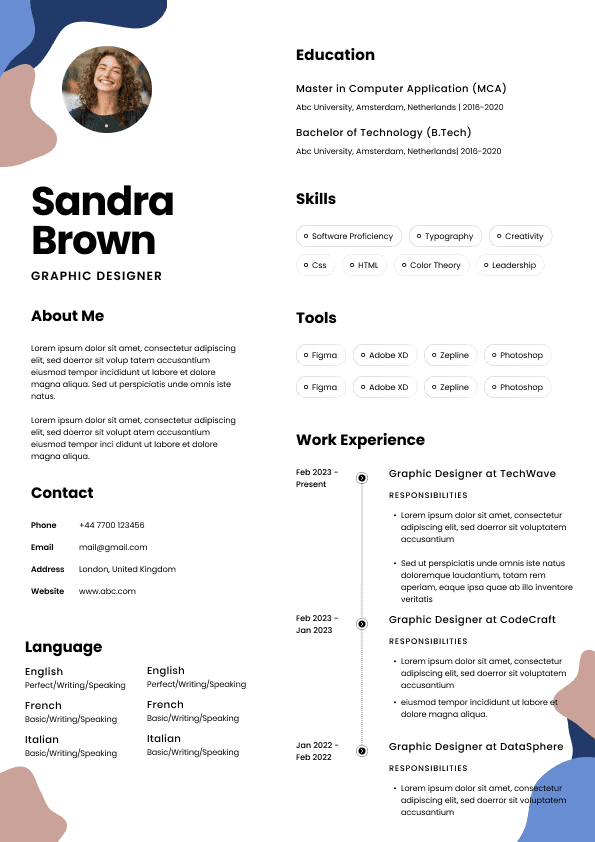
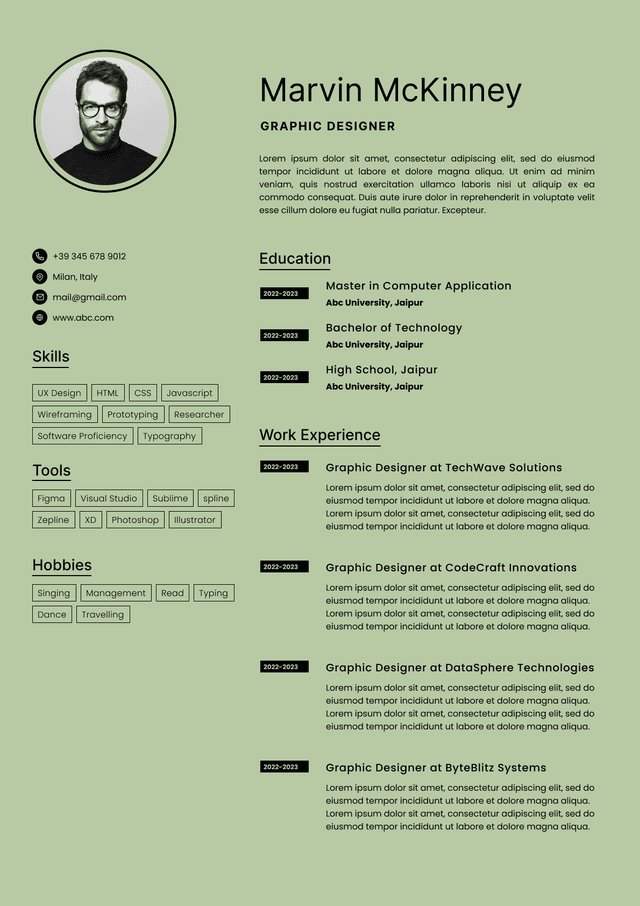
Choose from a wide range of NEWCV resume templates and customize your NEWCV design with a single click.
FAQ

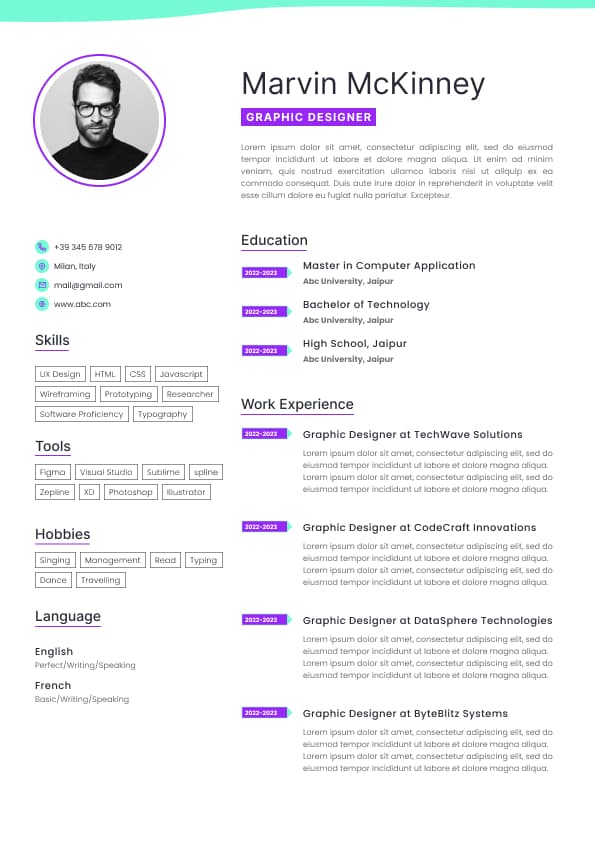
Use professional field-tested resume templates that follow the exact Resume rules employers look for.
Create ResumeModern frontend hiring has changed. Companies are no longer hiring React and TypeScript developers based only on UI speed, clean components, or state management knowledge. Enterprise employers now evaluate whether developers can build accessible, compliant, keyboard-friendly interfaces that work for all users.
If you are targeting frontend roles in healthcare, government, finance, education, SaaS, or enterprise platforms, accessibility is no longer optional. Hiring managers increasingly expect developers to understand WCAG 2.1 and 2.2, semantic HTML, ARIA usage, keyboard navigation, screen reader compatibility, and accessibility testing workflows.
A TypeScript developer with strong accessibility skills stands out because accessibility directly affects legal compliance, usability, SEO, conversion rates, and enterprise risk reduction. Teams are specifically looking for developers who can build accessible React components, integrate accessibility testing into CI pipelines, and prevent accessibility problems before release.
This guide explains what companies actually expect, which accessibility skills matter most, how recruiters evaluate frontend accessibility expertise, common implementation mistakes, and how to position yourself as an accessibility-aware TypeScript developer.
Accessibility used to be treated as a late-stage QA issue. That approach fails in modern frontend engineering.
Today, accessibility affects:
Product adoption
Government procurement eligibility
Legal exposure under ADA and Section 508
Enterprise security and compliance reviews
UX quality metrics
SEO performance
Mobile usability
Conversion rates
Customer trust
Frontend developers are now expected to implement accessibility directly inside component architecture, not as an afterthought.
For React and TypeScript developers specifically, accessibility impacts:
Component APIs
Design systems
State management flows
Form handling
Modal behavior
Keyboard interaction
Dynamic content rendering
Validation messaging
Navigation patterns
Hiring managers know accessibility problems become exponentially more expensive after deployment. Developers who proactively build accessible systems reduce engineering debt and compliance risk.
Most developers dramatically misunderstand how accessibility hiring works.
Recruiters are not usually looking for “accessibility specialists” unless the role explicitly says so. Instead, they look for developers who can build accessible products as part of standard frontend engineering work.
Strong candidates demonstrate:
Practical WCAG implementation experience
Real accessibility testing workflows
Knowledge of semantic HTML
Keyboard navigation support
Screen reader testing familiarity
Accessible component architecture
React accessibility patterns
Accessibility testing automation
Understanding of compliance requirements
Weak candidates usually say vague things like:
“Familiar with accessibility”
“Worked with WCAG”
“Aware of ADA compliance”
That language signals surface-level exposure.
Strong candidates show measurable implementation work.
Good Example
Built WCAG 2.1 AA-compliant React component library using TypeScript and semantic HTML
Added automated accessibility testing with jest-axe and Playwright
Reduced Lighthouse accessibility violations from 71 to 96 across authenticated workflows
Implemented keyboard-accessible modal and navigation systems with focus trapping
Conducted NVDA and VoiceOver screen reader testing for onboarding flows
This communicates actual engineering capability.
One of the biggest frontend hiring red flags is developers overusing divs and ARIA while ignoring semantic HTML.
Experienced accessibility reviewers immediately notice this problem.
Strong frontend developers understand:
Buttons should use button elements
Navigation should use nav landmarks
Forms need proper labels
Headings must follow logical structure
Tables should only represent tabular data
Interactive controls need semantic meaning
Many accessibility problems disappear when semantic HTML is implemented correctly.
Using clickable div elements instead of semantic buttons.
This breaks:
Keyboard accessibility
Screen reader interpretation
Focus management
Default interaction behavior
They build reusable TypeScript button components that preserve semantic behavior while supporting design system flexibility.
Keyboard accessibility is one of the fastest ways hiring managers identify frontend maturity.
A surprising number of React applications fail basic keyboard interaction testing.
Developers should ensure:
All interactive elements are keyboard accessible
Focus states are visible
Modals trap focus correctly
Escape closes dialogs
Dropdowns support arrow keys
Navigation order is logical
Skip links are available when needed
Many accessibility lawsuits stem from keyboard failures alone.
ARIA is frequently misused by junior and mid-level developers.
Strong accessibility engineers understand a critical rule:
No ARIA is better than bad ARIA.
Recruiters increasingly recognize this distinction.
Poor ARIA implementation can:
Confuse screen readers
Break navigation
Duplicate announcements
Create unusable interfaces
Strong developers use ARIA only when semantic HTML cannot solve the problem.
They understand:
aria-label
aria-describedby
aria-expanded
aria-hidden
aria-live
role attributes
Accessible name computation
Forms are one of the highest-risk accessibility areas in frontend development.
Hiring managers know inaccessible forms directly hurt revenue, onboarding, and user completion rates.
Strong accessible forms include:
Proper labels
Programmatic error association
Keyboard support
Accessible validation messaging
Focus management after submission
Screen reader announcements
Clear instructions
Color-independent error indicators
Placeholder text used instead of labels
Errors displayed only visually
Invalid fields not announced to screen readers
Inputs connected to labels with htmlFor
Error states linked via aria-describedby
Validation announcements handled through aria-live regions
Focus automatically moved to the first invalid field
TypeScript plays a major role in scalable accessibility implementation.
Strong TypeScript developers use typing to enforce accessibility requirements at the component level.
Examples include:
Required accessible labels for icon buttons
Enforced alt text props
Typed ARIA attribute support
Strict prop validation for accessibility states
Component APIs preventing inaccessible usage
This is where enterprise frontend engineering becomes significantly more sophisticated.
Instead of allowing unrestricted component usage, experienced developers create APIs that require accessibility support.
For example:
Icon-only buttons require aria-label
Modal components enforce focus management hooks
Form fields require associated labels
Custom dropdowns include keyboard interaction support
This shifts accessibility from optional behavior to enforced architecture.
Most frontend developers do not need to memorize WCAG documentation line by line.
But they absolutely need working knowledge of the standards.
The most important practical areas include:
Perceivable content
Operable interfaces
Understandable interactions
Robust compatibility
Can users navigate without a mouse?
Can users read content clearly?
Can users identify active elements?
Can assistive technologies interpret content properly?
Can users complete critical workflows?
Does accessibility remain intact on mobile devices?
Can users recover from mistakes?
Can users avoid disorienting experiences?
Frontend candidates who mention accessibility testing tools immediately appear more credible during hiring.
Employers want developers who validate accessibility continuously, not developers who wait for audits.
Important tools include:
axe DevTools
Lighthouse accessibility audits
Playwright accessibility testing
jest-axe
Storybook accessibility addon
WAVE
Chrome DevTools accessibility inspection
NVDA
VoiceOver
Strong frontend teams:
Run accessibility checks in CI pipelines
Test components during development
Include accessibility stories in Storybook
Validate keyboard interaction manually
Perform real screen reader testing
Audit critical flows regularly
Weak teams rely entirely on automated scanners.
That is not enough.
Automated tools catch only a portion of accessibility problems. Experienced hiring managers know this.
Recruiters see this constantly.
Candidates claim:
“Built accessible apps”
“Worked with WCAG”
“Focused on usability”
But cannot explain:
Focus trapping
Accessible modal behavior
ARIA misuse
Keyboard interaction patterns
Screen reader testing methods
This immediately weakens credibility.
Accessibility is an engineering responsibility.
Candidates who discuss accessibility only in testing phases appear outdated.
Strong developers integrate accessibility into:
Component architecture
Design systems
Development workflows
CI testing
Design reviews
This is one of the biggest credibility gaps.
Many developers claim accessibility knowledge without ever testing with:
NVDA
VoiceOver
TalkBack
Experienced frontend interviewers often ask directly:
“How have you tested screen reader compatibility?”
Weak answers are obvious.
Overengineering accessibility with ARIA frequently creates worse experiences.
Strong developers know when NOT to use ARIA.
That distinction matters heavily in senior frontend interviews.
Accessibility becomes significantly more important in regulated industries.
Especially:
Government
Healthcare
Education
Banking
Insurance
Public sector SaaS
These organizations often require:
WCAG AA compliance
ADA awareness
Section 508 familiarity
Accessibility audit readiness
Compliance documentation
Developers with accessibility experience become substantially more competitive in these hiring markets.
Accessibility should not appear as a vague soft skill.
It should appear through measurable engineering outcomes.
WCAG 2.1
WCAG 2.2
ADA compliance
Section 508
Semantic HTML
ARIA
Keyboard navigation
Screen reader testing
Accessible React components
Inclusive design
Accessibility testing
Frontend compliance
Built WCAG 2.1 AA-compliant React and TypeScript component library used across 4 enterprise applications
Integrated accessibility testing into CI/CD pipelines using Playwright and jest-axe
Improved Lighthouse accessibility scores from 74 to 98 across customer onboarding flows
Reduced accessibility audit violations by 63% through semantic HTML refactoring and ARIA corrections
Implemented keyboard-accessible modal, navigation, and form systems for healthcare SaaS platform
Conducted NVDA and VoiceOver testing to improve screen reader usability for public-facing dashboards
Most frontend portfolios fail accessibility evaluation badly.
Strong accessibility-focused portfolios demonstrate:
Keyboard navigation support
Proper focus states
Accessible forms
Semantic HTML structure
Screen reader compatibility
Color contrast compliance
Responsive accessibility behavior
Accessible design system
WCAG-audited dashboard
Accessible form builder
Screen-reader-friendly analytics UI
Keyboard-accessible modal library
Inclusive navigation system
The strongest candidates also include accessibility documentation explaining implementation decisions.
That dramatically improves perceived seniority.
Senior accessibility-aware engineers think beyond compliance checklists.
They understand accessibility affects:
Product quality
Technical debt
UX consistency
Legal risk
Long-term maintainability
Customer trust
Performance optimization
They also recognize accessibility overlaps heavily with:
Good architecture
Clean semantic markup
Strong component design
Better testing discipline
More maintainable frontend systems
This is why accessibility often correlates strongly with frontend engineering maturity.
Accessibility and SEO overlap more than many frontend developers realize.
Semantic HTML improves:
Crawlability
Content structure
Metadata interpretation
User engagement metrics
Accessible interfaces also improve:
Bounce rates
Navigation clarity
Mobile usability
User retention
Google increasingly rewards user-friendly experiences, and accessibility contributes directly to that.
While accessibility alone does not guarantee rankings, inaccessible experiences frequently create UX and technical problems that damage SEO performance.
Accessibility evaluation rarely appears as a standalone interview section.
Instead, interviewers evaluate it indirectly.
Interviewers assess whether candidates think about accessibility during architecture discussions.
They evaluate whether developers naturally mention keyboard support, semantics, or screen readers.
They look for semantic HTML, accessible forms, and proper interaction patterns.
Accessibility omissions stand out immediately.
Candidates may be asked how they would diagnose accessibility failures.
Strong candidates proactively discuss accessibility without prompting.
That signals real frontend maturity.
Accessibility expectations are increasing rapidly.
Several trends are driving this:
Enterprise compliance requirements
Public-sector modernization
Increased legal enforcement
Inclusive product expectations
Design system adoption
Automated accessibility testing growth
Frontend developers who ignore accessibility will increasingly struggle in enterprise hiring markets.
Developers who can combine:
TypeScript
React
Design systems
Accessibility engineering
Automated testing
Scalable component architecture
will continue to have a major hiring advantage.
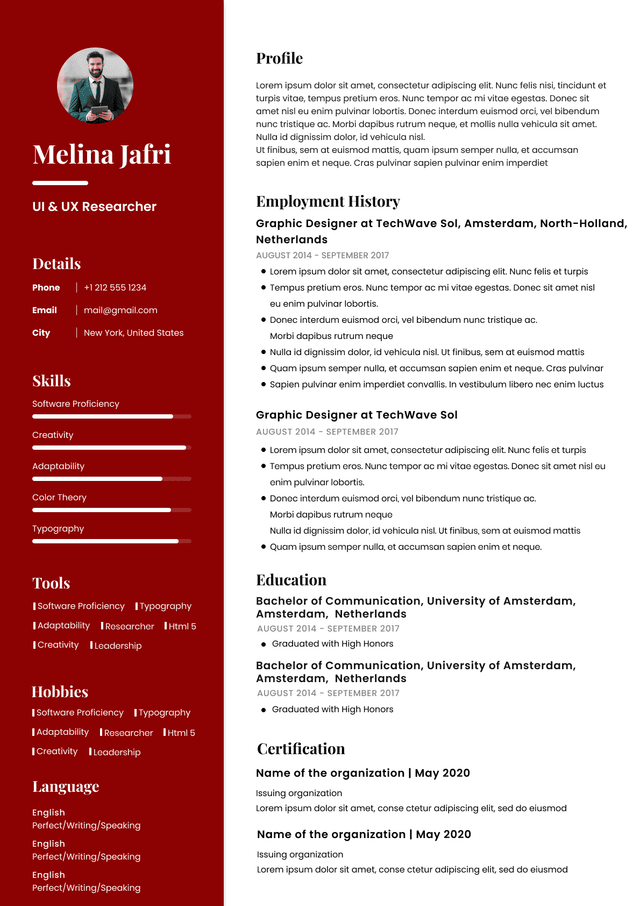
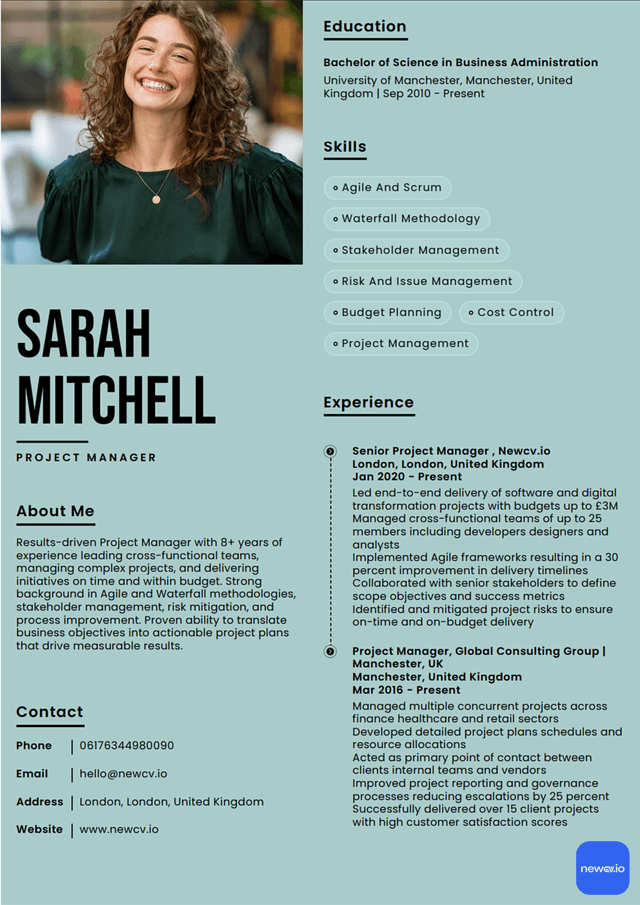
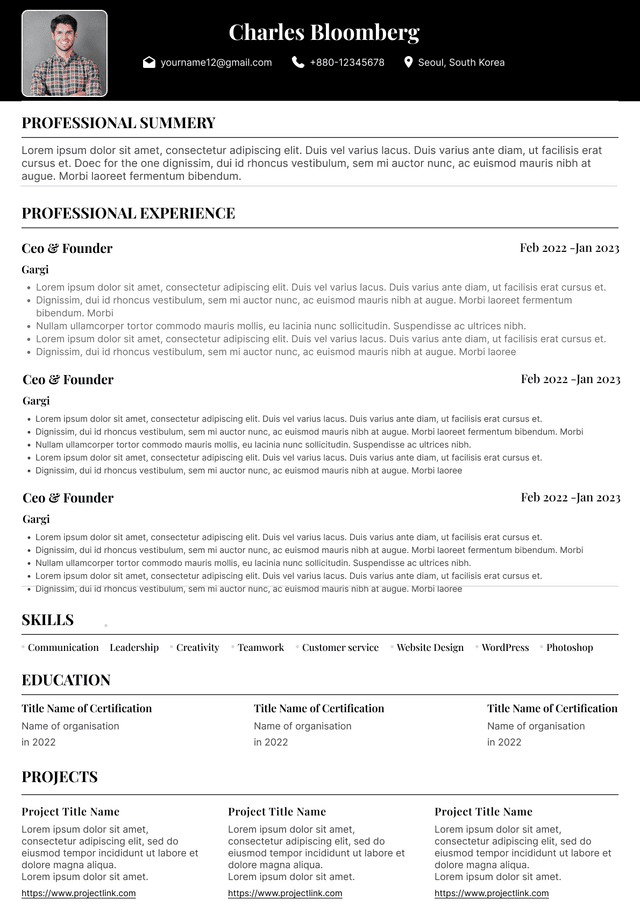
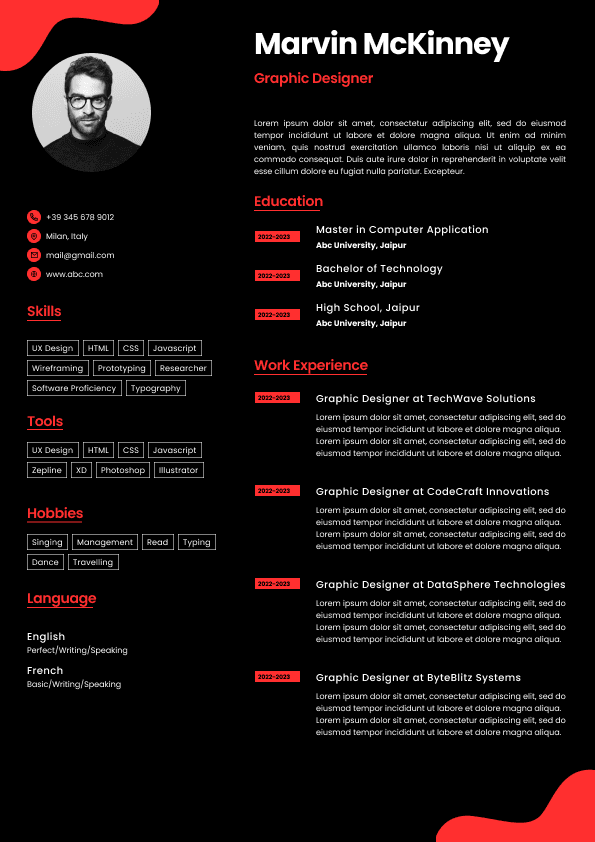
Use ATS-optimised Resume and resume templates that pass applicant tracking systems. Our Resume builder helps recruiters read, scan, and shortlist your Resume faster.

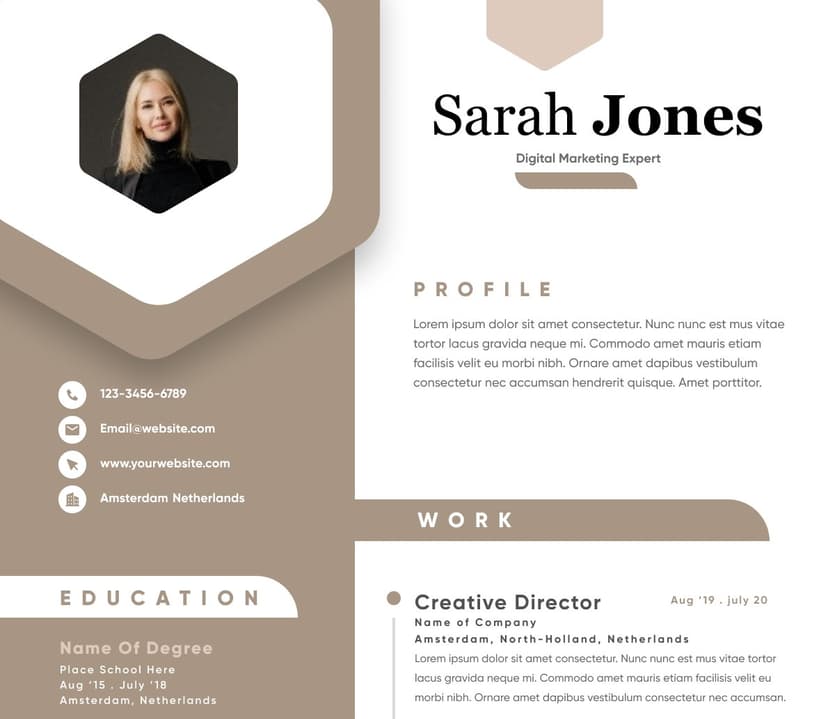
Use professional field-tested resume templates that follow the exact Resume rules employers look for.
Create Resume


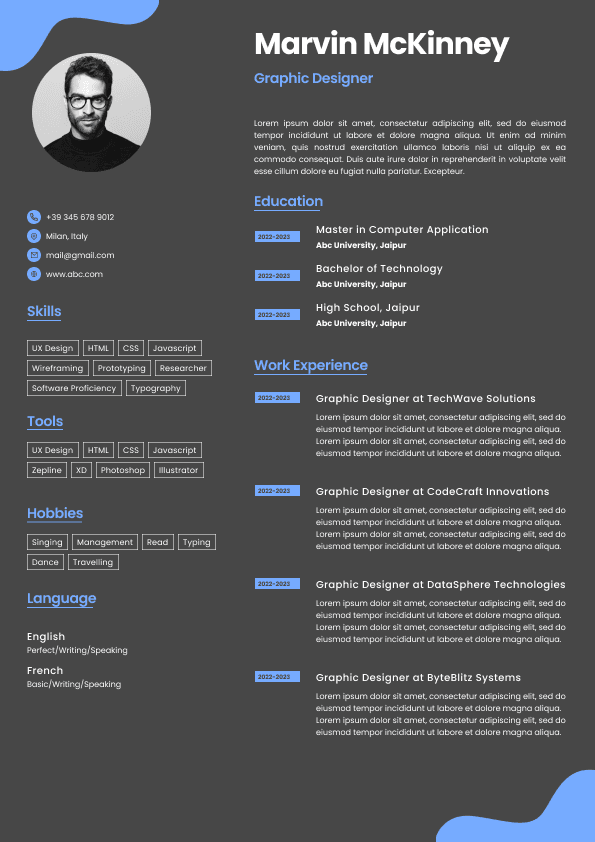
 Upload Resume
 Import from Linkedin