STILL APPLYING. STILL HEARING NOTHING?BUILD YOUR RESUME

STILL APPLYING. STILL HEARING NOTHING?BUILD YOUR RESUME
Choose from a wide range of NEWCV resume templates and customize your NEWCV design with a single click.
FAQ
A strong JavaScript developer accessibility resume does not just mention WCAG or ADA compliance. It proves you can build accessible frontend experiences that work for real users, pass compliance audits, reduce legal risk, and scale across modern React applications.
Most frontend resumes fail accessibility screening because they treat accessibility as a side skill instead of a core engineering competency. Hiring managers for enterprise, healthcare, government, banking, education, and SaaS roles want developers who understand semantic HTML, keyboard interaction, ARIA implementation, screen reader behavior, automated accessibility testing, and accessible component architecture.
If your resume only says “familiar with accessibility best practices,” you will blend into hundreds of generic frontend applicants.
The resumes that get interviews clearly demonstrate:
WCAG 2.1 or WCAG 2.2 implementation experience
Accessibility remediation results
ADA or Section 508 compliance support
React accessibility expertise
Accessibility testing workflows
Accessibility hiring has changed significantly over the last few years.
Many companies used to treat accessibility as a “nice to have.” Now it is often tied directly to compliance, procurement eligibility, legal exposure, and enterprise contracts.
For accessibility-focused frontend roles, recruiters and hiring managers are usually screening for three things immediately:
Hiring teams want evidence that you understand accessible frontend implementation beyond theory.
That includes:
Semantic HTML structure
Keyboard navigation behavior
Focus management
ARIA usage
Screen reader compatibility
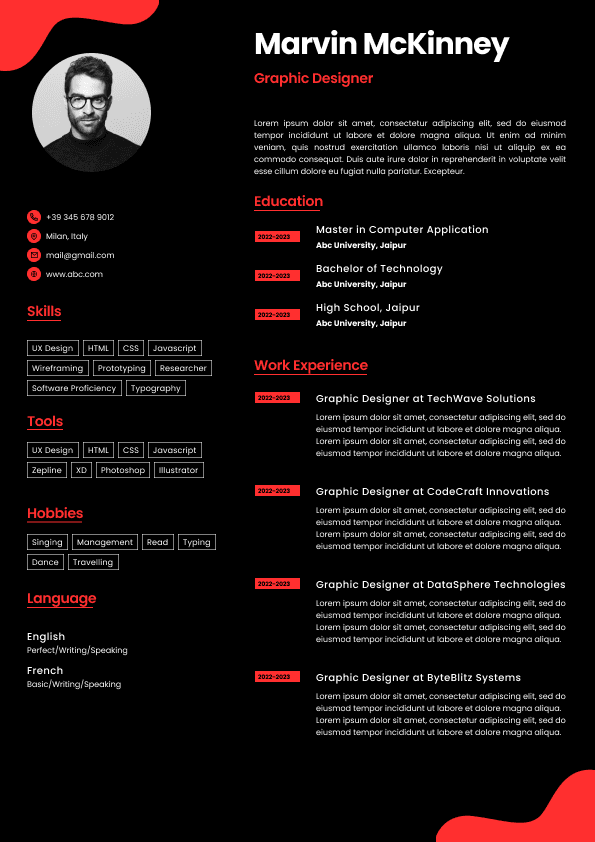
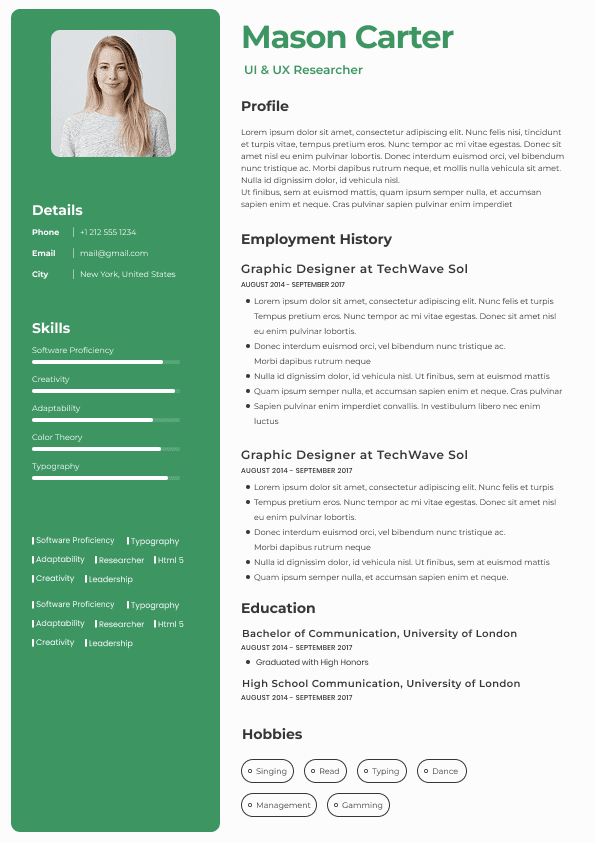
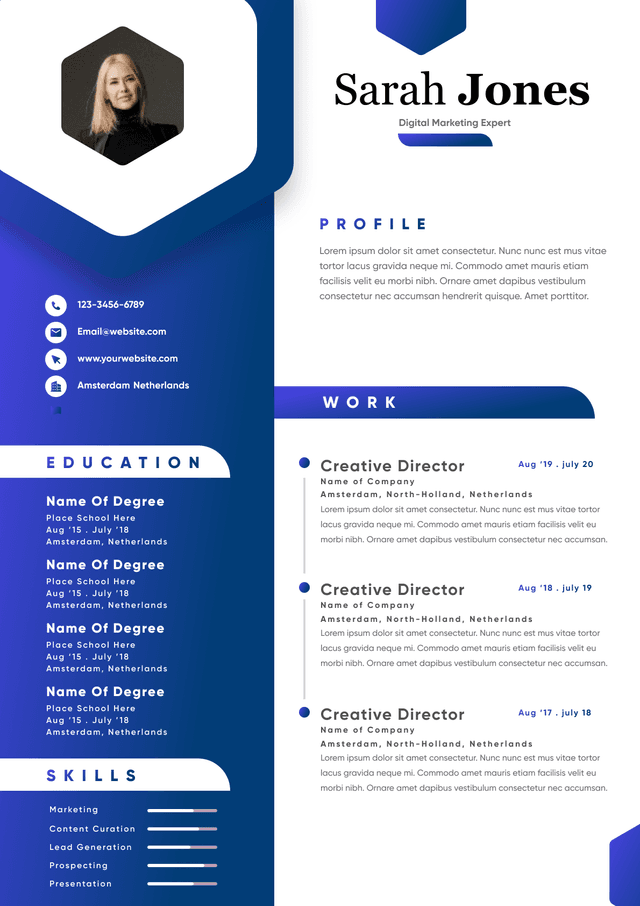
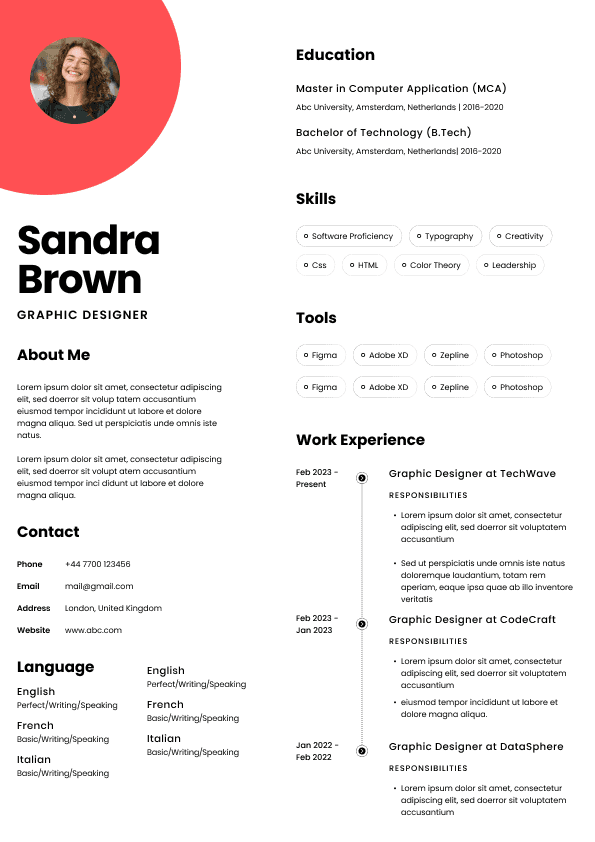
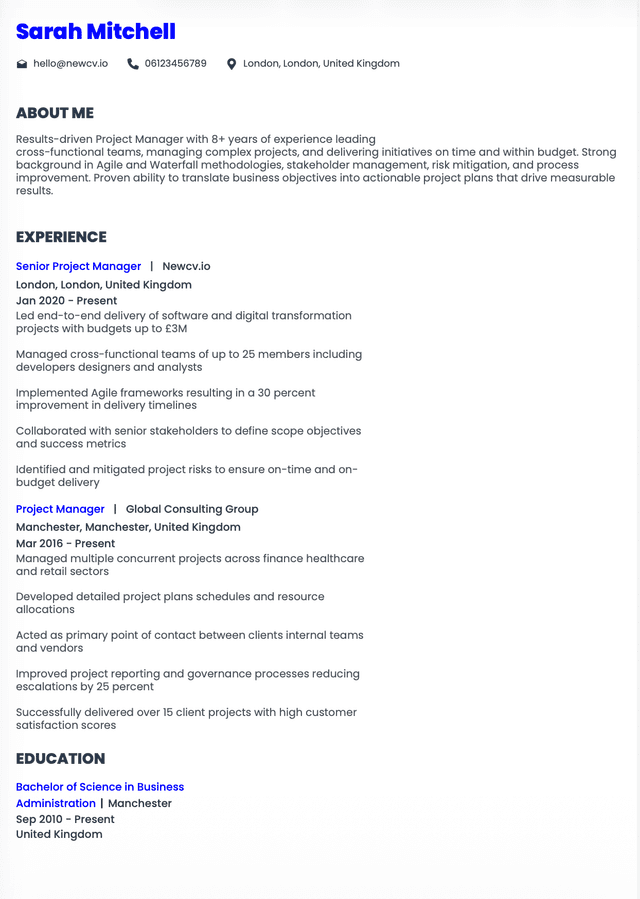
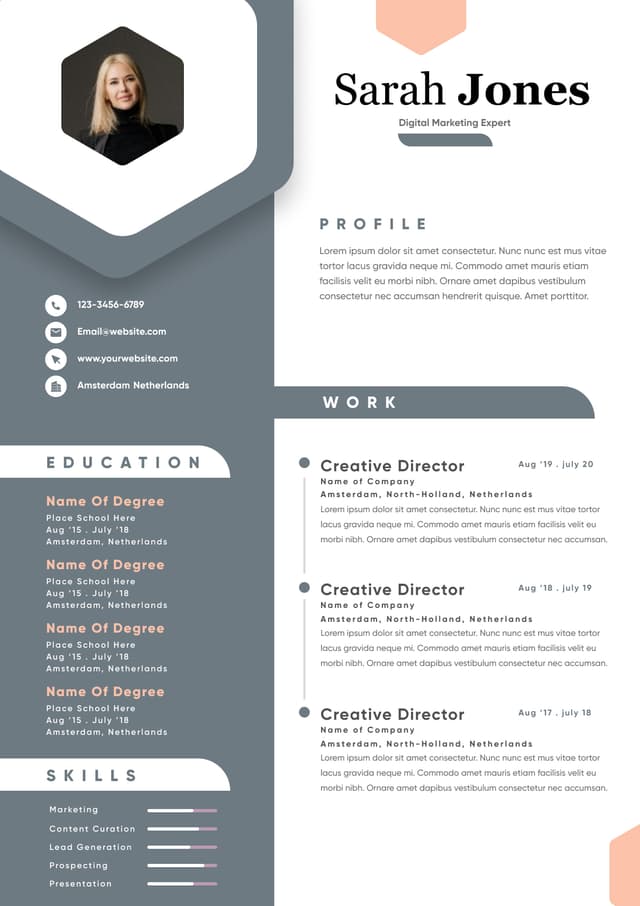
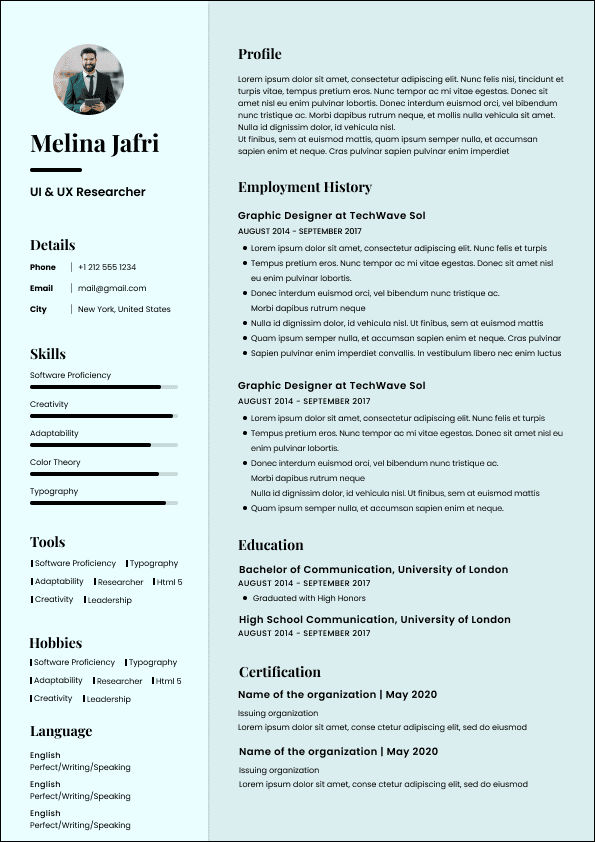
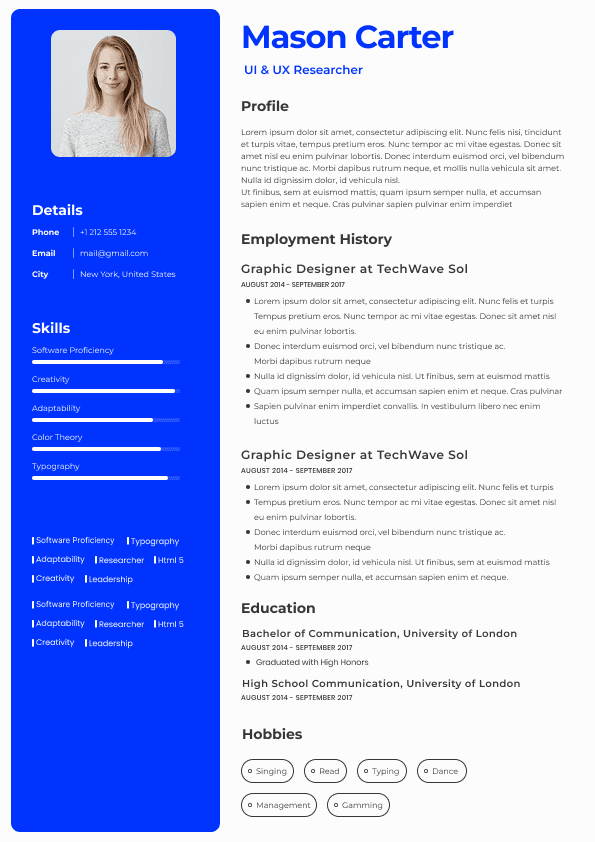
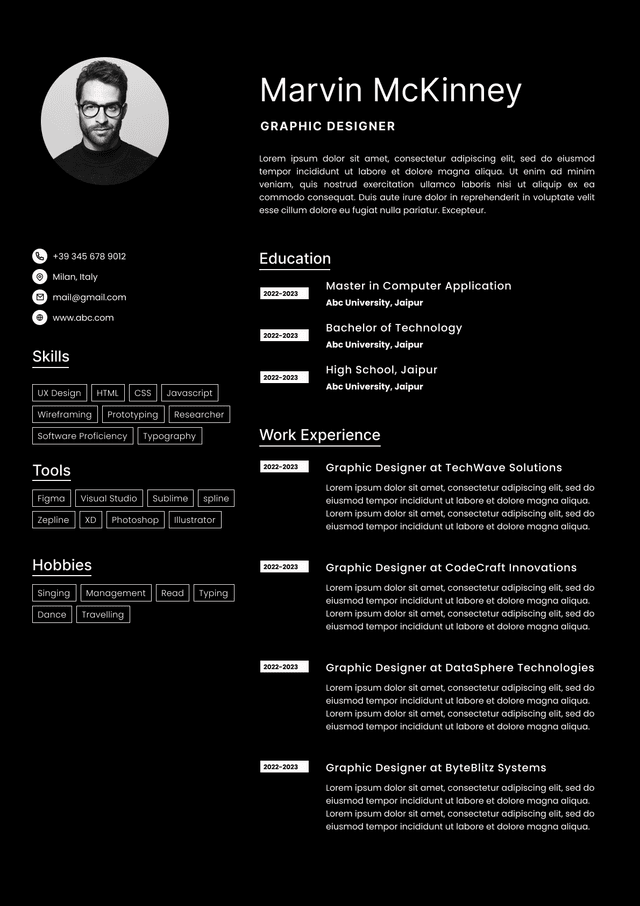
For most candidates, the best format is a reverse chronological resume with a strong technical summary and measurable experience bullets.
Avoid overly creative layouts.
Accessibility-focused employers often use ATS systems heavily, especially in regulated industries.
Your resume should prioritize:
Clear hierarchy
ATS readability
Technical specificity
Quantified achievements
Accessibility tooling visibility
A clean single-column layout usually performs best.
Your summary should position accessibility as a core frontend engineering capability, not a secondary skill.
“Frontend developer with JavaScript and React experience seeking new opportunities.”
This says almost nothing about your specialization.
“Accessibility-focused JavaScript developer with 6+ years of experience building WCAG 2.1 AA-compliant React applications for healthcare and enterprise SaaS platforms. Experienced in semantic HTML, ARIA implementation, keyboard navigation, screen reader testing, and automated accessibility auditing using axe, Lighthouse, and Cypress. Proven track record improving accessibility compliance scores, remediating complex UI defects, and collaborating with UX teams to implement inclusive component libraries.”
This immediately communicates specialization, technical depth, industry relevance, and measurable value.
The skills section matters more for accessibility roles than many developers realize.
Recruiters often search ATS databases using exact accessibility-related keywords.
Missing the right terminology can prevent your resume from appearing in recruiter searches.
WCAG 2.1
WCAG 2.2
ADA Compliance
Section 508
Inclusive Design
Accessible UI Development
Semantic HTML
This is where most resumes fail.
Weak bullets only describe responsibilities.
Strong bullets demonstrate accessibility impact, engineering ownership, compliance improvement, and measurable outcomes.
The best accessibility resume bullets follow this structure:
Action + Accessibility Focus + Technical Context + Business or Compliance Outcome
One major issue in accessibility hiring is inflated resumes.
Many developers list WCAG knowledge without meaningful implementation experience.
Experienced hiring managers know how to spot this immediately.
Strong resumes reference actual implementation work:
Focus traps
ARIA labeling
Skip navigation
Semantic restructuring
Accessible dropdowns
Screen reader testing
Keyboard interaction handling
Generic accessibility language weakens credibility.
Accessibility expertise is especially valuable in industries with compliance pressure, legal exposure, or broad user accessibility requirements.
Government organizations prioritize:
Section 508 compliance
Procurement accessibility standards
Public service usability
Accessibility experience is often mandatory.
Healthcare systems require accessible patient portals, scheduling systems, and healthcare dashboards.
Recruiters heavily value:
WCAG implementation
Screen reader compatibility
ATS optimization matters heavily in accessibility hiring.
Many recruiters use Boolean searches combining frontend and accessibility terminology.
Your resume should naturally include terms such as:
JavaScript accessibility
WCAG developer
ADA-compliant frontend development
Accessible React developer
Frontend accessibility engineer
Inclusive UI development
Accessible component library
One of the most common failures is burying accessibility inside a long frontend skills list.
If accessibility is your positioning advantage, it must appear throughout the resume:
Summary
Skills section
Experience bullets
Projects
Certifications
Saying “knowledge of WCAG guidelines” is weak.
Hiring managers want evidence of implementation.
Show how you applied WCAG principles in real production environments.
Tool familiarity matters.
Developers who understand automated and manual accessibility testing workflows stand out significantly.
Accessibility hiring managers are looking for specialization.
Generic frontend bullets like these hurt positioning:
This says nothing about accessibility expertise.
Accessibility is not only about usability.
Companies also care about:
Legal risk reduction
Audit readiness
Procurement eligibility
Enterprise compliance
Inclusive customer experience
Strong resumes connect technical accessibility work to business outcomes.
Chicago, IL
michaelcarter.dev@email.com
LinkedIn: linkedin.com/in/michaelcarterdev
Portfolio: michaelcarter.dev
Accessibility-focused JavaScript developer with 7+ years of experience building WCAG 2.1 AA-compliant React applications for healthcare, SaaS, and enterprise platforms. Skilled in semantic HTML, ARIA implementation, screen reader compatibility, keyboard navigation, and accessibility automation using axe, Lighthouse, Cypress, and Playwright. Proven ability to improve compliance scores, remediate accessibility defects, and collaborate with UX teams to scale inclusive design systems.
Frontend Technologies: JavaScript, TypeScript, React, Next.js, Redux, HTML5, CSS3, Tailwind CSS
Accessibility Standards: WCAG 2.1, WCAG 2.2, ADA Compliance, Section 508, Inclusive Design
Accessibility Tools: axe DevTools, Lighthouse, WAVE, NVDA, JAWS, VoiceOver, Cypress Accessibility Testing, Playwright, Storybook Accessibility Addon
Development Tools: Git, Webpack, Vite, Jest, ESLint, GitHub Actions
HealthCore Systems — Chicago, IL
2021 – Present
Accessibility specialization is becoming more competitive because more frontend developers are adding WCAG keywords to their resumes.
The candidates who consistently get interviews usually demonstrate deeper accessibility maturity.
Strong candidates demonstrate involvement in:
Design reviews
Component architecture
Accessibility testing
CI/CD workflows
Audit remediation
Documentation
This signals enterprise readiness.
Automated testing experience is increasingly valuable.
Companies scaling accessibility programs want engineers who can reduce manual testing dependency.
Certifications are not mandatory, but they can significantly strengthen positioning for accessibility-focused roles.
Especially valuable certifications include:
IAAP CPACC
WAS Certification
Deque University accessibility training
Trusted Tester Certification
These certifications help validate accessibility expertise beyond self-reported resume claims.
Accessibility resumes become far more convincing when supported by strong portfolio examples.
The best accessibility portfolio projects demonstrate:
Accessible React applications
Keyboard-first interaction design
Screen reader support
Lighthouse optimization
Accessible form workflows
Inclusive component systems
Hiring managers often test portfolio projects manually using keyboard navigation and screen readers.
Broken accessibility implementations can immediately damage credibility.

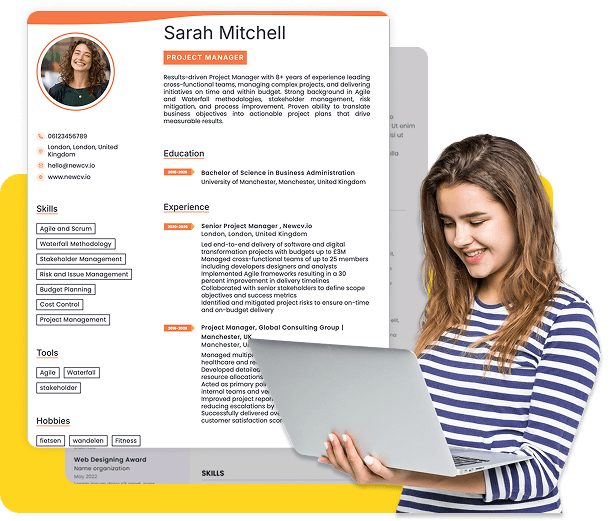
Use ATS-optimised Resume and resume templates that pass applicant tracking systems. Our Resume builder helps recruiters read, scan, and shortlist your Resume faster.
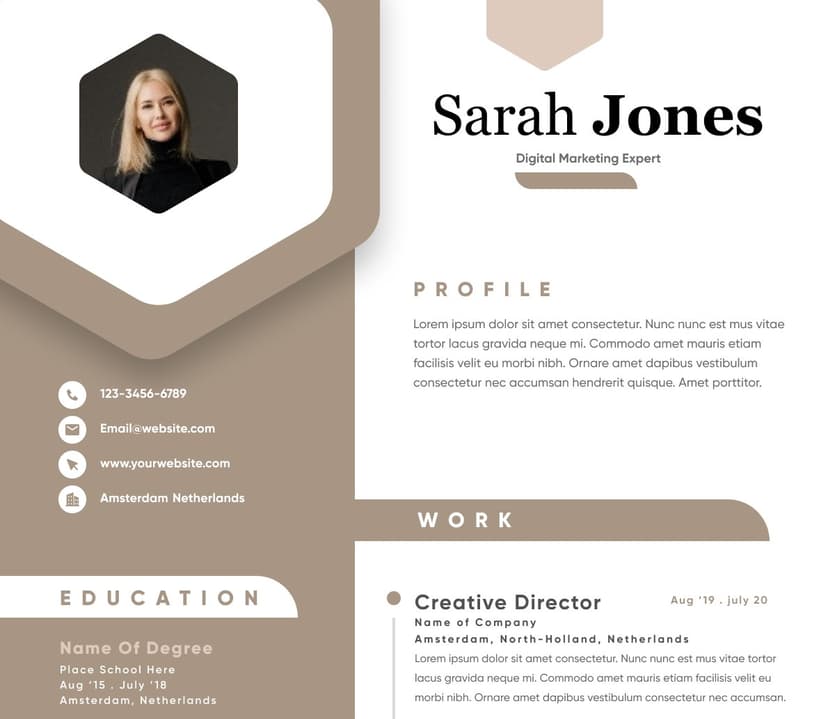
Use professional field-tested resume templates that follow the exact Resume rules employers look for.
Create Resume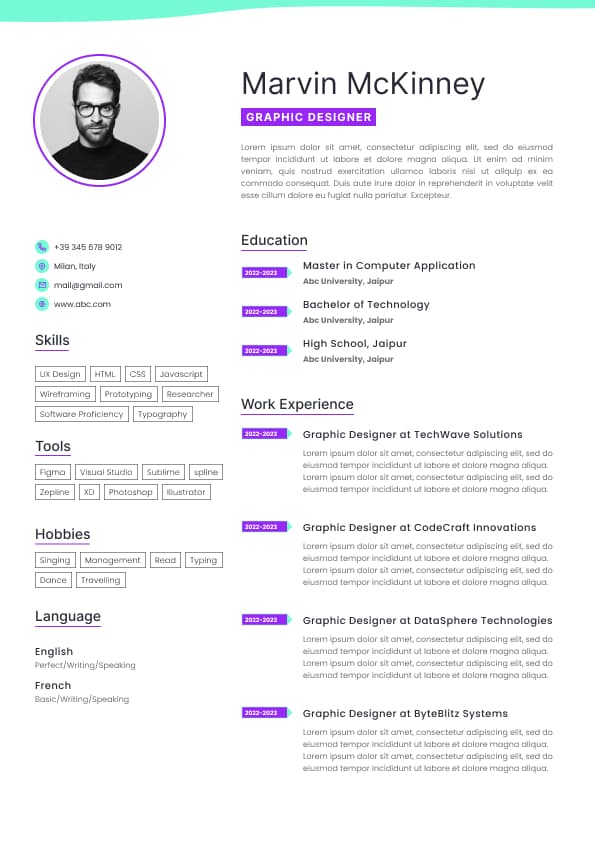
Use professional field-tested resume templates that follow the exact Resume rules employers look for.
Create ResumeInclusive UI collaboration with designers
Quantifiable improvements in accessibility scores or audit outcomes
This guide shows exactly how to position yourself as an accessibility-focused JavaScript developer in today’s US hiring market.
Accessible form handling
Color contrast standards
Error state accessibility
Modal accessibility
Accessible React component design
Generic frontend resumes rarely communicate this depth clearly.
Companies want developers who have solved accessibility problems in production environments.
Strong resumes include measurable outcomes such as:
Lighthouse accessibility score improvements
Accessibility defect remediation
Audit pass rates
WCAG compliance achievements
Reduced accessibility regressions
Improved screen reader support
Hiring managers trust measurable outcomes far more than vague claims.
The strongest candidates show they understand accessibility as part of a larger engineering process.
That includes experience with:
Design systems
Component libraries
Accessibility testing pipelines
CI/CD accessibility checks
Cross-functional collaboration
Compliance remediation workflows
Accessibility documentation
This is especially important for enterprise SaaS, banking, healthcare, insurance, and government contractors.
ARIA Roles and Attributes
Keyboard Navigation
Focus Management
Accessible Forms
Screen Reader Compatibility
Color Contrast Optimization
Accessible Modals
Error Messaging Accessibility
JavaScript
TypeScript
React
Next.js
Redux
HTML5
CSS3
Tailwind CSS
axe DevTools
Lighthouse
WAVE
NVDA
JAWS
VoiceOver
Cypress Accessibility Testing
Playwright Accessibility Testing
Storybook Accessibility Addon
eslint-plugin-jsx-a11y
Design Systems
Component Libraries
Accessibility Audits
UX Collaboration
Accessibility Remediation
Accessibility Regression Prevention
Experienced accessibility developers usually mention tooling naturally.
Examples include:
axe
Lighthouse
NVDA
JAWS
Cypress accessibility plugins
Storybook accessibility checks
This signals practical experience rather than theoretical awareness.
Hiring teams trust measurable impact.
Examples:
Accessibility score increases
Defect reductions
Audit pass rates
Regression prevention metrics
Compliance improvements
Quantified results separate experienced accessibility engineers from general frontend developers.
Accessible forms
Error prevention workflows
Financial platforms face high legal and regulatory scrutiny.
Accessibility developers are valuable because they reduce compliance risk while improving customer usability.
Large SaaS organizations increasingly embed accessibility into design systems and component libraries.
These employers want developers who can scale accessibility standards across multiple applications.
Educational institutions prioritize accessible learning environments for ADA compliance and student usability.
Screen reader testing
Keyboard navigation
Section 508 compliance
React accessibility
Semantic HTML
Accessibility remediation
Do not keyword stuff.
Instead, integrate keywords naturally within measurable accomplishments.
Built accessible React components aligned with WCAG 2.1 AA standards across patient-facing healthcare applications serving over 1.2 million users
Increased Lighthouse accessibility scores from 74 to 98 by resolving semantic HTML, ARIA labeling, focus management, and color contrast issues
Remediated more than 120 accessibility defects identified during ADA compliance audits
Integrated automated accessibility testing with axe-core and Cypress into CI/CD workflows, reducing accessibility regression issues by 41%
Partnered with UX and product teams to implement inclusive component standards within a shared enterprise design system
Improved NVDA and VoiceOver compatibility for scheduling workflows and healthcare dashboards
BrightScale SaaS — Remote
2018 – 2021
Developed accessible UI components using React, TypeScript, and semantic HTML for enterprise SaaS dashboards
Implemented keyboard navigation and focus management improvements across analytics and reporting interfaces
Supported Section 508 remediation initiatives for public-sector software contracts
Conducted accessibility audits using Lighthouse, WAVE, and manual screen reader testing
Added eslint-plugin-jsx-a11y validation rules to improve accessibility consistency during code reviews
Bachelor of Science in Computer Science
University of Illinois
IAAP Certified Professional in Accessibility Core Competencies (CPACC)
Deque University Accessibility Training
Mention tools such as:
axe-core
Cypress accessibility testing
Playwright accessibility checks
Storybook accessibility integration
Accessibility is highly collaborative.
Hiring managers value developers who can work effectively with:
UX designers
Product managers
QA engineers
Compliance teams
Accessibility consultants



 Upload Resume
 Import from Linkedin