STILL APPLYING. STILL HEARING NOTHING?BUILD YOUR RESUME

STILL APPLYING. STILL HEARING NOTHING?BUILD YOUR RESUME
Choose from a wide range of NEWCV resume templates and customize your NEWCV design with a single click.
FAQ

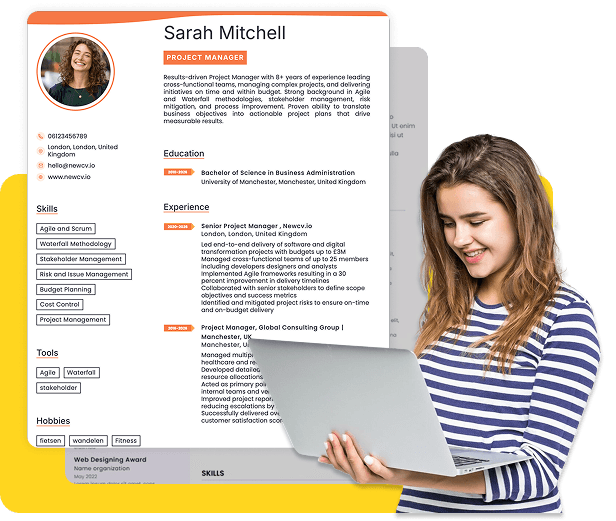
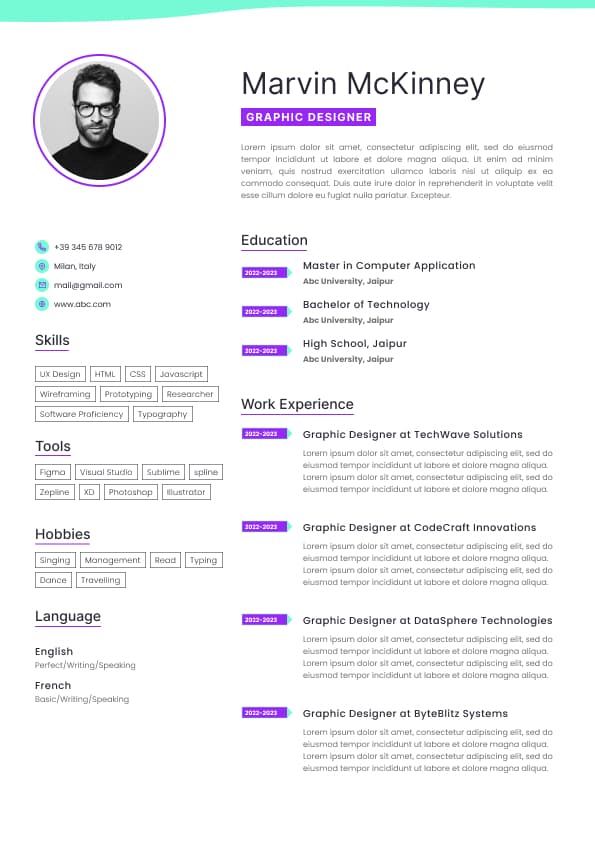
Use professional field-tested resume templates that follow the exact Resume rules employers look for.
Create ResumeAn Android developer resume in simple English should clearly explain what you built, what technologies you used, and what results you achieved without complicated wording. Recruiters and hiring managers scan resumes fast, often in less than 10 seconds during the first review. If your resume sounds overly technical, confusing, or filled with buzzwords, your real skills can get lost.
The best Android developer resumes use short sentences, clear action verbs, and practical descriptions of mobile app work. Instead of trying to sound “advanced,” focus on showing what you actually did. Strong resumes explain app features, bug fixes, API connections, testing, app performance improvements, and teamwork in plain language recruiters can quickly understand.
This guide shows exactly how to write an Android developer resume in simple English, including beginner-friendly examples, strong bullet points, common mistakes, and a complete resume example that works in today’s US job market.
Most Android developer resumes fail because they are either too vague or too technical.
Recruiters are not looking for complicated engineering language. They want fast proof that you can build, improve, and maintain Android apps.
Hiring managers usually scan for these things first:
Android technologies used
Real app development experience
Mobile app features you built
API integration experience
Bug fixing and testing work
Experience with Kotlin or Java
Android Studio knowledge
Git or GitHub usage
Team collaboration
App performance improvements
Google Play Store release experience
A strong resume quickly answers these questions:
Can this person build Android apps?
Can they work with other developers?
Do they understand modern Android tools?
Can they solve technical problems?
Have they worked on real projects?
Simple English helps because it removes confusion and makes your experience easier to trust.
Many Android developers try to sound more advanced by using overly complex wording.
That usually hurts the resume.
Recruiters often review hundreds of resumes across multiple technical roles. Clear communication matters almost as much as technical skill.
Simple English improves:
Resume readability
ATS keyword matching
Recruiter understanding
Hiring manager confidence
Interview conversion rates
“Architected scalable Android mobile solutions utilizing advanced asynchronous communication methodologies.”
This sounds inflated and unclear.
“Built Android app features using Kotlin and APIs to load user data faster.”
The second version is easier to understand and immediately explains real work.
Strong technical resumes are clear, not complicated.
For most Android developers, especially beginners and mid-level candidates, the reverse chronological format works best.
Use this structure:
Contact information
Professional summary
Technical skills
Work experience
Projects
Education
Certifications if relevant
Keep the layout clean and ATS-friendly.
Avoid:
Graphics
Tables
Text boxes
Multiple columns
Fancy icons
Long paragraphs
Most companies use Applicant Tracking Systems that read simple formatting better.
Your summary should quickly explain:
Your Android development experience
Main technologies
Type of apps or projects worked on
Key strengths
Keep it between 2 and 4 sentences.
Android Developer with 3 years of experience building mobile apps using Kotlin, Android Studio, and Jetpack Compose. Worked on API integration, bug fixing, and app performance improvements. Experienced with Git, Firebase, and Google Play Store releases. Strong team player with a focus on clean and reliable code.
Junior Android Developer with experience building Android projects using Kotlin and Android Studio. Created mobile app features, connected APIs, and fixed app bugs during personal and internship projects. Quick learner with strong problem-solving skills.
Your skills section should focus on real Android technologies employers expect.
Do not overload the section with every tool you have ever touched.
Kotlin
Java
Android Studio
Jetpack Compose
XML
REST APIs
Firebase
Git
GitHub
Room Database
SQLite
MVVM Architecture
Retrofit
Coroutines
RecyclerView
Material Design
Unit Testing
UI Testing
Agile development
Debugging
App optimization
Google Play Console
Version control
Team collaboration
Only include technologies you can discuss confidently in interviews.
This is the most important section of your resume.
Most candidates fail because their bullet points are too generic.
Weak bullet points say responsibilities.
Strong bullet points explain:
What you built
What technology you used
What problem you solved
What result happened
Action verb + Android task + technology + result
Built Android app screens using Kotlin and Jetpack Compose
Fixed app crashes and improved app stability for users
Connected mobile apps to REST APIs for real-time data loading
Improved app loading speed by reducing unnecessary API calls
Created local databases using Room and SQLite
Wrote unit tests to check app functionality and reduce bugs
Released app updates through the Google Play Store
Used Git and GitHub to manage code changes with the development team
Worked with designers and product managers to improve user experience
Added push notifications using Firebase Cloud Messaging
Updated old Java code to Kotlin to improve app maintenance
Tested Android apps on multiple devices and screen sizes
Responsible for Android development
Worked on mobile applications
Helped with app features
Participated in software development lifecycle
These bullets are too vague and do not prove skill level.
Michael Carter
Austin, Texas
michaelcarter@email.com
(555) 222-9182
GitHub: github.com/michaelcarterdev
LinkedIn: linkedin.com/in/michaelcarterdev
Android Developer with 3 years of experience building and improving Android apps using Kotlin, Android Studio, and Jetpack Compose. Experienced with API integration, Firebase, app testing, and bug fixing. Strong understanding of clean code, mobile UI development, and app performance improvements.
Kotlin
Java
Android Studio
Jetpack Compose
REST APIs
Firebase
Git and GitHub
Room Database
SQLite
Retrofit
MVVM Architecture
Unit Testing
XML Layouts
Android Developer
BrightTech Solutions
Austin, Texas
January 2023 – Present
Built Android app features using Kotlin and Jetpack Compose
Connected apps to APIs so users could load and send data
Fixed bugs and improved app performance across multiple Android devices
Reduced app loading time by improving API requests and local caching
Created local database tables using Room and SQLite
Worked with designers and backend engineers during app development
Released app updates and monitored app issues in Google Play Console
Used GitHub for version control and team collaboration
Junior Android Developer
NextWave Apps
Dallas, Texas
June 2021 – December 2022
Assisted with Android app development using Kotlin and Java
Created UI screens and reusable mobile components
Tested apps on Android phones and tablets
Fixed UI bugs and improved app responsiveness
Added Firebase authentication and push notifications
Helped maintain clean and organized code documentation
Task Manager Android App
Built a task management app using Kotlin and Room Database
Added login authentication using Firebase
Created reminders and push notification features
Published the app to the Google Play Store
Weather Forecast App
Connected the app to a weather API using Retrofit
Displayed live weather updates for multiple cities
Improved app speed by caching data locally
Bachelor of Science in Computer Science
University of Texas at Dallas
Simple action verbs work better than complicated language.
Use verbs that clearly explain technical work.
Built
Created
Fixed
Improved
Updated
Developed
Tested
Released
Connected
Designed
Added
Reduced
Optimized
Managed
Collaborated
Avoid overused corporate buzzwords like:
Leveraged
Synergized
Spearheaded
Facilitated
Utilized
These words usually weaken technical resumes.
Many beginner Android developers think they need professional experience before applying.
That is not true.
Recruiters often hire junior developers based on:
Personal projects
Internship work
GitHub activity
Technical skills
App quality
Learning ability
If you are a beginner, focus heavily on projects.
Good beginner Android projects include:
Weather apps
Chat apps
To-do list apps
Expense tracker apps
Fitness apps
Notes apps
API-based apps
Kotlin usage
Android Studio knowledge
API integration
Local storage
Clean UI
App functionality
GitHub repository
Real problem-solving
Do not just list project names.
Explain what the app does and what technologies you used.
Many resumes become unreadable because candidates try to sound advanced.
Clear explanations perform better.
Recruiters want proof you used the technology.
Do not write:
“Kotlin, Firebase, Retrofit”
Instead explain how you used them.
Dense paragraphs reduce readability.
Use short bullet points.
Good resumes explain impact.
Many resumes fail before a recruiter even sees them.
Use standard headings like:
Professional Summary
Skills
Experience
Projects
Education
Avoid creative formatting.
Recruiters usually do the first screen.
Hiring managers review resumes differently.
Recruiters look for:
Basic qualification match
Keywords
Resume clarity
Relevant experience
Hiring managers look deeper at:
Android architecture knowledge
Project complexity
Problem-solving ability
Code quality mindset
Mobile app performance work
Real app experience
This is why your resume should explain actual development tasks instead of vague responsibilities.
Hiring managers care more about practical execution than complicated wording.
ATS systems scan for role-related keywords before recruiters review resumes.
Important Android keywords include:
Android Developer
Kotlin
Java
Android Studio
Jetpack Compose
REST API
Firebase
MVVM
SQLite
Room Database
GitHub
Google Play Store
Mobile App Development
UI Development
App Testing
API Integration
Use these naturally inside experience bullet points.
Do not keyword stuff.
Small keyword alignment improvements can significantly increase interview rates.
If a company emphasizes:
Kotlin
Jetpack Compose
Firebase
MVVM
Make sure those appear clearly if you have experience with them.
Hiring managers care about features more than generic development work.
Good feature examples:
Authentication
Push notifications
Payments
Chat systems
Offline storage
Maps integration
Real-time updates
Problem-solving bullet points stand out.
Strong resumes are easy to scan quickly.
Use:
Clear spacing
Short bullets
Simple formatting
Consistent structure
The strongest Android resumes usually share these traits:
Clear technical explanations
Real app examples
Practical project descriptions
Easy-to-read formatting
Strong Android keyword coverage
Simple language
Results-focused bullet points
Clean structure
Relevant technologies
Evidence of real development work
What separates interview-winning resumes from ignored resumes is clarity.
Hiring teams trust resumes that clearly explain real work.
Use ATS-optimised Resume and resume templates that pass applicant tracking systems. Our Resume builder helps recruiters read, scan, and shortlist your Resume faster.
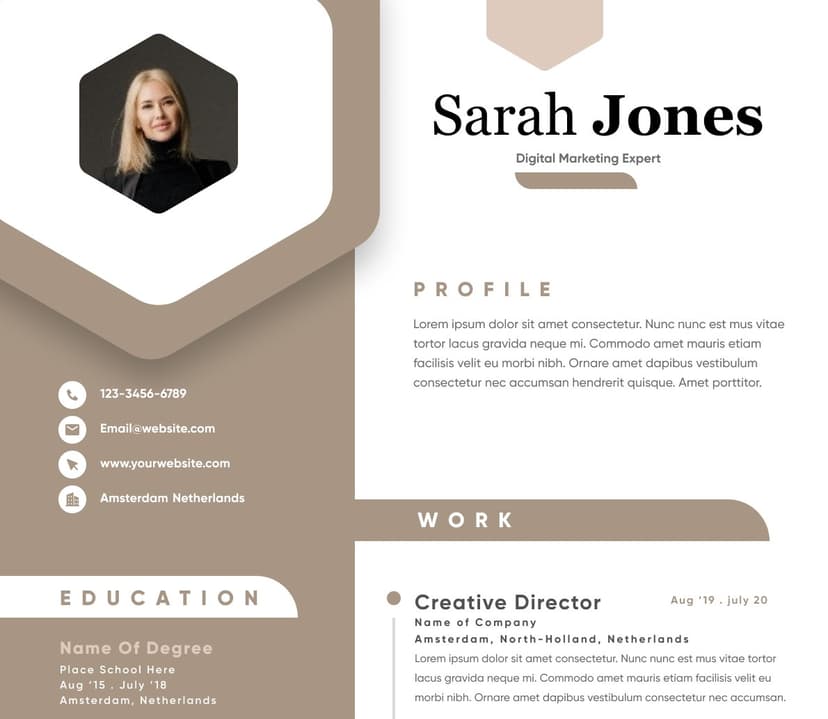
Use professional field-tested resume templates that follow the exact Resume rules employers look for.
Create ResumeWrote unit tests to improve app reliability and reduce crashes


 Upload Resume
 Import from Linkedin