
Choose from a wide range of NEWCV resume templates and customize your NEWCV design with a single click.

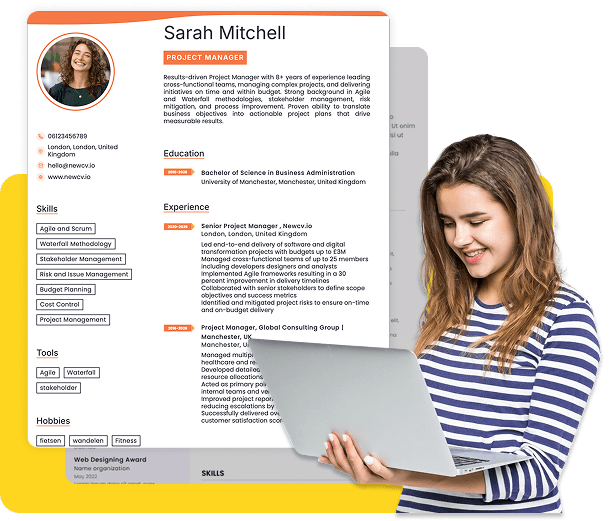
Use ATS-optimised Resume and resume templates that pass applicant tracking systems. Our Resume builder helps recruiters read, scan, and shortlist your Resume faster.

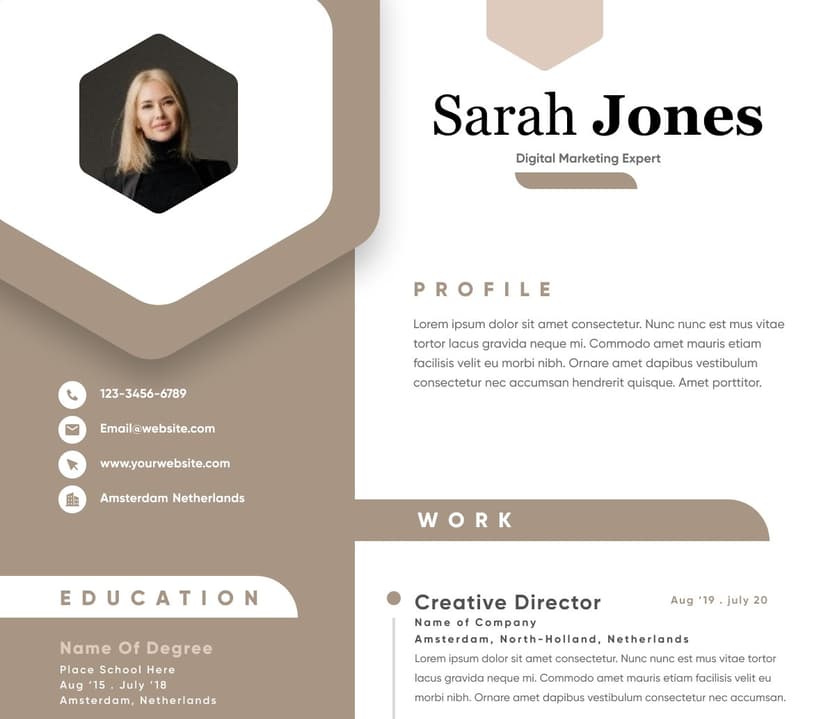
Use professional field-tested resume templates that follow the exact Resume rules employers look for.
Create Resume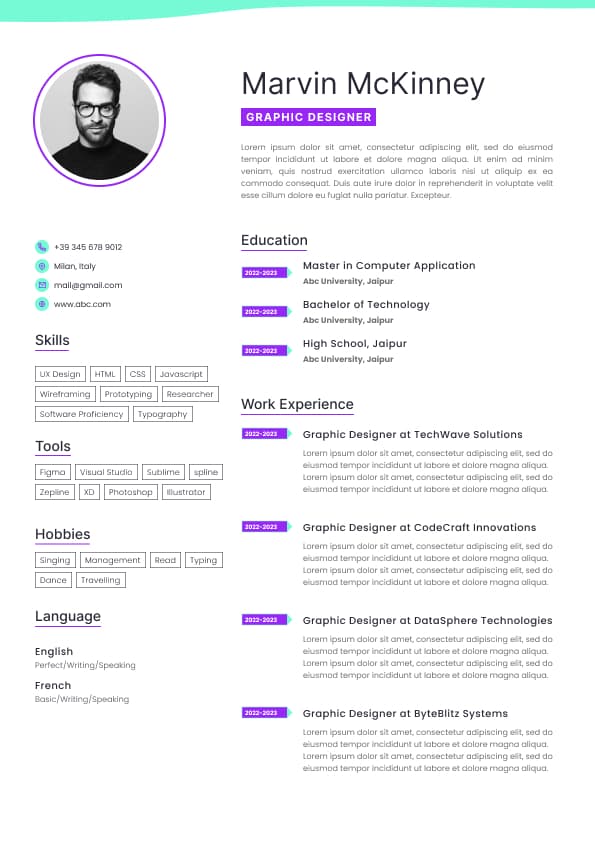
Use professional field-tested resume templates that follow the exact Resume rules employers look for.
Create ResumeFor most Australian job applications, PDF is the safest and most professional resume format. It preserves your formatting, looks consistent across devices, and prevents accidental editing. That’s why recruiters often prefer PDFs when reviewing resumes manually.
However, there are important exceptions.
Some Australian employers, recruiters, government portals, and Applicant Tracking Systems (ATS) specifically request a Word document (.doc or .docx) because they use recruitment software that extracts, edits, or reformats resume content internally.
The correct answer is not “PDF is always better” or “Word is outdated”. The best format depends on:
The application method
The employer’s ATS
Whether a recruiter needs to edit your resume
Industry expectations
How your resume is structured
Candidates lose opportunities every week because they upload the wrong format, use poorly optimised PDFs, or submit resumes that ATS platforms cannot properly parse. The format itself rarely gets someone hired, but the wrong format can absolutely remove someone from consideration before a human even sees the application.
If you want the practical recruiter answer:
Use PDF when the employer does not specify a format
Use Word (.docx) when the application explicitly asks for Word
Use Word when working with recruiters who may edit or reformat your resume
Use PDF when applying directly to employers through email or LinkedIn
Avoid complex graphic-heavy PDFs that ATS software struggles to read
Never ignore the employer’s requested format
In the Australian market, following instructions matters. If a job ad says “submit resume in Word format”, sending a PDF can immediately create friction with recruiters or internal talent teams.
This guide explains what Australian recruiters actually prefer in real hiring situations, when to use PDF vs Word, how ATS systems handle both formats, and the mistakes that silently damage applications.
PDF resumes dominate modern hiring because they maintain formatting exactly as intended.
Recruiters often review resumes across:
Desktop monitors
Dual-screen recruitment setups
Mobile phones
Tablets
ATS preview windows
Internal CRM systems
A properly formatted PDF ensures:
Fonts stay consistent
Layout remains intact
Spacing does not break
Sections stay aligned
Bullet points display correctly
This matters more than most candidates realise.
A resume that looks polished and easy to scan creates a stronger first impression during the initial 6 to 15 second screening window recruiters use for first-pass reviews.
In Australian hiring culture, presentation still matters.
A clean PDF generally signals:
Attention to detail
Professionalism
Technical competency
Finished presentation
A Word document can sometimes appear unfinished or easily editable, particularly if formatting shifts between systems.
This becomes more important for:
Corporate roles
Professional services
Marketing
Consulting
Executive applications
Client-facing positions
One of the biggest issues recruiters see with Word resumes is broken formatting.
Examples include:
Different fonts loading incorrectly
Bullet points shifting
Tables breaking
Margins changing
Page lengths expanding unexpectedly
Header alignment issues
Candidates often do not realise their resume looks broken on another computer.
PDF prevents this entirely.
Despite the “always use PDF” advice online, Word resumes are still heavily used across Australian recruitment.
In fact, many recruiters privately prefer Word documents operationally, even if PDFs look cleaner.
Why?
Because recruiters often need to:
Remove personal details before client submission
Rebrand resumes into agency templates
Add candidate summaries
Adjust formatting
Upload editable versions into databases
Extract text for ATS systems
This is especially common with:
Recruitment agencies
Government recruitment panels
Labour hire companies
Contracting roles
Mining and engineering recruitment
Healthcare recruitment
Executive search firms
Modern ATS systems have improved significantly, but not all platforms parse PDFs equally well.
Certain older systems still extract text more accurately from Word documents.
This becomes a problem when:
Keywords fail to parse correctly
Employment dates become corrupted
Bullet points disappear
Contact information breaks
Resume sections merge incorrectly
Australian employers still use a wide range of ATS systems, including older enterprise platforms that are not always PDF-friendly.
Large organisations frequently request Word resumes because:
Internal teams standardise formatting
Hiring managers print resumes differently
Selection criteria responses are merged
Recruitment coordinators edit documentation
Procurement systems require editable files
This is very common in:
APS and state government roles
Universities
Healthcare systems
Infrastructure projects
Large enterprise hiring environments
If the application instructions request Word, use Word.
Ignoring this can signal:
Poor attention to detail
Difficulty following instructions
Administrative risk
Many candidates misunderstand how ATS software works.
ATS systems are not “AI robots automatically rejecting resumes”.
In Australia, ATS platforms primarily:
Store resumes
Parse candidate information
Enable recruiter searches
Rank keyword relevance
Filter basic application criteria
Human recruiters still make most hiring decisions.
However, resume formatting directly affects ATS readability.
Not all PDFs are equal.
A simple text-based PDF is usually fine.
A poorly designed PDF can become unreadable.
Standard fonts
Clear headings
Simple columns
Proper text layers
Standard bullet points
Minimal graphics
Consistent structure
Resume built entirely in Canva
Graphic-heavy designs
Text embedded as images
Complex tables
Icons replacing labels
Multi-column layouts
Decorative elements interfering with parsing
This is one of the biggest hidden mistakes candidates make.
A visually impressive PDF can completely fail ATS parsing.
If the employer requests Word and you send PDF:
You look difficult to work with
Recruiters may assume you ignored instructions
Some systems may reject uploads
If the employer requests PDF and you send Word:
Formatting may break
The resume can appear unfinished
Canva resumes are extremely common in Australia now, especially among:
Graduates
Marketing professionals
Career changers
The problem is not Canva itself.
The problem is that many Canva templates prioritise aesthetics over ATS readability.
Recruiters frequently receive resumes where:
Dates disappear in ATS systems
Job titles merge together
Contact details become unreadable
Entire sections fail to parse
Low-quality PDF exports can:
Blur text
Corrupt spacing
Break hyperlinks
Create oversized files
Always review your exported PDF before applying.
This is still incredibly common.
Weak Example
resume-final-v3-new.pdf
Good Example
Simar-Kaur-Project-Manager-Resume.pdf
Professional file naming matters because recruiters download hundreds of resumes.
Candidates often obsess over PDF vs Word while ignoring far more important factors.
Recruiters care significantly more about:
Resume relevance
Clear positioning
Achievements
Industry alignment
Readability
Experience level
Keyword alignment
Career consistency
A mediocre resume in PDF is still mediocre.
A highly targeted Word resume will outperform a generic PDF every time.
Most recruiters spend initial screening time assessing:
Can this candidate do the role?
Is the experience relevant?
Are achievements measurable?
Does the resume match the brief quickly?
Is the candidate likely worth interviewing?
Format matters only when:
The resume becomes difficult to read
ATS parsing fails
Instructions were ignored
Formatting looks broken or unprofessional
For most Seek applications:
PDF is generally safest
ATS compatibility is usually fine with modern PDFs
Keep formatting simple
PDF usually performs best because:
It preserves branding
Recruiters review externally downloaded copies
Formatting remains stable
Word is often preferred operationally.
Recruiters may:
Edit your resume
Remove personal information
Add candidate summaries
Reformat for clients
Carefully follow instructions.
Government applications commonly request:
Word documents
Specific templates
Combined documents
Editable responses
PDF is generally strongest because:
Presentation stays professional
Formatting remains consistent
It appears polished
Yes. Absolutely.
Serious job seekers in Australia should maintain:
One master Word resume
One ATS-friendly PDF version
This gives flexibility for:
Recruiter requests
Different ATS systems
Quick edits
Tailored applications
Your Word document should be the editable master file.
Your PDF should be the polished submission version.
Avoid:
Text boxes
Excessive columns
Decorative icons
Heavy graphics
Skill bars
Good choices include:
Calibri
Arial
Helvetica
Aptos
ATS systems parse standard headings more reliably.
Use headings like:
Professional Experience
Education
Skills
Certifications
Avoid creative alternatives like:
My Journey
Career Snapshot
What I Bring
Always:
Open the PDF on mobile
Zoom in to check readability
Copy and paste text into a document to test parsing
Check hyperlinks
Review margins and spacing
Indirectly, yes.
ATS systems rely on accurate parsing.
If your format causes parsing failures:
Keywords may disappear
Experience may not index correctly
Searchability can drop
Recruiters may see incomplete data
This is why “beautiful” resumes often perform worse than simple, structured resumes.
ATS optimisation is primarily about readability and structure, not visual design.
The strongest approach is simple:
Unless instructed otherwise, PDF is generally safest and most professional.
You will need editable versions for:
Recruiters
Tailored applications
Government roles
Quick modifications
Australian recruiters consistently prefer:
Clean formatting
Clear structure
Fast readability
Relevant experience
Over-designed resumes often hurt performance.
This matters more than candidates realise.
When employers specify a format, comply fully.
Recruiters often interpret application quality as a preview of workplace behaviour.
The format itself does not win interviews.
Strategic positioning does.
The candidates who consistently secure interviews in Australia usually have resumes that:
Match the role closely
Demonstrate commercial impact
Show measurable achievements
Align with employer needs
Are easy to scan quickly
Communicate value immediately
A clean PDF helps presentation.
A properly structured Word resume helps flexibility.
But neither compensates for weak positioning.
The real goal is not choosing the “perfect format”.
The real goal is ensuring your resume:
Gets parsed correctly
Gets read easily
Matches the target role
Makes recruiters shortlist you fast


 Upload Resume
 Import from Linkedin